Every time someone switches from Android to iPhone, there is usually a short list of things they stop thinking about.
Then, a few weeks in, a different list starts forming. Things that just worked before, that now require a workaround, an app, or a resigned tap back into a system app they did not want to use.
This is not a takedown of iOS. Both platforms are mature and capable. But Android has been doing certain things for years that iOS still has not matched, either fully or at all.
If you’re coming from an iPhone, the gaps look different. We’ve covered that in detail in our guide to iPhone features missing on Android.
Some of these gaps are shrinking. Others have barely moved. Here is where things actually stand in 2026.
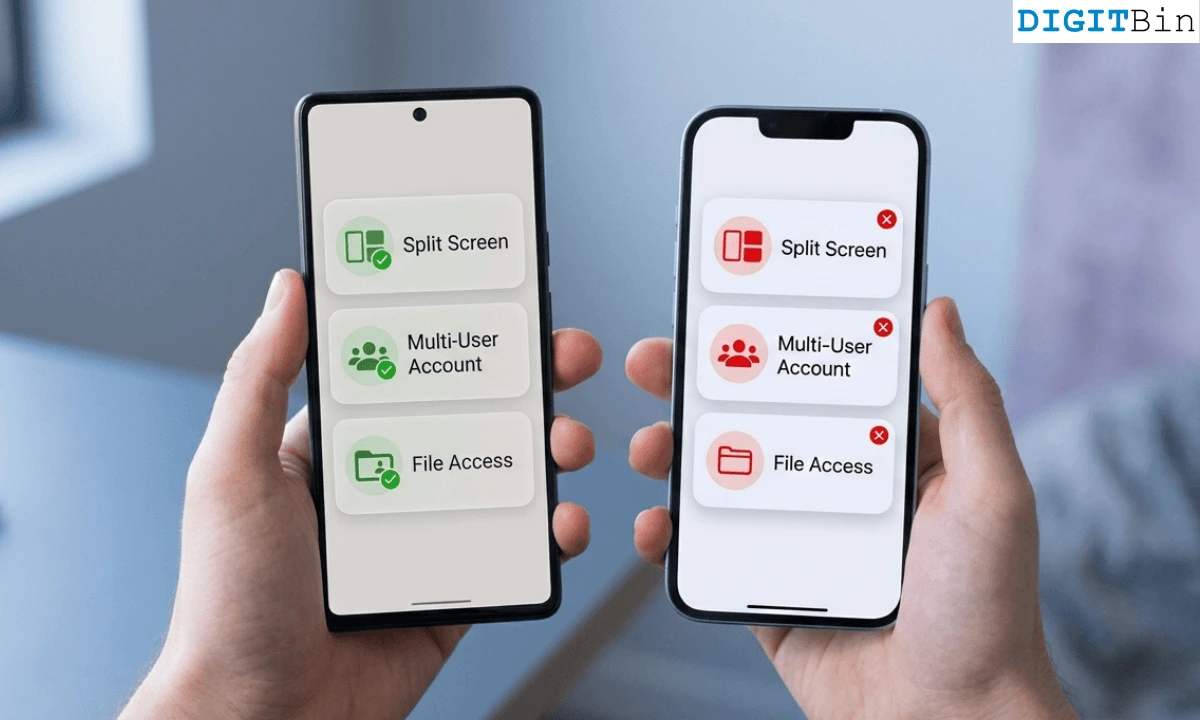
TL;DR: Android has meaningful advantages over iPhone in customization, file access, app sideloading, split-screen multitasking, and hardware flexibility. iOS has closed some gaps, like default app switching, but native split-screen on iPhone still does not exist, sideloading outside the EU remains restricted, and the level of home screen and system control Android offers has no real iOS equivalent.
True home screen customization
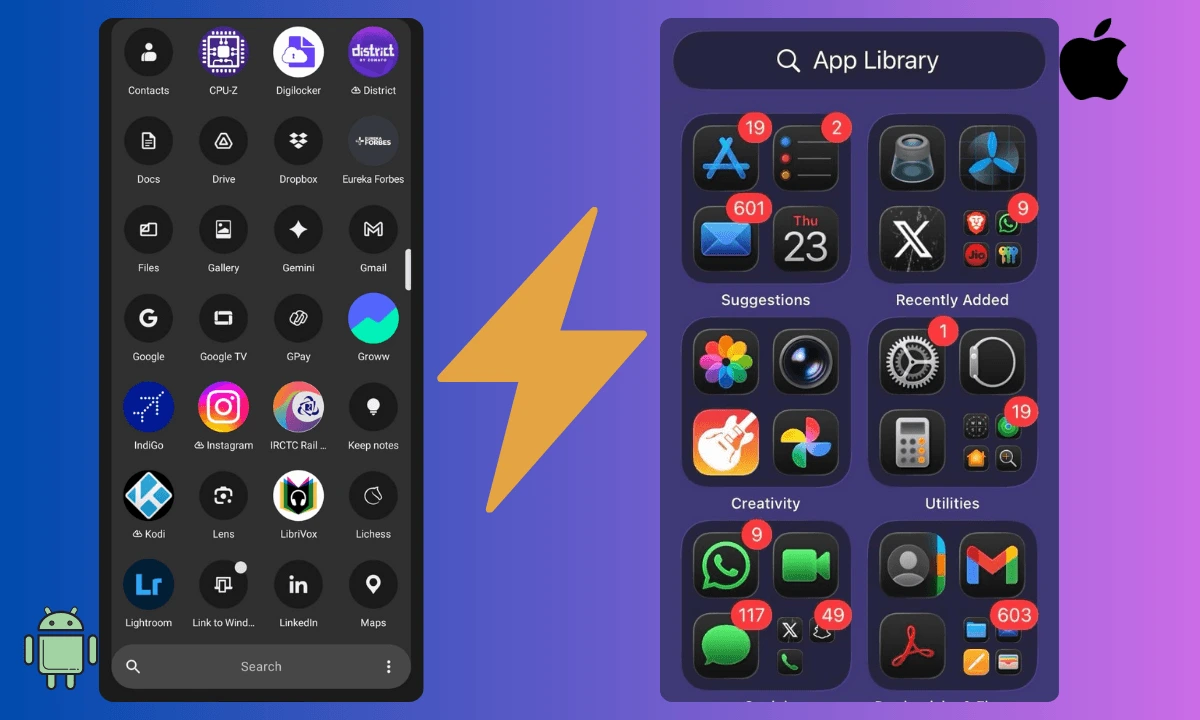
On Android, a launcher is not a cosmetic tweak. It replaces the entire home screen experience, including layout, icon style, gesture behavior, and even how the app drawer works.
Apps like Nova Launcher or Niagara let you build something that feels completely different from stock Android. You can change icon packs, grid density, swipe gestures, and folder behavior all in one place.
On iPhone, you can change wallpapers, rearrange apps, and use the App Library. You cannot replace the launcher itself. The underlying structure of iOS stays the same regardless of how much you customize the surface.
If you want to understand just how much range Android launchers give you, the gap becomes clear quickly. Android launchers like Nova, Niagara, and others let you reshape how your phone feels to use, not just how it looks.
Default apps without the friction
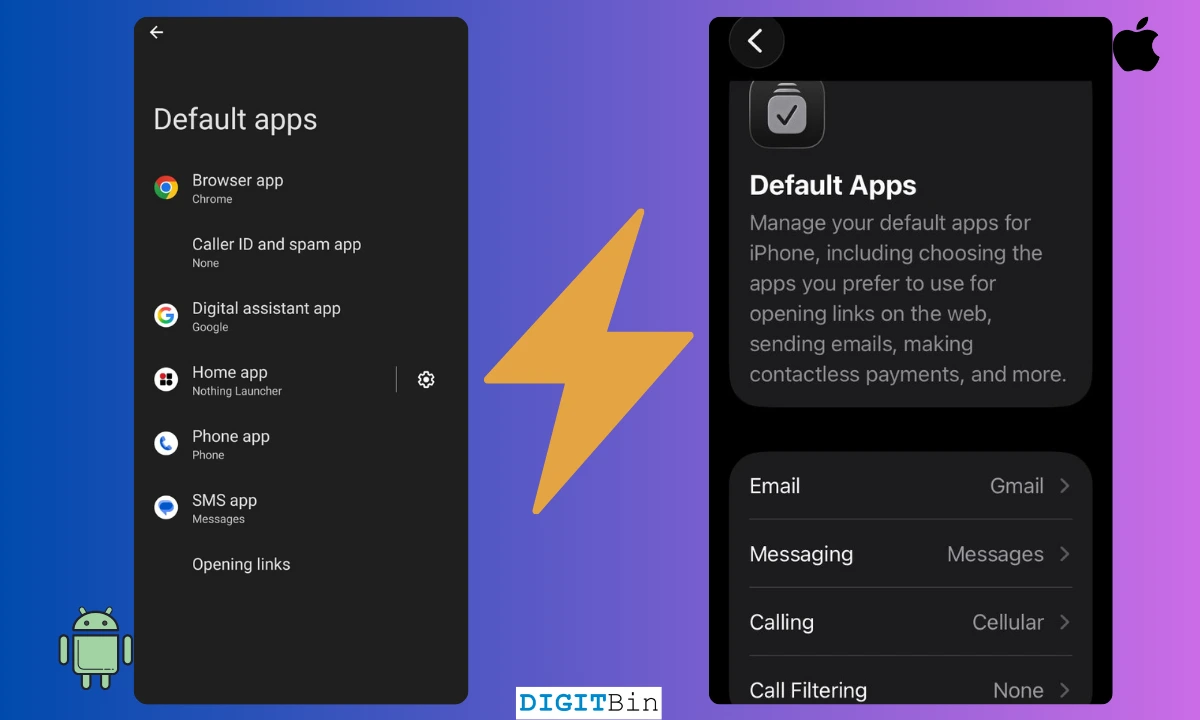
This one has changed on iPhone, but not entirely.
iOS 18.2, released in December 2024, added a Default Apps menu that lets you set third-party apps for browsing, email, messaging, calling, and a few other categories.
That is a meaningful shift from where iOS was three years ago.
The catch is that third-party apps have to opt in to be selectable, and the categories covered are still more limited than Android.
On Android, you can set defaults for link handling, maps, dialer, SMS, browser, launcher, and more, with no dependency on whether the app has registered itself for the role.
Android also does not repeatedly nudge you back toward system apps after updates.
On iPhone, some users have reported their browser default resetting after iOS updates, though Apple has addressed this in subsequent patches. The gap is narrower now, but Android still handles default app logic with less friction overall.
Split-Screen and floating windows
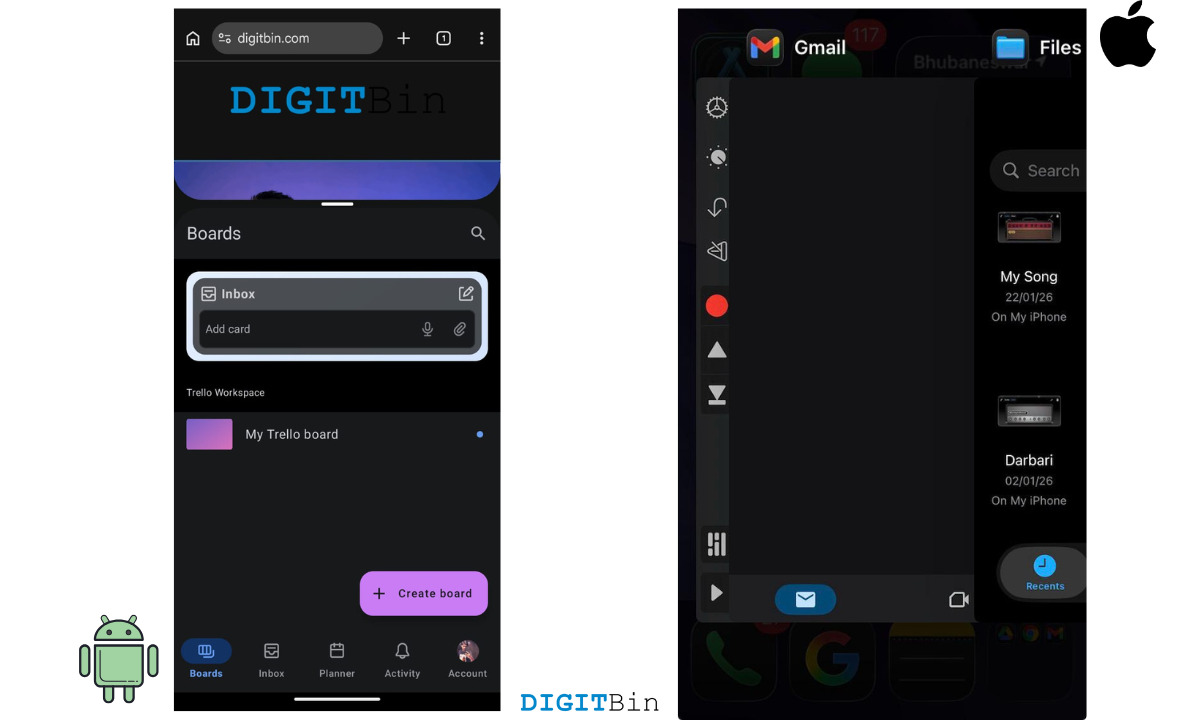
Android has had native split-screen since Android 7.0, released in 2016. On a modern Android phone, you can run two apps side by side or float one app as an overlay above another.
iPhone does not have this. Split View and Stage Manager exist on iPad, but standard iPhones still run one app at a time.
Picture-in-Picture lets you keep a video playing while you switch apps, but that is the ceiling for native multitasking on iPhone.
Third-party apps on iOS can simulate a split layout within their own interface, but they cannot split between two unrelated apps at the OS level.
If you want to watch something while replying to messages or reference a document while writing, you have to switch back and forth.
This may change with a rumored foldable iPhone, but on current standard models, split-screen is simply not available.
App sideloading
On Android, installing an app outside the Play Store means downloading the APK file and allowing installation from unknown sources in settings. It takes about thirty seconds.
On iPhone, the situation depends heavily on where you live.
In the European Union, Apple has allowed alternative app marketplaces since March 2024, following the Digital Markets Act. Outside the EU, sideloading on iPhone is still not permitted without developer tools or jailbreaking.
Android sideloading works globally, on every device, with no regional restrictions. It is useful for beta apps, apps that are region-locked on the Play Store, or tools that developers distribute directly.
The process for installing APK files on Android has stayed consistent across versions, and recent Android releases have made the permission flow cleaner rather than harder.
File access that feels like a computer
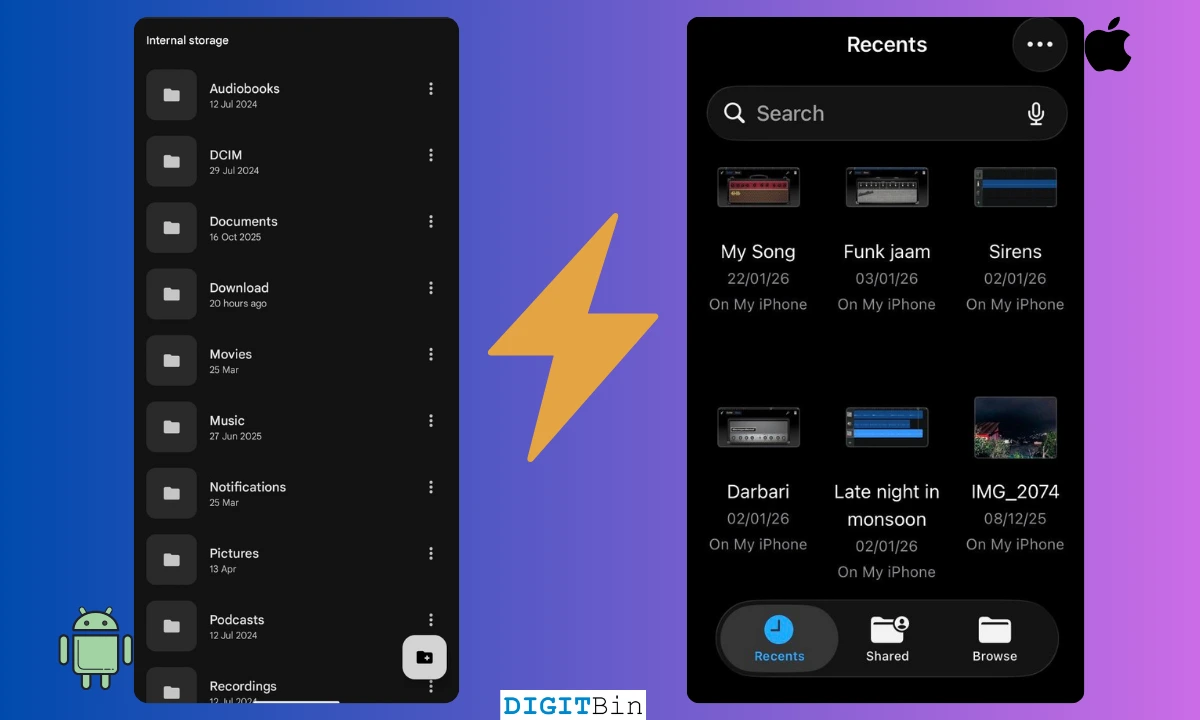
Android has a proper file system that you can browse, sort, rename, move, and manage from a file manager app.
You can also plug an Android phone into a PC and drag files directly, without needing any companion software.
iPhone has the Files app, which works well within its own logic. But accessing the underlying file structure is limited.
With iOS, you cannot freely move app data between locations, and connecting to a PC gives you access to the camera roll but not a full directory view without using iTunes or Finder.
For most people, the Files app is sufficient. But anyone who works with documents, downloads, or transferred files regularly will notice the ceiling faster on iPhone than on Android.
Notification control that goes deep
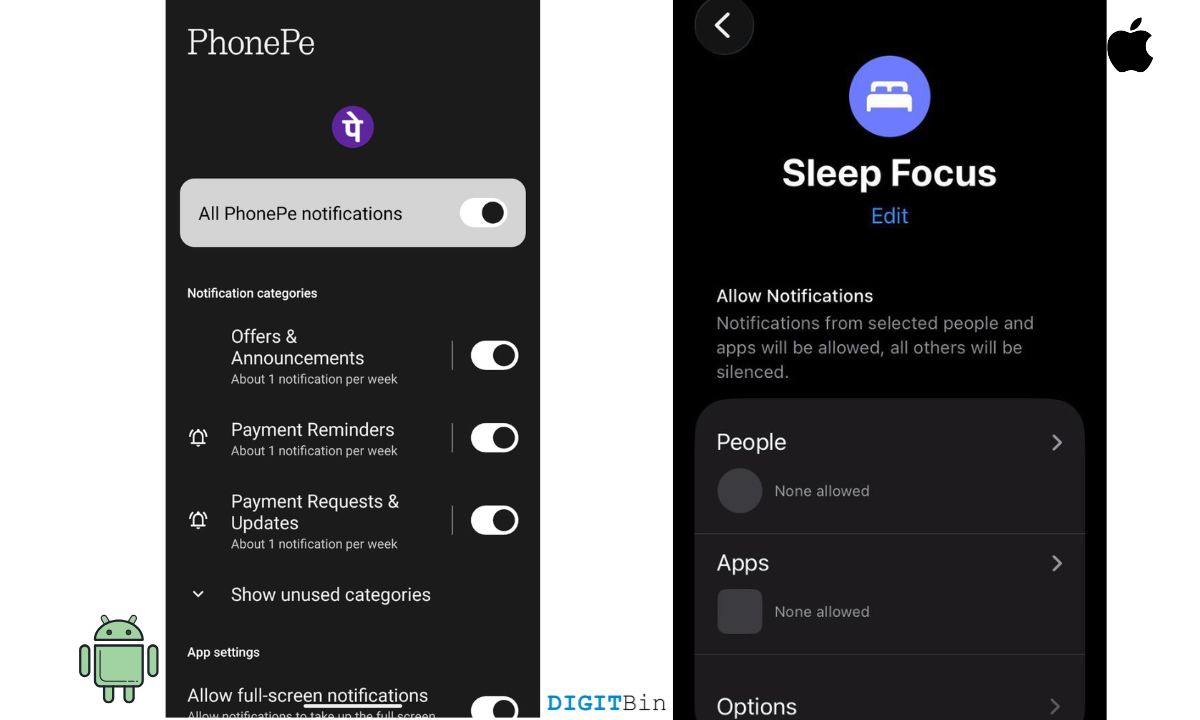
Both platforms let you mute notifications per app. Android goes further.
On Android, you can manage notifications at the channel level inside each app. A news app might have separate channels for breaking news, newsletters, and promotions.
You can turn off breaking news while keeping newsletters on. You can set different behavior for each channel: sound, vibration, badge, and lockscreen visibility.
iOS has Focus modes and scheduled delivery, which are genuinely useful. But per-channel notification control within apps is not available. You either allow or block the whole app, with limited granularity in between.
Multiple user profiles
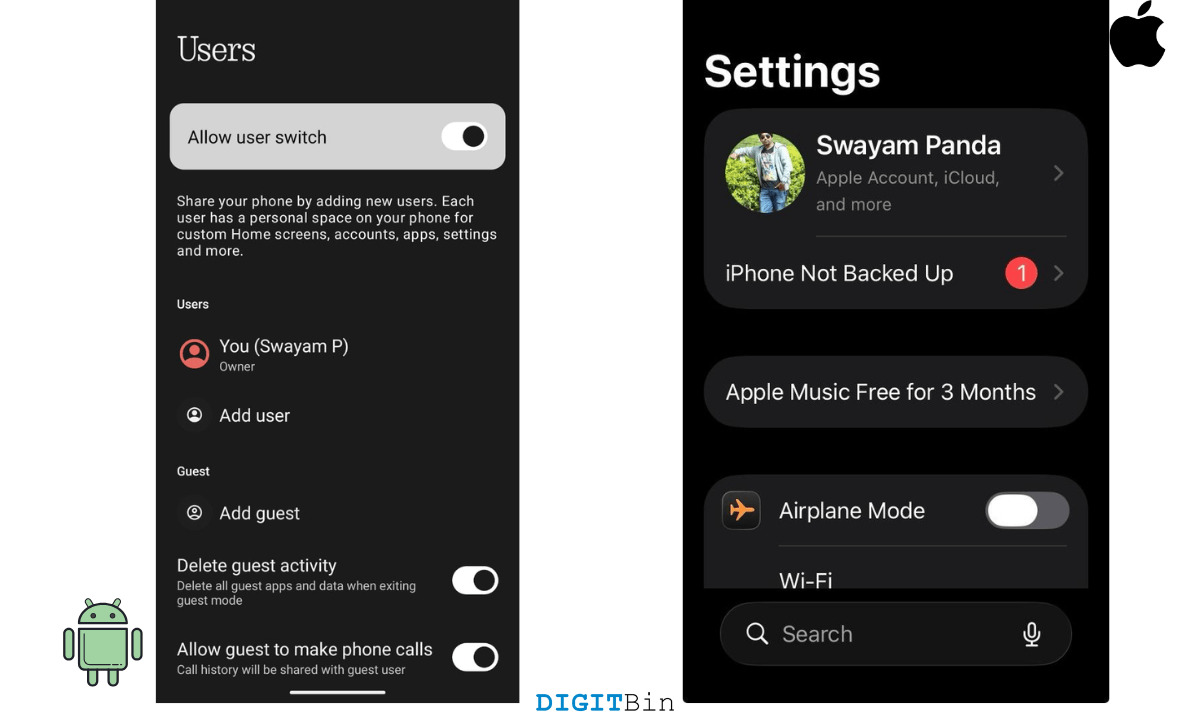
Android supports full user profiles on a single device. Each profile has its own apps, settings, accounts, and data.
You can hand your phone to a family member or a child, and they log into a completely separate environment.
iPhone does not offer this. There is no guest mode. There is no secondary user account.
If you hand someone your iPhone, they are inside your phone. Screen Time restrictions offer some limits, but they are not the same as a separate profile with its own app library.
For shared devices, especially in households with children or in workplaces where phones are passed between staff, this gap matters considerably.
Windows PC integration
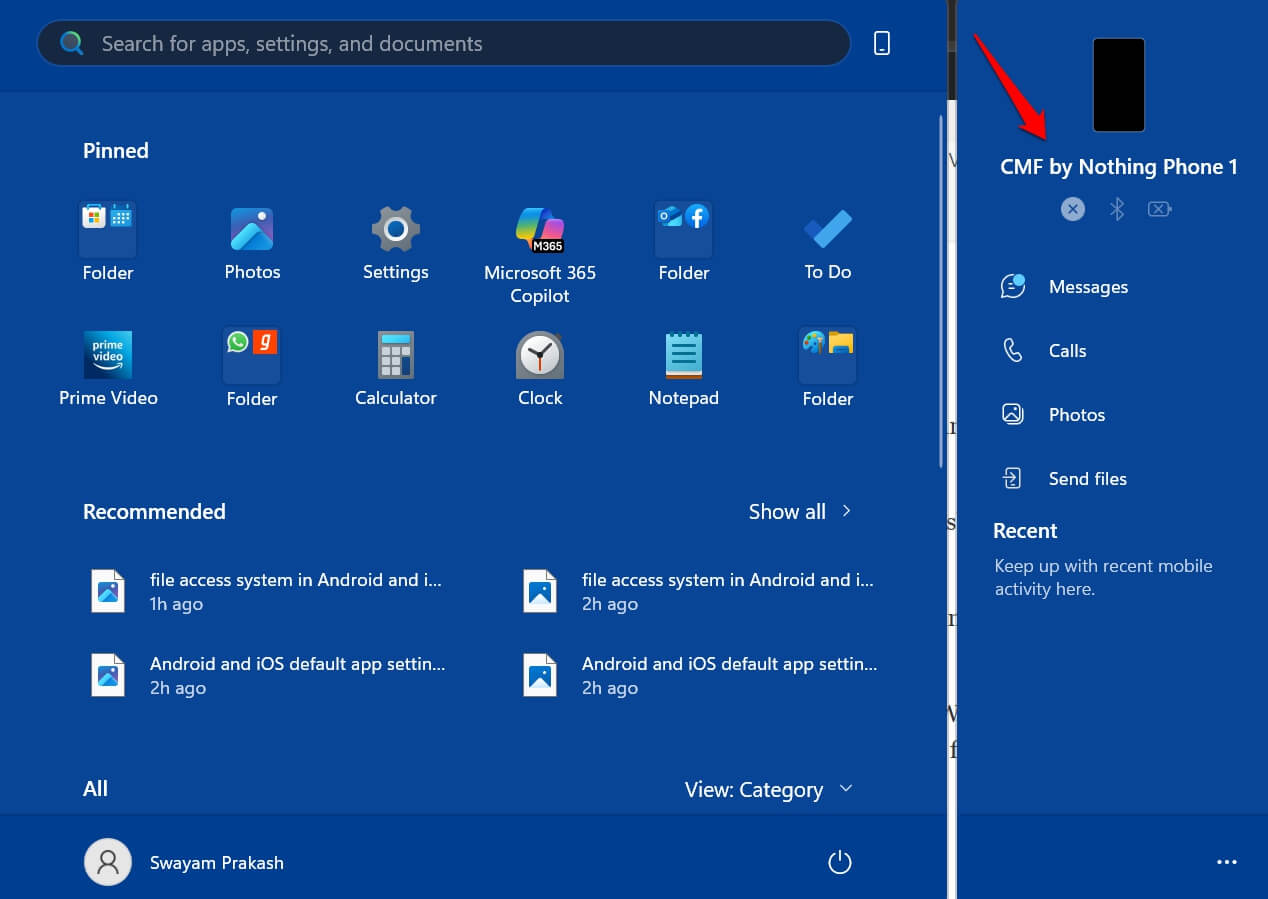
Android pairs with Windows in ways that feel genuinely useful rather than superficial.
Microsoft Phone Link lets you see notifications, respond to messages, make calls, and even run Android apps directly on your Windows desktop, all without picking up your phone.
Samsung Galaxy phones go further with Samsung DeX, which turns the phone itself into a desktop interface when connected to an external display.
iPhone works well with Mac through Continuity features like Handoff, Universal Clipboard, and iPhone Mirroring introduced in macOS Sequoia.
But iPhone-to-Windows integration remains limited. You can mirror your iPhone screen on Windows 11 via the Phone Link app, but the experience is not as deep as what Android offers, particularly for messaging and notification interaction.
Hardware variety
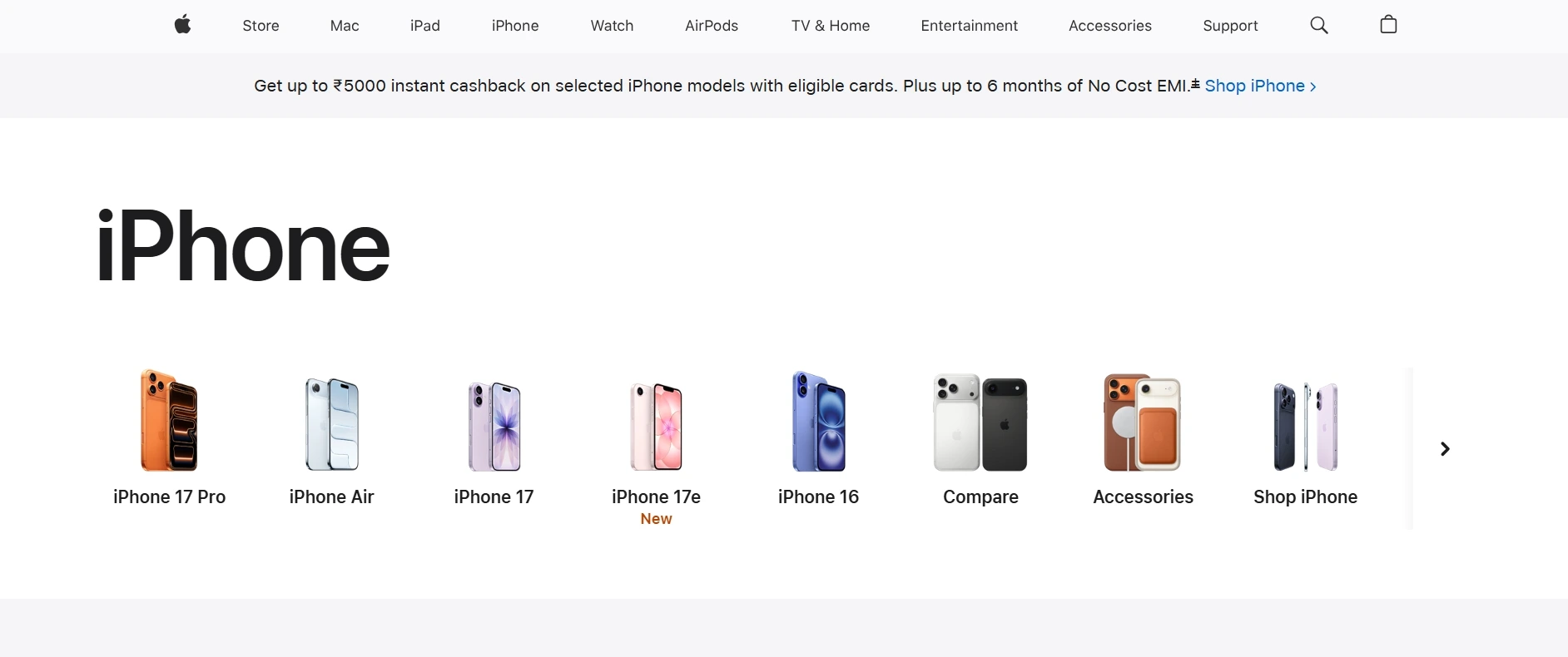
iPhone comes in a few sizes and configurations each year.
The choices are real but narrow: standard, Plus, Pro, or Pro Max. One form factor, one chip, one charging ecosystem per generation.
Android is not one phone. There are hundreds of manufacturers building across every price point and use case.
You can choose a phone built around battery life, a stylus, a foldable display, ultra-fast wired charging, a specific camera system, or a compact body that is increasingly hard to find in Apple’s lineup.
If you want a 7,000 mAh battery or a built-in S Pen, Android is your only option. The best Android phones in 2026 span a range of priorities that a single product family cannot cover.
System-Level control
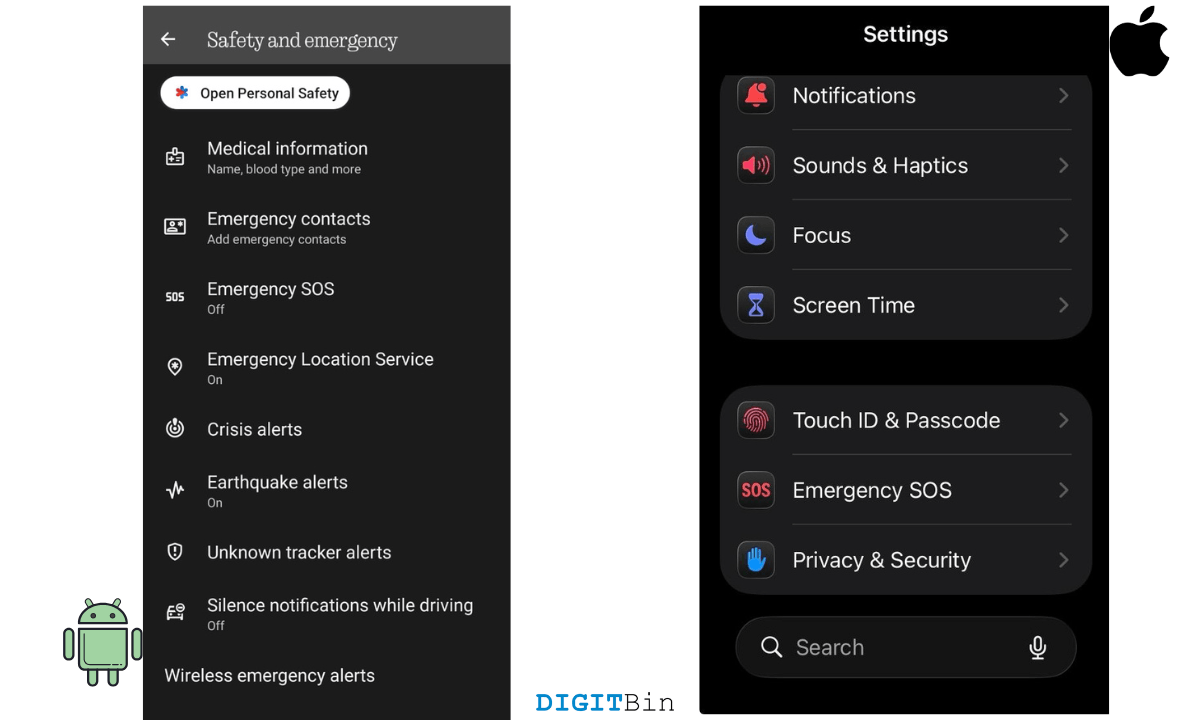
Android exposes a lot of behavior that iOS keeps behind the scenes.
Battery optimization settings let you choose which apps can run in the background and which get restricted. Developer options unlock USB debugging, animation speed, network logging, and more.
You can also configure features like emergency alerts, location sharing, and accessibility behavior at a granular level.
Android emergency features, for example, include setting specific control over location services, SOS triggers, and medical info visibility from the lock screen.
iOS gives you a clean system that largely manages itself. That works well for most people. But users who want to understand and tune how their phone actually behaves will find more room on Android.
What does this actually mean?
iOS is a strong platform and closes gaps with every release.
The default app improvements in iOS 18.2 were real. But several of these Android advantages have existed for years and remain unmatched on iPhone, either by design or by deprioritization.
Split-screen multitasking, sideloading outside the EU, deep notification channels, launcher replacement, and multiple user profiles are not features Apple has partially implemented. They are things that simply do not exist on iPhone in the same form.
If any of those things matter to your daily use, they are worth knowing about before you switch. And if you are already on Android, wondering what iPhone does better, that is a different article entirely.
Frequently asked questions
Can you change default apps on iPhone now?
Yes, since iOS 18.2, you can set third-party defaults for browsing, email, messaging, and calling via Settings. The options are more limited than Android and require apps to opt in to be selectable.
Does iPhone have split-screen multitasking?
No. Split View and Stage Manager are iPad-only features. iPhones do not support running two independent apps side by side natively, as of iOS 18.
Can you sideload apps on an iPhone?
In the European Union, yes, through alternative app marketplaces allowed under the Digital Markets Act since 2024. Outside the EU, sideloading on iPhone is not permitted without developer tools.
Does Android support multiple user profiles?
Yes. Android allows full, separate user profiles on a single device, each with its own apps, data, and settings. iPhone does not offer this feature natively.
Can Android phones connect to Windows PCs better than iPhone?
Generally, yes. Microsoft Phone Link offers deep Android integration on Windows, including notifications, messaging, and app access. iPhone-to-Windows mirroring is available but more limited in scope.