My wife switched from an iPhone to a Pixel last year. The first week was fine.
The second week, she called me from the other room to ask why she couldn’t just send a video to her colleague’s Samsung without it going through WhatsApp.
I didn’t have a good answer. I still don’t, really.
Android is a genuinely capable platform. It is more flexible than iOS in most practical ways, with better hardware variety and more control over how you use your own phone.
But there are a handful of things that iPhone users do without thinking, every single day, that Android still can’t match in any reliable, universal form. Not on every phone. Not for every user. Not without a third-party app or a workaround, or a caveat.
These are five of them.
1. File sharing that works for every Android, not just some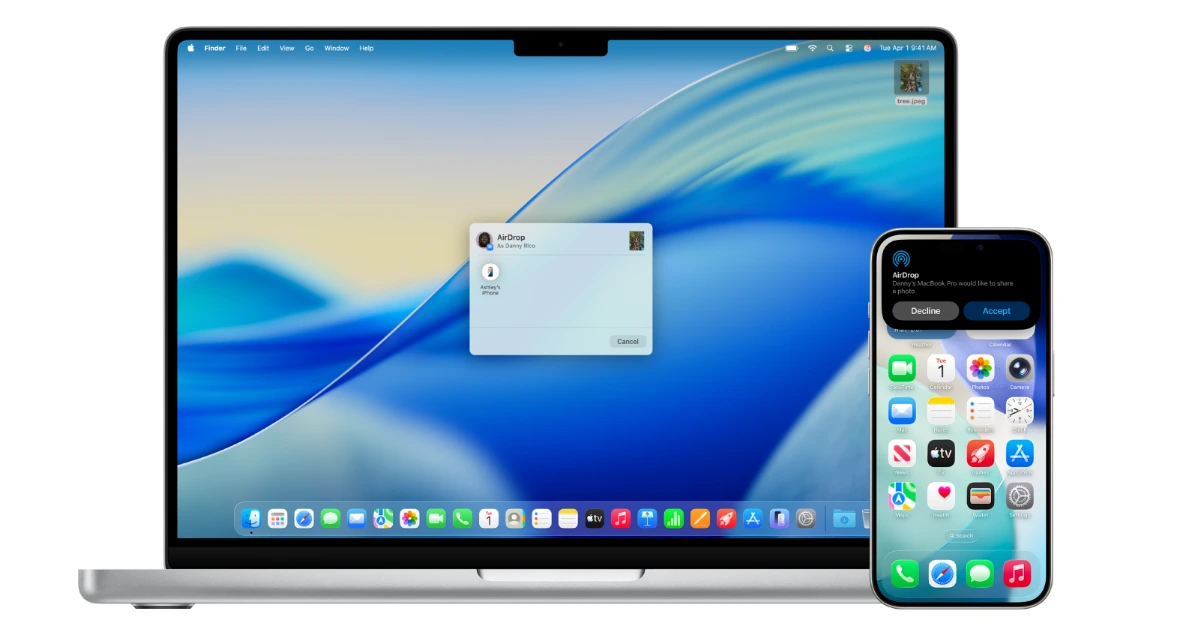

AirDrop has worked the same way on every Apple device since 2011.
Open it, see the person nearby, tap their name, done. It doesn’t matter if they have an iPhone 12, a MacBook Pro, or an iPad. It works. No setup. No asking what app they have. No waiting for a Google Drive link to generate.
Android still doesn’t have that. Quick Share exists for Android and works reasonably well between two phones of the same brand.
Google reverse-engineered AirDrop compatibility in November 2025, which is genuinely impressive. By April 2026, it had rolled out to the Pixel 9 and 10 series and select Samsung Galaxy S24, S25, and S26 models on One UI 8.5 beta.
That’s real progress. But “select Samsung models on a beta firmware” is not the same as “every Android phone.”
If your friend has a OnePlus, a Xiaomi, a Motorola, or a mid-range Samsung that hasn’t received the update yet, you’re back to asking what app they want to use. That’s the gap.
Not that Android can’t do it, but that it depends entirely on which Android you own and which Android they own. iPhone users have never had to think about that question for a single day.
2. Encrypted default messaging without any setup
Every iMessage between two iPhones is end-to-end encrypted by default. You don’t turn it on. You don’t install anything. You just text someone, and it’s private.
Android’s answer is Google Messages with RCS, and the encryption story has an important asterisk.
Google Messages does encrypt RCS conversations between two Android users. But when an Android user messages an iPhone user, which is an enormous percentage of actual conversations, those messages are not end-to-end encrypted by default.
Apple added RCS support in iOS 18, but cross-platform encryption requires the GSMA Universal Profile 3.0 standard. Apple has confirmed it’s coming. It hasn’t shipped yet, as of April 2026.
So right now, the default messaging experience between Android and iPhone is less private than an iMessage thread. Not dramatically, not catastrophically, but measurably.
For most people, that is fine. But it is a real gap, and it matters more as messaging becomes the primary way people share personal and professional information.
If you want genuinely private messaging that works across both platforms today, you should install Signal or WhatsApp. Both are fine, but it’s an extra work that iPhone-to-iPhone conversations never require.
3. Copy on your phone, paste on your laptop
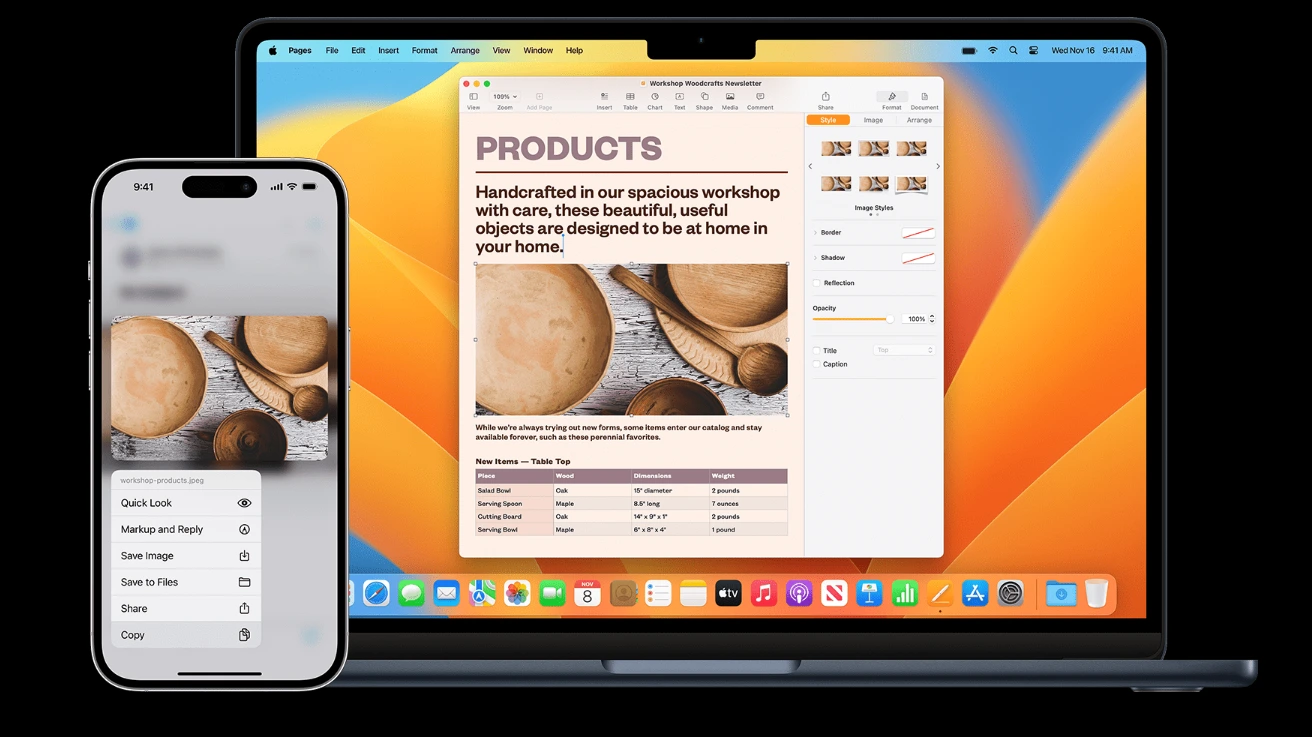
Copy something on an iPhone, walk to your Mac, and paste it. That’s the whole interaction. No app, no account, no extra step.
Apple called it Universal Clipboard and shipped it in 2016. Android doesn’t have this. Not natively. Not yet.
Google is building a similar feature. Code for a Universal Clipboard feature appeared in Android beta builds, filed under the Continuity namespace alongside other Handoff-style features.
Android 17 beta, which started rolling out to Pixel phones in early 2026, includes early implementation of a shared clipboard.
But the complete, stable, widely available version that works across Android phones, Chromebooks, and PCs without setup is expected in the Android 17 QPR1 release, targeted for around August or September 2026.
Until then, the standard workflow for most Android users is to copy a link on their phone and then paste it into a note-to-self in WhatsApp or type the thing again on their laptop.
This is a genuinely small friction point that adds up across hundreds of interactions per week. Apple solved it a decade ago.
4. Video calling built into the phone itself
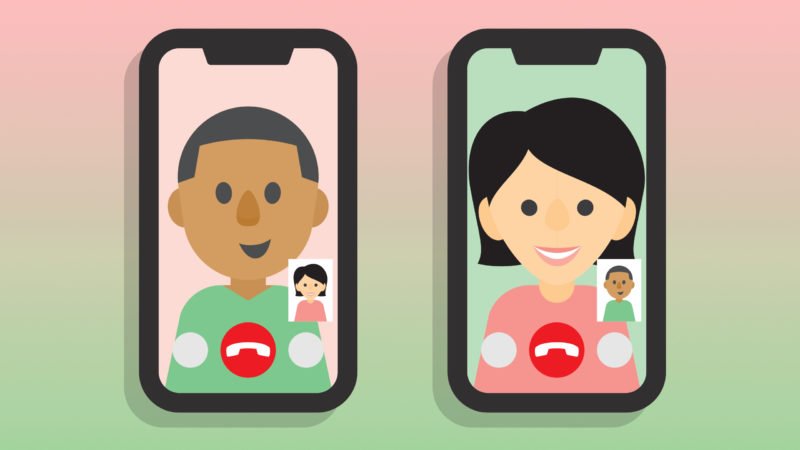
FaceTime is not an app you install or a service you sign up for. It is part of the phone’s dialler. You open a contact, tap FaceTime, and it rings. The person on the receiving end answers. That is the complete interaction.
No one has to check what app you’re using. No one has to accept a browser link. It just works like a phone call, except video. Surprisingly, there is no Android equivalent of this.
Google Meet is good. But it’s a separate app, not a native dialler feature. Your contact needs to have it installed or be willing to open a browser link for it to work.
That extra step is small in isolation, but it creates real friction when you’re trying to call your mum or your grandmother or anyone who doesn’t actively manage their app library.
iPhone users have been able to say “I’ll FaceTime you” as casually as “I’ll call you” for years. Android users are still negotiating which app both sides happen to have.
5. Software updates for the whole market, not just flagships
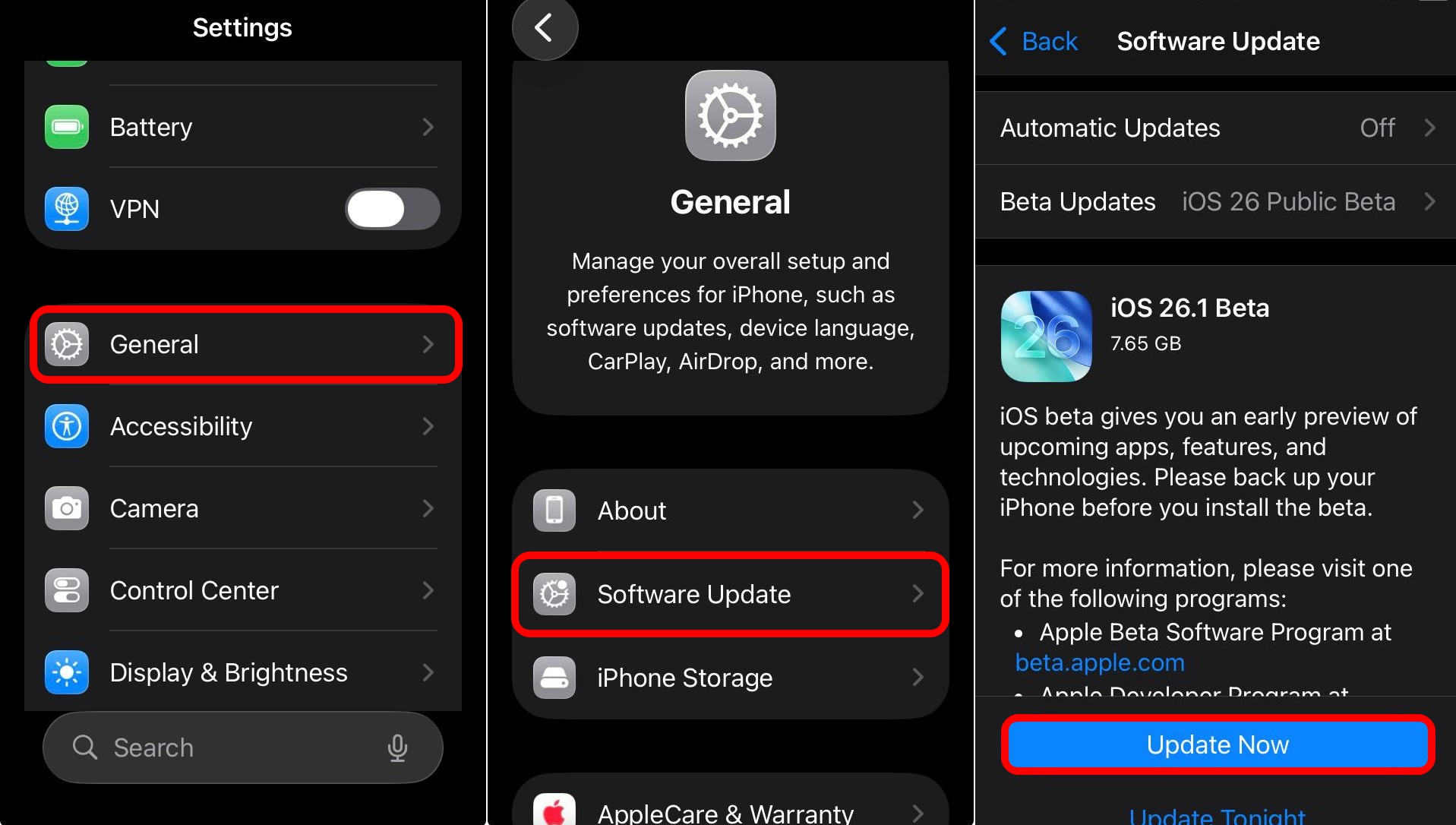
Any iPhone you buy gets six to seven years of iOS updates. Not some iPhones. Not the expensive ones. All of them.
The iPhone 11 from 2019 runs iOS 26 today. Apple pushed security patches for iPhones running iOS 15 and iOS 16 as recently as early 2026. These are devices from 2018 still receiving active support.
At the top of the Android market, Google and Samsung have matched this. The Pixel 9 series and Galaxy S24 and newer both carry seven-year update commitments. That’s genuinely impressive and worth saying clearly.
But most Android users globally don’t own those phones. They own a $250 Motorola, a mid-range Xiaomi, or a budget Samsung from the A-series. Those phones typically receive two to three years of updates, if that, with no platform-wide minimum standard forcing manufacturers to do more.
The person who spent $300 on an Android phone has no guarantee of security patches past year two. The person who spent $400 on an iPhone SE gets updates until approximately 2030.
That inconsistency doesn’t affect everyone. But it affects the majority of Android users, who are not buying Pixels or Galaxy S-series flagships. And it’s a gap that iOS has never had.
The honest picture
Android is closing these gaps. Quick Share with AirDrop is rolling out. Cross-platform RCS encryption is confirmed and coming. Universal Clipboard is in beta. These are real movements, not vaporware.
The difference is that on iPhone, all five of these things have worked universally and reliably for every user for years. On Android, the answer is still “it depends on your phone, your firmware, your manufacturer, and sometimes who you’re talking to.”
My wife has a Pixel 10 now. She can AirDrop files to iPhones. She’s happy about it. She still uses WhatsApp for everything because that’s what her contacts use. Some gaps close slowly, even after the technology catches up.