Four years on iPhone leaves a mark. Not just habits, but expectations. You stop noticing how things work because everything just does.
Then you switch to Android, and the first week feels like wearing someone else’s shoes.
This is not a spec comparison. Not by any means.
It is a record of the actual friction: the moments that surprised me, the things I had to rebuild from scratch, and the point where Android finally stopped feeling like a compromise.
TL;DR: Switching from iPhone to Android after 4 years means dealing with iMessage withdrawal, a clunky photo migration, some app polish gaps, and a lot of muscle memory that no longer applies. The first two weeks are genuinely rough. After that, most people either adapt and appreciate the freedom, or quietly start missing what Apple’s ecosystem did invisibly. Neither outcome is wrong.
The first 48 hours feel wrong
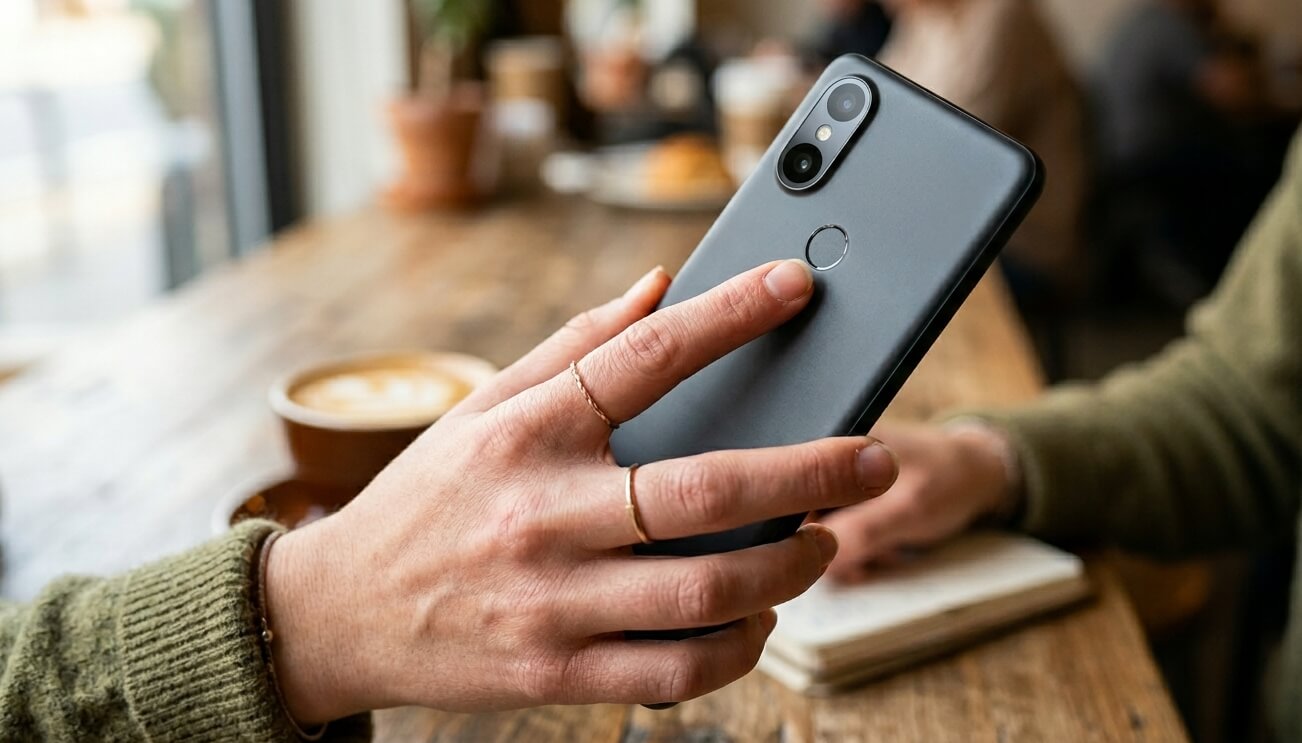 Muscle memory is brutal when you switch from iPhone to Android.
You keep swiping in directions that do nothing, tapping corners that are not interactive, and reaching for a home button that has not existed for years on either platform, yet somehow your thumb still looks for it.
The unlock method shift is surprisingly jarring as well. If you are moving from Face ID, a side-mounted fingerprint sensor feels like a step backward at first, even when it is objectively fast.
Within a week, that feeling fades completely, but the first few days are enough to make you second-guess everything.
Give it 72 hours before drawing any conclusions. The disorientation is real but temporary.
iMessage withdrawal is more social than technical
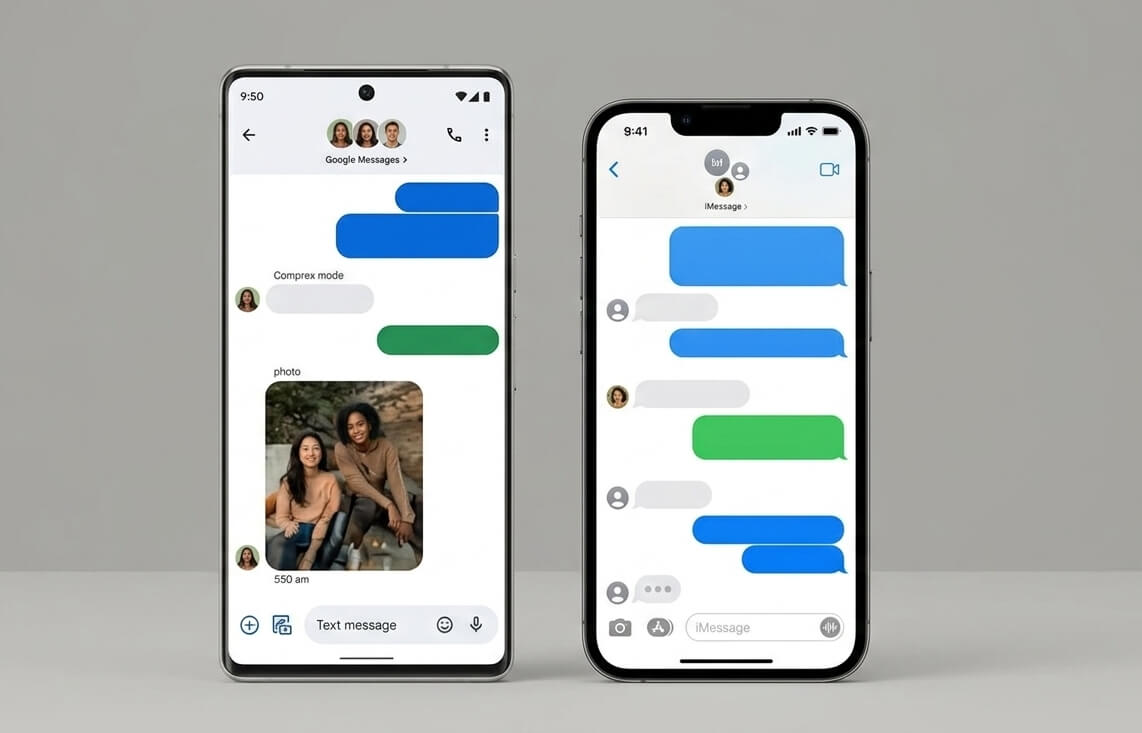
Nobody warns you that leaving iMessage is partly a social experience.
The first thing you notice is not missing the app; it is the silence where the blue bubble used to be.
Group chats are where it gets uncomfortable. Mixed iOS and Android groups tend to fall back to SMS or MMS, which means compressed media, no typing indicators, and a subtle but real sense that you are now the one breaking things.
Someone in every group will eventually say, “Why are your messages green?” It sounds petty until it happens three times in one week.
In the US, especially, iMessage carries social weight that is hard to explain to someone who has never lived inside it.
Google Messages with RCS handles most of the gap when you are talking to other Android users. The experience is solid. But cross-platform encryption between Android and iPhone is still not available by default as of April 2026, which means some conversations quietly lose a layer of privacy you probably took for granted.
There is a broader look at what Android still cannot match on this site if you want more context on the full list of iPhone features missing on Android.
Moving your photos takes longer than you think
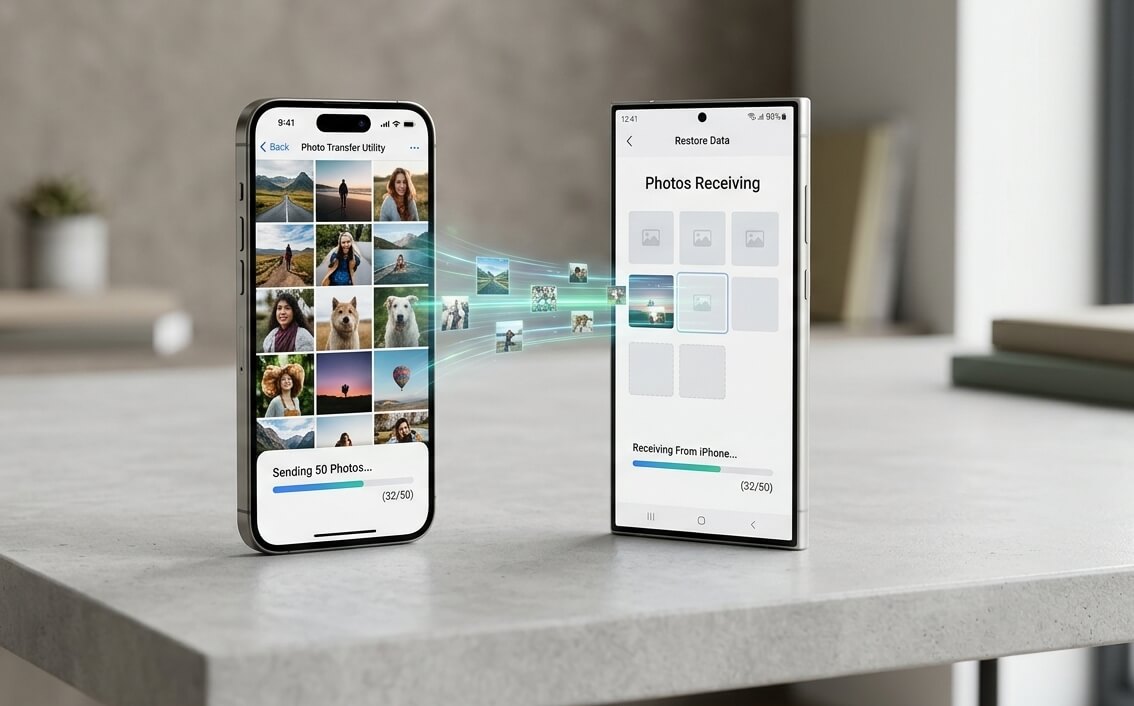
Google’s Android Switch app handles contacts and calendar with almost no friction. Photos are a different story.
A library of around 10,000 photos took close to two and a half hours over a 100 Mbps Wi-Fi connection using Google’s transfer tool. The transfer stalled twice mid-way and had to be restarted.
iCloud Photos does not hand off cleanly to Google Photos by default: you either download everything locally first, use Apple’s data transfer tools, or go manual. None of those paths is fast or foolproof.
WhatsApp chat history is the other sticking point. Moving a WhatsApp thread from iPhone to Android requires WhatsApp’s own migration tool, and it only works in one direction. You cannot go back. Some older media attachments simply do not survive the move intact.
DigitBin has a step-by-step guide to the photo transfer process from iPhone to Android, including the OTG cable method, which is more reliable than cloud approaches for large libraries.
The camera feels different before it feels better
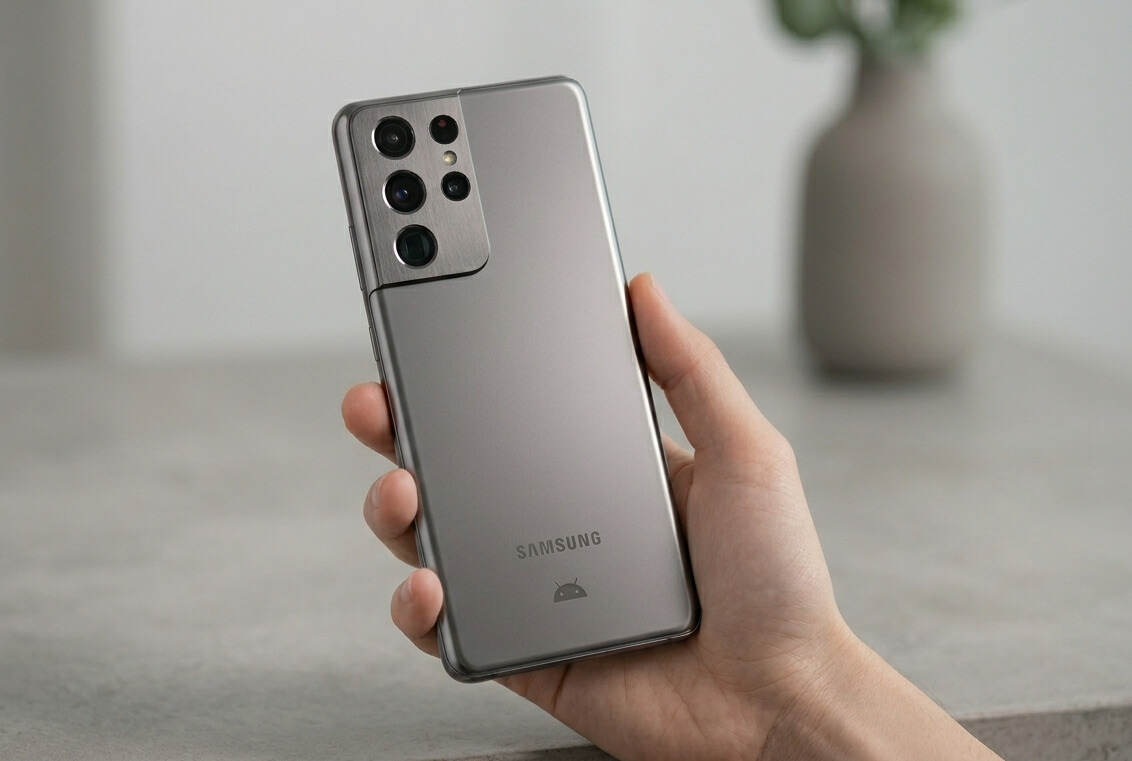
The first few photos from an Android camera after years on iPhone feel wrong in a specific way.
iPhone processing tends to warm skin tones and smooth texture aggressively. Android cameras, depending on the manufacturer, often render skin cooler and with more edge detail.
Neither is objectively correct, but your eyes have four years of calibration for one output.
HDR aggressiveness is another adjustment. Some Android cameras blow out highlights in ways iPhone’s computational photography smooths over. In bright outdoor shots, you may notice skies clipping to white in places that would have retained detail on iPhone.
Video in social apps is where the gap shows up most clearly.
iPhone video sent through Instagram or Snapchat has a processed consistency that Android cameras, particularly at mid-range, do not always replicate. You end up tweaking settings more than you ever had to on iOS.
After two to three weeks, most people recalibrate. The photos stop looking wrong and start looking like yours.
App polish differences hit in small ways
The iOS App Store tends to get major updates slightly before Google Play, and some apps are visibly more refined on iPhone.
Banking apps are the most common friction point: Chase and Bank of America on Android have historically had slower biometric login response and occasional UI glitches that their iOS counterparts do not.
The above pattern is not universal, but it is consistent enough that people notice.
It is less about broken features and more about a collection of small things: a transition that stutters, a UI element that was not updated when the rest of the screen was, a notification that fires twice from the same app.
Individually, none of it matters. Together, it adds up.
If your core apps are Google products or cross-platform staples like Spotify or Notion, you may not feel this at all.
Notifications: More control, more chaos first
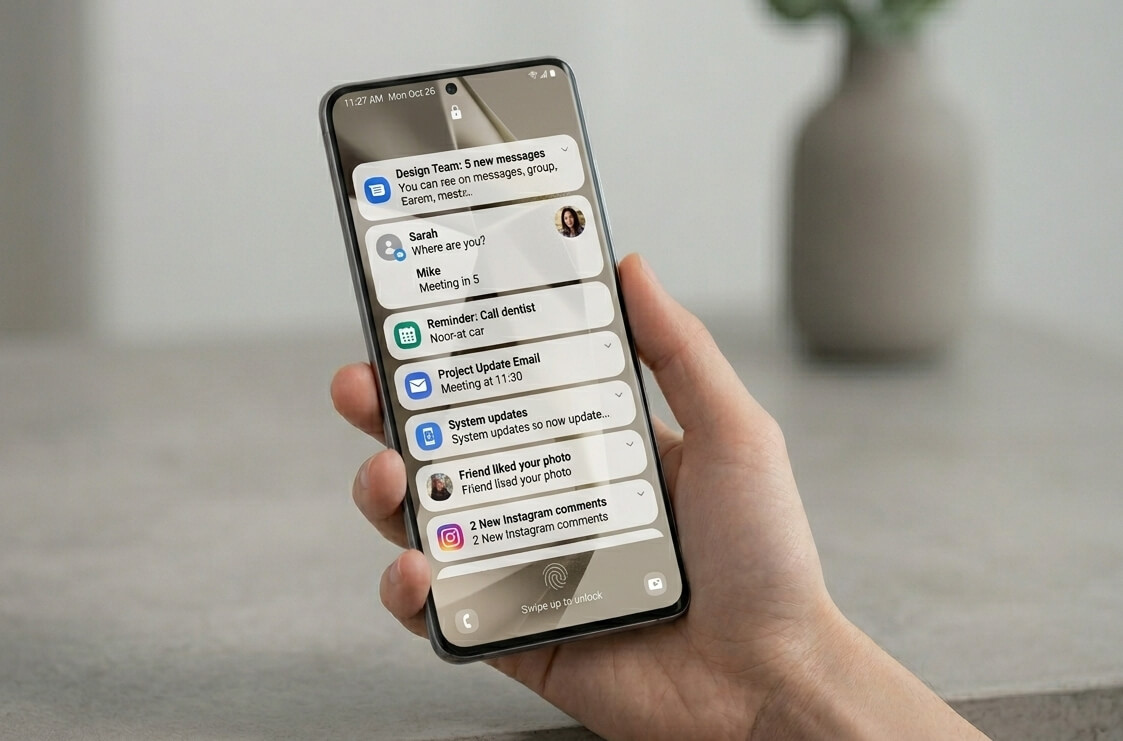
Android gives you granular control over every notification channel, which sounds like an obvious improvement.
In practice, the first week involves more noise than iOS ever generated, because Android’s defaults are permissive in ways that take time to untangle.
The specific annoyances: apps send duplicate alerts through both system notifications and their own in-app banners.
Silent notification channels get buried four levels deep in app settings, so you do not know they exist until something stops arriving.
Newly installed apps default to full notification access and do not ask first, which means a shopping app you opened once will ping you three times before lunch.
iOS makes apps ask permission up front and nudges toward less.
On the other hand, Android assumes you will manage it. Expect to spend two or three evenings getting this right before the phone stops feeling noisy.
Battery life changes how you use your phone
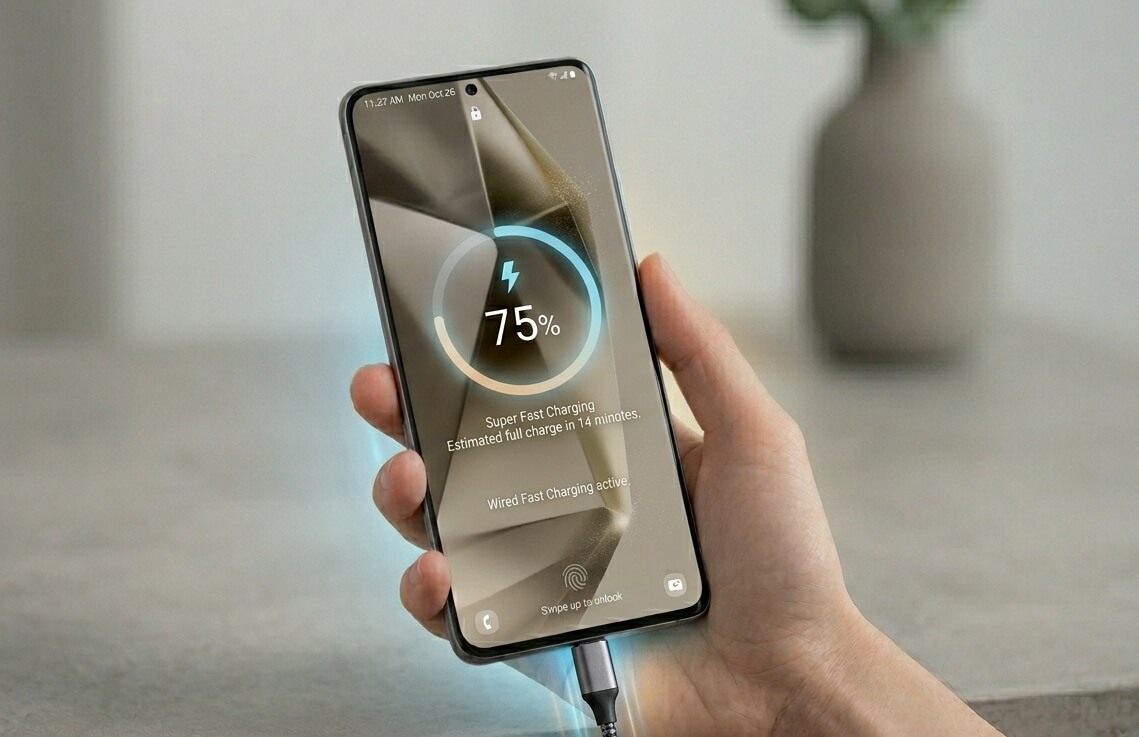
Fast charging is the adjustment that genuinely improves daily life.
On most Android phones at mid-range and above, 20 to 30 minutes on the charger gets you back to 60 or 70 percent.
The low-battery anxiety that iPhone users carry around, the habit of hunting for outlets at 40 percent, mostly disappears with an Android device in your hand.
Background app drain can still surprise you in the first few weeks if your battery settings are not configured correctly. Android gives you more control here, but that means more to set up.
Mid-range Android phones like the Pixel 8a demonstrate that you do not need to spend flagship money to get solid battery management, though the first week may feel uneven while the system adapts to your usage patterns.
Customization is fun until it becomes a job
The freedom to change launchers, icon packs, widgets, and home screen layouts is genuinely satisfying for about three days.
Then you realize how many hours you are spending on something you never once thought about on your iPhone.
Most people settle into a setup that ends up resembling iOS anyway. The freedom was the point, not the outcome.
That said, a few Android-specific things do stick: an always-on display that actually surfaces useful information, widgets that update in real time, and a back gesture that works consistently regardless of which app you are in.
The iCloud ecosystem disappears all at once
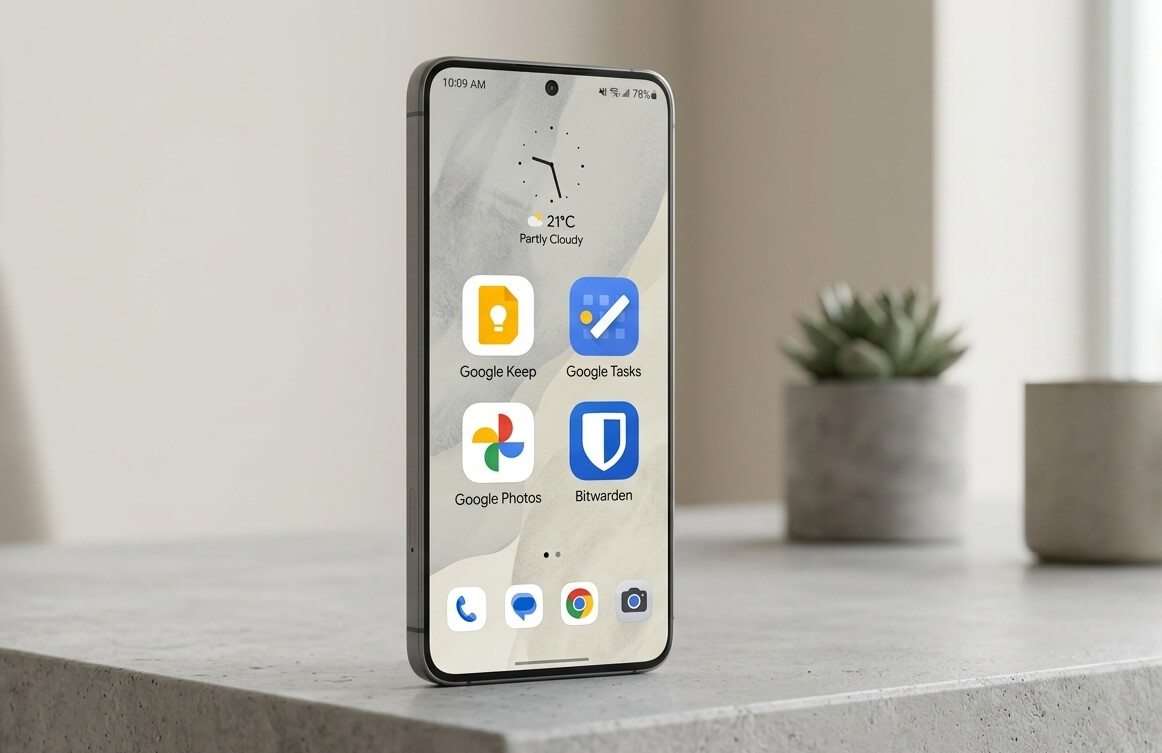
iCloud is invisible until it is gone. Notes, reminders, passwords, iCloud Drive documents, shared albums, your iCloud keychain: every one of those needs a Google or third-party replacement, and you have to find them all in the first week, or you start losing things.
Google Photos search is excellent, arguably better than Apple’s at surfacing specific moments.
Google Keep and Tasks cover Notes and Reminders adequately. Bitwarden or 1Password replaces the keychain cleanly.
None of these migrations is painful on its own. Doing all of them simultaneously, while also adjusting to a new operating system, is genuinely exhausting.
The thing Apple’s ecosystem did well was make all of this invisible. You only notice the invisibility the moment it stops.
Accessories do not transfer cleanly
AirPods work on Android via Bluetooth, but lose active noise cancellation controls, automatic ear detection, and seamless device switching. They become ordinary wireless earbuds.
That is fine, but it is a noticeable downgrade if those features were part of your daily routine.
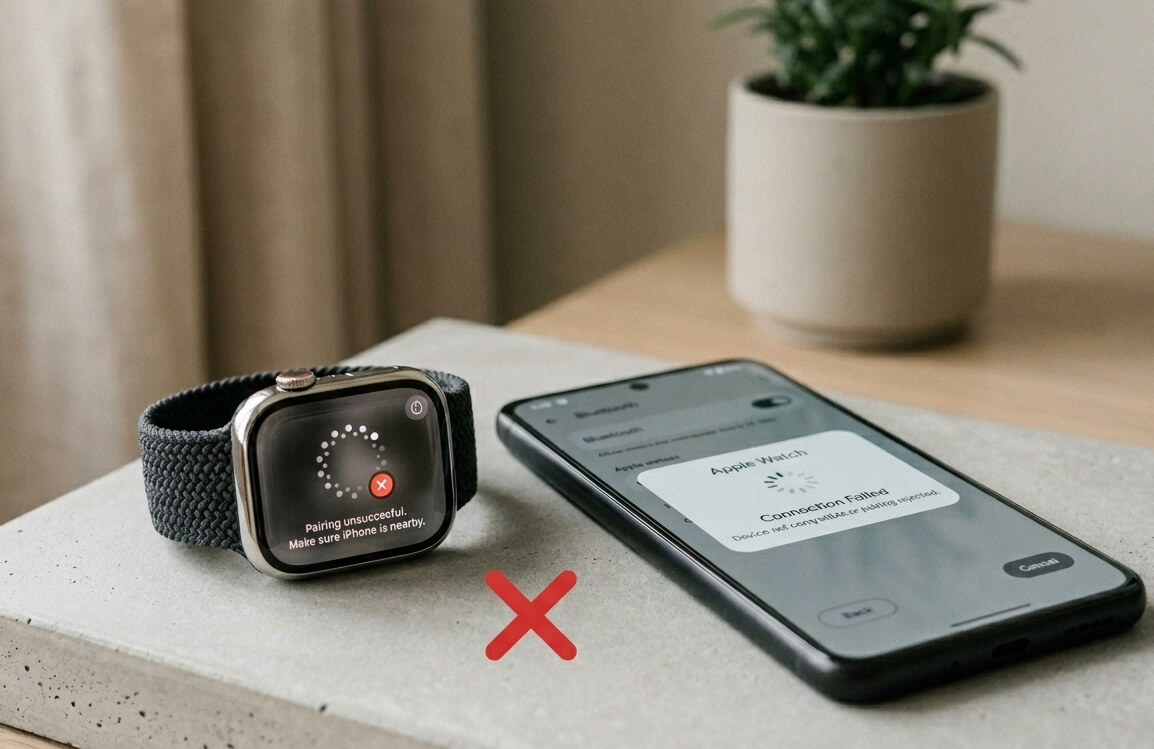
Apple Watch is a harder problem. It does not work with Android at all. If you wear one, switching means buying a new smartwatch or going without.
That hits harder than expected, especially if you relied on sleep tracking, heart rate alerts, or wrist notifications throughout the day on your Apple Watch.
This is where the depth of Apple’s ecosystem lock-in becomes legible. It was not designed to be hostile. It was designed to make leaving feel expensive.
The moment you miss your iPhone the most
For most switchers, it comes when you try to send a video to a friend with an iPhone.
Over iMessage, it would deliver instantly and in full quality.
Over SMS or MMS, it is compressed to the point of looking like 2012. Over WhatsApp, it works, but now both people have to open a different app.
FaceTime is the other one. You try to call someone who only uses FaceTime and realize there is no Android equivalent that your contacts already have installed.
You end up on Google Meet or WhatsApp instead, which works fine, but requires both sides to take a step they would not have had to take before. That extra work does feel like a chore at times.
These moments are not dealbreakers. They are small friction points that accumulate into a quiet nostalgia for the version of yourself that never had to think about any of this.
The moment Android wins you over
It usually arrives around week three.
You configure something exactly the way you want it, a persistent widget on the lock screen, a notification filter for one specific contact, a home screen layout that actually matches how you use your phone, and realize that on iPhone, that was simply not an option.
Or the charger saves you. You are at 11 percent with 90 minutes until a meeting, and 20 minutes plugged in gets you to 55 percent. On an older iPhone, that situation was a slow-motion countdown.
The freedom versus polish trade-off becomes clear around this point. Android gives you options. iPhone gives you consistency.
After a month, most people have a sense of which of those things they actually care about day to day.
Android continues to close platform gaps every year. The Android 17 beta, rolling out to Pixel phones ahead of its June 2026 stable release, brings tighter background memory management and a quieter, more stable foundation.
The Android platform keeps improving, even when the changes are invisible.
What nobody actually tells you
Switching is not about one platform being better. It is about which friction you are willing to live with.
iPhone friction is mostly invisible until something breaks. Android friction is mostly visible and configurable. One type suits certain people. The other suits different ones.
After four years on iPhone, the honest verdict is this: you do not have to regret the switch to understand why other people never make it.
Both are reasonable choices, and both cost you something. I stopped thinking about iOS somewhere around week three. But I still notice it every time I send a video.
Frequently asked questions
How long does it take to adjust to Android after using an iPhone?
Most people feel comfortable after two to three weeks. The first week is the hardest due to muscle memory and missing features from the Apple ecosystem.
Will I lose my iMessage chats when I switch to Android?
iMessage conversations cannot be migrated to Android directly. WhatsApp chats can be moved using WhatsApp’s own transfer tool, but iMessage history stays on iPhone or iCloud.
Do AirPods work with Android?
AirPods connect to Android via standard Bluetooth but lose most smart features, including automatic ear detection, noise control switching, and seamless device handoff.
Can I use an Apple Watch with an Android phone?
No. Apple Watch requires an iPhone and does not function as a smartwatch with Android phones.
Is Google Photos a good replacement for iCloud Photos?
Google Photos is a strong alternative with excellent search and editing tools, though free storage is limited to 15 GB shared across your Google account. Migration from iCloud requires downloading your library first.
What happens to my iMessage number when I switch to Android?
You should deregister your phone number from iMessage on your iPhone before switching, or messages from other iPhone users may continue routing to iMessage and never reach your Android.