I signed up during a free trial offer. One month free, then $13.99 a month on the individual plan. That was the price at the time. I’d been using YouTube for years with an ad blocker, the way a lot of people quietly do, until it stopped working reliably and I spent two weeks in a low-grade standoff with the site before giving in.
That’s not a great reason to subscribe to something. But it’s an honest one.
So here’s what three months of YouTube Premium actually felt like, and whether it makes sense depending on how you actually use the platform.
TL;DR: YouTube Premium is genuinely worth it if you watch an hour or more of YouTube daily, especially on mobile. Background play and no ads make a real difference at that volume, and on Android and iPhone, there is no system-level way to block ads in the YouTube app. The math only works if your usage justifies it.
Why this question matters more now
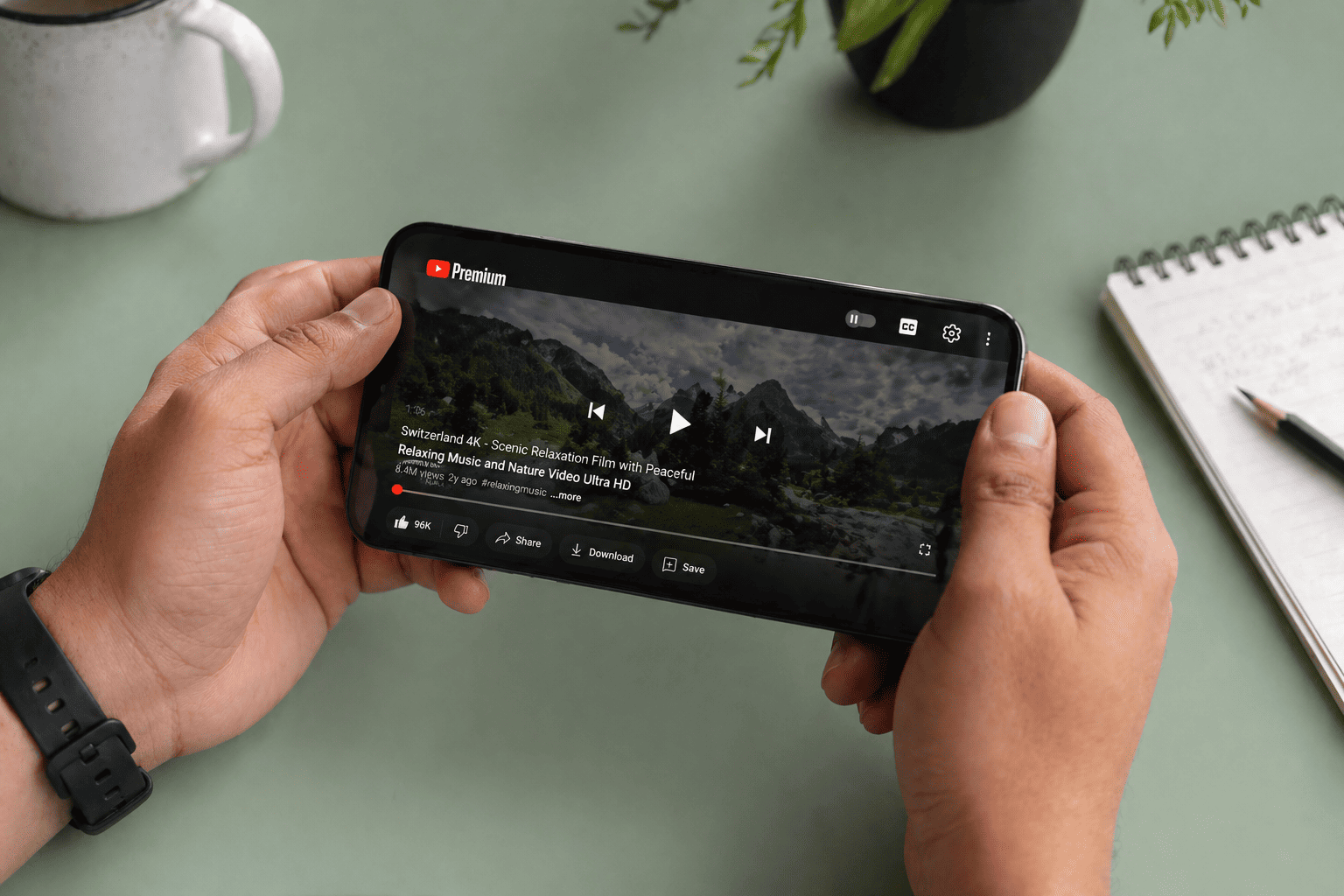
For years, the honest answer to “is YouTube Premium worth it” was: only if you hate ads enough to pay for it. An ad blocker did most of the same job for free.
That calculus has shifted. YouTube has spent the past year aggressively detecting and blocking ad blockers on desktop, and the workarounds have become less reliable with each update cycle. On mobile, it was never a fair fight to begin with.
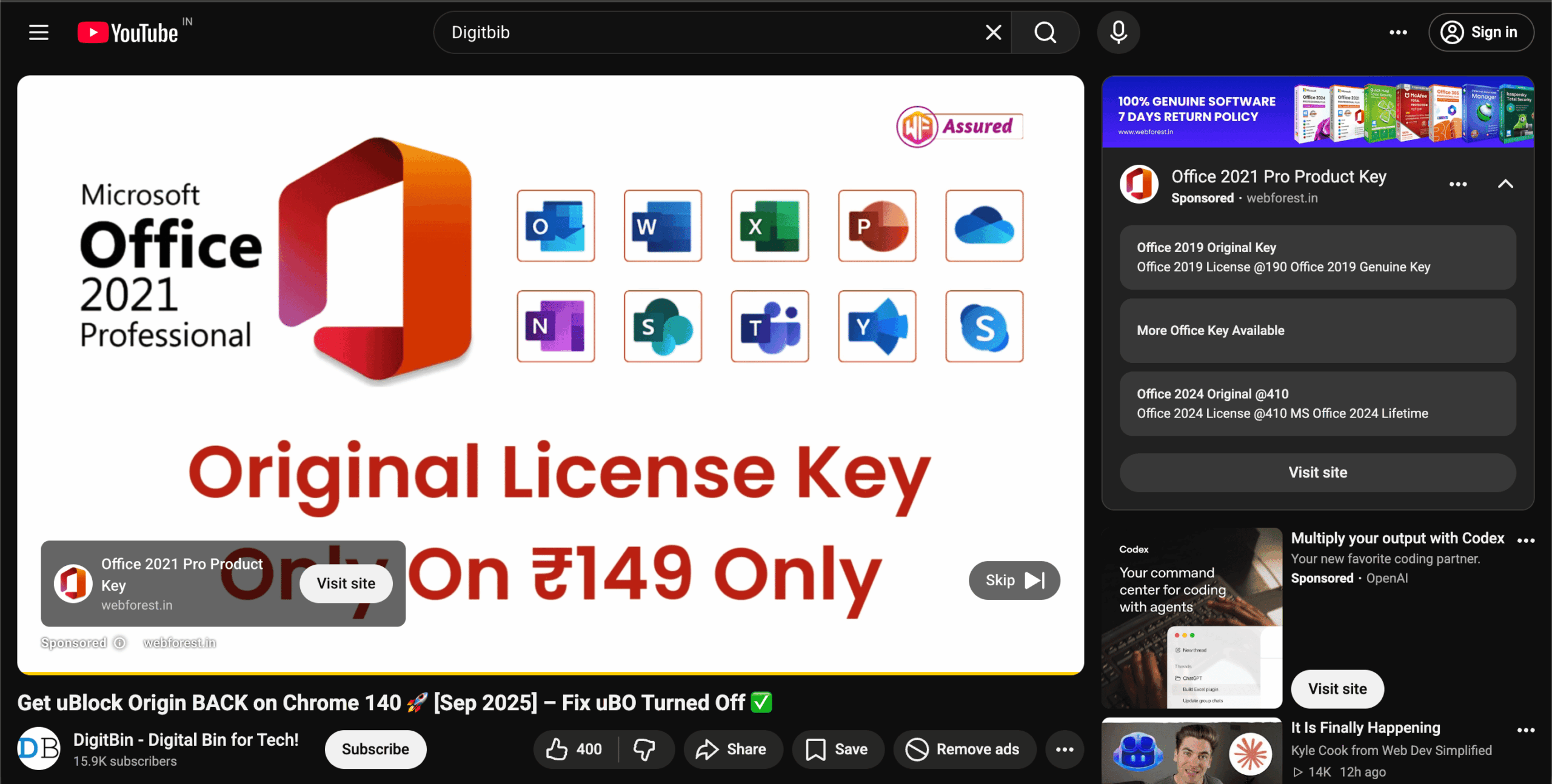
Android and iOS do not allow system-level ad blocking inside the YouTube app. There is no setting, no extension, no filter list that blocks ads in the official YouTube app the way uBlock Origin does in a browser. Third-party clients like ReVanced exist, but they require manual installation, carry their own update friction, and sit in a grey area that could break at any time.
Premium, for all its imperfections, is the only option that works cleanly across every surface: app, browser, TV, desktop, and YouTube Kids.
Month one: The silence was worth it on its own
The first thing you notice is not a feature. It’s the absence of something.
I watched a long video essay on a Tuesday evening and it just played. No mid-sentence interruption, no countdown timer, no unskippable 30-second ad for a product I’d never buy. I’d forgotten what that felt like.
Background play was the other big one. Lock your phone and the audio keeps going. I used this more than I expected, mostly for long videos I half-watch while cooking or doing something else around the house.
It sounds minor until you try it and realise you’ve been stopping and starting the same video for three days because the screen kept cutting out.
Month one felt like a clean trade. About $14 for no ads and background play. The math seemed fine.
Month Two: I started doing the actual maths
This is where it got uncomfortable. I tracked, loosely, how much time I actually spent on YouTube in a week. The answer was embarrassing.
About 90 minutes, spread across four or five days, mostly in ten-minute chunks. A video here, a recommendation I did not ask for there.
At that rate I was paying around $1.50 per hour of ad-free viewing. Netflix’s standard plan costs around $15.49 a month and I spent more time on it in a week than I spent on YouTube in a whole month.
YouTube Music came bundled in, and I tried to make it work. Used it for about two weeks before drifting back to Spotify. The library is fine. The app is fine. But the interface felt slightly off in a way I could not pin down, and I did not want to spend time fixing something I already had working elsewhere.
If you want a proper breakdown, the Spotify versus YouTube Music comparison covers the differences in detail. Maybe that says more about how locked in I am to Spotify than anything wrong with the product. Probably.
Month three: I cancelled
Not immediately. I kept it going for the full three months, partly out of stubbornness and partly because cancelling things requires a small amount of effort I kept putting off.
But by week ten, I had stopped noticing the absence of ads the way I had in month one. It had just become how YouTube worked for me. The baseline had shifted and the monthly charge was doing less visible work.
That’s the trap with Premium, I think. The benefit is most obvious in month one because you’re comparing it against something worse. By month three, you’re just using YouTube.
The offline downloads feature, which lets you save videos to watch without a connection, I used once. On a flight. It worked exactly as expected, which is to say it was not a reason to subscribe on its own.
I cancelled on day 87. The process took two minutes and involved fewer dark patterns than I was expecting. No guilt pop-up, no month-long delay. It just stopped.
YouTube Premium plans and pricing
Pricing went up in April 2026 across all tiers. Here is where things stand now.
| Plan | Monthly Price | Who It Covers | Background Play | YouTube Music |
|---|---|---|---|---|
| Individual | $15.99 | 1 person | Yes | Yes |
| Student | $8.99 | 1 verified student | Yes | Yes |
| Family | $26.99 | Up to 6 household members | Yes | Yes |
| Premium Lite | $8.99 | 1 person | No | No |
Premium Lite is worth a mention separately. It removes most ads but cuts background play, offline downloads, and YouTube Music entirely.
If ads are your only gripe and you mostly watch YouTube at a desk with the screen on, that is a more honest starting point than the full plan.
The family plan is better value than it looks. Split across five people in the same household, the per-person cost drops to around $5.40 a month, which is lower than most streaming services charge per user.
Who Should Get YouTube Premium
You watch YouTube for more than an hour a day on mobile. Background play and no ads at that volume genuinely improve daily use, and on Android and iOS, there is no alternative that works as cleanly inside the official app.
You use YouTube as your main music source. YouTube Music is included, and the library is large enough to cover most listening needs. If you are already paying for a separate music service, this matters less.
You are splitting a family plan across four or five people. At around $5 per person per month, the value case is straightforward.
You are a student. The $8.99 student plan offers the full feature set at roughly half the individual rate, and is the most cost-effective entry point for anyone who qualifies.
Your ad blocker keeps breaking on desktop. YouTube’s detection has become persistent enough that maintaining a working blocker now takes ongoing effort. Premium removes the problem entirely.
Who Should Skip It
You watch YouTube in short sessions a few times a week. The per-hour cost at low usage is high. An ad blocker or Premium Lite covers most of the same ground for less.
You already pay for a separate music service and rarely use background play. Two of the three core selling points are already covered, which makes the full plan harder to justify.
You watch mostly on desktop with a working ad blocker. The situation is changing, but if your current setup is stable and you rarely touch mobile YouTube, Premium is solving a problem you do not fully have yet.
You are not sure how much YouTube you actually watch. Take the free trial and track your usage honestly. Most people overestimate it.
What background play actually changes day to day
It is easy to underestimate this feature in theory. In practice it is the one that keeps people subscribed longest.
Once you are used to locking your phone and having the audio continue, losing it feels like a regression. Podcasts, long-form commentary, music mixes, ambient video, all of it becomes more usable on mobile. It is the reason people who cancel often re-subscribe within a few months.
If background play is a regular friction point for you right now, that is the clearest signal the subscription will feel worth it. And if you run into background play issues even after subscribing, there is a troubleshooting guide for YouTube Premium background play on Android worth checking.
The honest verdict
I do not regret the three months. I learned what I actually use YouTube for, which turns out to be less than I assumed. That is a useful thing to know, even if it cost around $42.
I did not re-subscribe. I might in a different season, if my habits change. But right now the case for it rests on a usage pattern I do not have, and $15.99 a month is enough to want an honest reason before handing it over.
If you are genuinely on the fence, take the free trial and track your actual usage during it. Not what you plan to watch. What you actually watch.
Frequently Asked Questions
Can I block ads on the YouTube app without Premium?
Not reliably. Android and iOS do not support system-level ad blocking inside the YouTube app, and YouTube actively detects third-party clients and browser-based blockers.
Is YouTube Premium worth it if I only watch an hour a week?
Probably not. At that usage level, Premium Lite at $8.99 or a desktop ad blocker covers most of the same ground at a lower cost.
What is YouTube Premium Lite and how does it differ from the full plan?
Premium Lite costs $8.99 a month in the US and removes most ads, but does not include background play, offline downloads, or YouTube Music Premium.
Does YouTube Premium include YouTube Music?
Yes, the full individual, student, and family plans all include YouTube Music Premium at no extra cost.
Can I share YouTube Premium with family members?
Yes, the family plan at $26.99 a month covers up to five additional household members aged 13 and older, each with their own Google account.
What happens when I cancel YouTube Premium?
Your Premium benefits continue until the end of the billing period you already paid for, then stop. Cancellation takes a couple of minutes through your Google account settings.