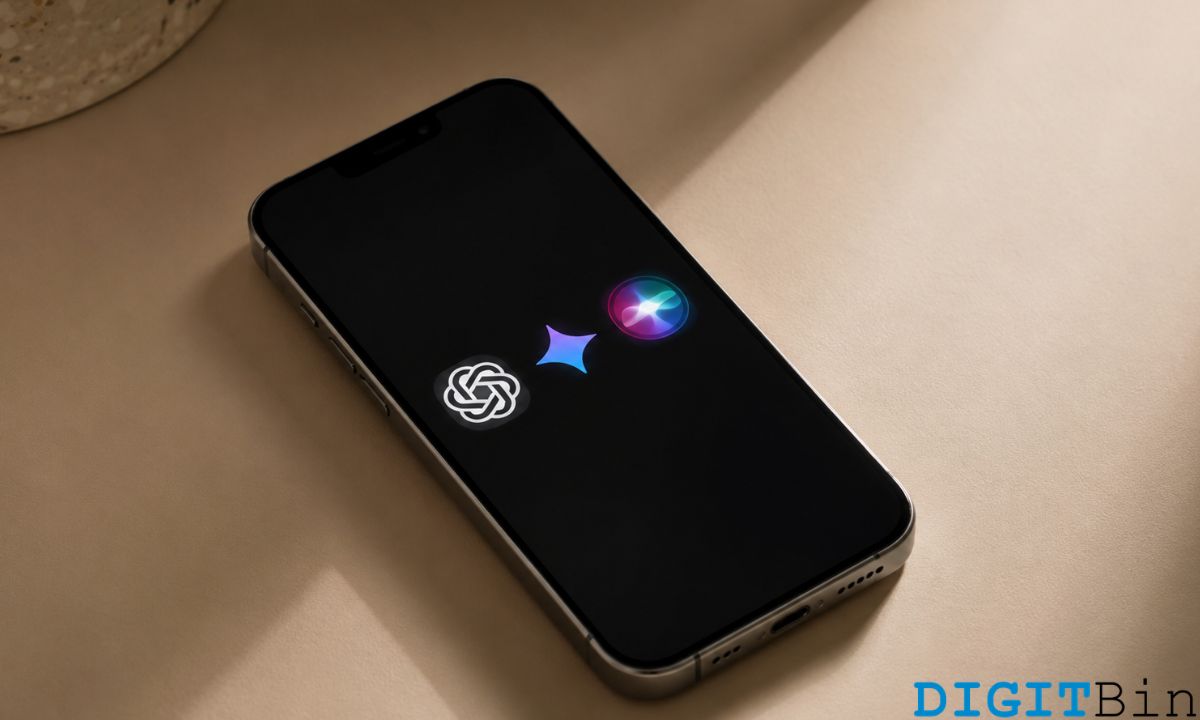
For years, the answer to “what AI should I use on iPhone?” was simple. Siri, because it is the only one that can actually do things on your phone.
ChatGPT, for anything that requires a real answer. That answer has gotten more complicated in the recent years.
iOS 18.2 brought ChatGPT into Siri directly, letting Siri hand off complex queries without you switching apps.
Gemini is available as a standalone iPhone app with a feature set that rivals ChatGPT on many tasks.
In 2026, iPhone owners are genuinely choosing between three AI options for daily use. Here is how they actually compare.
TL;DR: Siri with Apple Intelligence handles device-level tasks, on-screen context, and anything tied to your iPhone’s apps and settings. It is the only one that can actually control your phone. ChatGPT is the best for complex questions, creative work, and image generation. Gemini is the strongest for research that benefits from live Google Search grounding. Use Siri as the default, invoke ChatGPT for demanding tasks, and consider Gemini if you regularly need current information.
What Siri can do now that it could not before
Siri got meaningfully better with iOS 18.2.
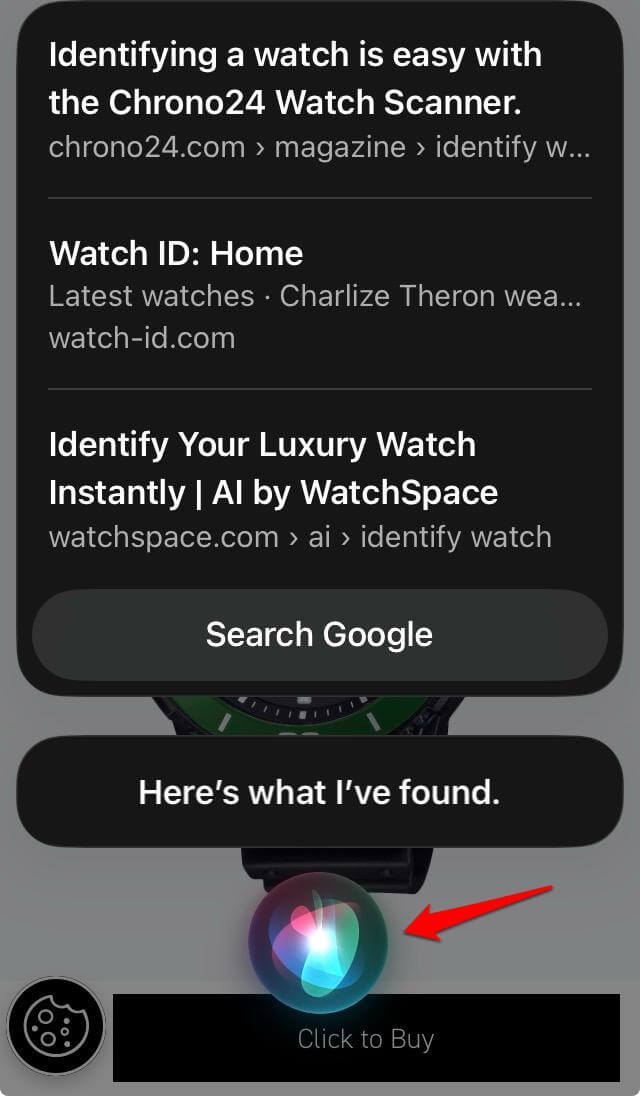
Apple Intelligence added on-screen awareness, which means Siri can see what you are looking at and respond to it.
If you have a photo open, Siri can describe what is in it. If you are reading an email, Siri can summarise it or help you draft a reply without you copying text anywhere.
The ChatGPT handoff is the other significant change.
When Siri does not know something, it asks whether you want to send the query to ChatGPT.
You tap once and the question goes directly to GPT-5.5 through the Siri interface. The answer comes back inside the same conversation.
For people who were using a two-step workflow of asking Siri, getting a limited answer, then opening ChatGPT manually, this saves real time. It is not seamless. You still have to approve the handoff. But it is faster than the old way.
Siri’s remaining limitation is consistency. The jump between what Siri handles natively and what it escalates to ChatGPT is unpredictable.
You can ask two similar questions and get very different routing decisions with no obvious logic.
Siri is more about executing tasks related to iOS (or iPadOS if using an iPad). I would not depend on the Apple’s virtual assistant for complex research on any topic.
On the brighter side, Apple is bringing more improvements to Siri. Upcoming iOS 27 is expected to bring a standalone Siri app with full chatbot functionality, conversation history, text, and voice input. It may have Dynamic Island integration as well.
ChatGPT as a standalone iPhone app
The ChatGPT app on iPhone has improved significantly in 2026. Voice mode works reliably, the interface is clean, and GPT-5.5 is the default model for Plus subscribers.
For complex research, writing, and creative tasks, including image generation, ChatGPT is the strongest standalone option on iPhone. It does not integrate with iOS at the system level the way Siri does, but the depth of what it can do within its own interface is significantly greater.
OpenAI has also built an agent mode into the iPhone app that can navigate websites and complete multi-step web tasks on your behalf.
For online research, booking, and data gathering tasks, this feature works reasonably well, though it requires patience for complex ones.
We tested ChatGPT Search for a month using it as a primary search tool instead of Google and found it useful while looking for troubleshooting or a simplified explanation of any topic.
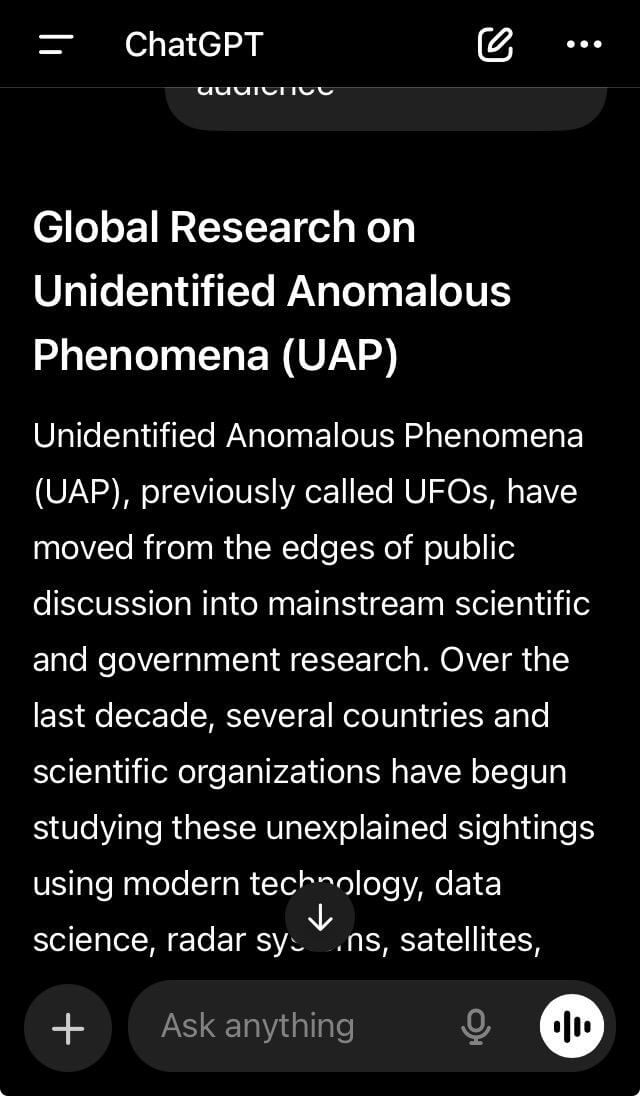
I asked ChatGPT to write me a detailed article on a specific topic with links to actual research articles and tabular data. It provided me with a nicely data-backed and information-packed write-up. The response was satisfactory.
The practical limitation is the same one it has always had on iPhone. ChatGPT cannot read your emails, set alarms, send messages, or interact with other apps without you doing the copying and pasting yourself.
Gemini on iPhone: The case for using it
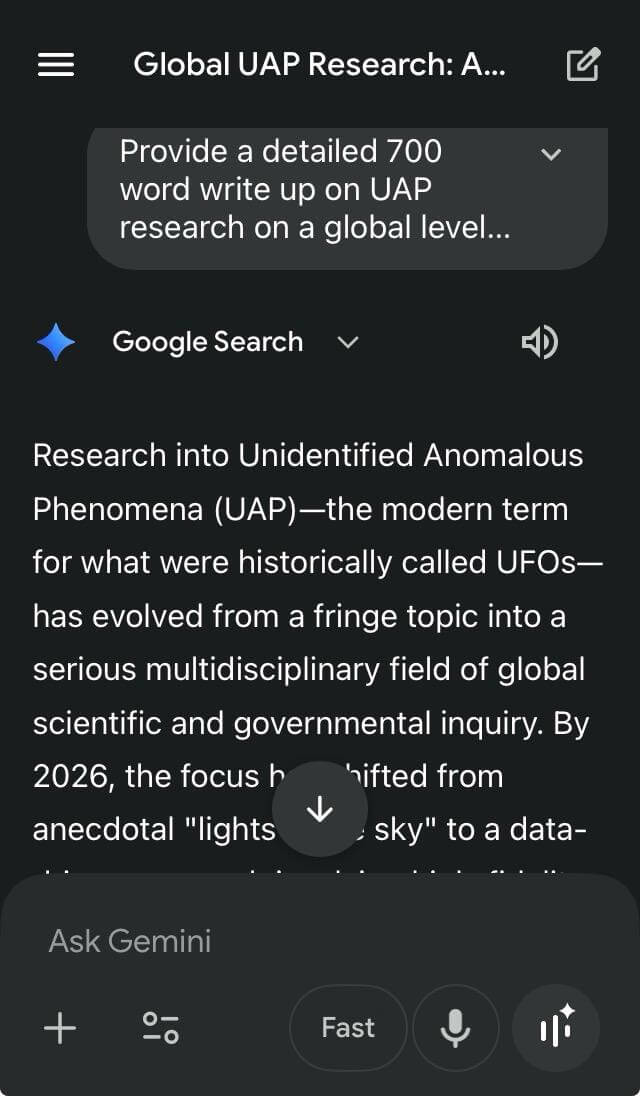
Gemini 3.1 Pro is available as a free iPhone app, with Gemini Advanced at $19.99 per month, unlocking the full model and faster responses.
The clearest reason to use Gemini on iPhone over ChatGPT is its search grounding.
Gemini connects to Google’s index by default, which means queries about recent events, current prices, and time-sensitive information are answered from live search results rather than training data.
On benchmark tests for search-grounded factuality, Gemini 3.1 Pro scores above 85 percent, ahead of GPT-5.5 at 77.7 percent.
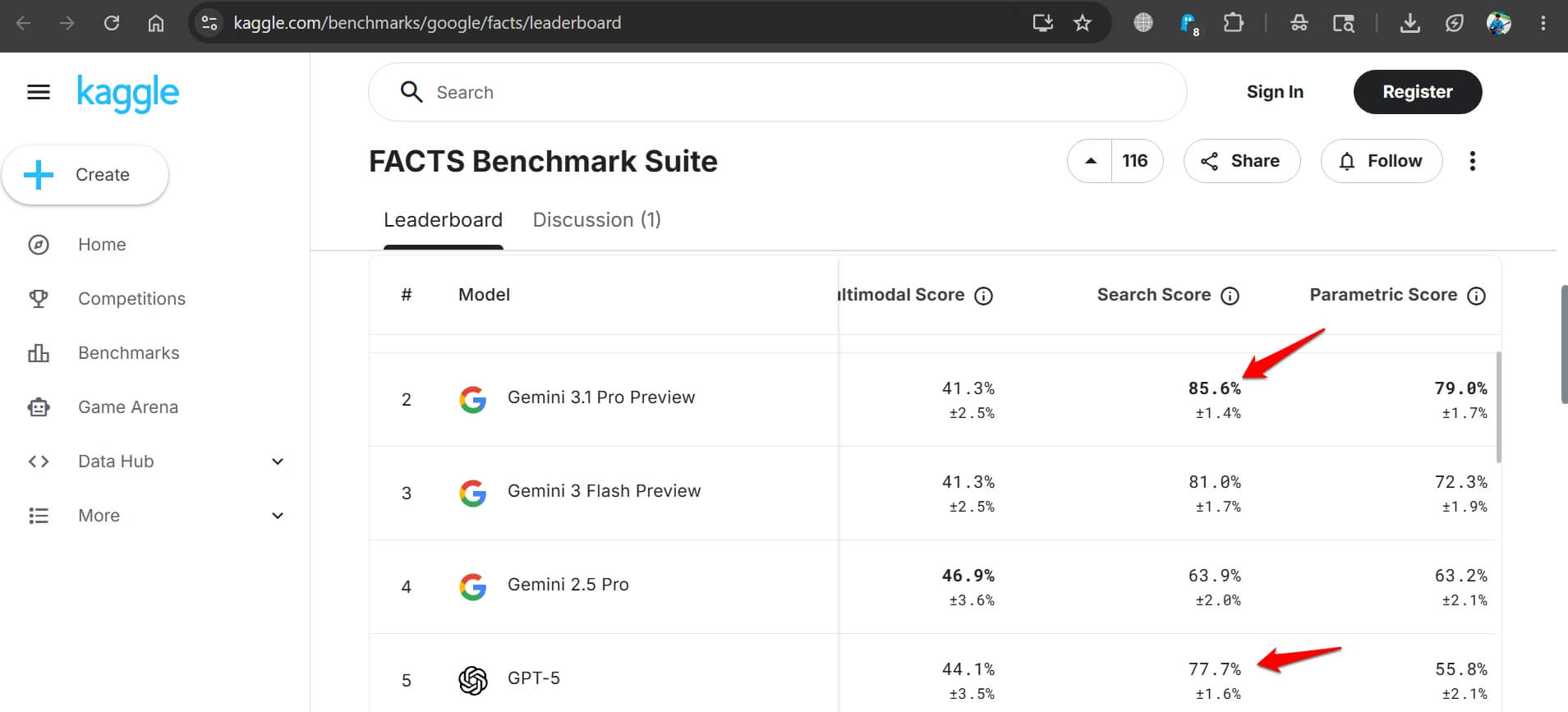
For anyone who regularly asks their AI assistant about things that happened recently, this is a practical advantage. If you asked ChatGPT and Gemini the same question about a news story from last week, Gemini is more likely to get it right.
Gemini also handles images, audio, and video more natively than any other option on iPhone. If your questions frequently involve media files, Gemini’s multimodal capabilities are the strongest of the three.
The first version of Gemini introduced native multimodality and long context to help the AI understand the topics thrown at it through user queries. The second version improved the thinking and reasoning.
The latest version of Gemini combines everything from the previous versions to solve the user queries with extended capabilities.
Gemini has found its way into everything. Follow our detailed coverage of Gemini’s availability and use across various Google products.
The overlap problem
Having three AI options on the same phone creates a real friction point.
Most people do not consciously route queries to the right tool. They open whatever is easiest, get a result that may or may not be the best available, and move on.
The most practical setup for 2026 is to keep Siri as the primary assistant for phone functions, controls, and quick queries.
Install ChatGPT for complex reasoning, writing, and image tasks. Add Gemini if you regularly need current information or work with media files.
I have tried using the AI tools in this way. Honestly, there was less confusion and more work done.
What changes with iOS 26
iOS 26 is expected to deepen Apple Intelligence integration significantly, with a rebuilt Siri interface and improved cross-app action handling.
Based on current reporting, it may also bring Gemini as an optional intelligence layer alongside Apple’s own system.
If that happens, the three-way comparison will shift again.
For now, the answer for most iPhone users is Siri for device tasks, ChatGPT for demanding queries, and Gemini when you need to know something current.