I installed the Windows 11 August 2026 update expecting the usual pile of background security patches, the kind you approve and forget about within the hour.
Instead, I ended up staring at a File Explorer window longer than I meant to, because a file that used to show up in KB now appears as MB or GB depending on what it is.
Seems like a small thing, right? It is also the kind of small thing that tells you someone at Microsoft finally looked at a bug report that had probably been sitting open for years.
TL;DR: KB5121003 is Windows 11’s official August 2026 Patch Tuesday update, released August 11 with build 26100.9168 for 24H2 and 26200.9168 for 25H2. It fixes an actively exploited zero-day, shows accurate file sizes in File Explorer, lets Copilot Plus PCs uninstall their on-device AI components, and adds smaller fixes to Search, Voice Access, and touchpad settings.
What the Windows 11 August 2026 update actually is
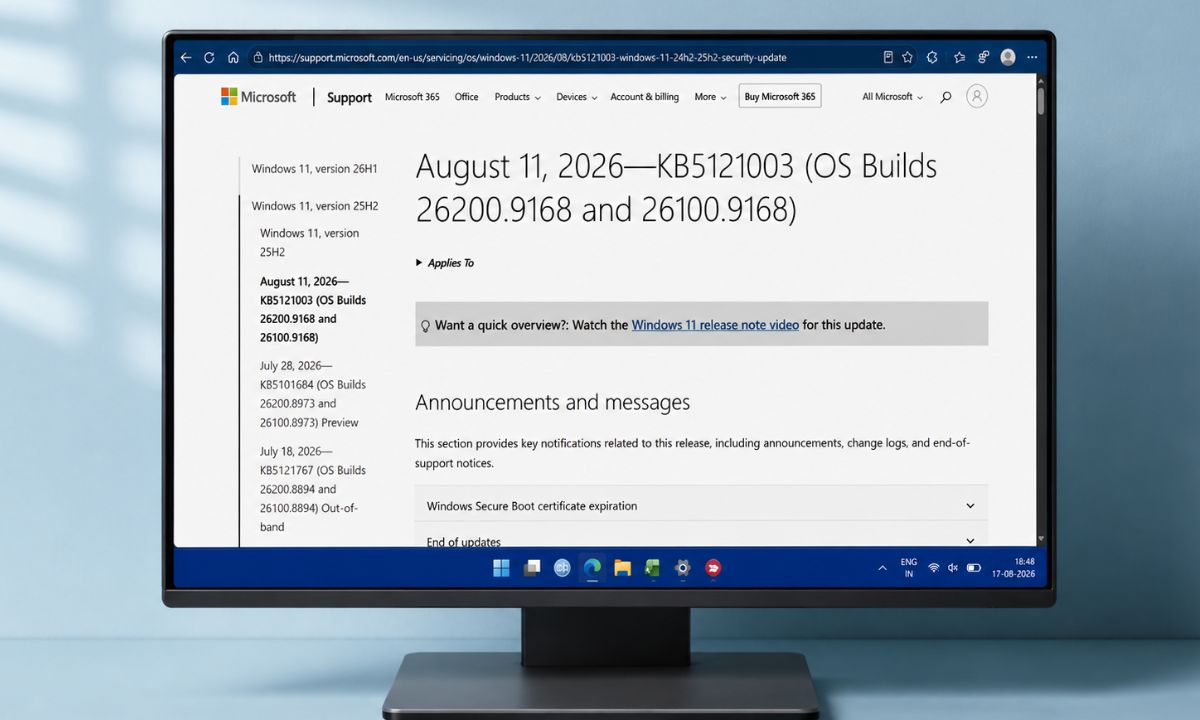
KB5121003 is the official Patch Tuesday release, confirmed by Microsoft as arriving August 11 and pushing Windows 11 24H2 to build 26100.9168 and 25H2 to build 26200.9168. Windows 11 23H2 gets its own build through KB5120240.
| Item | Detail |
|---|---|
| Update | KB5121003 |
| Release date | August 11, 2026 |
| Build, 24H2 | 26100.9168 |
| Build, 25H2 | 26200.9168 |
| Build, 23H2 | Via KB5120240 |
| How to get it | Settings, then Windows Update, then Check for updates |
| 24H2 Home/Pro support ends | October 13, 2026 |
Most of what shipped in KB5121003 was already visible to anyone running the optional preview update, KB5101684, which Microsoft pushed out on July 28 as a smaller, non-security test run of the same changes, a month after July’s point-in-time restore default change.
KB5121003 folds those preview changes into the mandatory update everyone gets, plus the security fixes that never appear in preview builds. This cycle patched around 400 vulnerabilities across Microsoft’s products, according to Bleeping Computer, figures from other outlets range up to the low 400s depending on how each one counts across Windows, Office, and server products.
Three were zero-days, and one, tracked as CVE-2026-68820 in the Windows Ancillary Function Driver for WinSock, was already being actively exploited, reportedly by the Lazarus group, to gain system-level privileges.
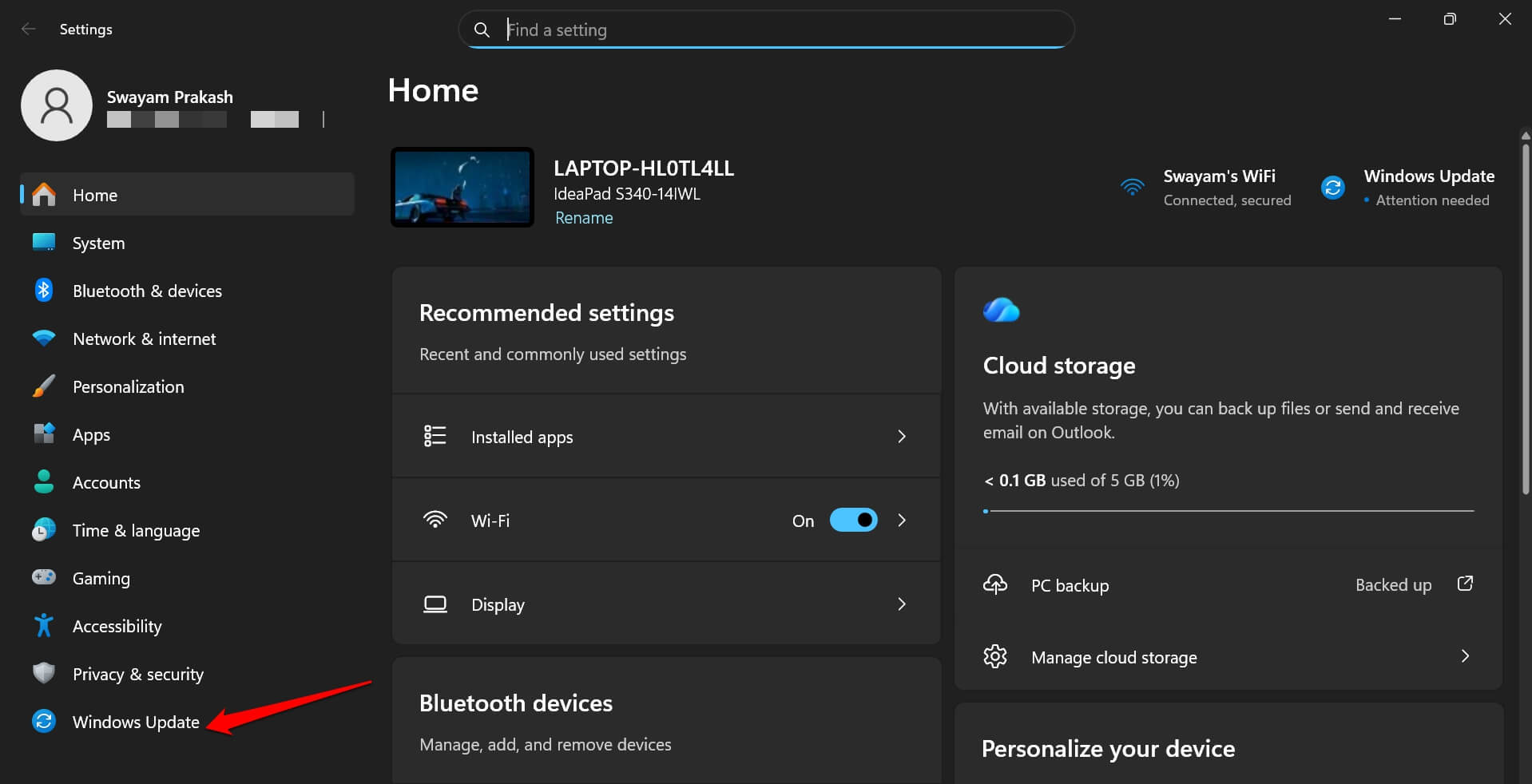
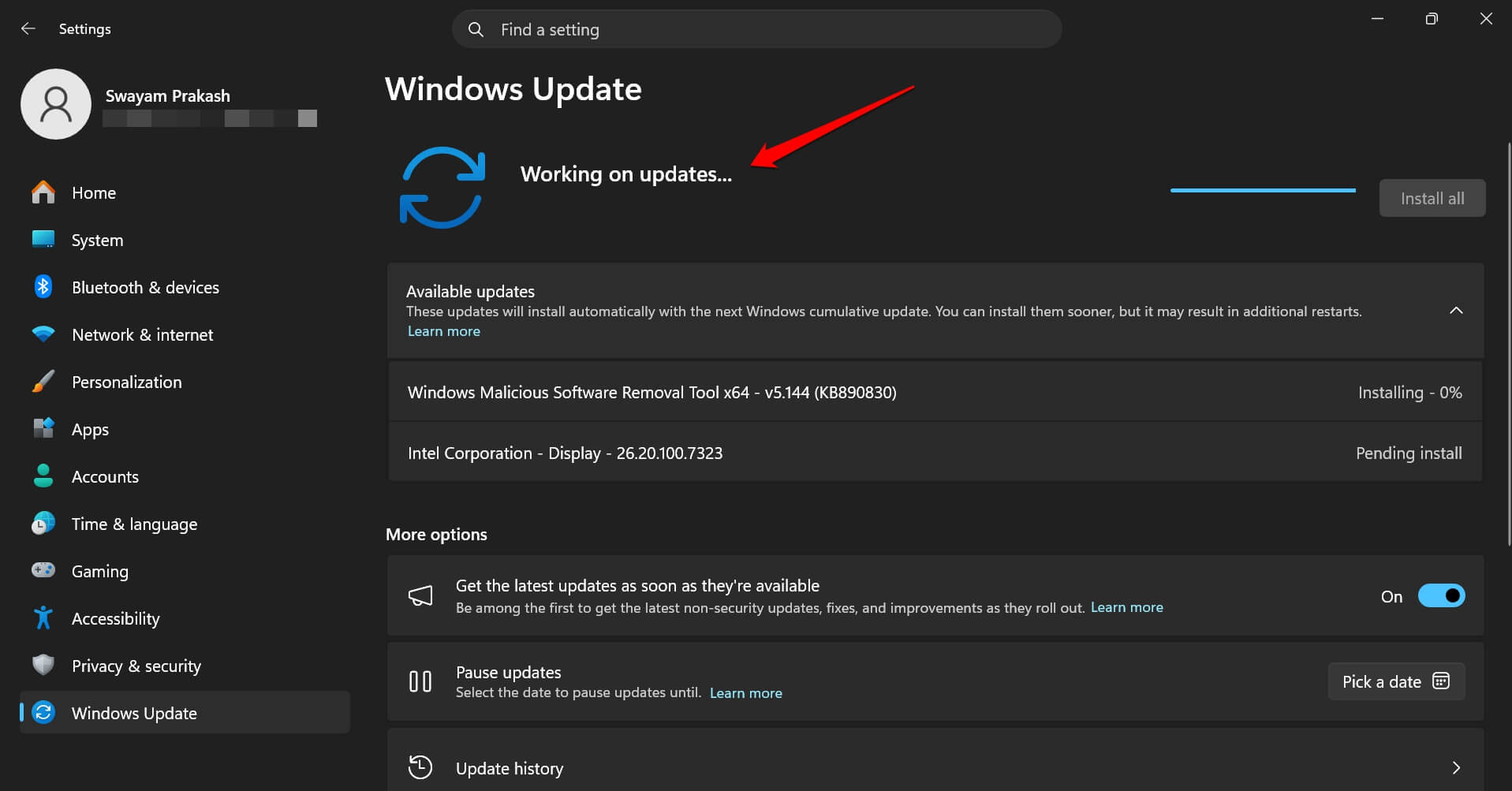
To check for the update manually,
- Go to Settings > Windows Update

- Click on Check for updates.

Most machines on 24H2 or 25H2 will see it offered automatically within a few days of release, since security updates roll out faster than optional preview builds ever do.
The File Explorer fix nobody asked for but everyone needed
File Explorer used to display every file under a few gigabytes in KB, which meant a 1.2 GB video file showed up as a six-digit number that took an extra half second to parse every single time. Now it shows KB, MB, or GB depending on the actual size, the way it should have years ago.
Middle-clicking a folder now opens it in a new tab instead of doing nothing, which is a habit I already had from browsers and kept trying uselessly in File Explorer before this update.
I did not expect either of these to change how the desktop feels day to day, but in a few days I noticed I was scanning folders faster without really thinking about why.
You can now remove Copilot’s AI components on Copilot Plus PCs
Copilot Plus PCs ship with a set of on-device AI components, including Image Search, Content Extraction, and Semantic Analysis.
Until the current Windows 11 August 2026 update, there was no clean way to pull them back out if you were not using the AI features. KB5121003 adds an uninstall path for those specific components on Copilot Plus hardware.
The uninstall option does not remove Copilot the app, and it will not turn a Copilot Plus laptop into a non-AI machine. It will rather let people who bought the hardware for the specs rather than the AI branding claw back some disk space and background processes they were not asking for.
The smaller changes worth knowing about
Voice Access gets a Voice Isolation option that filters out other speakers and background noise, useful in a shared room, with a choice between full isolation, noise removal only, or leaving it off.
Windows Hello’s Enhanced Sign-in Security now covers external fingerprint readers, not just the ones built into laptops.
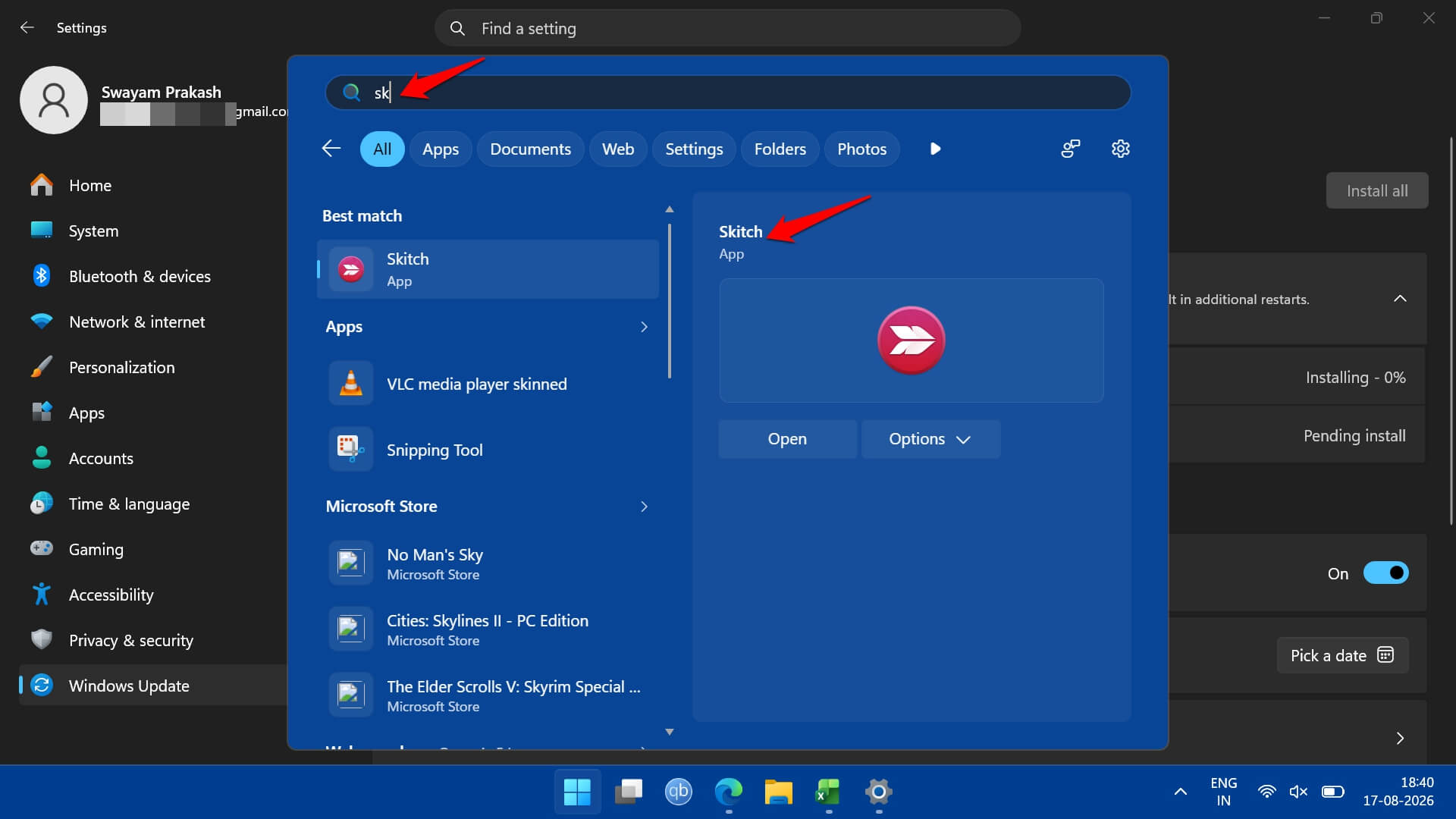
Windows Search finally accepts two-character queries with better partial name matching, which sounds minor until you have spent months typing three letters minimum out of habit because two never returned anything useful.
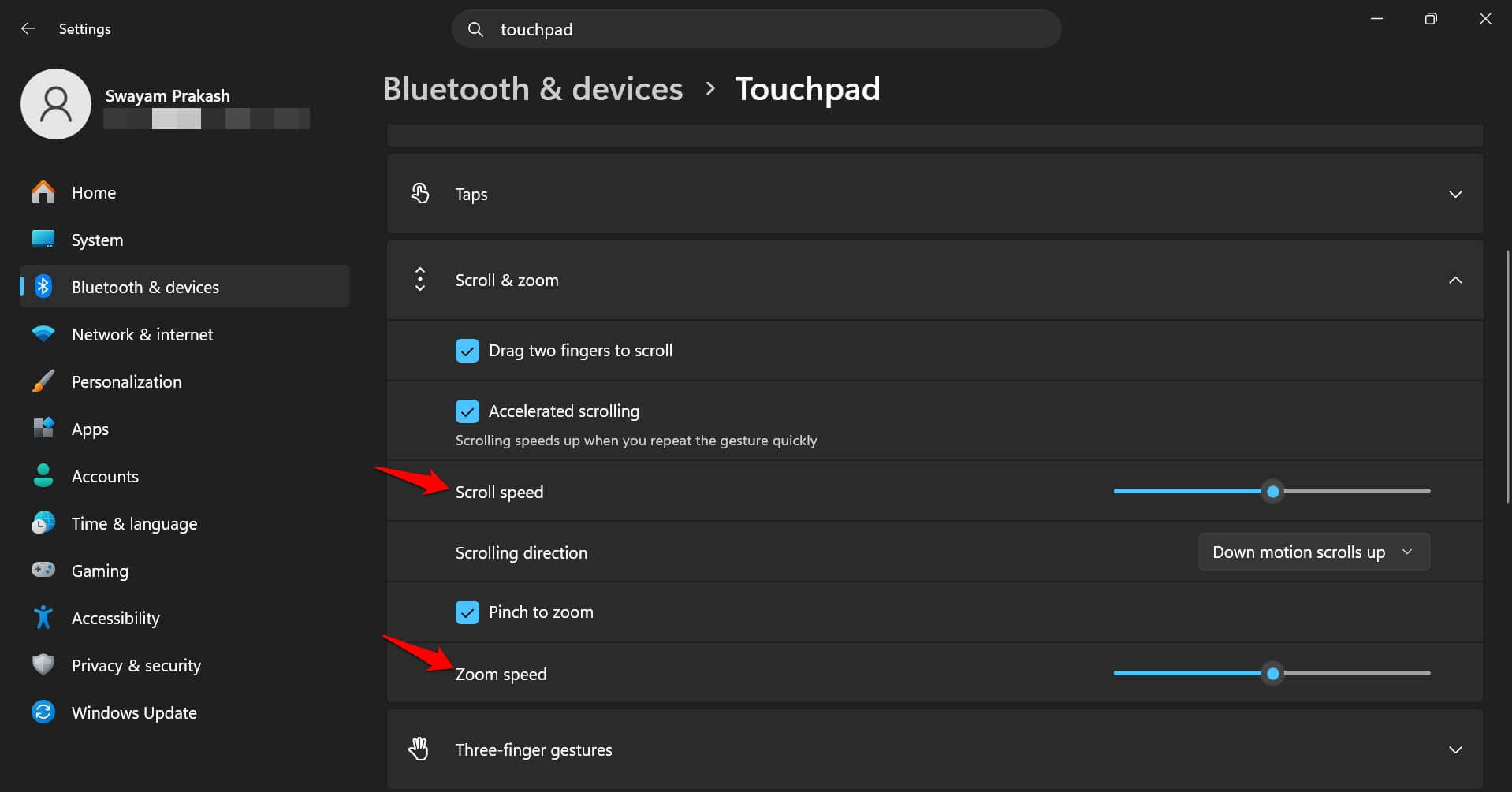
Touchpad settings gained separate scroll and zoom speed controls. Account Control now shows subscription badges directly in its interface, and power management behavior is now consistent across all power plans instead of varying depending on which one was active.
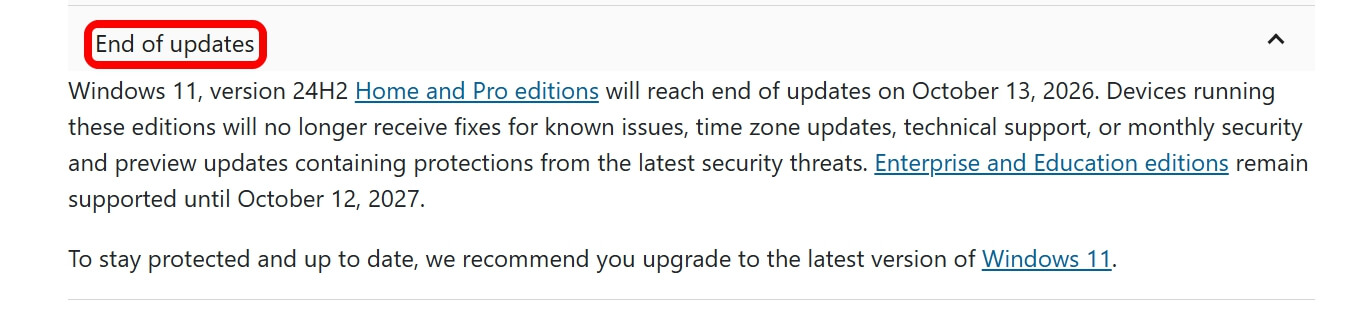
Worth noting separately, Microsoft’s own release notes flag that Windows 11 24H2 Home and Pro editions reach end of updates on October 13, 2026, so anyone still on 24H2 has a deadline forming in the background regardless of what this specific update changes.
Frequently asked questions
What is KB5121003?
It is Windows 11’s official Patch Tuesday update for August 2026, released August 11 and bringing build 26100.9168 to 24H2 and build 26200.9168 to 25H2.
Does this update fix a zero-day vulnerability?
Yes. It patches CVE-2026-68820, a Windows Ancillary Function Driver for WinSock flaw that was already being actively exploited.
Can I remove Copilot’s AI features after this update?
You can uninstall the on-device AI components on Copilot Plus PCs, but the Copilot app itself stays installed.
Do I need to install the July preview update first?
No. KB5121003 includes everything from the July preview update, KB5101684, plus the security fixes.
When does Windows 11 24H2 stop getting updates?
Home and Pro editions of 24H2 reach the end of updates on October 13, 2026, according to Microsoft.
Whether this Windows update is worth installing?
There is no reason to delay. The actively exploited zero-day alone makes this a patch worth applying promptly. The File Explorer and search fixes are the kind of thing you stop noticing you missed within a day of having them.
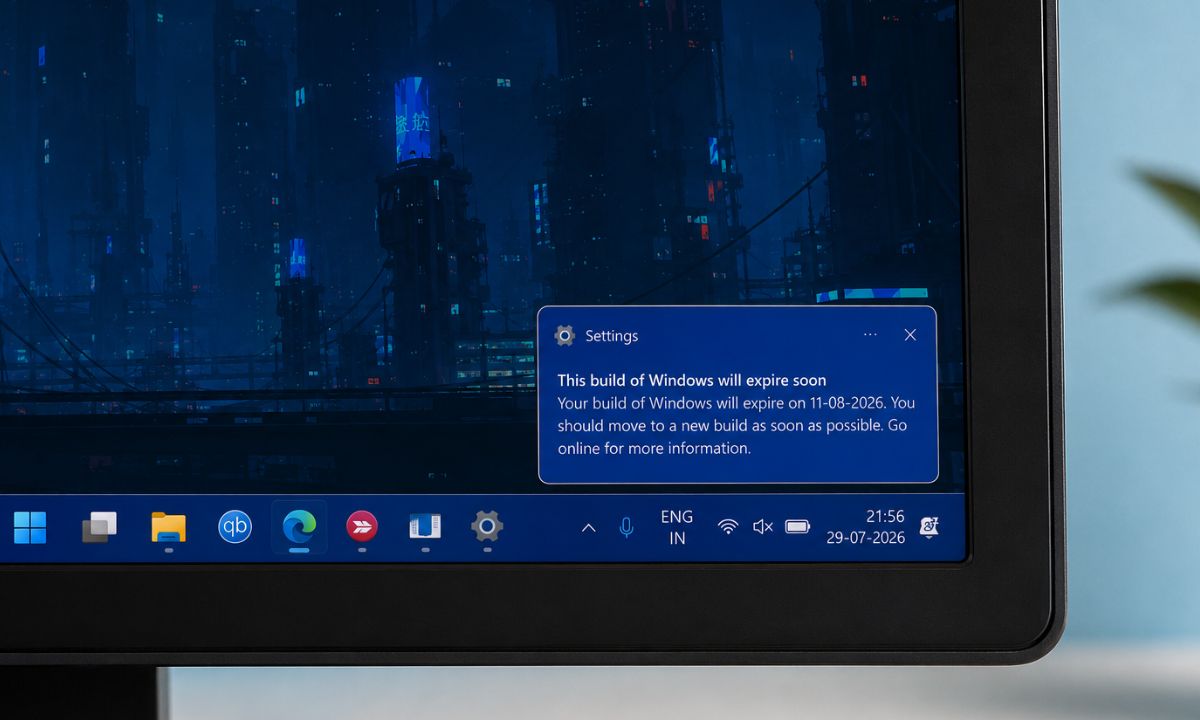
The Copilot component removal matters more if you specifically bought Copilot Plus hardware and never touched the AI side of it. If you have been seeing a build expiring notification, installing this closes that gap too.
I kept refreshing a folder full of video clips just to watch the sizes render correctly for longer than I want to admit. The update patches this issue as well. So, go for it.