The first time I watched the Android Show recap, I kept waiting for the new wallpaper engine or some redesigned settings menu. Neither showed up.
What Google announced on May 12 at The Android Show I/O Edition was something quieter and harder to demo on a stage.
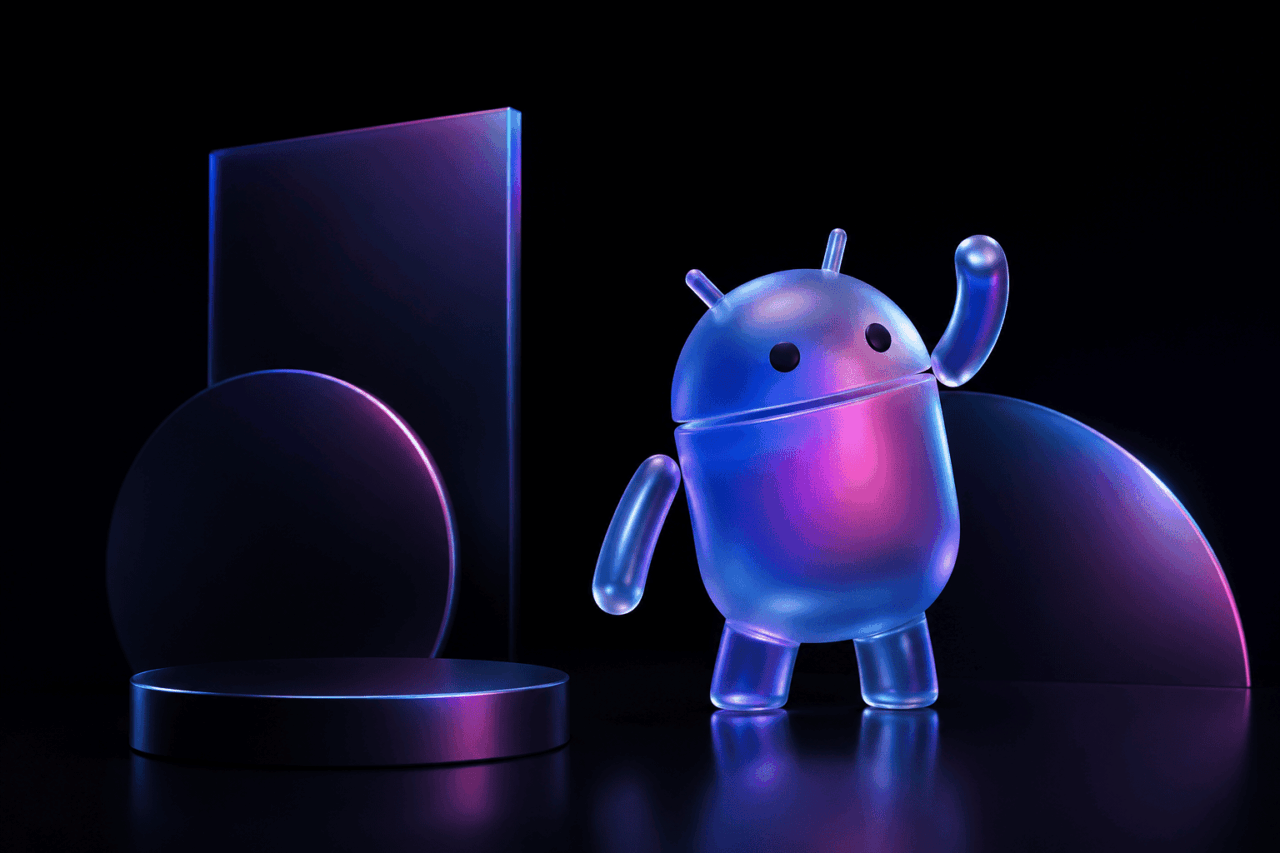
Android 17 is officially launching this summer, and most of what was confirmed is not a new look. It is a different idea about what your phone should be doing when you are not actively using it.
If you own a Pixel 10 or a Galaxy S26, you will see most of these features first.
TL;DR: Android 17 was officially unveiled on May 12 at The Android Show I/O Edition, with the stable release expected on Pixel in June 2026. Gemini Intelligence brings multi-step task automation, Create My Widget, and smarter autofill. Pause Point adds a 10-second wait before doomscrolling apps, and Quick Share now reaches AirDrop on more brands. The redesign is in behaviour, not in the look.
Gemini Intelligence is the headline
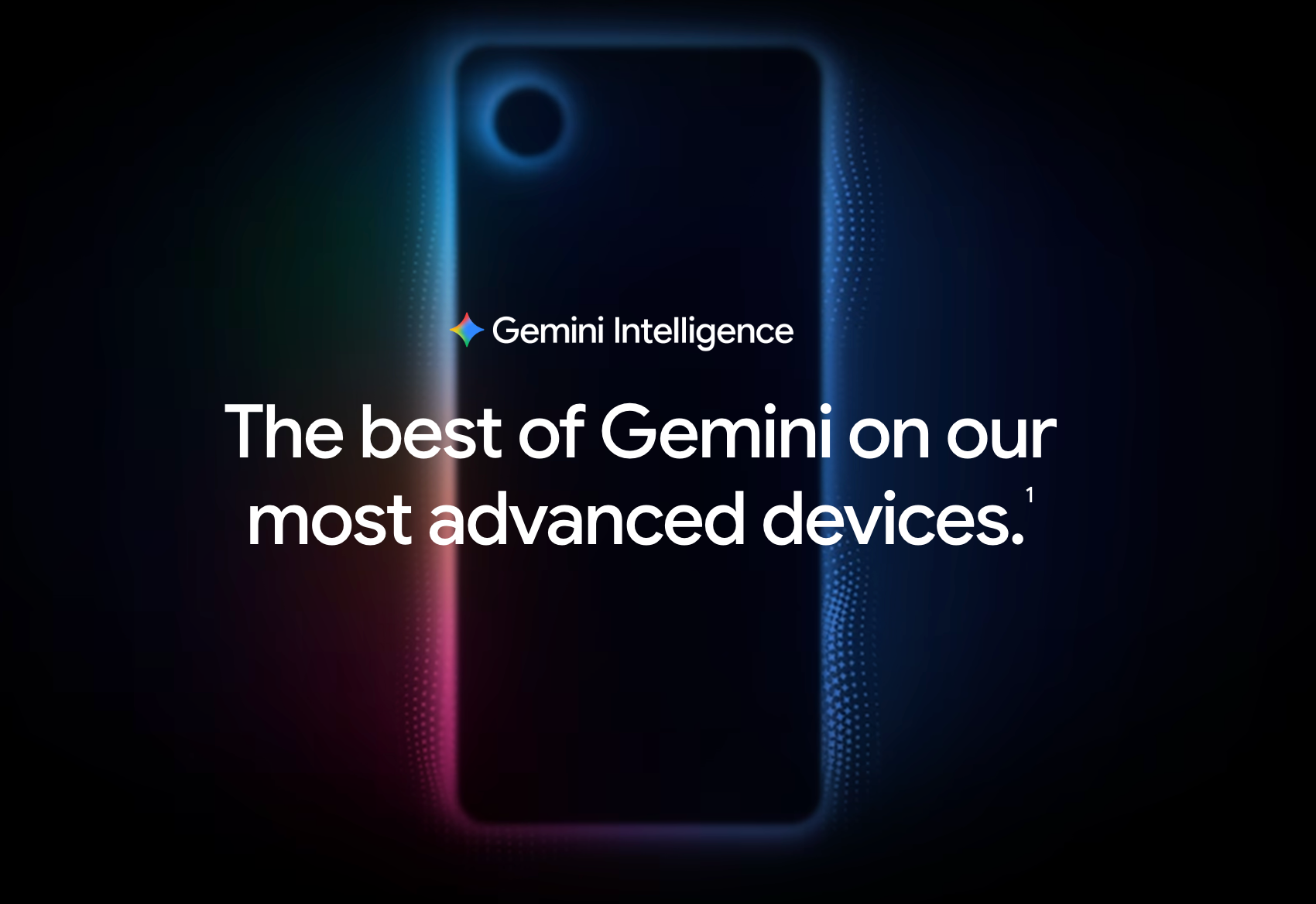
Most of what Google showed sits under a new name called Gemini Intelligence. It is a suite of proactive AI features that can carry out multi-step tasks across your apps using context from your Google account.
The example Google demoed was telling Gemini to find your class syllabus in Gmail and then add the required books to a shopping cart. Another was snapping a photo of a hotel brochure and asking Gemini to find a similar tour for six people on Expedia.
It still asks for confirmation before anything is purchased or posted. You stay in control at the final step.
Create My Widget is the part I keep coming back to. You describe what you want in plain language, like a widget that shows three high-protein meal prep ideas every week, and Gemini builds a working widget you can drop on the home screen. The same feature creates Wear OS tiles and desktop widgets on the new Googlebook laptops later this year.
There is also Rambler, a new Gboard mode that cleans up messy voice input into clean text. It handles mixed-language speech in a single message, useful if you switch between Hindi and English mid-sentence.
Gemini Intelligence starts rolling out on Pixel 10 and Galaxy S26 this summer.
Pause Point is the feature I will actually use
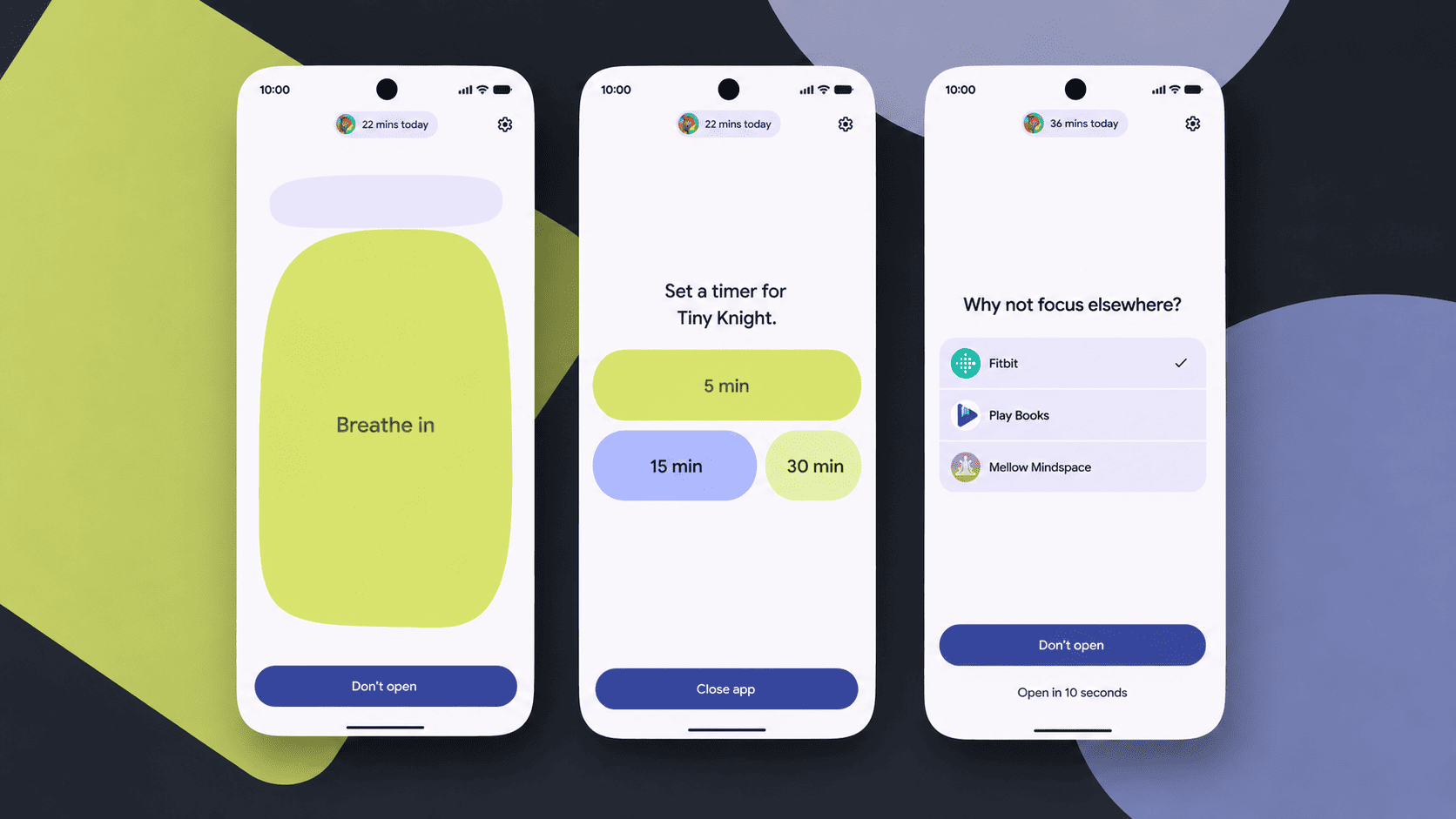
This is the one that stopped me.
Pause Point holds you at a 10-second waiting screen whenever you open an app you have marked as distracting. According to TechCrunch, during that pause your phone can run a short breathing exercise, show a favourite photo, suggest an audiobook, or let you set a usage timer before you go in.
What makes it different from every screen-time tool I have tried is the exit cost. Most app timers can be dismissed in two taps. I learned to ignore the Instagram timer within a week of setting it.
Pause Point requires a full phone restart to switch off.
That sounds harsh until you realise it is the whole point. Enough friction to make you actually stop, not enough to make the phone unusable.
The first time I open Instagram on a phone running this, I will probably swear at it. By the third day I think I will quietly stop opening Instagram quite so often.
It rolls out on Pixel and Galaxy first, with other manufacturers following later in the year.
Privacy and security finally get noisy upgrades
A lot of what landed here is the kind of thing nobody puts on a launch slide.
Android will now verify whether a call is genuinely from your bank if you have that bank’s app installed and signed in. If the call is fake, Android hangs up automatically. Engadget reports that the initial partners are Revolut, Itau and Nubank, with more to follow. It works on devices running at least Android 11.
There is also a dynamic signal monitoring system that watches for apps quietly changing their icon, hiding from the launcher, or abusing accessibility permissions. These are the exact patterns scam apps use to run from the background.
Lock screen attempts now have a stricter cap and a longer delay between wrong tries. Location permission also gets more granular. You can grant precise location only while an app is open.
These are not the most exciting changes, but the Android 17 privacy defaults are the kind that quietly add up.
Quick Share now talks to AirDrop on more phones
Google opened up cross-platform sharing on the Pixel 10 last November and expanded it to the Pixel 9 series and Galaxy S26 earlier this year. With Android 17 it widens further. Oppo, OnePlus, Vivo, Xiaomi, and Honor are joining the Quick Share to AirDrop bridge.
For phones that do not support direct transfers, Android can generate a QR code that an iPhone scans to receive the file through the cloud. Slower than direct, but the kind of fix that matters in households where one person is on iPhone and everyone else is on Android.
Moving from iPhone to Android also gets better. Per Google, more complex data including saved passwords, home screen layout, and app data will now carry over during the switch.
When you will actually get Android 17
If you are on a Pixel 6 or newer, the stable build is expected in June 2026. The Google I/O keynote on May 19 and 20 is expected to confirm the exact rollout window. The beta has been on Pixel for months, so the first rollout is essentially known. The bigger uncertainty is everyone else.
Galaxy users will see Android 17 arrive as One UI 9. Samsung began the first One UI 9 beta in select regions on May 13, with broader rollout in the second half of 2026 starting with the Galaxy S26 series.
Mid-range Galaxy phones and older flagships will follow a staggered schedule that can stretch into early 2027.
OnePlus, Xiaomi, and Motorola will follow with their own rollouts later in the year. For most people not on a Pixel or current Samsung flagship, Android 17 is a late 2026 or 2027 event.
The thing worth keeping in mind
Android 17 will not feel like an update on day one. The look stays mostly familiar.
What changes is the assumption underneath. The phone is supposed to do more things on its own, in the background, with your permission, while quietly making it harder for you to mindlessly scroll. Whether that bargain is one you want is a different question. The bargain itself is the actual story.