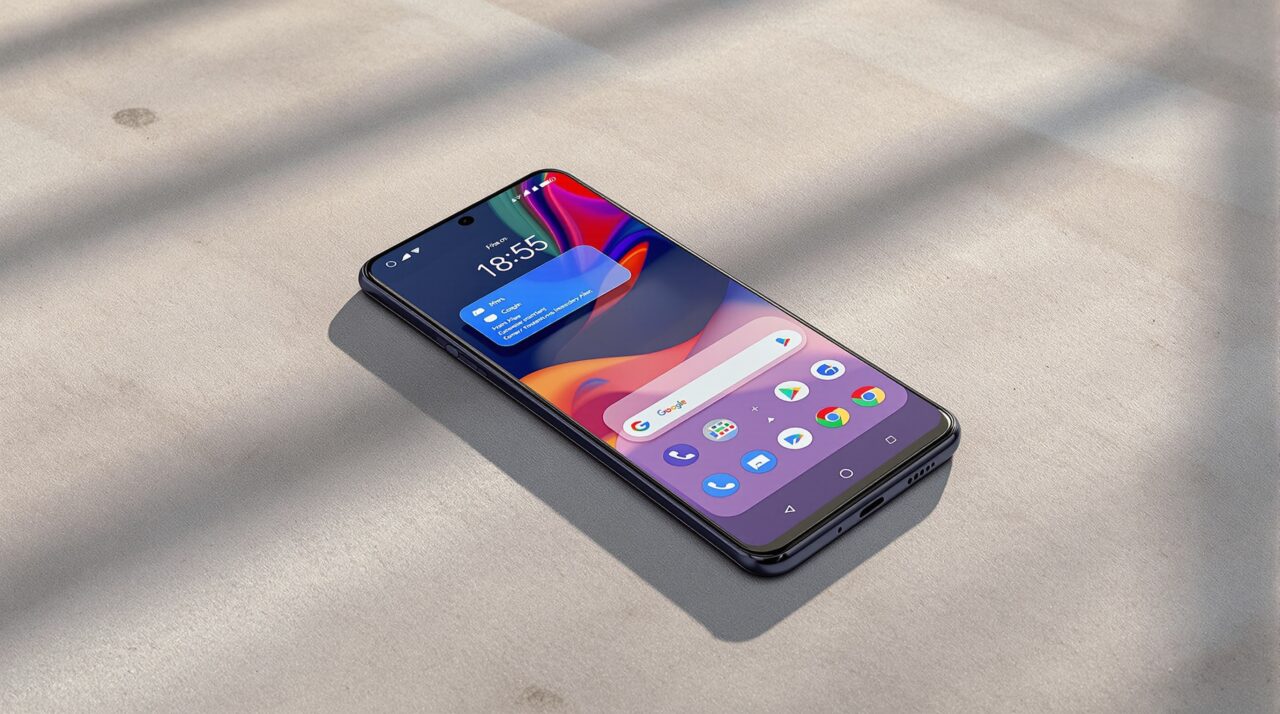
Google released Android 17 Beta 4 on April 16, 2026, and marked it as the last scheduled beta before the stable release expected in June. If you have been holding off, this is the clearest picture yet of what ships on your Pixel.
The Android 17 beta features are now locked at platform stability, meaning the API surface is final. What you see in Beta 4 is essentially what you will get.
TL;DR: Android 17 Beta 4 is the final scheduled beta, with a stable release expected in June 2026 for Pixel 6 and newer. Key confirmed features include app bubbles for floating multitasking, separate Wi-Fi and mobile data toggles, an independent Gemini volume slider, a new Contacts Picker, and app memory limits to reduce RAM abuse. A careful update, not a dramatic one.
App bubbles and multitasking
The headline feature of Android 17 is app bubbles, a floating window system that lets you run any app on top of whatever you are already doing. Long-press an app icon on the launcher, tap the bubble option, and the app opens as a movable overlay you can summon without leaving your current screen.
You can have up to five bubbles running at once. On phones they stack into a floating icon at the screen edge. On foldables and tablets, a dedicated bubble bar pins to the taskbar instead.
There is a friction point worth knowing before you get excited. The only way to open a bubble right now is to go back to your home screen, long-press the icon, and tap the option. If you are already inside an app and want to bubble something else, you have to leave first. Samsung’s pop-up window avoids this entirely through the Edge Panel. Google’s version works, but it takes one extra step too many in practice.
Quick settings and UI changes
The return of separate Wi-Fi and mobile data toggles is the kind of fix that sounds minor until you remember how annoying the merged tile actually was. Google combined them into a single Internet tile in Android 12, and for years switching between Wi-Fi and mobile data required an extra tap inside a submenu. Beta 3 splits them back. You will need to manually add the mobile data tile to your panel after updating.
The notification panel now reads “You’re all caught up” when empty instead of “No notifications.” Small, but it reads warmer.
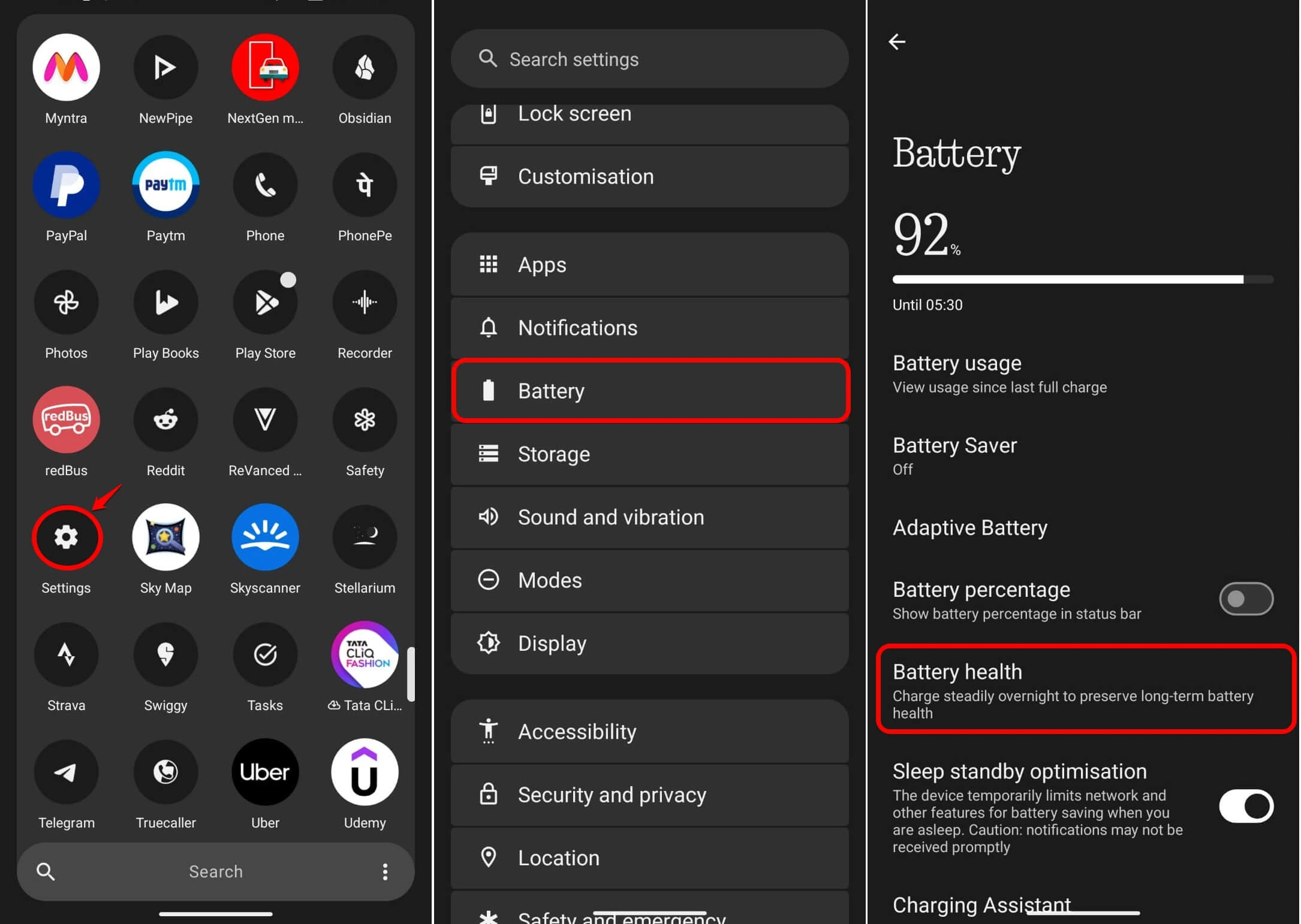
The expanded dark mode from Android 16 QPR2 also gets a useful addition. You can now exclude individual apps from system-wide forced dark mode. If your banking app looks broken under forced dark, you can exempt it while keeping everything else dark. Per-app exceptions are toggled inside Display settings.
Privacy and contacts
Android 17 introduces a system-level Contacts Picker that replaces the broad READ_CONTACTS permission many apps request. Instead of handing over your entire address book, you now choose only the specific contacts or fields the app actually needs. Access is session-based and revoked automatically after use.
The location dialog has also been redesigned. Precise and Approximate options now appear in a cleaner rounded layout with a checkmark indicator, so it is harder to accidentally grant full precision when approximate is enough.
A new ACCESS_LOCAL_NETWORK permission closes a tracking gap that has existed for years. Apps targeting Android 17 must now declare this permission explicitly before they can connect to devices on your home network. Most users will never see a prompt for it. It just stops apps from quietly fingerprinting your network in the background.
Android 17 beta features: performance and audio
Beta 4 introduced app memory limits, a system-level cap on how much RAM individual apps can hold. Google describes the initial limits as conservative, targeting extreme outliers rather than squeezing every app.
After a week on the beta, the phone feels more predictable. Apps running in the background stay where you left them more reliably. It is not faster in any way a benchmark would measure, but it is more consistent, and that matters more in daily use.
Gemini and Google Assistant now have a dedicated volume slider separate from media volume. If you have ever turned your media down during a quiet moment and then had the assistant blast at full volume, this fixes it. You set assistant volume independently in the volume panel.
Background audio behaviour also tightens. Apps can no longer request audio focus or change volume from the background without active use. Rogue apps interrupting your music mid-playback should become far less common.
What to expect at the stable release
The stable release is expected in June 2026, timed around Google I/O. It supports Pixel 6 through Pixel 10, with Samsung, OnePlus, Motorola, and Xiaomi expected to follow in the months after.
Google’s official Android 17 release notes cover the full API changes, and the feature set is now stable enough that what you read here is what ships.
Android 17 is not a dramatic update. It is a careful one. App bubbles bring Pixel in line with what Samsung has offered for years. The privacy improvements are real. The memory and audio fixes address friction that has quietly annoyed power users for a long time. If you are on the Android 17 beta, you are already running something close to final.
Frequently asked questions
Which Pixel phones will get Android 17?
Android 17 supports Pixel 6, Pixel 6 Pro, Pixel 6a, and all newer Pixel models through the Pixel 10 lineup. Pixel 5 and older will not receive the update. Samsung, OnePlus, Motorola, and Xiaomi are expected to roll out their own Android 17-based builds in the months after the stable release.
What are app bubbles in Android 17?
App bubbles are a floating window feature that lets \you run any app as a floating overlay on your current screen. Long-press an app icon on the launcher and tap the bubble option to start.
When is the Android 17 stable release date?
The Android 17 stable release is expected in June 2026, likely timed around Google I/O. Beta 4, released on April 16, 2026, is the final scheduled beta. The API surface is now locked and no further feature additions are planned before the stable rollout.