Google is changing what Android apps can access on your phone and most users will never see a permission prompt for any of it. With the stable release expected in June 2026, Android 17 will quietly enforce three new privacy defaults the moment it lands on your device. No settings to configure.
You will not see a prompt. Nothing will ask for your attention. The Android 17 privacy changes will just run.
That is actually the point. These are defaults, not opt-ins. If you had to consciously turn them on, most people never would.
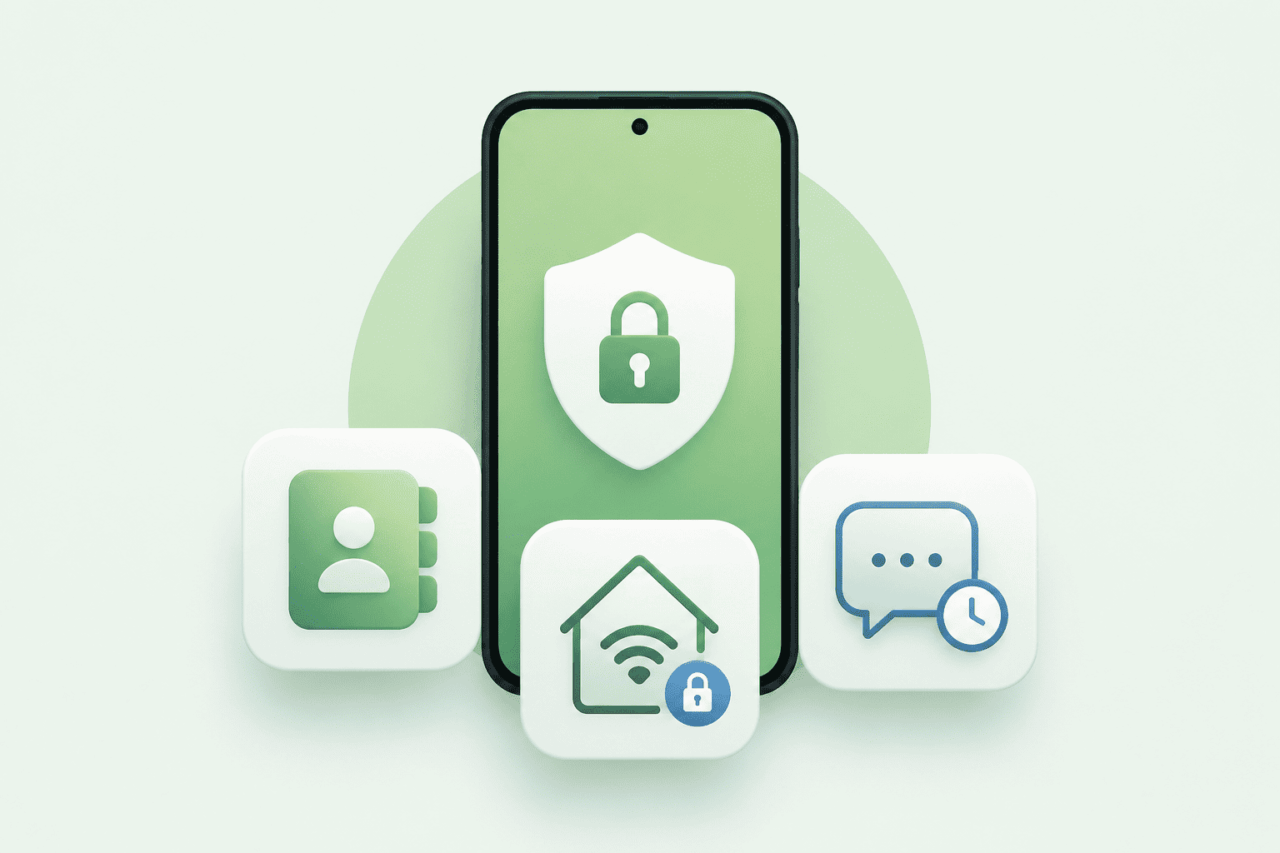
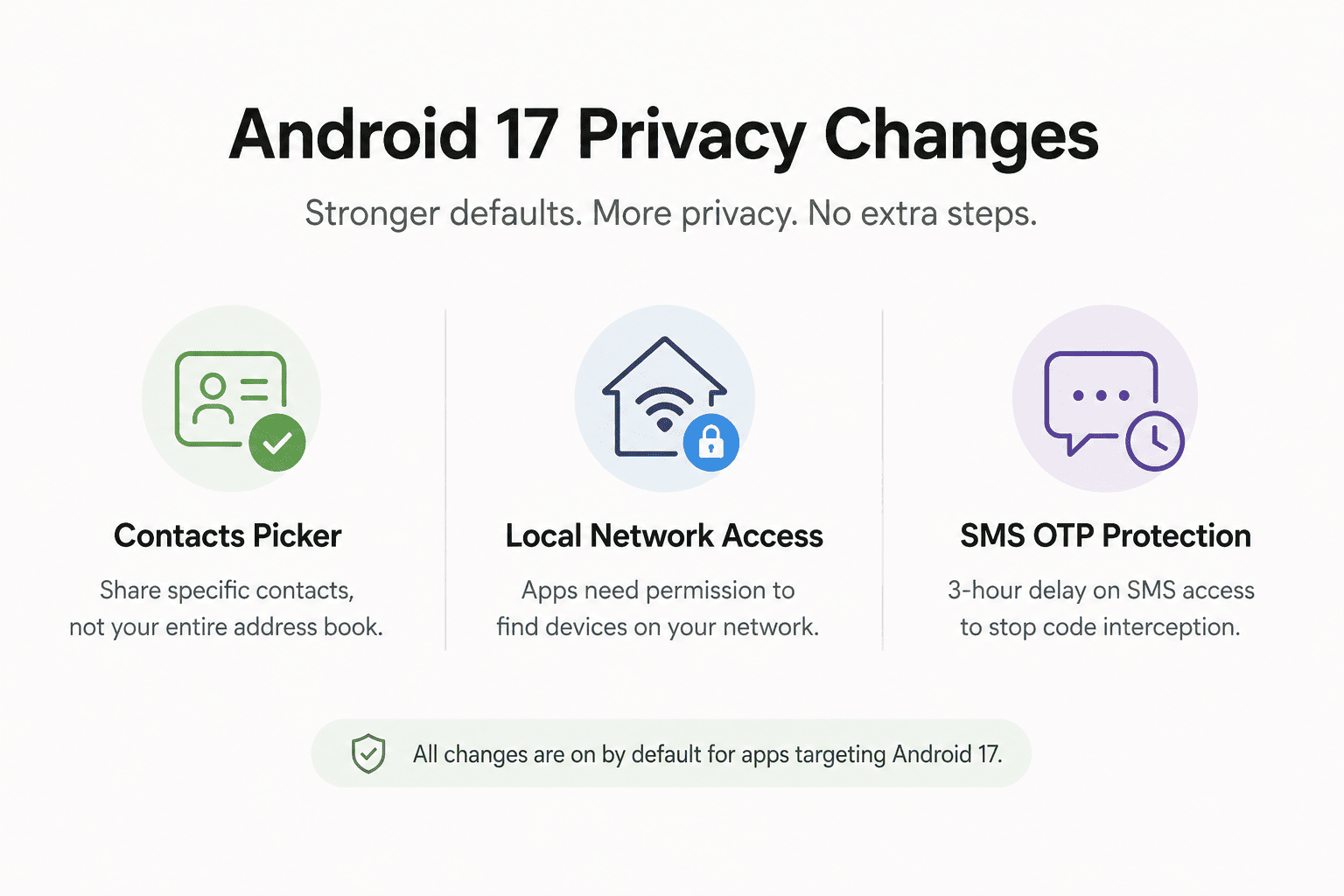
TL;DR: Android 17 introduces three privacy changes that are on by default for apps targeting API level 37. The Contacts Picker replaces broad address book access with session-based, contact-by-contact selection. The new ACCESS_LOCAL_NETWORK permission stops apps from quietly scanning your home network. And a three-hour delay on SMS OTP access blocks the most common method apps use to silently intercept verification codes. None of these require you to change a setting.
The contacts problem Android finally fixed
Until now, when an app asked for contact permission on Android, it got all of them. Every name, number, email, birthday, and note in your address book handed over in one grant. You either agreed or the feature did not work.
Android 17 replaces that with a system-level Contacts Picker that works the same way the photo picker has for a while. As documented in the Android Developers Blog, when an app needs a contact, it now calls the system picker via Intent.ACTION_PICK_CONTACTS instead of requesting READ_CONTACTS permission across the board.
You choose exactly which contact or contacts to share. Access is temporary and session-based. When the app interaction ends, the access ends with it.
There is a meaningful detail buried in how this is scoped. The picker also supports work profiles and private spaces. If you use a managed work profile on your phone, you can select from either profile’s contacts in the same session without exposing the full contents of either to the app.
It does not give apps the ability to refuse to work because they want your whole address book. Apps that ask for more granular fields, like only the phone number and not the email, can declare exactly what they need and receive only that. The days of a simple to-do app having read access to 400 contacts because you tapped accept once are numbered for any app that targets Android 17.
What your apps have been doing on your home network
This one is less visible but arguably more important. Apps on Android have always had open access to your local area network. A shopping app, a game, a random utility you installed six months ago and forgot about.
Any of them could scan your network quietly, discovering the devices connected to your router, the signal strength of nearby access points, and other details that can be used to build a persistent profile of you across apps and services.
This technique is called network fingerprinting. It is a tracking method that bypasses most ad blockers and privacy settings because it never touches the internet. It just looks at what is on your Wi-Fi.
Android 17 introduces a new runtime permission called ACCESS_LOCAL_NETWORK. Apps targeting API level 37 must now explicitly request this permission before they can discover or connect to any device on your LAN.
According to Matthew McCullough, VP of Product Management for Android Developer, apps have two paths forward: use the system-provided device picker that handles the connection without granting broad access, or request the explicit permission at runtime for anything that needs persistent LAN communication.
Most users will never see a prompt from this change. Apps that use the system picker bypass it entirely. The ones that pop up a request are the ones that genuinely need persistent access, like a home automation app or a local media server.
The quiet scanners that had no business on your network simply stop working without announcing why.
It is the kind of fix that is hard to notice unless you were already uncomfortable. I was not thinking about this when I installed the beta. I thought about it later when I realised a utility app I had not opened in months had previously been checking in on my network in the background. It had no obvious reason to. It just could.
The SMS OTP gap that apps were quietly exploiting
Two-factor authentication over SMS is still how most people secure accounts in practice. A code arrives, you type it in, you are through. What most people do not know is that apps with SMS read permission could intercept that code the moment it arrived, before you ever saw it.
Android 17 adds a three-hour delay before most third-party apps can programmatically read SMS messages containing a one-time password. The delay applies to apps targeting API level 37.
The Android Developers Blog confirms the exemptions: your default SMS app, assistant apps, and verified companion apps are excluded. Apps that use the SMS Retriever or SMS User Consent APIs, which are the proper, user-approved methods, are also unaffected.
The target is apps that request SMS read permission broadly and then sit there hoovering up anything that arrives. A banking OTP, a login code, a verification message. By the time three hours pass, the code is expired and useless. The attack path closes.
If you use an authenticator app or hardware key, this change is invisible to you. If your bank still texts you codes and you want the code to arrive normally, that works fine. Your default messaging app is exempt. The change only bites apps that were reading your SMS without being the intended recipient.
Certificate Transparency and the change you will never see
Beta 4 confirmed one more change worth knowing about. Certificate Transparency is now on by default for all HTTPS connections in apps targeting Android 17. On Android 16, it required apps to explicitly opt in. Practically no apps did.
Certificate Transparency is a public logging system for SSL certificates. When it is enforced, the system automatically checks that the certificate behind any secure connection has been logged publicly.
It is a protection against forged or tampered certificates, the kind used in certain corporate monitoring setups and, less charitably, in man-in-the-middle attacks.
Most people reading this will never encounter a fake certificate. But the Android 17 privacy changes in this area reflect a real gap. On Android 16, a bad certificate could silently intercept encrypted traffic in apps that had not opted into the check. Android 17 closes that by making the check automatic. You did not configure it. It will just run.
For users on Android 17 beta, these changes have been quietly active for weeks already.
What actually changes for you when Android 17 arrives
If you own a Pixel 6 or newer, the stable Android 17 release lands in June 2026. These privacy changes will be live on day one, but they only apply fully to apps that have updated their target API to level 37. Apps that have not updated yet will still work, but they will not trigger the new Contacts Picker or the LAN permission prompt.
In practice this means the rollout is gradual. Apps on the Play Store update on their own schedule and most major apps will adopt API 37 targeting within months of the stable release. The pressure from Android 17 Gemini changes and other features will push developers to update regardless.
There is nothing to configure here. No privacy dashboard to visit, no settings to hunt for. The changes land with the OS and apply automatically as apps update. That is either reassuring or slightly uncomfortable depending on how much you prefer to control these things yourself.
What is genuinely different about this batch of Android 17 privacy changes is the framing. Google is not adding a new permission toggle you can flip. It is changing what is allowed by default. The baseline will shift. Apps that want more than the new baseline have to ask. That is a meaningful structural change, and it is the kind that tends to stick.