
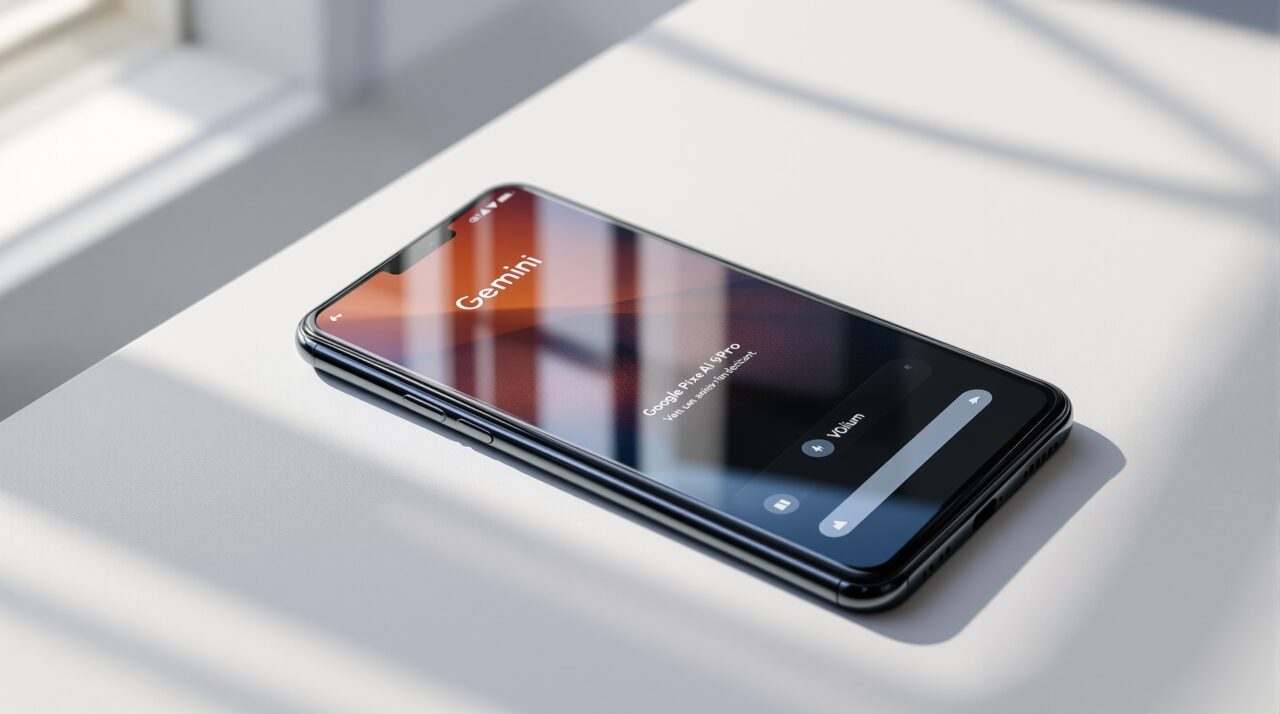
Most Android 17 coverage focuses on app bubbles and Priority Charging. The Gemini changes are quieter, but for anyone who uses the assistant daily, they matter more.
Android 17 does not make Gemini dramatically smarter. What it does is fix the friction points that made Gemini annoying to live with, and starts building the hooks for the more capable version Google clearly has in mind.
Here is what is actually new with Android 17 Gemini, and what it changes in practice.
TL;DR: Android 17 gives Gemini its own volume slider separate from media audio, fixing the long-standing problem of assistant volume overriding your music settings. The Pixel Launcher search bar gets deeper Gemini integration with weather, translation, and news shortcuts. Screen automation tools are in early development. None of these are dramatic, but they make Gemini noticeably less annoying to use every day.
The volume fix nobody talks about
Here is the problem: you are listening to a podcast at low volume during a commute. You invoke Gemini to set a reminder. Gemini responds at full blast because assistant volume and media volume are the same slider. The only fix was to manually drag the volume down before speaking, then back up after.
Android 17 fixes this cleanly. Gemini and Google Assistant now have a dedicated volume slider in the volume panel, completely separate from media audio.
You set assistant volume once and it stays there regardless of what you have done to your music or video audio. It sounds minor. Anyone who has been burned by a sudden loud Gemini response in a quiet room will know it is not.
The change also extends to background audio behaviour more broadly. Apps running in the background can no longer request audio focus or change volume without active use. Rogue apps that interrupted your music mid-playback will hit a platform-level restriction in Android 17.
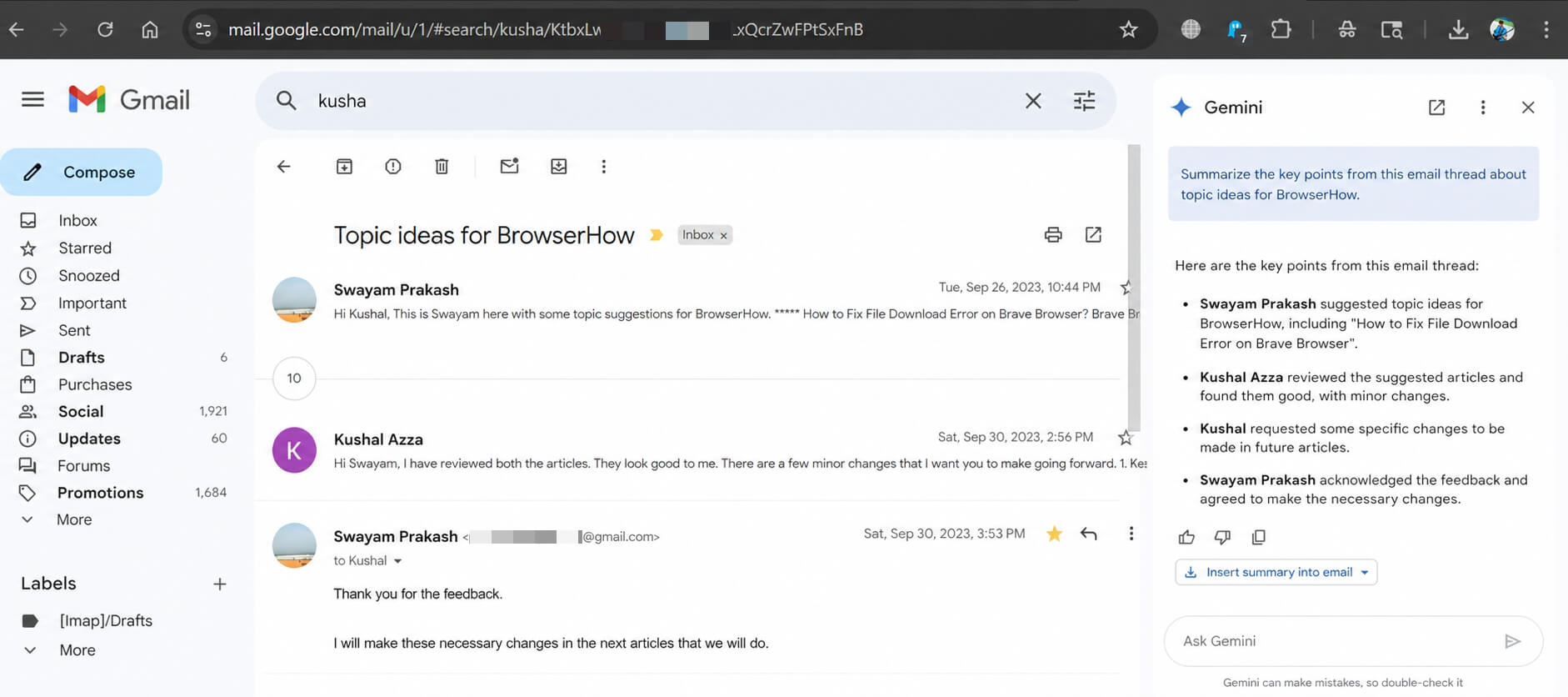
Pixel Launcher search bar gets smarter
The search bar on the Android 17 home screen has been visually updated too. The thick Material You border is gone, replaced with a thinner glassy look that sits more cleanly on the wallpaper.
More useful is the new shortcut option. You can now configure the search bar shortcut to open song search, weather, translation, or news directly, all powered by Gemini. Previously this was locked to a standard Google Search handoff with no customisation.
It is a small change but one that reflects how Google wants Gemini to feel: present in the places you already reach for, rather than requiring a separate app tap.
There is also a new search engine setting appearing in beta builds, currently empty, which may allow users to change the default search engine inside the widget to comply with antitrust requirements in certain markets. That setting is not confirmed for the stable release.
Screen automation: early but interesting
Android 17 includes early hooks for Gemini screen automation, which would allow the assistant to read and act on what is currently displayed on your screen without you describing it.
The scope of what this could handle is visible in earlier Google beta strings: browser tabs, calendar events, camera functions, email drafting, file management, maps, messaging, and phone calls. These are not all live in Android 17 Beta 4. What is live is the foundational layer.
Think of it as plumbing. The pipes are being laid in Android 17. The full feature set, where Gemini actually executes multi-step tasks on screen without cloud handoff, is the next phase.
For now, what you get is a more capable Gemini overlay when you long-press the home button, with better context awareness about the app currently open.
On-device AI and the RAM requirement
Running Gemini Nano on-device in Android 17 requires at least 8GB of RAM. Devices with 4GB or 6GB will offload AI tasks to the cloud, which means higher battery drain and added latency for Gemini responses.
Most current flagships from Google, Samsung, and OnePlus ship with 8GB or more, so this threshold only affects mid-range and older phones. It is worth knowing before you update and wonder why Gemini feels slower on a three-year-old device.
What this looks like in daily use
For most people using Gemini casually, Android 17 makes the assistant feel better integrated rather than tacked on. The volume fix alone removes one of the most reliable annoyances.
The Pixel Launcher changes and the improved home screen search give Gemini more surface area in the places people already look. You are not being asked to change your habits. The assistant is quietly moving into the spots you already use.
The screen automation story will be worth watching more closely when it matures. For now, Android 17 is the version that made Gemini quieter in the right ways and more present in the places it should be.


Honestly this is probably the smartest direction Google could take with Gemini. Most people don’t care about flashy AI demos, they care about whether the assistant feels smooth and useful in daily use.