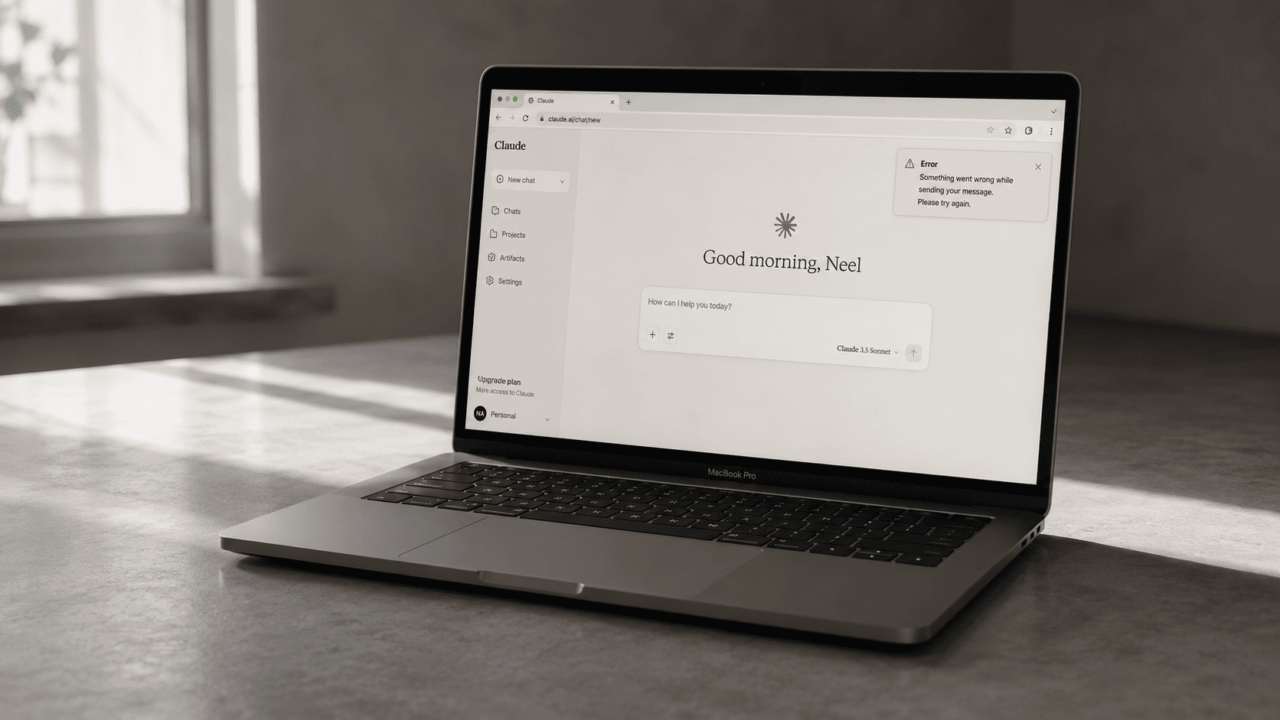
You are mid-session, deep into something useful, and then Claude stops. The message appears: “This conversation is too long to continue.” No warning, no save option, just a wall. If you use Claude for long content workflows, research, or multi-step tasks, you have probably hit this at least once. It is frustrating in a specific way, because it feels arbitrary when you were clearly getting somewhere.
The good news is that it is not a bug and not a punishment. It is a technical ceiling every AI model has, and there are real, practical ways around it.
TL;DR: Claude has a context window, a fixed amount of text it can hold in memory at once. When a conversation gets too long, it hits that ceiling and cannot continue in the same thread. Paid users with Code Execution enabled get automatic context management that summarizes earlier messages so the conversation can keep going. Without that feature, the best option is to start a fresh chat with a pasted summary of what was covered. Projects and smarter session habits also help prevent the problem from happening in the first place.
What the context window actually is
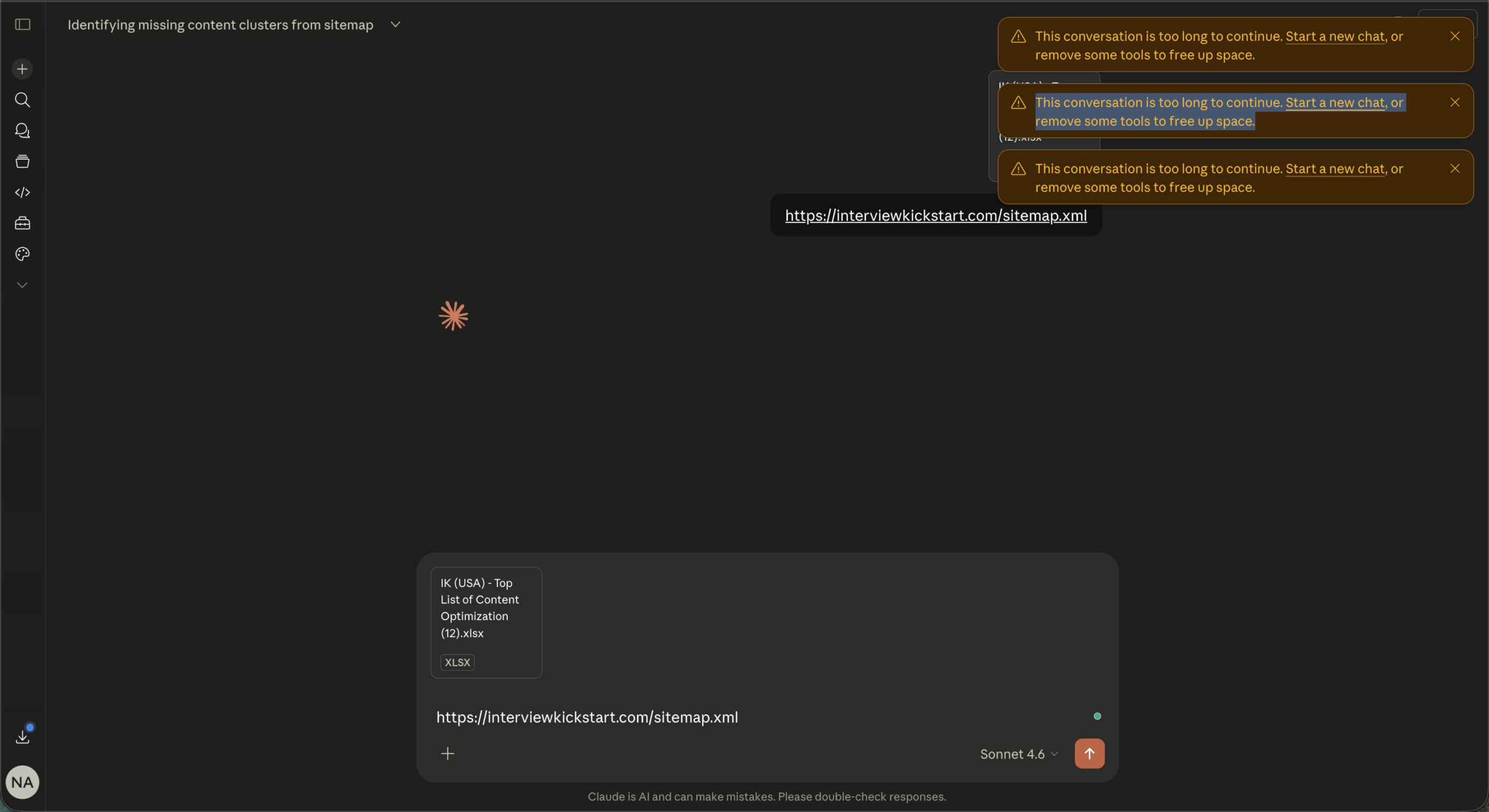
Claude does not read just your last message. It re-reads the entire conversation from the beginning every single time you send something new. That running total of text is the context window, and it has a hard size limit.
For paid plans like Pro and Max on Claude.ai, that limit is 200,000 tokens. Roughly 500 pages of text. That sounds like a lot until you are doing something token-heavy: uploading documents, running long research sessions, iterating on a 1,000-word article six times in a row. The project files attached to this workflow alone consume a significant chunk before you type a single word.
Each turn does not just cost what you typed. It costs everything that came before it too. By message 30 in a dense session, you are paying for messages 1 through 29 all over again.
The automatic fix that most people do not know about
If you are on a paid Claude plan and have Code Execution turned on in your settings, Claude now handles long conversations automatically. When the conversation approaches the context limit, Claude summarizes the earlier parts and continues without breaking the session.
You might see a note that Claude is “organizing its thoughts.” That is the automatic context management working. Your full chat history is still preserved and referenceable even after summarization.
The catch: Code Execution must be enabled for this to work. Go to Settings, find the Tools or Search and Tools section, and make sure Code Execution is toggled on. If it is off, you get the hard limit with no automatic recovery.
There is also a secondary catch worth knowing. Longer sessions that trigger automatic summarization consume more of your usage limit than shorter ones. If you are hitting the ceiling regularly, it will eat into your message budget faster.
How to continue in a new chat without losing everything
When the wall hits mid-session and you cannot or do not want to wait, the fastest recovery is a manual context handoff. Before the conversation becomes unreadable, ask Claude to summarize what was covered. Something like: “Summarize everything we have worked on, including key decisions, outputs, and what still needs to be done.” Copy that summary.
Open a new chat, paste the summary as your first message, and continue from there. It is not elegant but it works cleanly. The new session picks up with the key context without carrying the weight of 30 prior exchanges.
If you are working inside a Claude Project, this process is even smoother. Projects use retrieval-augmented generation to load only the relevant content into the active context window rather than everything at once. Keeping your instructions and files inside a Project rather than re-uploading them to each conversation saves a significant number of tokens per session.
What causes conversations to get long faster than expected
A few habits quietly burn through context faster than most people realize.
Large file uploads are the biggest one. A single PDF page can cost between 1,500 and 3,000 tokens. A full screenshot image runs around 1,300 tokens. If you are uploading the same files across multiple conversations instead of using a Project, you are paying that cost every single time.
Long system prompts or detailed project instructions also add up. Every extra word in those instructions multiplies across every turn in the session.
Correction messages are another quiet drain. Every time you send “actually, change that” or “no, I meant this,” you are adding to the total rather than replacing what was there. Most interfaces let you edit your previous message and regenerate instead. That replaces the exchange rather than adding to it, which keeps the total lower.
A few habits that prevent the problem
The most reliable fix is not recovery, it is prevention. Starting a new conversation every 15 to 20 messages for dense workflows keeps each session lean. That feels counterintuitive at first, like losing progress, but with a good summary handoff it is actually faster than fighting a bloated session that is slowing down.
Disabling tools and connectors you are not actively using also helps. Web search, MCP connectors, and research tools add tokens to the system context even when they are sitting idle. Turning them off for sessions that do not need them gives back a meaningful amount of space.
Extended thinking is another one. It produces useful output but the thinking blocks consume tokens. Toggle it off when you do not need deep reasoning for a task.
What this means if you work in content or research workflows
For workflows like this one, where a single session might include large prompt files, multiple search calls, fetched URLs, and iterative writing, hitting the context limit is not an edge case. It is an expected part of the process.
The practical adjustment is to treat each article or task as its own session rather than continuing a single mega-conversation across a full cluster. Keep the project instructions in a Project so they load cleanly. Summarize and hand off between articles. Disable unused tools before each session starts.
None of this is complicated. It just requires treating context the way you would treat RAM on a computer: something finite and worth managing, not something to ignore until it runs out.