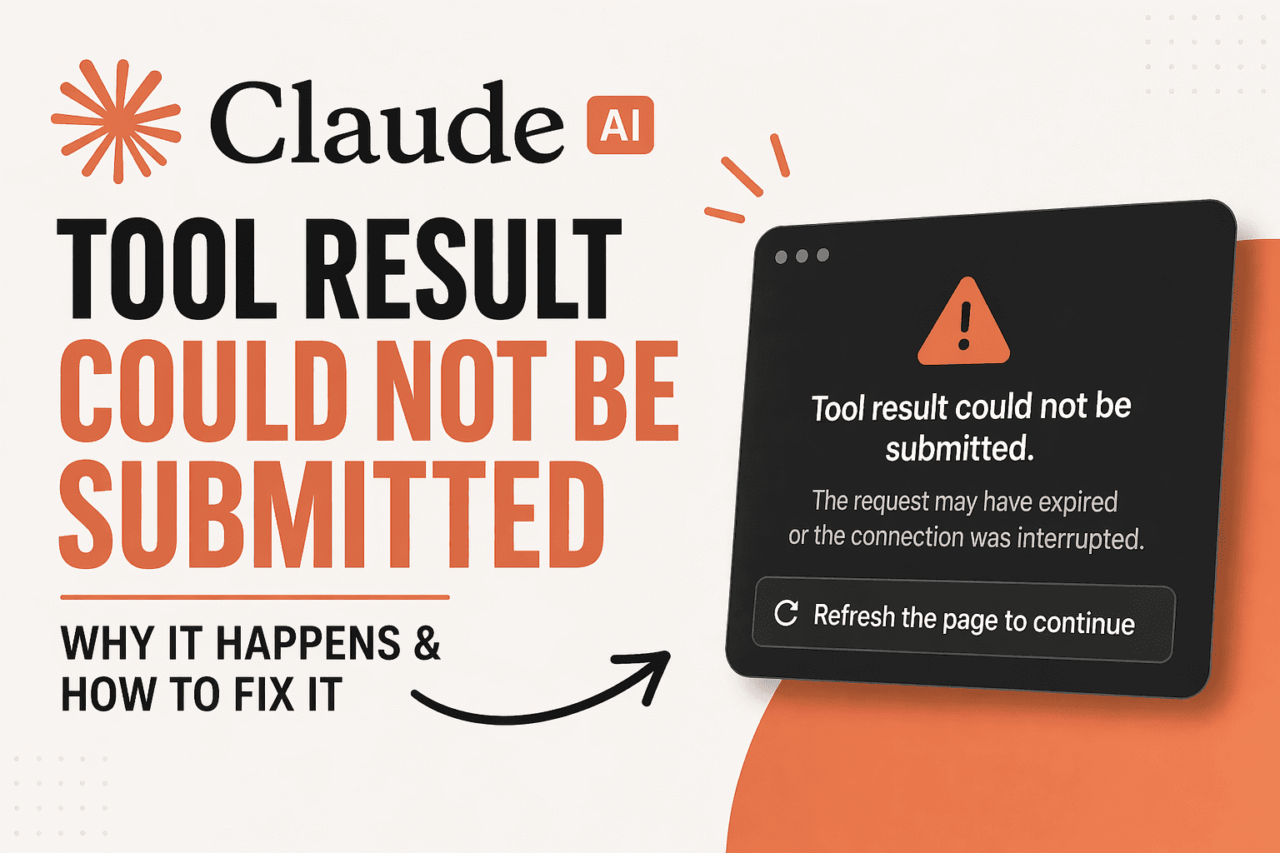
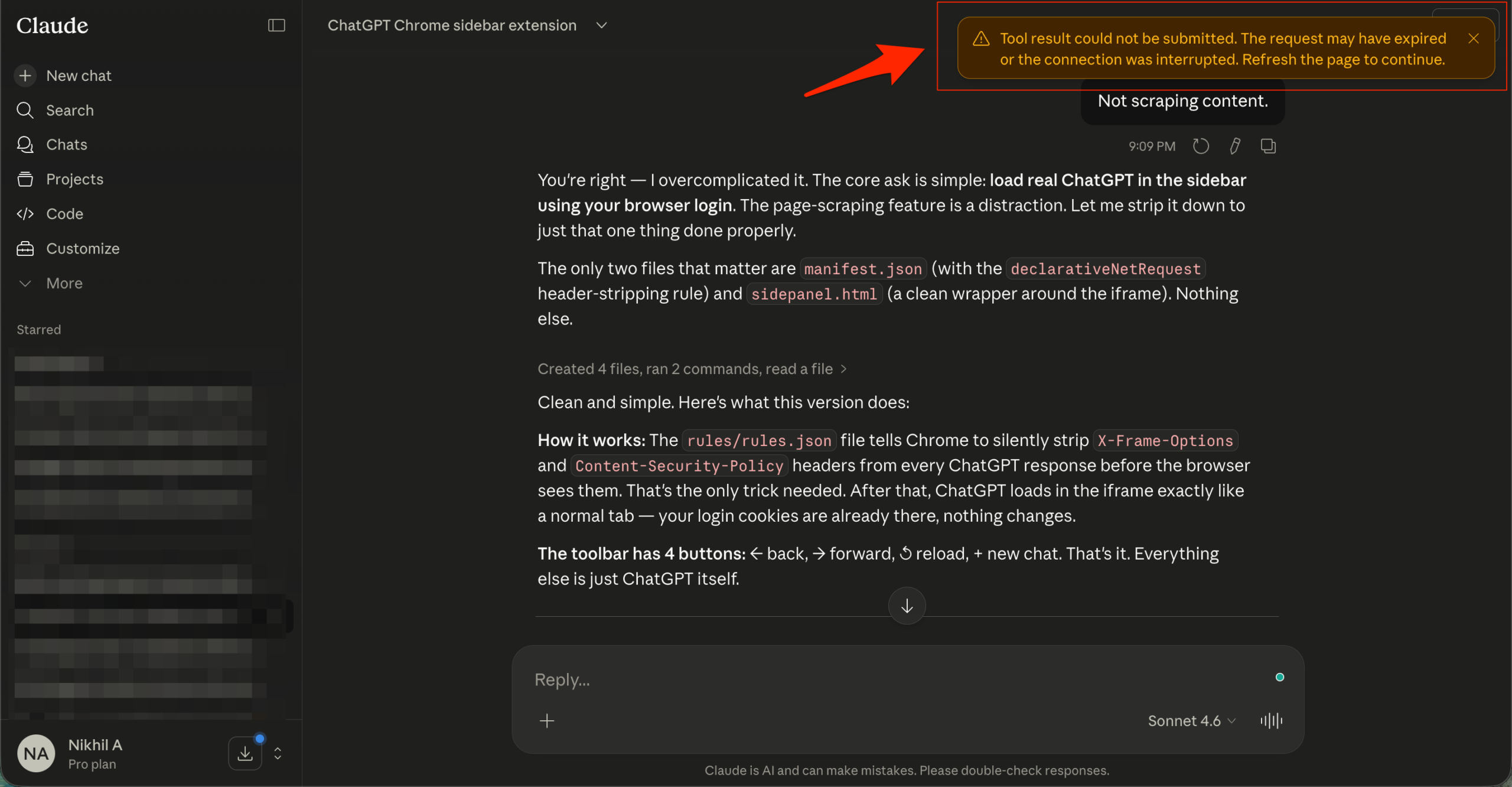
You are mid-conversation on Claude.ai, Claude is searching the web or reading a file, and then it stops. The message appears: “Tool result could not be submitted. The request may have expired, or the connection was interrupted. Refresh the page to continue.”
It showed up in my testing most often during longer sessions where Claude was chaining multiple tool calls together.
Ask it to search, summarize a document, and then follow up with more questions, and the session gets stretched enough that a single hiccup in the connection kills the whole request mid-flight.
The error is happening to a lot of people right now, across both free and Pro plans, and the cause is almost never on your end.
TL;DR: The “tool result could not be submitted” error means Claude’s session timed out or the connection dropped before a tool finished returning its result. A page refresh fixes it most of the time. If it keeps coming back, check status.anthropic.com first because the problem is usually on Anthropic’s servers, not yours. According to outage tracker IsDown, Claude has logged 236 incidents since October 2025.
What This Tool Result Error Actually Means
Claude’s web interface is not a simple chat box. When you ask it to search the web, run code, or read an uploaded file, it sends a request to a tool and holds the session open while it waits for the result.
If that round trip takes too long, or if the connection between your browser and Anthropic’s servers drops at the wrong moment, the session expires before the result arrives. Claude cannot continue, so the interface surfaces the error instead of silently failing.
Nothing in your account is damaged. The conversation history is usually intact. It is that specific tool call that did not complete.
Why the Tool Result Error Keeps Appearing
This is not a one-off bug. According to IsDown, an independent service monitoring tool that tracks Anthropic’s official status page alongside user reports, Claude has had 236 incidents logged since October 2025.
The tool result submission error is one of the most commonly reported failure patterns during those incidents.
Anthropic has acknowledged several of these as server-side issues. Some have been tied to elevated load on specific model endpoints. Others have appeared during staged feature rollouts where parts of the infrastructure behave inconsistently for a window of time.
Switching models inside the interface does not always resolve it. Pro users see the same error as free users during active service incidents. The account tier is not a factor here.
How to Fix the Claude Tool Result Error
Refresh the page first. This is Anthropic’s own recommended action. It resets the session state and usually lets you pick up the conversation. In my testing, this resolved the error roughly two-thirds of the time on the first attempt.
Start a new chat. If the refresh does not help, open a fresh conversation and re-run the request. Longer sessions accumulate state that can make the connection more fragile. A clean session often sidesteps the issue entirely.
Clear your browser cache and cookies. Stale session data occasionally prevents the interface from reconnecting cleanly. Clear cache via your browser settings, reload claude.ai, and log back in.
Disable browser extensions. Ad blockers and privacy tools can interrupt the persistent connection Claude’s interface uses for tool calls. Try a clean browser profile or incognito mode to rule this out quickly, especially if you’re running into issues like Claude blocking websites in Chrome.
Check your internet connection. An unstable or switching connection is enough to break the tool result loop. This is more likely on mobile data or shared Wi-Fi with frequent drops.
Check the Anthropic status page. Visit status.anthropic.com to see whether an active incident is posted. If something is listed there, the fix is on Anthropic’s side and waiting is the only realistic option.
When the Problem is Definitely on Anthropic’s End
The clearest sign that this is a service issue rather than a local one: the error comes back immediately after refreshing, happens on a fresh chat, and other users are reporting the same thing at the same time.
A quick search on Reddit’s r/ClaudeAI or a look at IsDown’s live user report feed will usually confirm whether it is widespread. Active incidents on claude.ai have historically resolved within a few hours, though timing varies by incident type.
There is no reliable workaround during a live server incident. If you have direct API access through Anthropic’s platform, that sometimes sidesteps issues specific to the claude.ai web interface.
The Claude Code Version of This Error Is Different
There is a related but separate error that appears inside Claude Code, Anthropic’s terminal-based coding tool. That one reads “Advisor tool result content could not be processed” and is caused by corrupted session transcript files, not a connection timeout.
If you are hitting that error in the terminal rather than the browser, the fix is different. Running claude --resume or clearing the affected session file is the documented path for that specific issue. The web interface error in this article has a different cause and a different fix.
If you are dealing with similar errors on other AI platforms, the same basic troubleshooting logic applies: check the service status page first, then clear session data, then try a fresh browser profile.
For a comparison of how Claude handles these kinds of interruptions versus other AI tools, see our guide to fixing ChatGPT’s error in generating a response, which covers the same pattern on OpenAI’s side.
Reporting Persistent Issues to Anthropic
If the error persists across multiple fresh sessions and the status page shows no active incident, it is worth reporting directly to Anthropic.
Use the thumbs-down icon below any Claude response to submit feedback. Include your browser, operating system, and a short description of what you were doing when the error appeared.
That context helps the support team isolate whether it is a localized issue or something broader.
FAQ
Does the tool result error delete my conversation history?
No. Refreshing the page should reload your conversation intact. Only the specific tool call that failed is lost.
Why does this happen even on a Claude Pro plan?
Pro gives you higher usage limits, but server-side incidents affect all users regardless of plan. This error is tied to infrastructure load, not account tier.
Does switching Claude models inside the chat fix the error?
Sometimes, if the issue is specific to one model endpoint being under load. During a wider service incident, switching models usually does not help.
Where can I check if Claude is having issues right now?
Check status.anthropic.com for the official incident feed. IsDown at isdown.app/status/claude-ai also tracks user-reported Claude outages alongside official data in real time.