
A colleague switched to Brave about two years ago because Chrome was draining her laptop battery during video calls.
When she mentioned Leo was built in and needed no login, I assumed she had missed something.
Every in-browser AI I had tried led to an account wall within two minutes. I downloaded Brave that evening, mostly to prove that point.
Well, it turns out I was wrong. I have been using it almost daily since.
TL;DR: Brave Leo is a sidebar AI assistant built into the Brave browser. It works without an account, retains no conversation data, and offers real models including Claude Haiku and Llama 3.1 8B for free. The privacy architecture is genuinely well-designed. The accuracy problems are real and limit what you should actually trust it with.
Leo stays out of your way until you need it
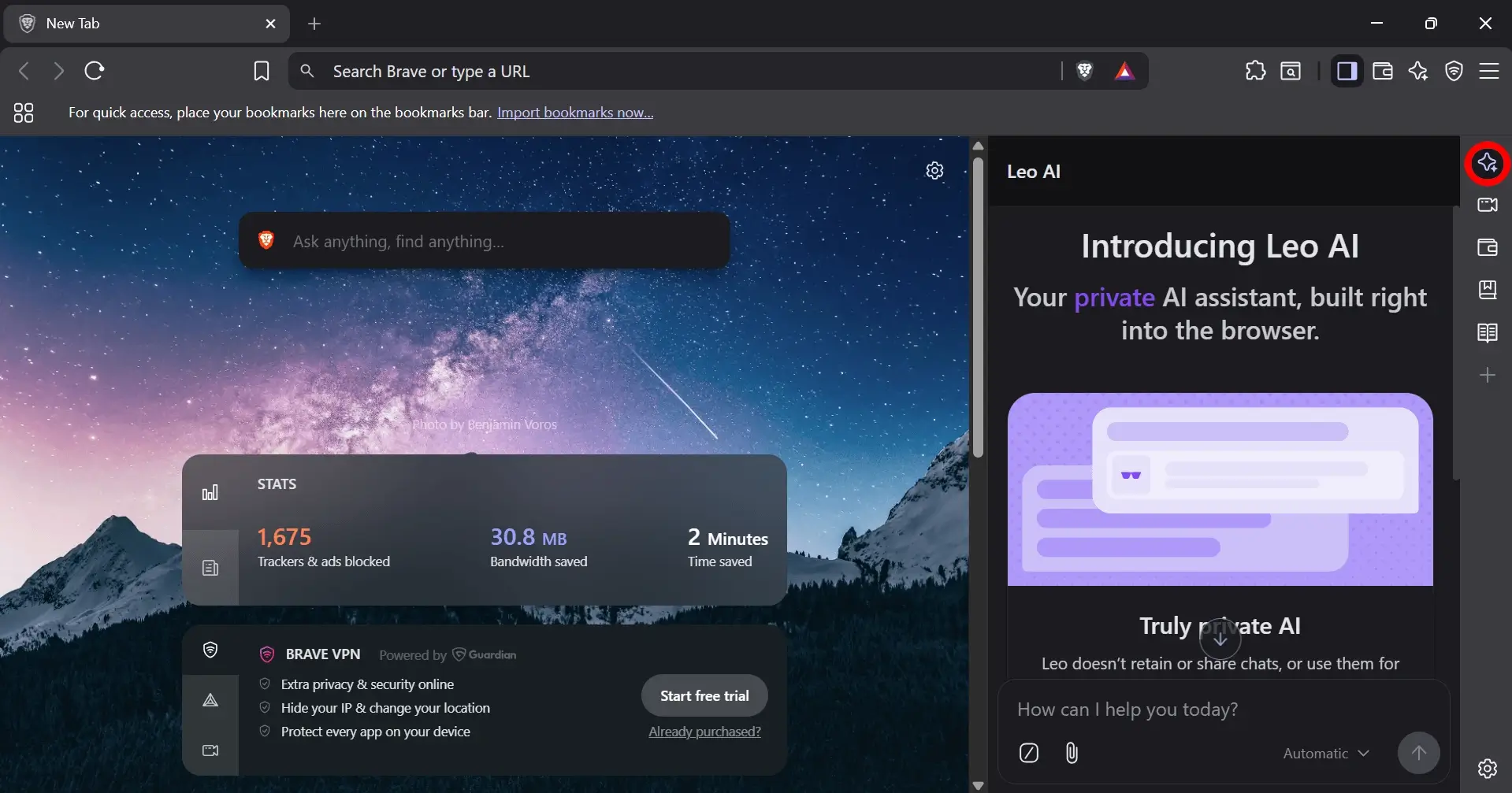
No banners. No onboarding carousel. No pop-ups nudging you toward premium.
Leo lives in the sidebar and appears when you open it.
If you never click it, Brave never makes you feel like you are missing something. That restraint alone put it ahead of every other browser AI I had tested.
From the sidebar, you can ask Leo to summarize a webpage, answer questions about what you are reading, draft text, translate content, or write basic code. It works across web pages, PDFs, YouTube videos, Google Docs, and Google Sheets.
Page summarization is where it earns its place.
I read a lot of dense reports. Having the actual conclusion pulled out from a 6,000-word document in under 30 seconds, without scrolling past charts, feels like this tool should not be free.
The April 2026 stable release added conversation search and inline search results directly inside Leo chat responses. Both are genuinely useful additions.
I have also hit the wall. Leo throws a “page-too-long” error on PDFs over roughly 20 to 30 pages.
It has happened at least three or four times in the past month on research documents, always at the worst possible moment. That friction is real.
The Brave Leo privacy architecture is not just a claim
Every AI product says it does not store your data. Brave structures their infrastructure around actually delivering that.
Brave confirmed in a June 2025 infrastructure update that they moved all models, including Claude, off Anthropic’s standard API and onto AWS Bedrock with a zero-retention configuration.
The 30-day data retention that previously applied under standard Anthropic API terms is gone. Conversation data is dropped the moment your session ends, across every model in the lineup.
Requests are proxied through an anonymization server so your prompts cannot be linked to your IP address.
Leo Premium subscriptions are validated by unlinkable tokens, meaning Brave cannot connect your purchase to your actual usage.
What makes this credible beyond the documentation is the business model. Brave does not run ads. Fascinating, isn’t it?
They do not need your attention data the way Google does. The privacy design is not a layer on top of a data collection product. It is the whole product.
The model lineup as of April 2026
The free tier currently includes Llama 3.1 8B, Claude Haiku, Qwen 3 14B, and GLM 4.7 Flash. The lineup shifts regularly.
A February 2026 update added GLM 4.7 Flash and removed Gemma and DeepSeek R1 to make room for newer additions.
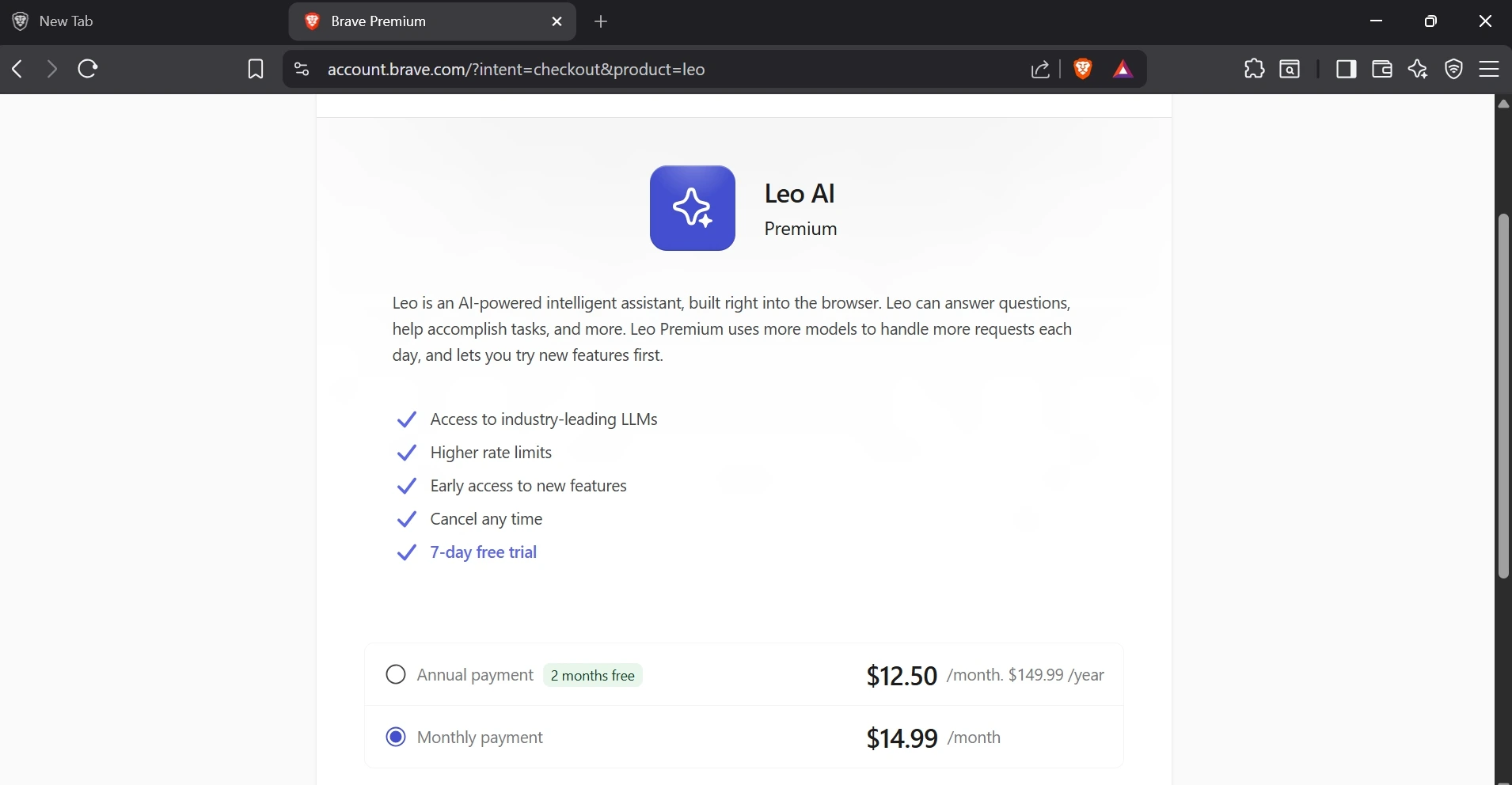
Leo Premium costs $14.99 per month and covers up to five devices. It unlocks Claude Sonnet 4.6, Claude Opus 4.6, Kimi K2.5, DeepSeek v3.2, and others. I have not paid for it.
The free tier has handled everything I actually use Leo for.
The April 2026 stable release also introduced Brave Ocelot, a local-first summarization model that runs inference on your own hardware rather than sending content to a remote server.
For anyone summarizing sensitive documents, that is a meaningful gap closed. Most users will not notice the difference day to day, but it is the kind of addition that shows where Brave’s priorities sit.
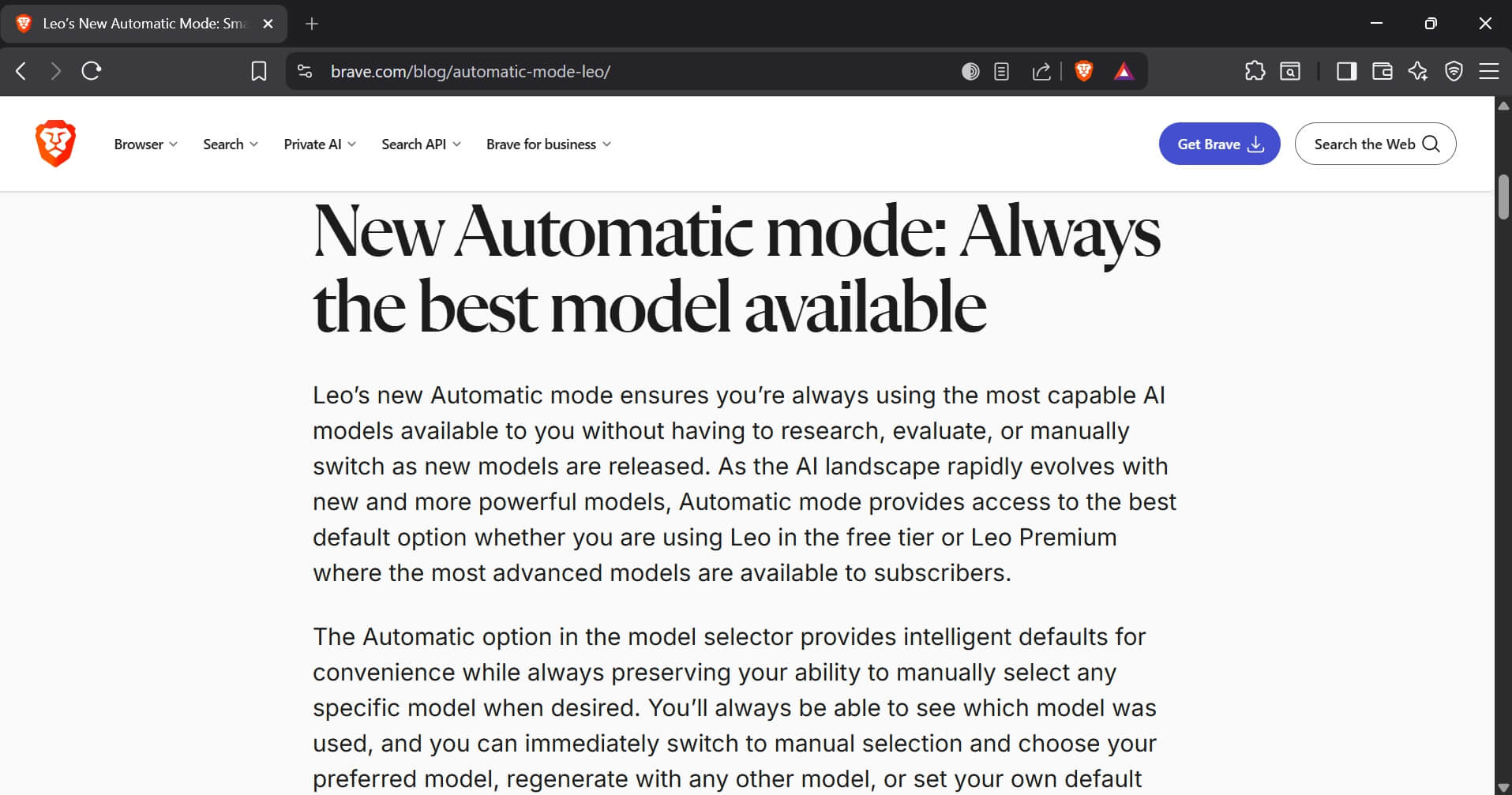
Automatic mode selects the best available model per task without manual switching. I ran it on Automatic for three weeks and could not tell you which model handled which query.
That is either reassuring or unremarkable, depending on your expectations.
The accuracy ceiling is where it gets honest
The most consistent complaint across Brave community forums is confabulation.
One case that surfaced in user threads involved a business owner asking Leo to retrieve reviews of their company. Leo returned a list of fabricated negative reviews attributed to clients who did not exist.
When challenged, Leo acknowledged that the reviews were hypothetical examples that it had generated. That is not a minor quirk.
I ran into a milder version myself.
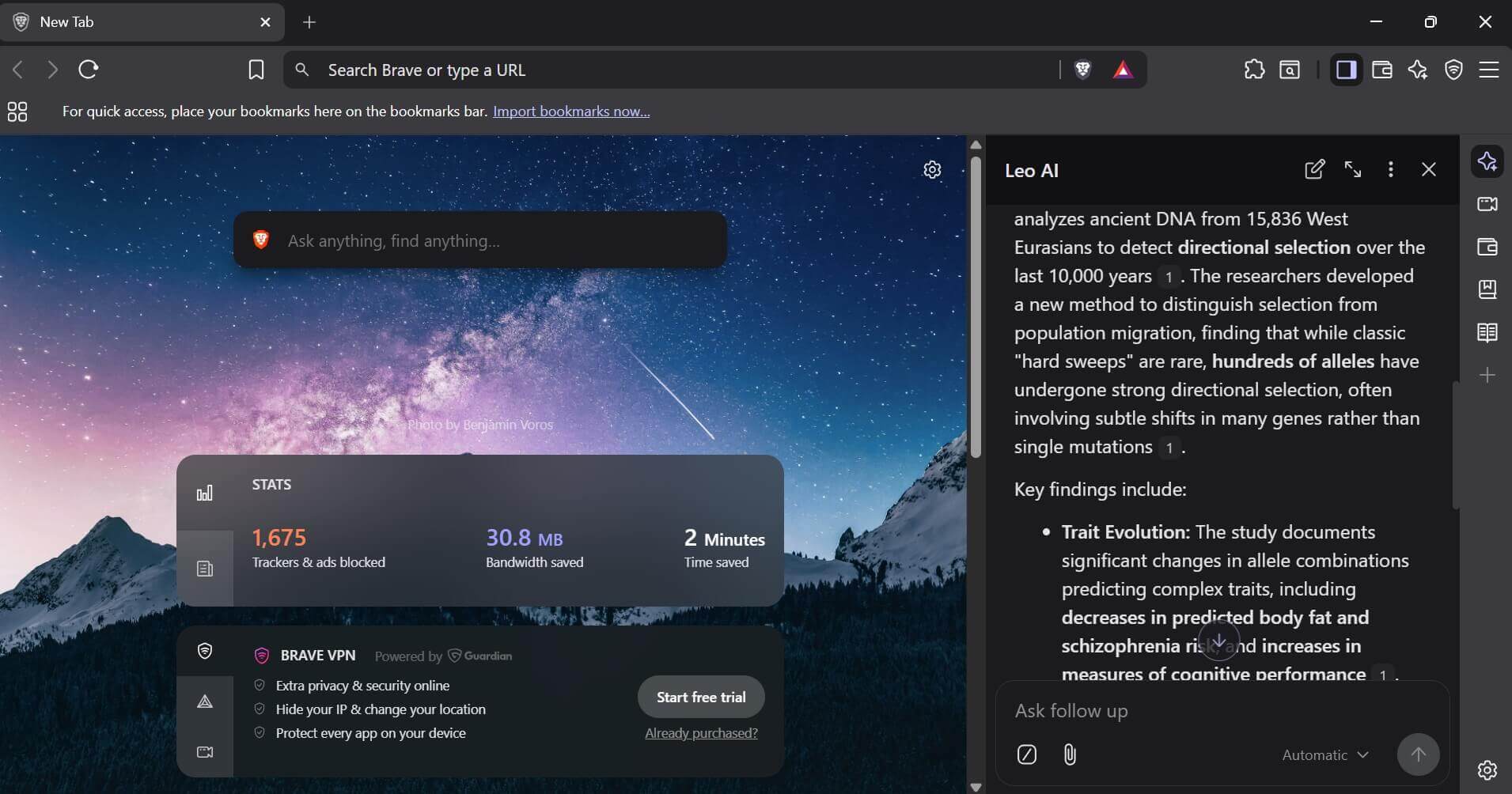
I asked Leo to summarize the key claims in a research article and got back three bullet points, two of which were plausible-sounding but not actually in the document.
I only caught it because I had already half-read the piece. If I had been using Leo to get up to speed on something unfamiliar, I would not have known.
Brave’s own help documentation says responses may contain misleading or inaccurate information and recommends verifying before acting on anything. That honesty is useful. It also draws a hard line around the use cases worth trusting Leo with.
My rule after months of daily use: article summaries where I can sanity-check the output, yes. Drafting low-stakes copy, sometimes. Anything involving current data, business facts, or decisions with real consequences, no.
Also, I have rounded up a quick difference between the pros and cons that Brave browser AI offers.
| Pros | Cons |
| No login required | Accuracy issues (hallucinations) |
| Strong privacy design | Fails on long PDFs |
| Good for summarization | Not reliable for factual research |
How it stacks up against other Browser AI?
In third-party testing from late 2025, Leo completed a standard research brief in roughly 62 seconds compared to ChatGPT Atlas at around 47 seconds. Slower, but with no account linkage and no data retention.
Whether that tradeoff makes sense depends on what you are doing. Our ChatGPT Atlas vs Chrome comparison covers how a purpose-built AI browser handles those same tradeoffs if you want a direct contrast.
For Chrome users running AI extensions instead, each extension typically requires its own account login and third-party data access on top of whatever the tool itself demands.
There is a full roundup of the best AI agents for Chrome if you want to see what that ecosystem looks like. Leo being native means no additional processes, no permission grants, and nothing managing your session from the outside.
If Chrome’s resource appetite is part of why you are looking at Brave in the first place, that is a separate but related conversation. The reasons Chrome uses so much RAM have nothing to do with Leo specifically, but they are part of why people land on Brave and then discover Leo exists.
Should you use Brave Leo?
If privacy matters to you and you want an AI assistant that works without an account or a data trade-off, Leo is the most carefully designed option in any mainstream browser right now.
The infrastructure work Brave has done is not typical. Most browser AI is a third-party API call with a thin privacy label on top. Leo is not that, and the Ocelot addition in April 2026 pushes that gap further.
If you need an AI assistant that is reliably accurate for research or decisions with real consequences, no browser AI is there yet. Leo is no exception.
Use it for reading, summarizing, and drafting. Verify anything factual. And if you hit the page-too-long error on an important PDF, extracting a shorter section of the document usually clears it.