In February 2026, I gave myself a simple, uncomfortable assignment: use only free tiers of AI image generators for a full month and document what actually happened.
Not a one-afternoon speed test. A month of real work, real prompts, real frustrations, and real surprises.
The five tools on the list: Ideogram, Adobe Firefly, Microsoft Designer (powered by DALL-E), Canva AI, and locally run Stable Diffusion. Each one gets used for something real, not just a prompt parade.
Here is what I found, week by week, and where I landed.
TL;DR: After a month of daily use, Ideogram wins for anything with text in the image. Adobe Firefly is the safest pick for commercial work despite its tiny free credit pool. Microsoft Designer is genuinely free and surprisingly capable for casual use. Canva AI makes sense only if you are already in Canva. Stable Diffusion is unlimited and powerful, but it asks for hardware and patience that most people do not have.
The Prompt I Used Across All Tools
To keep the comparison fair, I used the same base prompt across every AI image generator.
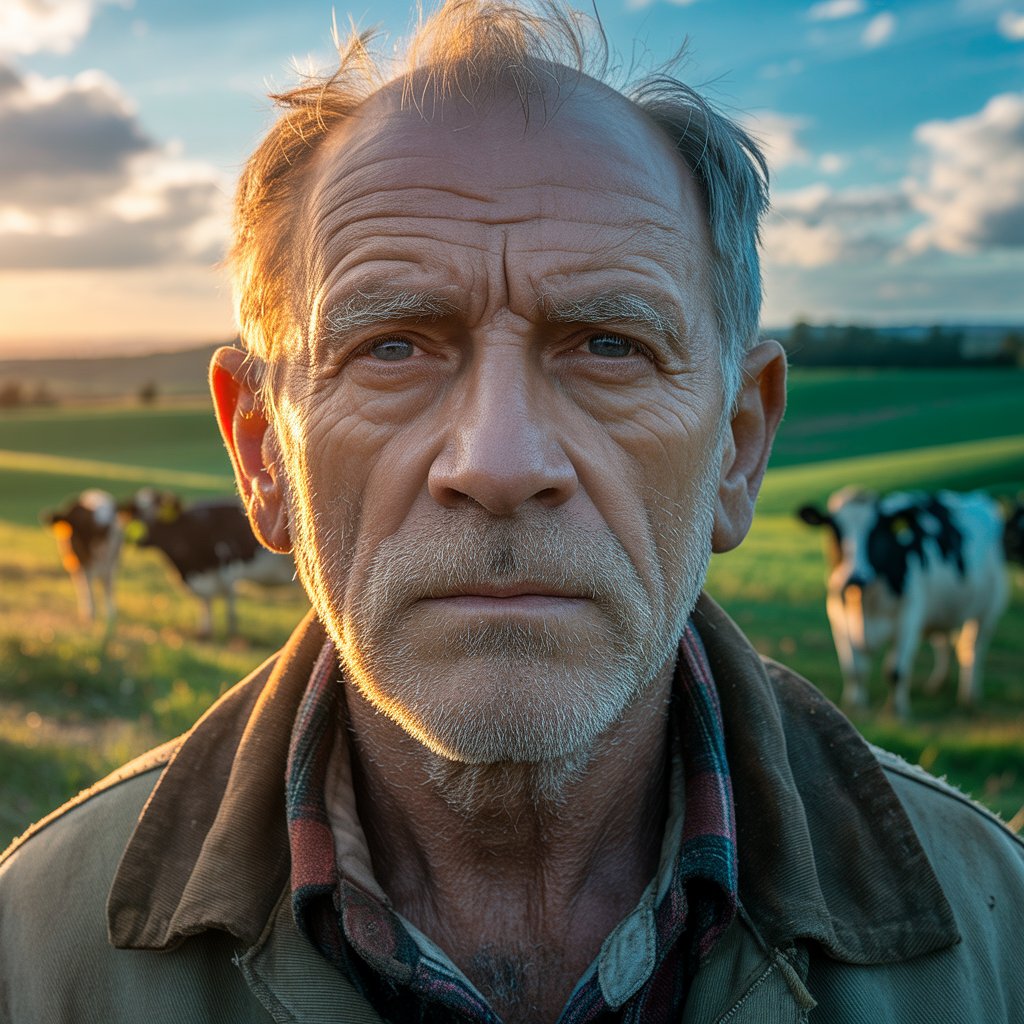
Hyperrealistic close-up portrait of a weathered 75-year-old man, ultra-detailed skin texture with deep forehead wrinkles, crow’s feet, age spots, nasolabial folds, stubbled white beard, pale blue-grey eyes, thinning white hair swept by wind, 85mm f/1.4 shallow depth of field, face razor-sharp, warm golden-hour amber light on left side, cool blue shadow fill on right, bokeh background of rolling green fields, grazing Holstein cows, cerulean blue sky with cumulus clouds, worn brown canvas jacket, plaid flannel collar, RAW photo, 8K, photojournalism realism
This helped isolate how each tool handles realism, lighting, facial detail, and background rendering without changing variables.
Week One: First impressions and wrong assumptions
I started with Ideogram because the internet had been loud about its text accuracy.
The first prompt I tried was a simple event poster: clean background, event name, date, a rough description of the vibe.
Most AI image generators turn text into decorative squiggles. Ideogram rendered the words correctly on the first try.
That moment is genuinely surprising the first time you see it. Other tools have spent years producing garbled, melted letters. Ideogram makes readable text feel routine.
The free plan gives you 10 slow-queue credits per day, and each credit can produce up to 4 image variations, which means up to 40 images daily if you use every variation slot.
The catch is that everything you generate is public. Your work goes into Ideogram’s community feed for anyone to browse. That is a real limitation if you are generating anything sensitive, proprietary, or client-facing.
In week one, I also thought Adobe Firefly would be my workhorse. It was trained on licensed Adobe Stock content and public domain material, so it carries the copyright safety story that matters for commercial projects. Then I hit the limit.
The free tier gives only 25 generative credits per month. Twenty-five!! I burned through all the credits in two days just experimenting.
Adobe’s free tier exists to get you into the Creative Cloud ecosystem, not to support actual creative work on its own. The quality is there. The quantity is not.
The real free tier numbers
Before going further, here is what each tool actually gives you at zero cost, because the marketing language around “free” is usually vague enough to mislead.
| AI Image Generation Tool | Free Credits/Limit | Output per prompt | Reset Type | Limitations |
| Ideogram | 10 slow-queue credits per day | Up to 4 variations | Daily reset | All images are public; no reference image uploads |
| Adobe Firefly | 25 generative credits | Typically, 1–4 variations | Rolling monthly reset | No visible watermark (as of 2026); check commercial use terms |
| Microsoft Designer | ~15 boosted credits per day | 1 image per prompt
| Daily (boosted credits) | Slower generation after credits; no paid standalone tier |
| Canva AI (Magic Media) | 50 lifetime image credits + 5 video attempts | 1–4 variations (varies) | No reset (lifetime cap) | Hard limit; requires upgrade after credits are used |
| Stable Diffusion (Local) | Unlimited (hardware-dependent) | Unlimited | No reset | Requires GPU (8GB min, 12GB recommended for comfort); setup complexity |
By week two, Ideogram had become my default
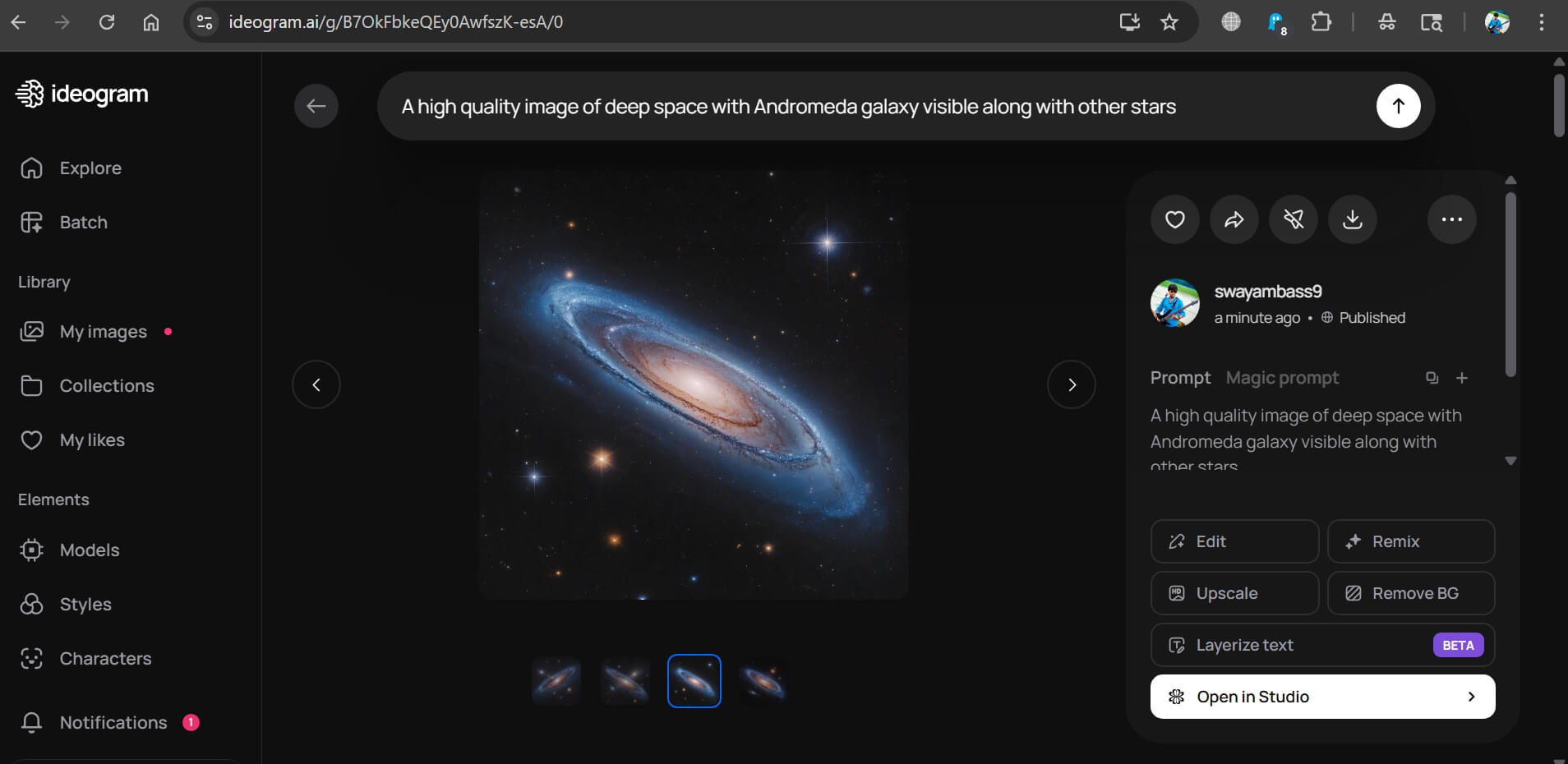
I went into this thinking Ideogram would be the niche pick for poster work and nothing else.
By week two, I had shifted it to my default starting point for almost every generation task.
The text accuracy is the headline feature, but the overall image quality has improved considerably from what I remembered testing a year earlier.
Realistic portraits, product mock-ups, and editorial illustrations. They all came out cleaner than I expected.
The slow queue adds a 30 to 60 second wait per generation during peak hours, which gets annoying when you are iterating quickly, but it rarely exceeds a minute.
What changed my opinion around day ten: I needed a social media graphic with a specific phrase embedded in a banner. With every other free tool, this would require generating the image clean, then adding text in a separate design app.
With Ideogram, all it took was one prompt. That time saving adds up over a month.
Adobe Firefly: Best quality but worst free tier
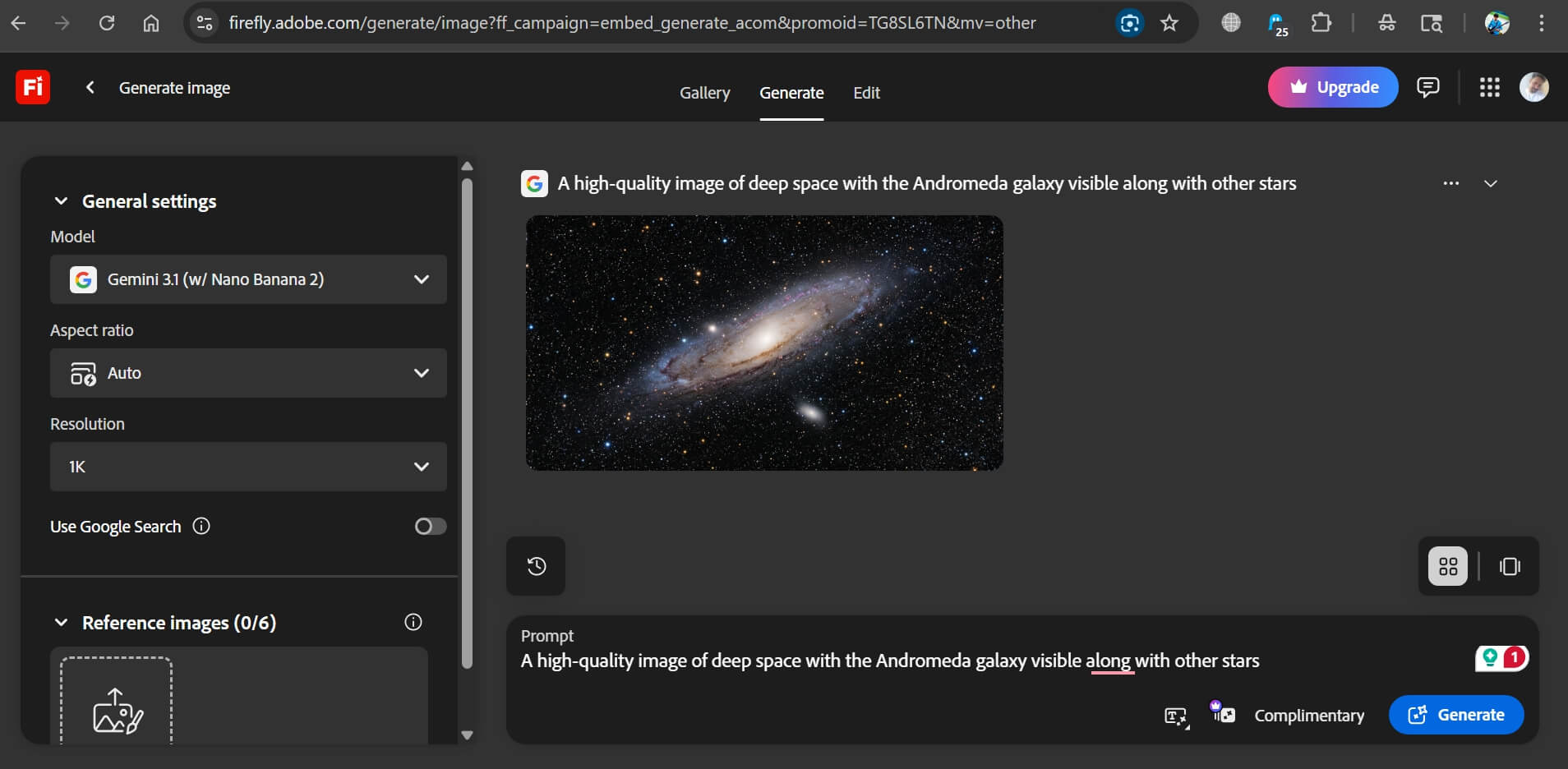
Around week two, I started rationing my remaining Firefly credits carefully. That behavior tells you something about the experience.
The image quality from Firefly’s Image Model 5 is excellent, particularly for clean product visuals and stock-style photography.
Details such as skin tones, lighting, and background coherence are handled more reliably than most free tools.

The commercial safety argument is also real: trained on licensed content, with Content Credentials metadata embedded in every output for attribution and provenance tracking.
But 25 credits a month for a free user is not a working tool. It is a trial. If you are already paying for a Creative Cloud subscription, Firefly gets much more useful because those plans include 500 to 1,000 credits monthly.
The $5 per month Firefly Premium tier unlocks 100 credits monthly and removes output restrictions. For anyone doing occasional commercial image work, that is genuinely reasonable pricing.
For everyone else, Firefly’s free tier is a taste test, not a workflow. The free tier is just not it.
Microsoft Designer: The surprise of the month
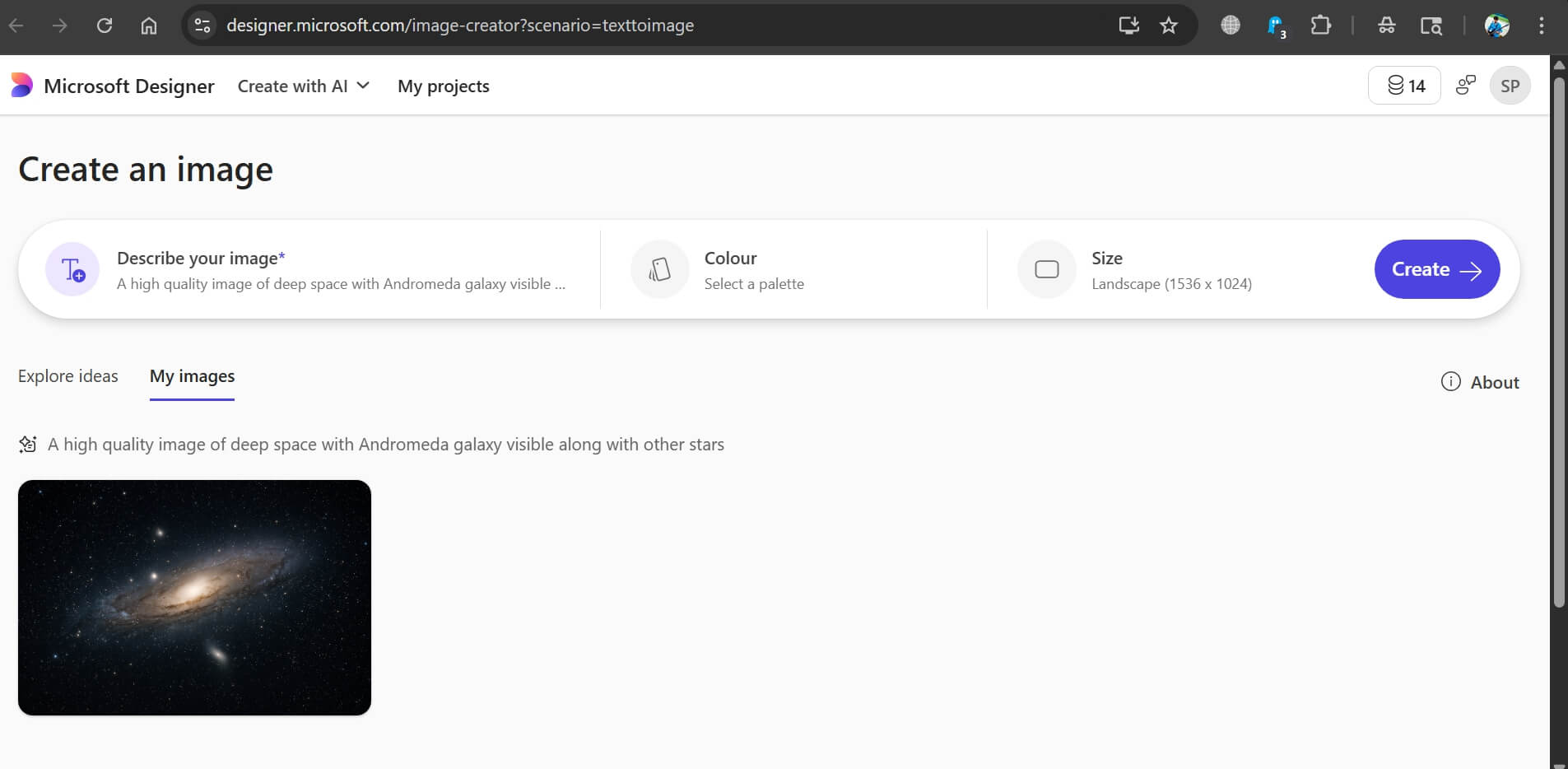
I went into this expecting Microsoft Designer to be the weakest tool on the list. I was wrong.
It is DALL-E powered, free with a Microsoft account, and requires no download or setup. The interface is designed for non-designers: you describe what you want, pick a template or start blank, and it generates images directly inside a design canvas.
The integration removes the export-import step that makes standalone generators slightly tedious when you actually need to use an image somewhere.
The one-image-per-prompt limitation is a real step back from the four-image batches the tool used to produce.
When you are trying to find the best variation of a concept, one output per attempt slows the iteration loop significantly.
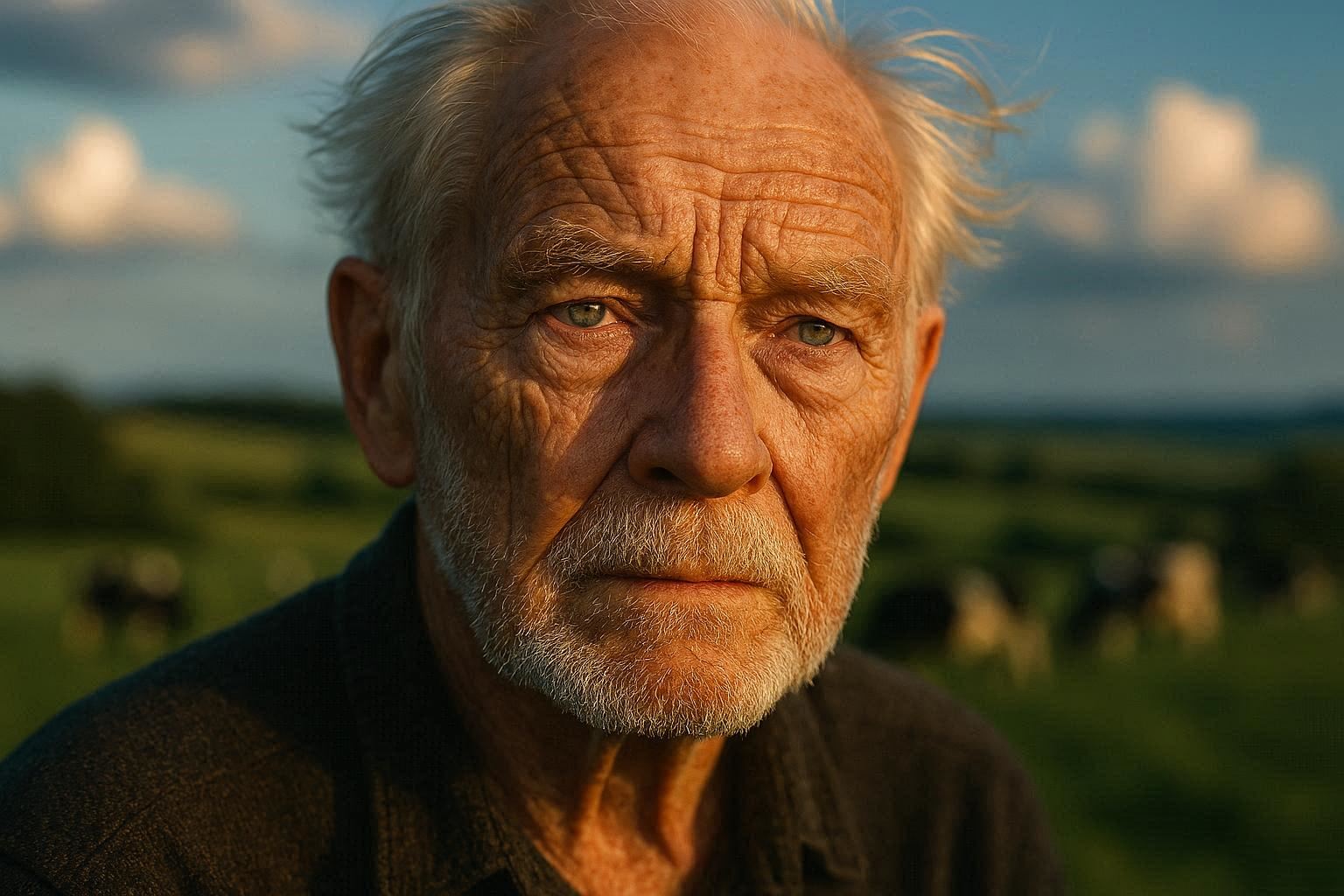
But within those limits, the image quality surprised me. DALL-E’s photorealistic output is consistent, lighting is handled well, and the design canvas makes quick social graphics genuinely fast to produce.
For someone who needs basic visuals for presentations, social posts, or internal communications and already lives in the Microsoft 365 ecosystem, Designer is a legitimate free choice.
The credit ceiling eventually becomes friction. After the daily boosted credits are spent, generation slows but continues, which is more honest than a hard wall.
If low credits on AI image tools don’t sound promising, you can use DALL-E for free.
Canva AI: Right tool with wrong context
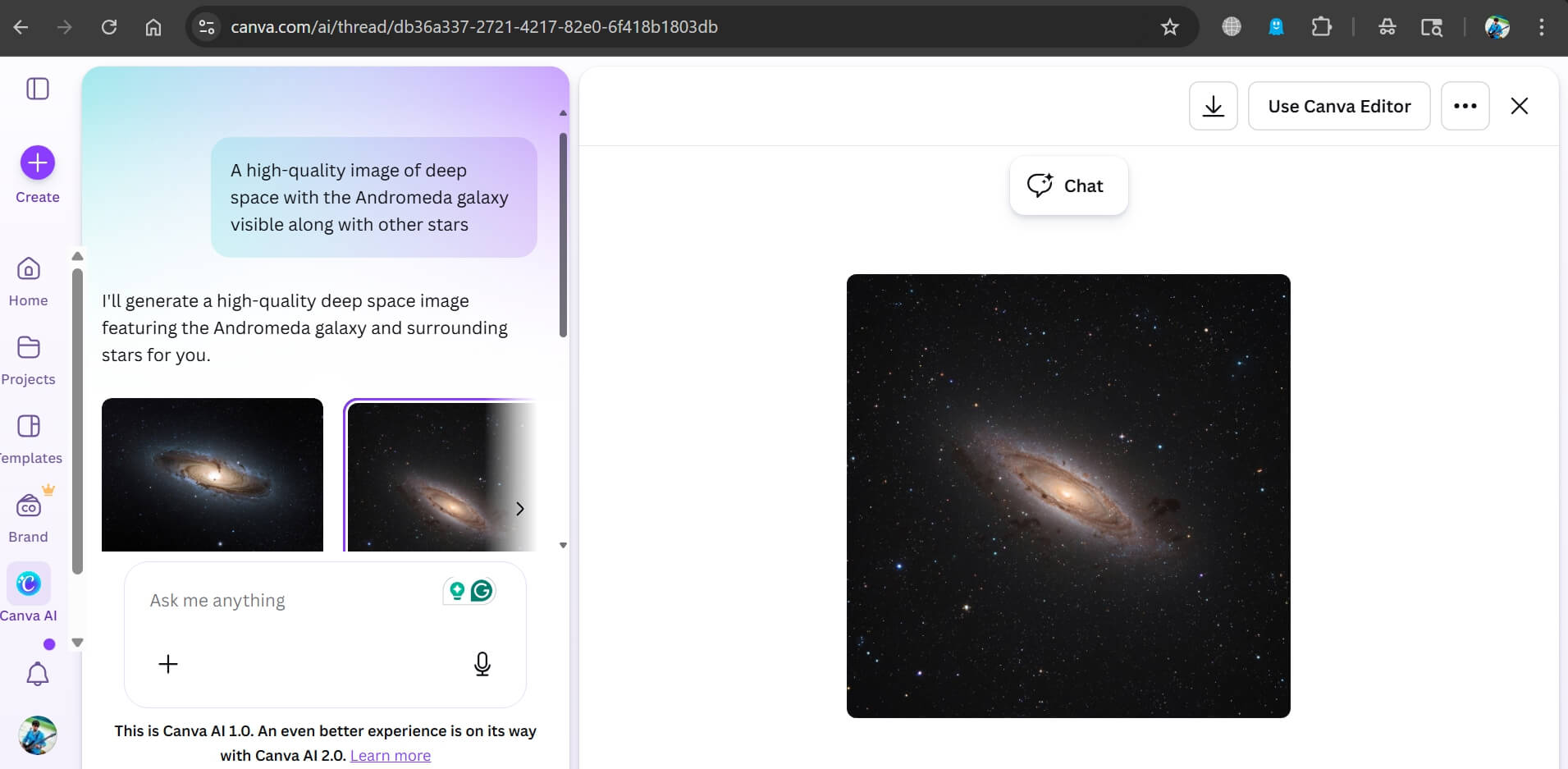
Canva AI’s limitation is not quality. It is the structure of the free plan.
Fifty lifetime generation credits sounds sufficient until you realize that finding one good image for a project often takes eight to twelve attempts.
You burn through the limited credit allowance faster than expected, and unlike Ideogram or Firefly, the credits do not reset monthly. They simply run out.
The integration advantage is real with Canva.
Generating an image and immediately dropping it into a social post template, adjusting colors, adding text, and exporting, all without leaving Canva, does save meaningful time compared to the download-then-upload workflow with standalone generators.

A social media manager who already uses Canva daily will feel the efficiency of that integration.
As a standalone image generator, it is hard to recommend the Canva free plan.
The model quality is competent but not exceptional, text rendering is unreliable, and the credit limit makes sustained use impractical.
Only when you pay for Canva Pro at around $15 per month do the AI tools become considerably more useful.
Stable Diffusion: Unlimited but not free in a way people think
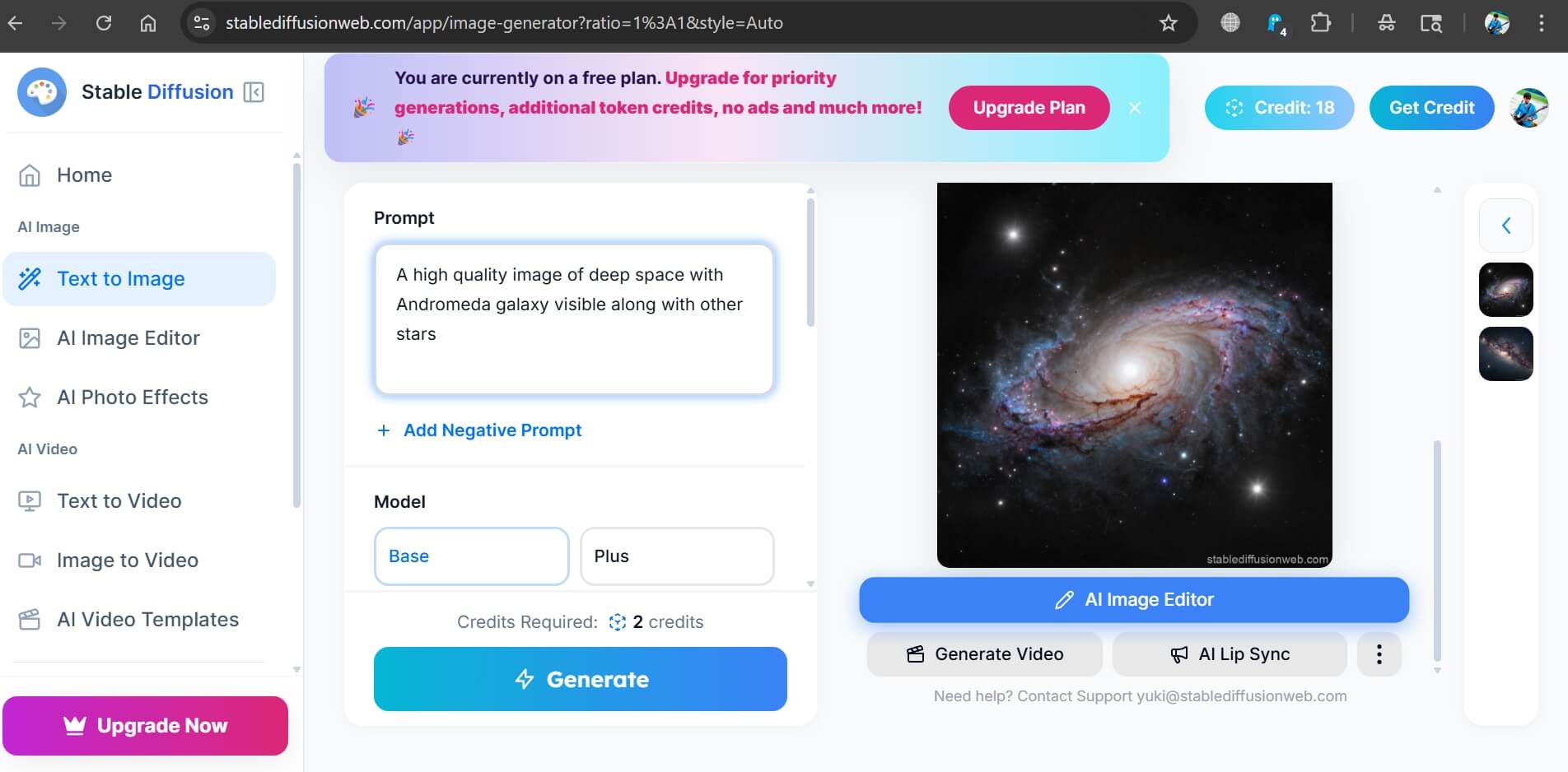
Stable Diffusion is technically free. The models are open-source, the software is free, and once it is running on your machine, generation costs nothing per image.
The real cost is hardware and setup time.
Running SDXL comfortably requires 8GB VRAM minimum, with 12GB providing a noticeably smoother experience.
FLUX.1 Dev, the current quality leader among local open models, needs at least 12GB VRAM to run without constant memory errors. Speaking of GPU, an RTX 3060 12GB is the standard entry-level recommendation for this workflow.
Setup is also not trivial for non-technical users. Getting Automatic1111 or Forge running, downloading models from Hugging Face or CivitAI, and configuring generation settings takes a few hours the first time.
Fooocus significantly simplifies the setup, giving a cleaner interface that runs SDXL without node configuration, but you still need the hardware.
By week three, Stable Diffusion had become my late-night tool for high-volume iteration. When I needed twenty variations of a concept to narrow down a direction, the free cloud tools would have exhausted their credits quickly.
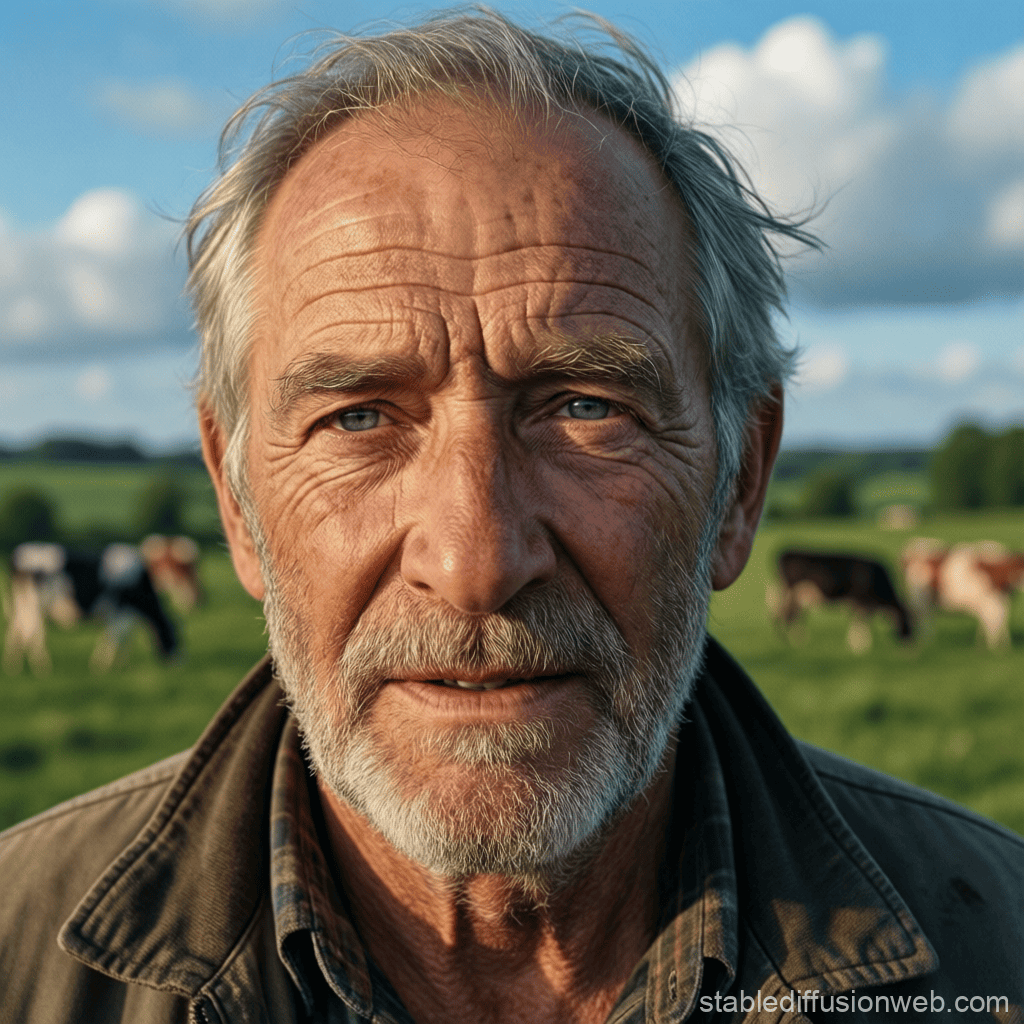
Locally, I could run as many as needed. The quality ceiling on local FLUX models has risen considerably in the past year, and for photorealistic output without constraints, it now genuinely competes with the paid tiers of cloud services.
While you are at it, check out some other Text-to-Image AI Generators that you may use for producing high-quality images.
Where did I actually land after four weeks?
By the end of the month, my workflow had sorted itself into a clear pattern based on the task at hand.
For anything with text in the image, Ideogram. No other free tool is close. The accuracy is reliable enough to trust on a first attempt.
For clean, commercially safe photorealism where I needed to be confident about usage rights, Adobe Firefly. I used my 25 monthly credits deliberately, saving them for outputs that mattered.
For quick editorial graphics or social content where I needed to go from idea to published post fast, Microsoft Designer. The design canvas integration makes it genuinely faster for that specific workflow, despite the single-image-per-prompt limitation.
For social media graphics that were going to live inside Canva designs anyway, Canva AI. But only because the output lands directly in the tool I was already using, not because the generation itself is exceptional.
For volume work, iteration, and anything where I needed to generate without worrying about credit limits, Stable Diffusion locally. The setup investment pays back quickly if you generate more than thirty or forty images a week.
One thing a month of daily use makes clear: no single free tool covers every situation.
The smarter approach is to understand what each tool does well, match it to the task, and stop expecting one of them to replace the others.
What each tool cannot do on the Free Tier?
Ideogram’s free plan blocks private generation entirely. If your work cannot be public, you need the $7 per month Basic plan at a minimum.
Adobe Firefly’s 25 monthly credits make sustained use impossible. In-app Photoshop features like Generative Fill require a desktop Creative Cloud subscription on top of Firefly access.
Microsoft Designer produces one image per prompt, down from four. That change makes iteration slower and makes it harder to find a strong variation without burning through your daily fast credits.
Canva AI’s 50 lifetime free credits are the hardest ceiling of any tool on this list. Once gone, they do not return without a paid plan.
Stable Diffusion requires hardware most people do not already own. A capable GPU with 8GB VRAM minimum, plus setup time, puts it out of reach for casual users who want results in five minutes.
Which free AI image generator should you use?
If you need text in images: Ideogram, no question.
If you need commercial safety and already pay for Creative Cloud, go for Adobe Firefly, since your subscription already includes credits.
If you want zero cost and zero setup with reasonable output quality, Microsoft Designer should be your go-to tool.
If you generate images as part of a Canva design workflow, Canva AI is suggested, but keep track of your lifetime credits.
If you generate images at volume and have a capable GPU, go with Stable Diffusion locally, because unlimited generation changes what is possible.
The free tier landscape in 2026 is more useful than it was two years ago.
The quality gap between free and paid has narrowed considerably. What the free tiers are still stingy about is volume, privacy, and the features that make iterative creative work actually efficient.
Know those limits going in, and the tools become genuinely useful.
Frequently asked questions
Which free AI image generator is best for text in images?
Ideogram is the clear leader for embedding readable text in generated images, with reported accuracy around 90% even on the free tier.
Does Adobe Firefly put watermarks on free-tier images?
As of early 2026, Adobe Firefly no longer adds visible watermarks to free-tier outputs, though the free plan is limited to 25 generative credits per month.
Can I use Microsoft Designer images commercially?
Microsoft Designer’s terms of service generally allow commercial use, but you should review Microsoft’s current terms directly before using images in paid commercial projects, as terms can change.
How many free images does Canva AI give you?
Canva’s free plan includes 50 lifetime credits for Magic Media text-to-image generation, which do not reset monthly and expire once used.
What GPU do I need to run Stable Diffusion locally?
SDXL runs on 8GB VRAM minimum, while FLUX.1 model needs at least 12GB; the NVIDIA RTX 3060 12GB is the standard entry-level recommendation for comfortable local generation.
Is Ideogram’s free tier really public?
Yes, all images generated on Ideogram’s free plan are visible in the public community feed; private generation requires a paid plan starting at $7 per month.