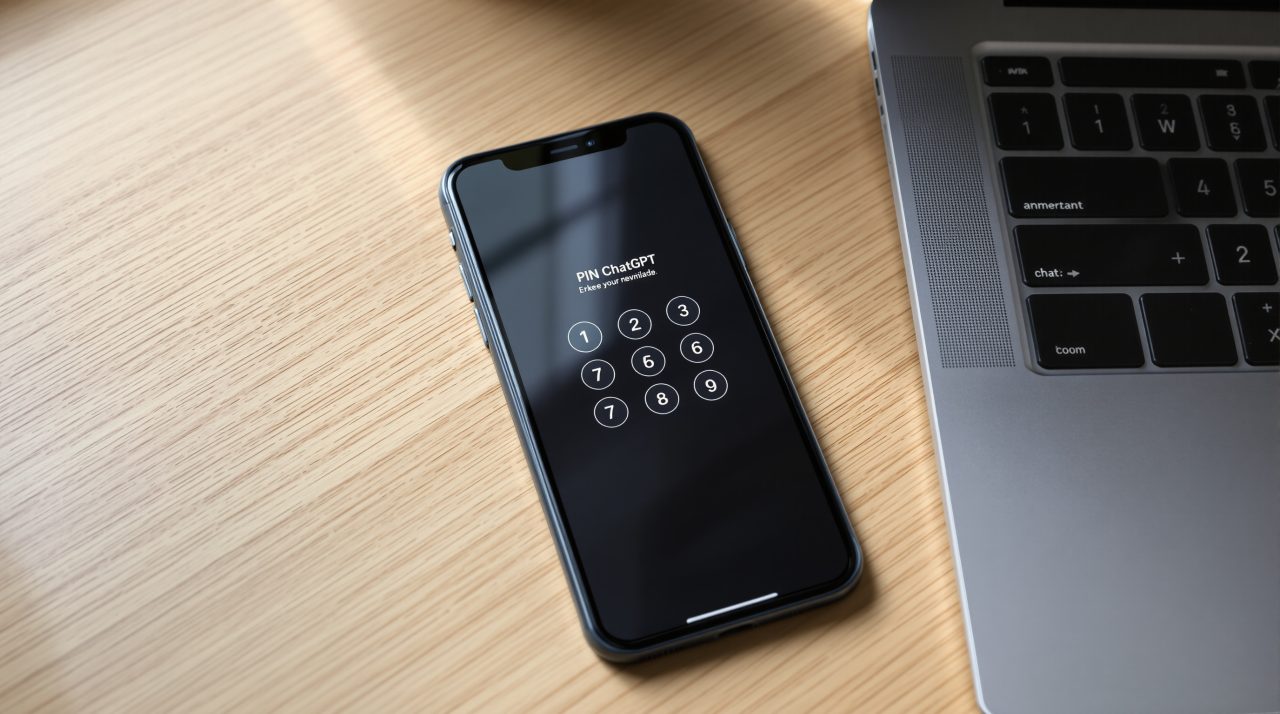
ChatGPT now lets you lock selected conversations behind a four digit PIN, a feature OpenAI listed in its release notes on October 20, 2026. ChatGPT locked chats drop out of your regular history, pinned chats and search, and open only with the PIN or device authentication. If you share a laptop, hand your phone to a kid, or screen share at work, that fixes a small and very familiar problem. It also comes with a catch: lose the PIN and the chats go with it.
TL;DR: OpenAI’s locked chats hide selected conversations from history and search behind a four digit account PIN. They add no encryption and change nothing about retention or training, and a forgotten PIN can only be reset by permanently deleting every locked chat. The rollout is gradual, so the Lock chat option may not show up for you yet.
How ChatGPT locked chats work
To lock a conversation, open the more options menu (•••) on a chat, select Lock chat, and confirm. The first time, ChatGPT asks you to create a PIN of four digits and enter it twice.
That PIN belongs to your OpenAI account rather than a workspace, so it works on every supported device where you are signed in. Afterward you find your locked conversations under Projects, then Locked chats, as laid out in the OpenAI help center.
Access is quick but short lived. On the web, it ends when you select Lock now, refresh the page or close the tab. On iPhone and Android, it ends after one minute away from the locked area or one minute in the background, which is the detail that makes this practical on a phone other people sometimes pick up.
| Setting | What OpenAI documents |
|---|---|
| PIN length | 4 digits, entered twice |
| Where chats live | Projects, then Locked chats |
| Web access ends | Lock now, refresh or closing the tab |
| Mobile access ends | After 1 minute away or in the background |
| Face ID, Touch ID or device unlock | Optional, set up per device, PIN stays the fallback |

What locked chats do not protect
Locking is a privacy screen, not a vault. OpenAI says it does not add end to end encryption, change retention, or change your “Improve the model for everyone” setting, so a locked chat is stored and used exactly like any other.
Anyone who can open a locked chat can copy what is in it. On Enterprise and Edu workspaces, locked chats still appear in the message logs available through the OpenAI Compliance Platform, and admins cannot unlock your chats or reset your PIN.
Memory adds a wrinkle. With Memory on, locked chats can read your regular Memory, but anything remembered only inside locked chats does not carry into regular ones. After you unlock a chat, the full conversation may feed regular Memory if your settings allow it. Memory is not the only place where the edges show.
Chats you cannot lock
Not every conversation qualifies. Temporary chats, archived chats, group chats, chats created from a shared link, and chats with scheduled tasks, meeting recordings or background tasks cannot be locked. Codex conversations and local Work conversations are also out, so locking covers cloud conversations in Chat or Work mode.
Locking a chat removes it from its project, and it loses that project’s instructions, files and memory. If a finance or health chat only makes sense with the project context around it, locking it strips that context away.
Files uploaded or created in a locked chat stay out of Space, the shared file area that features like ChatGPT Slides rely on.
Shared links are the quiet trap. Locking a chat with an existing link does not delete the link, and the previously shared content stays available until you delete the link separately. That is the detail most coverage will skip.
The forgotten PIN problem
Resetting a forgotten PIN permanently deletes every locked chat. The path is Settings, then Security and login, then Account PIN, then Reset on the web or Reset PIN on mobile, followed by a confirmation: “Reset PIN & Delete” on web, desktop and Android, or “Delete all and reset” on iOS.
The deletion also covers memories stored only in locked chats and files protected by the old PIN, and OpenAI says Support cannot recover any of it.
Biometrics soften the daily friction. You can turn on Face ID or Touch ID on iOS, or “Use device unlock” on Android, but it is optional, set up separately on each device, and never replaces the PIN.
Who will actually use locked chats
The release notes say locked chats are rolling out gradually to Free, Go, Plus and Pro users on the web, in the iOS and Android apps, and in the new desktop app for macOS and Windows. The help center also lists Business, Enterprise and Edu, and excludes ChatGPT for Healthcare. If Lock chat is missing from the ••• menu, your account has not received it yet.
A few small notes are worth knowing. Voice works in locked chats on web, iOS and Android, but not on desktop, which matters if you use the new ChatGPT Voice a lot. Ads may still appear in locked chats if they are available for your account, and Android screenshots of locked chats may come out blank.
Not a dramatic change, but an honest one: it keeps a chat out of sight without pretending to be a vault. For most people that is exactly the right size of feature, as long as the PIN lives somewhere safer than their memory.