I gave both models the same brief: write a 300-word product description in a calm, confident tone for a mid-range Bluetooth speaker. No bullet points. No superlatives.
ChatGPT GPT-5.5 produced three paragraphs. Clean. Competent. It also used the word “immersive” in the second sentence despite the instruction against superlatives.
Claude Opus 4.7 produced three paragraphs. No superlatives. No bullet points. The tone was calm and confident, matching the brief almost exactly.
That one test does not decide the ChatGPT vs Claude writing debate. But it does illustrate the core difference that shows up consistently across 2026 reviews and real-world comparisons.
TL;DR: Claude Opus 4.7 is the stronger writing model for 2026. It follows complex instructions more precisely, produces prose that reads less like AI output, and handles long-form tone consistency better than GPT-5.5. ChatGPT is faster, handles more content formats, and is better for brainstorming and creative exploration. If you produce writing for a real audience, Claude is the better daily tool. If you want broad output fast, ChatGPT covers more ground.
How AI tools handle tone and instruction?
Claude’s writing is built around instruction-following.
Anthropic has described Claude Opus 4.7 as stricter about executing the exact text of a prompt rather than loosely interpreting it.
Even in our testing, Sonnet 4.6 offered two different tonality options to choose from when we provided it with a prompt to draft a letter.
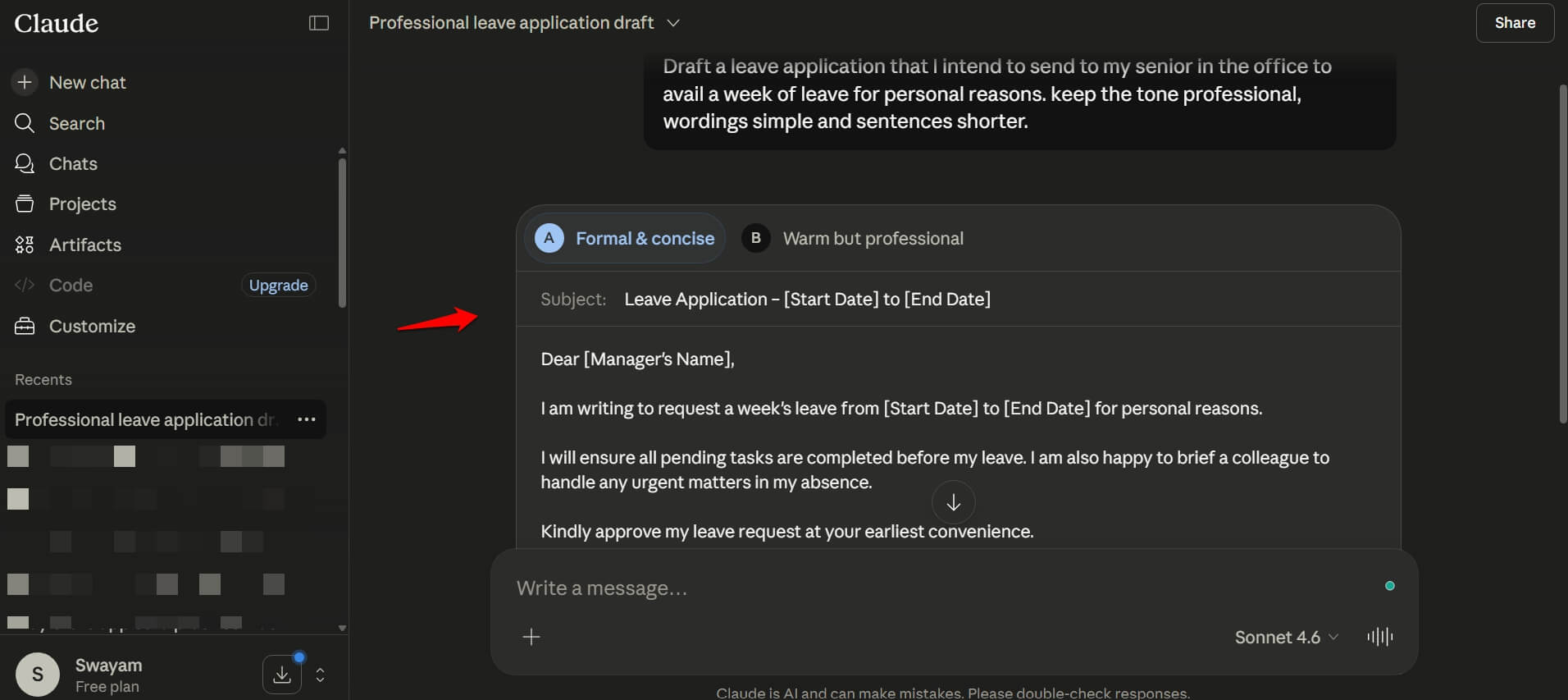
In practice, this means that if you specify no passive voice, Claude avoids passive voice. If you specify a word count, Claude follows up with a closer word count.
GPT-5.5 interprets instructions more liberally. We provided it with the same prompt as Claude.
ChatGPT drafted a letter straightaway in its response. It never offered multiple options in the response based on tone, as Claude did.
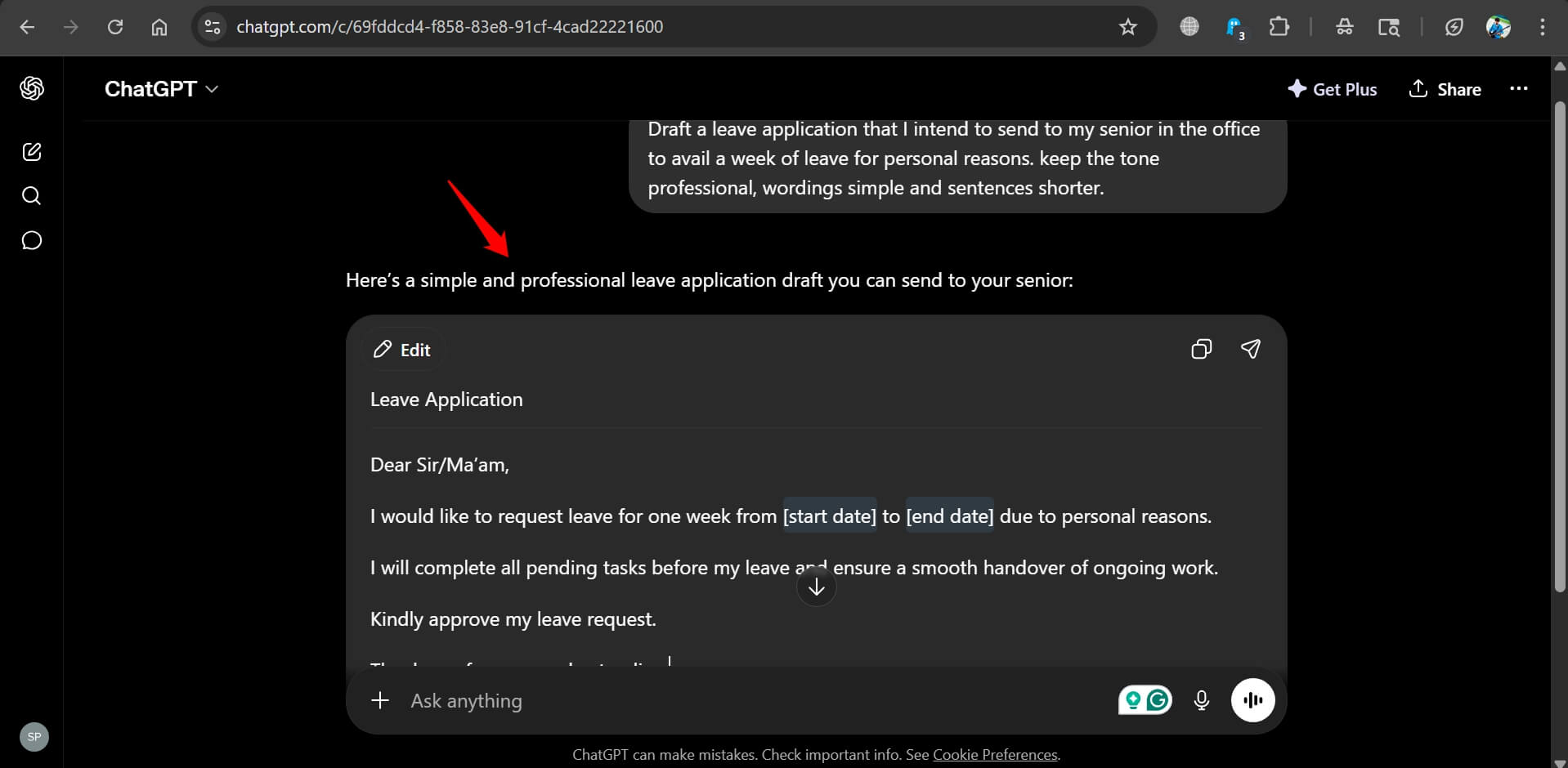
Not that ChatGPT is wrong or less capable. It just keeps the response simple.
There are no broader options, as we saw in the case of Claude. The prompt we issued was the same for both the AI tools.
It is good at guessing your intent and producing something useful even from a vague prompt.
But for detailed multi-part briefs with specific constraints, it drifts. Earlier instructions get deprioritised as the output length grows.
This is not a flaw in GPT-5.5. It is a trade-off.
Liberal interpretation makes GPT-5.5 more forgiving and faster to work with when you are exploring ideas.
This may become a problem when you are producing content that needs to match a specific style guide or editorial voice.

Prose quality in practice
The phrase that comes up most consistently in 2026 writing comparisons is that Claude produces text that sounds like a person edited it, while ChatGPT produces text that sounds like a competent AI wrote it.
That distinction matters less for functional writing like emails, summaries, or quick drafts.
It matters a lot for anything that a reader will spend more than a minute with.
Claude avoids the generic filler phrases that make AI writing feel hollow. It takes positions. It holds a tone across a long document without drifting into a different register by paragraph five.
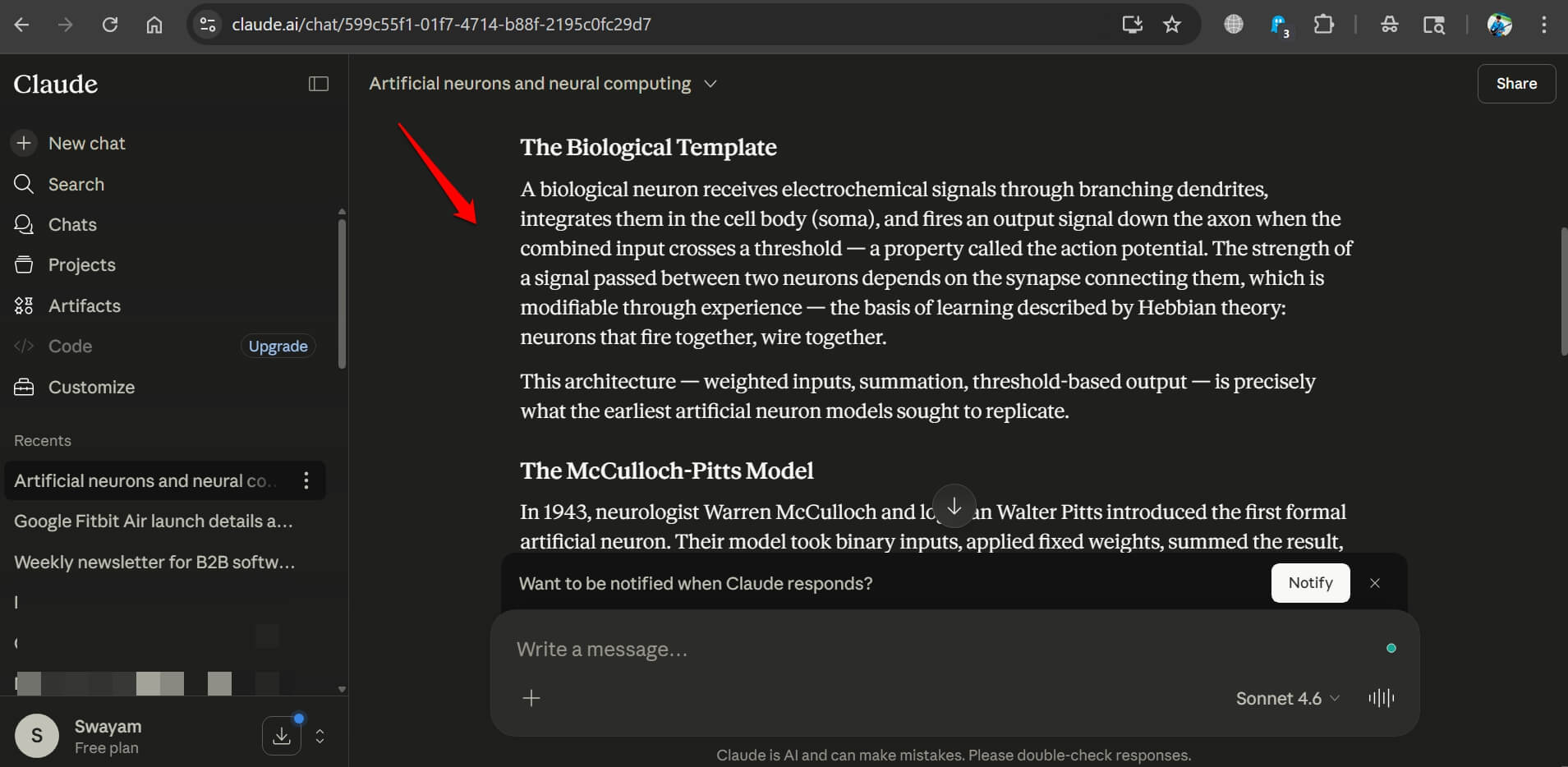
When Claude is fed examples of strong writing, it adapts to the style rather than producing something adjacent to it.
It is worth noting that Claude is not entirely free from issues. I have come across Claude responding “Your Conversation is too long” when you are asking a query.
GPT-5.5 writes fluently for short-form content, ad copy, and social posts. It is fast, and the quality is high.
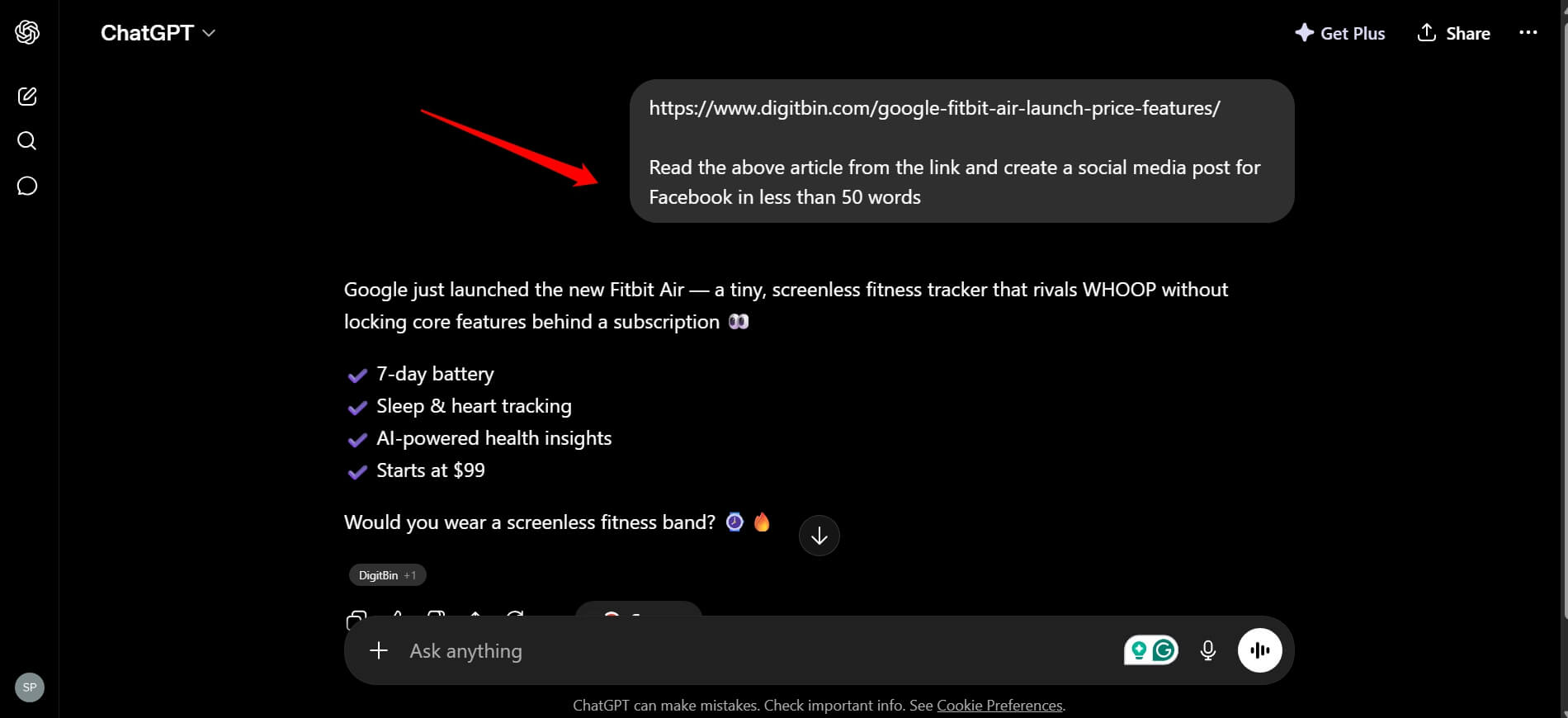
For long-form work, the prose can feel slightly formulaic, particularly in how sections are introduced and closed.
Where ChatGPT pulls ahead
Brainstorming is where GPT-5.5 has a clear edge. When you want a wide range of ideas, angles, headlines, or directions to explore, GPT-5.5 generates more of them, and they span a broader range.
Claude tends to produce fewer options that are more carefully considered.
Both are useful. Which one you want depends on the stage of the work.
GPT-5.5 also handles more content formats natively. It produces scripts, structured documents, tables, and mixed-format output more smoothly.
Canvas, its integrated editing environment, is the best writing workspace of the three major AI tools right now.
For image-paired writing, product descriptions that need a matching visual, or social content that needs text and art together, ChatGPT’s built-in image generation is a real practical advantage.
I asked GPT to create an ultra-realistic HD image with specific instructions, and it followed to the letter.
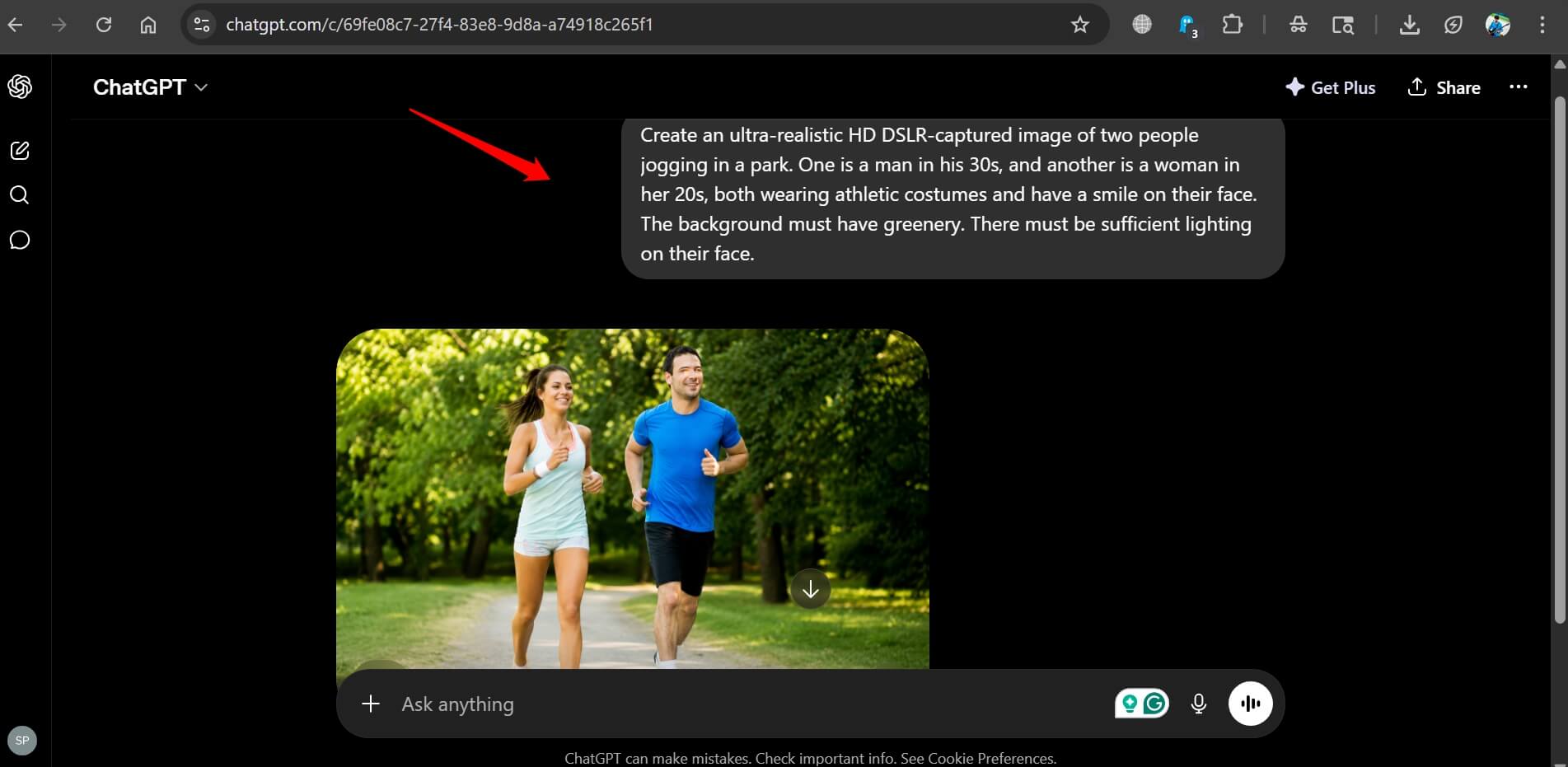
Claude does not generate images. It can only create SVG diagrams, charts, and graphs.
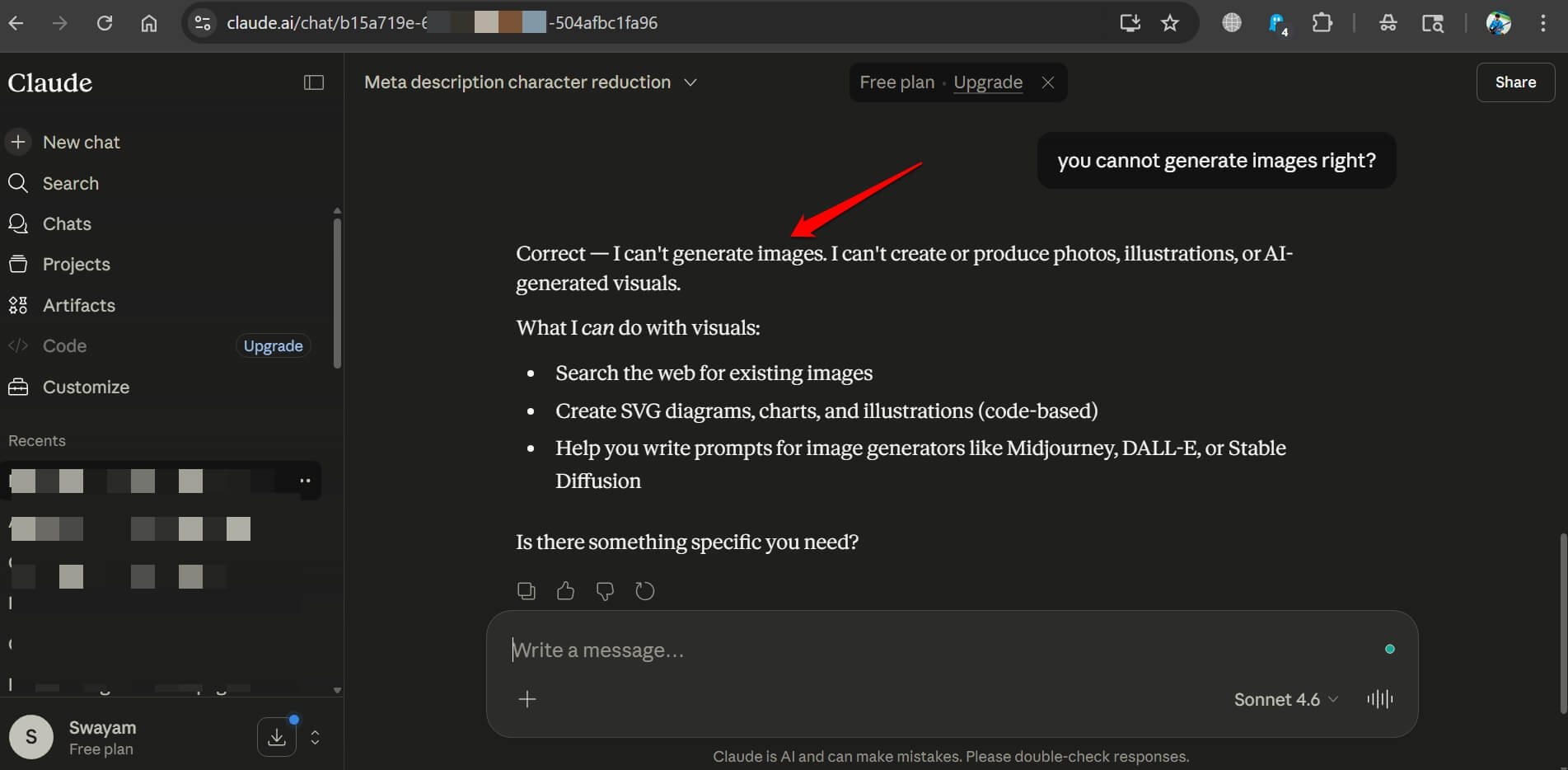
Claude’s conversation limitations can be frustrating. Often, Claude hits the usage limit on the free tier right when I’m using it. We already have a guide covering how to stop hitting the Claude usage limit.
Long-form and editorial work
For anything over 800 words with a real reader at the end, Claude is the more consistent tool.
It maintains voice across a long article, follows editorial constraints through to the final paragraph, and produces fewer of the hollow transition phrases that flag AI writing to experienced readers.
I asked Claude to frame a sample newsletter of specific words and tone for a B2B company.
Claude specifically asked what type of problem the B2B company solves. Also, it asked what the newsletter primarily has to offer.
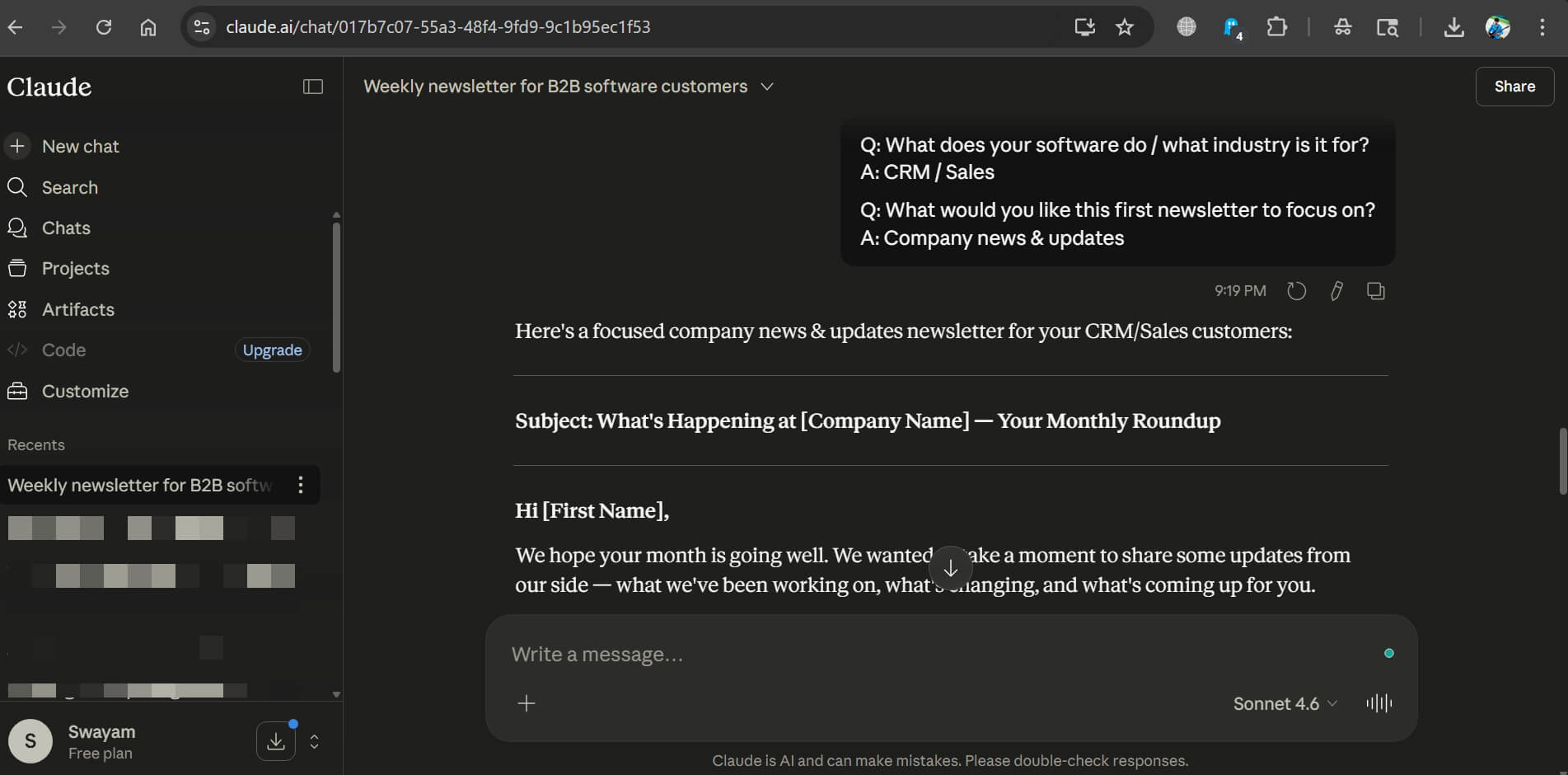
The scope of clarity that Claude creates makes it easier to draft content with a direction about the various elements associated with the content.
Journalists, newsletter writers, and content teams who need to preserve a specific brand voice consistently report that Claude requires less editing after the first draft.
The old way was feeding ChatGPT a draft, getting something broadly correct, and spending 30 minutes removing AI-isms before it was publishable.
Claude tends to get closer on the first pass.
The honest verdict for 2026
Claude is the better writing model if precision and prose quality are the priority. Anthropic has built Claude Opus 4.7 around careful instruction-following, and it shows in the output.
ChatGPT is the better tool if you want faster output, broader format support, and a model that can generate ideas as well as execute them.
The gap between the two on raw quality is smaller than it was a year ago. The difference now is less about capability and more about what each model is optimised for.