A second-year student once described their AI workflow to me as: open ChatGPT, type the question, paste the answer into the essay.
The problem is not using AI. The problem is using one AI for everything when three different tools have meaningfully different strengths for different tasks.
A student who writes a literature essay with ChatGPT, researches with Gemini, and edits with Claude will get better results at each stage than one who relies on a single tool for all three.
This is the practical breakdown of ChatGPT vs Claude vs Gemini for students in 2026.
TL;DR: For essays and long-form academic writing, Claude is the most accurate and stylistically consistent tool. For research that requires current sources and Google Scholar integration, Gemini is stronger. For quick answers, brainstorming, image generation, and everyday questions, ChatGPT is the most versatile. All three can hallucinate citations. Every AI-generated reference needs to be verified against the original source before submission.
The best AI tool for essays and long-form writing
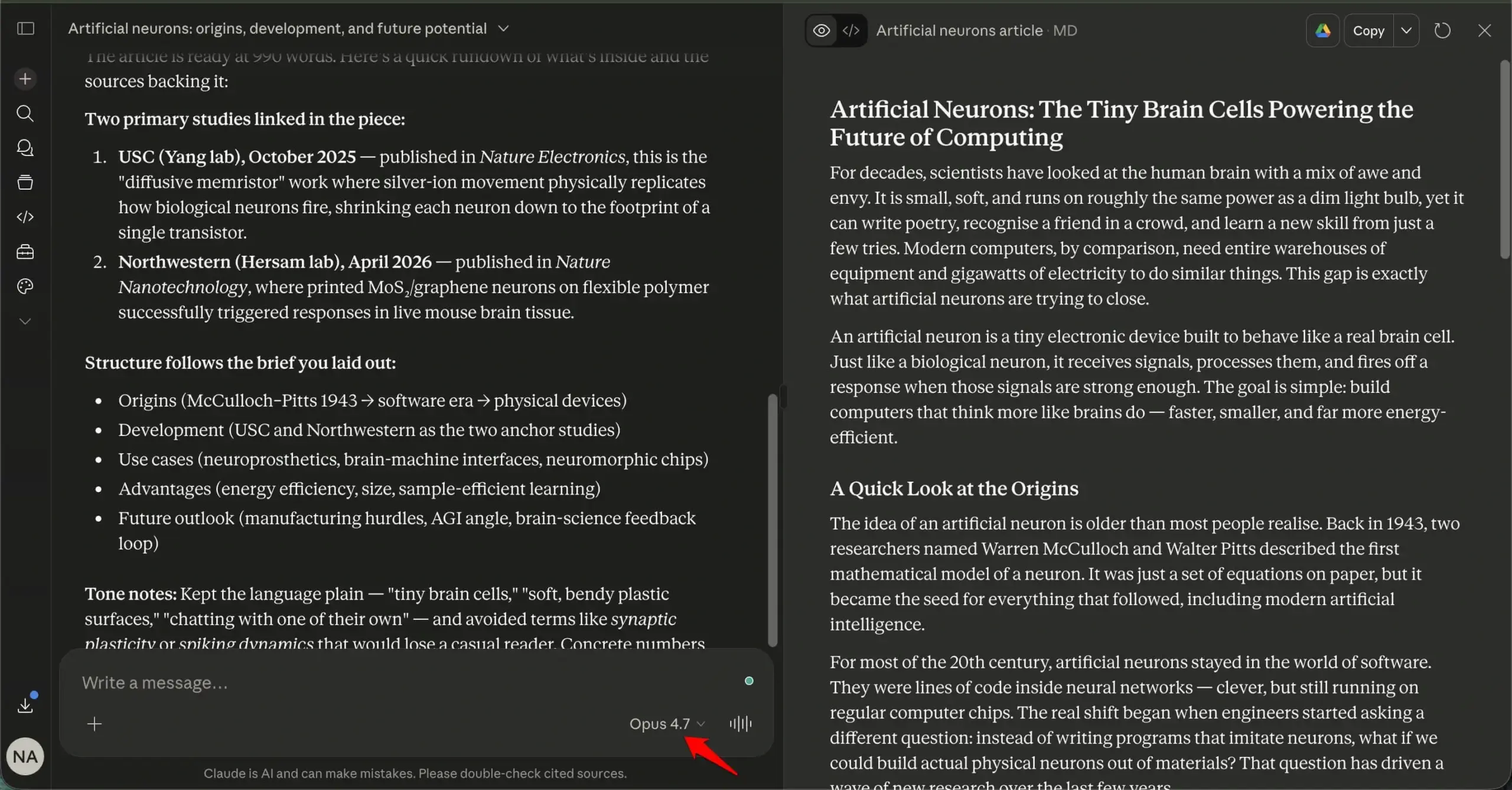
Claude Opus 4.7 is the strongest writing model in 2026 for academic work.
It follows complex instructions precisely, maintains a consistent argument across a long document, and produces fewer of the generic transition phrases that make AI-assisted essays obvious to experienced readers.
More importantly for academic use, Claude has the lowest hallucination rate of the three models at approximately 3 percent on factual queries, compared to roughly 6 percent for GPT-5.5 and Gemini 3.1 Pro.
Claude is also more likely to tell you it is uncertain rather than produce a confident claim that it cannot support.
If you are feeding Claude your own notes and asking it to help structure or edit them, the output quality is noticeably better than the alternatives.
The Anthropic AI handles long input without losing context and refers back to specific details from your material rather than generalising around them.

Using an AI tool for research
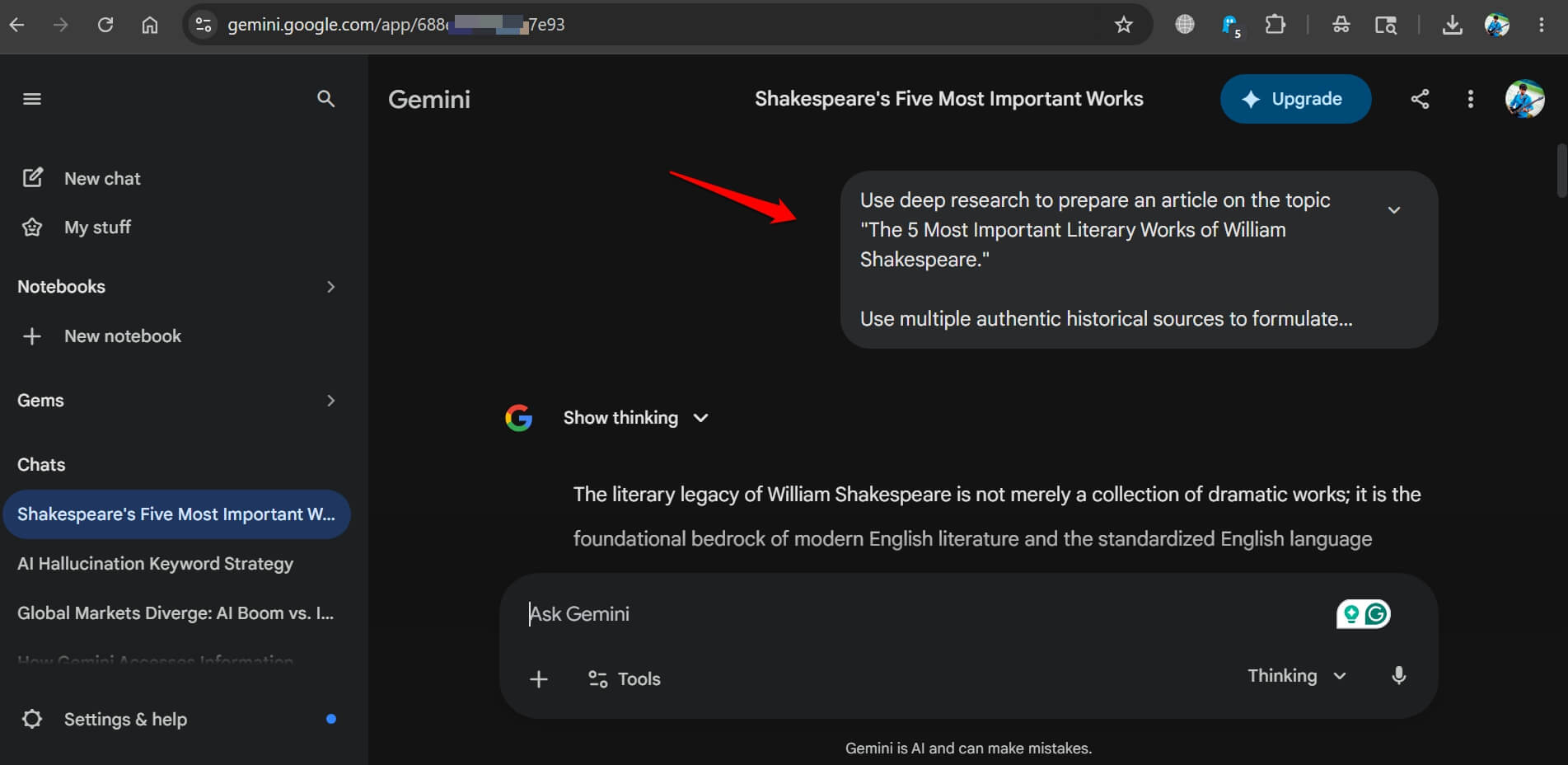
Gemini 3.1 Pro is the most useful research tool because it connects to live Google Search by default.
Queries about recent studies, current statistics, and anything that changed in the past six months get answers drawn from actual search results rather than training data.
Gemini’s Deep Research feature produces structured reports from a single query, scanning multiple sources and synthesising them into a readable document.
In head-to-head tests, Gemini’s Deep Research produced a 48-page report using over 100 sources for a single research query.
GPT-5.5’s equivalent feature used 41 sources and took longer. Claude’s research output was shorter and more focused but less comprehensive for broad topics.
For students doing literature reviews, topic surveys, or exploratory research before an assignment, Gemini’s search grounding is a practical advantage neither Claude nor ChatGPT can fully match without browser access enabled.
Gemini can interact with Google Docs documents without you having to manually copy and paste between apps.
All the products in the Google Workspace have Gemini integrated into them. This facilitates instant help from the AI tool when trying to find the summary of a document or to note any vital information.
The right AI tool for quick answers and everyday use
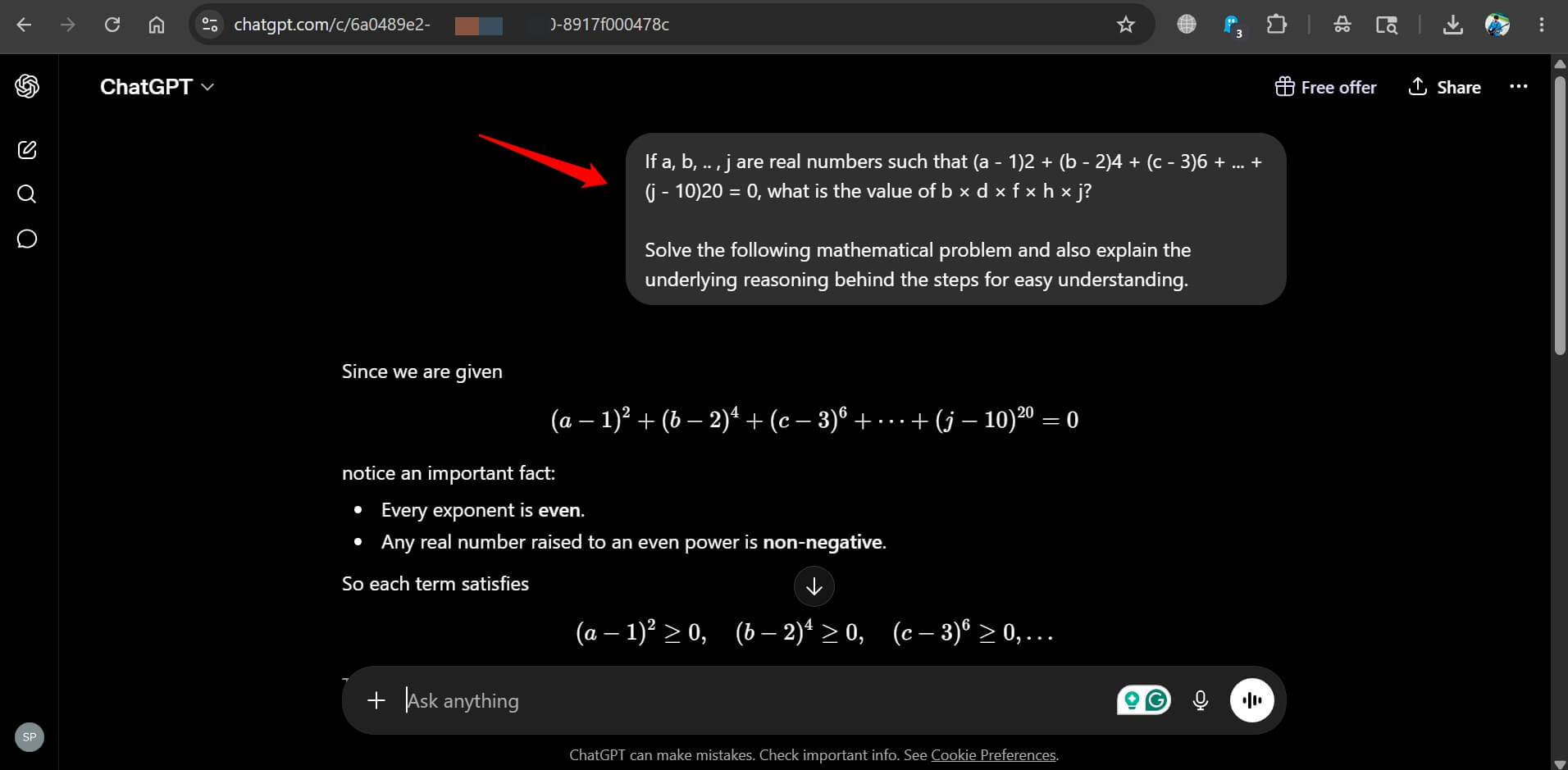
ChatGPT GPT-5.5 is the most versatile tool for general student use. It handles quick factual questions, explains concepts across every subject area, generates practice problems, and produces images for presentations.
For the broad range of tasks that do not fit neatly into research or essay writing, ChatGPT covers more ground than Claude or Gemini.
Voice mode on ChatGPT is also more developed than on the other two, which is useful for students who want to talk through a concept rather than type a prompt.
For math, ChatGPT and Gemini are roughly equivalent. Both solve university-level calculus and linear algebra correctly in most tests.
OpenAI‘s Code Interpreter can run calculations and show the working, which is useful for checking problem sets.
Recently, we replaced Google search with ChatGPT for a month to see how the AI search works compared to the classic web search engines. GPT fared well when it came to explanations, troubleshooting, and follow-up questions.
The citation problem every student needs to know
All three models can produce citations that do not exist.
The format is correct, the author names are plausible, the journal titles are real, and the papers themselves are fabricated.
This is the most dangerous failure mode for student use.
Claude is less likely to invent citations than GPT-5.5 or Gemini, but “less likely” is not the same as “never”.
Every citation generated by any AI tool must be checked against the actual source before it appears in submitted work.
The safest workflow is to use AI to identify the topic and direction of a search, then locate real sources through Google Scholar or your university library independently.
Use AI as a research guide, and not as a citation source.
Free AI tool vs paid: what each tier gets you
All three AI tools have free tiers.
ChatGPT free gives access to GPT-5.5 Instant with limited daily usage.
Claude free gives access to Sonnet 4.6 with usage caps. You get free access to Gemini 3.1 with generous limits for basic tasks.
Gemini is the most usable at the free tier for research purposes.
Claude’s free tier is sufficient for occasional writing help but hits limits quickly under heavy daily use.
ChatGPT Plus at $20 per month makes sense if you are regularly using image generation or deep research features.
For most students, starting with all three free tiers and using each for the task it is best suited to is more practical than paying for a single subscription and trying to make one tool do everything.