When I first heard about Android 17’s “Pause Point,” I assumed it was another toothless Digital Wellbeing update destined for the ‘Off’ toggle. I was wrong. By adding a mandatory 10-second wait and, in a move of pure psychological warfare, requiring a full phone restart to disable it, Google is finally making it harder to doomscroll than it is to just put the phone down.
Then I read the bit about the phone restart.
Pause Point is the new screen-time tool Google announced at The Android Show I/O Edition on May 12. It is one of the few features in Android 17 that does not involve Gemini at all. And it might be the most quietly aggressive thing Google has shipped to fix doomscrolling in years.
TL;DR: Pause Point lets you mark certain apps as distracting. When you open one, Android 17 holds you at a 10-second waiting screen with a breathing exercise, a favourite photo, an alternative app suggestion, or a usage timer. The feature can only be turned off after a full phone restart. It launches on Pixel and Galaxy first, with broader rollout later in 2026.
How Pause Point actually works
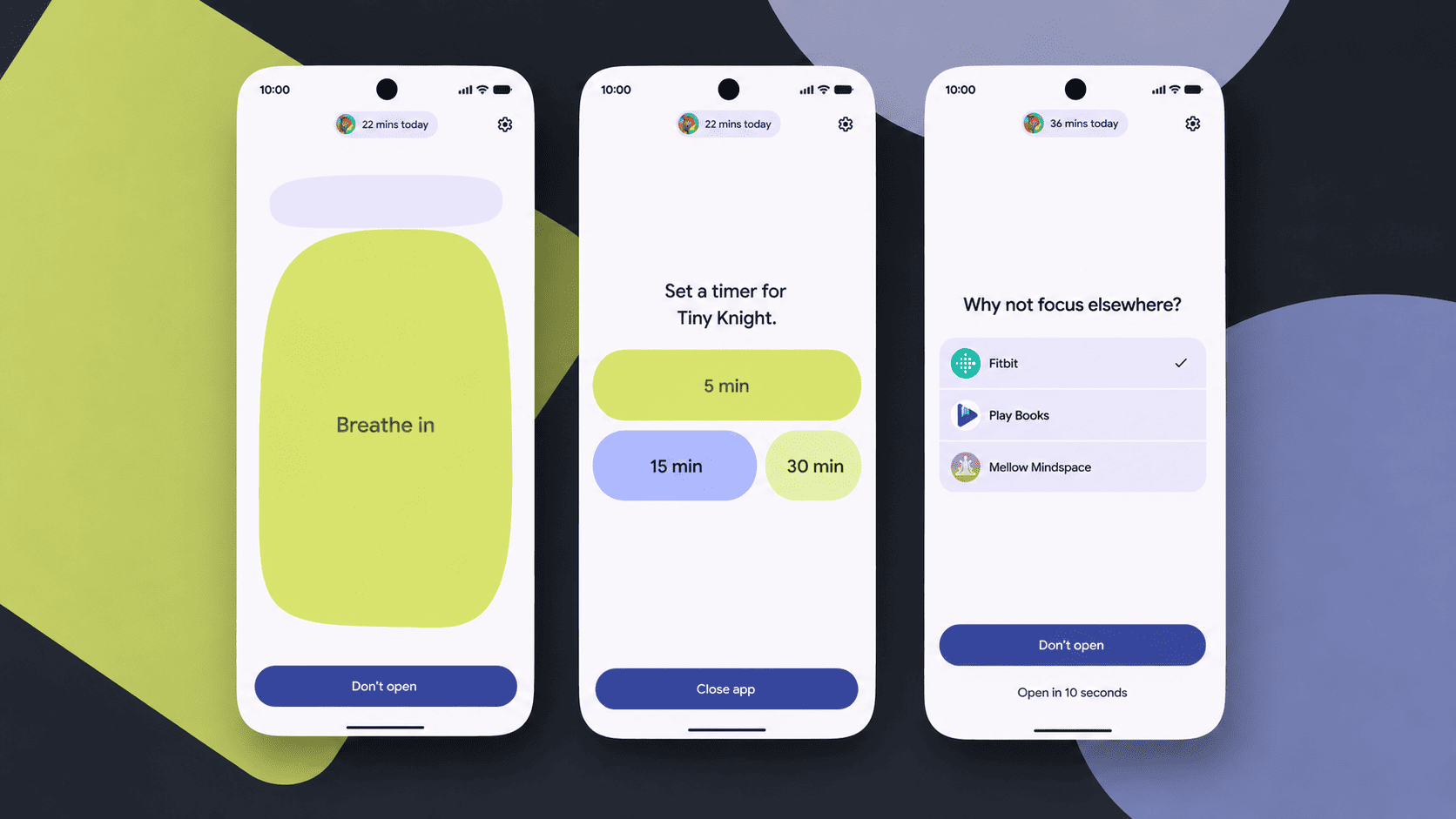
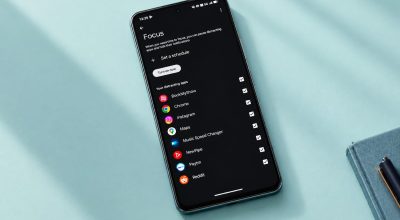
You pick the apps. Instagram, TikTok, Reddit, X, whatever your particular dragon happens to be. Once an app is tagged, every time you open it, Android 17 intervenes before the app actually loads.
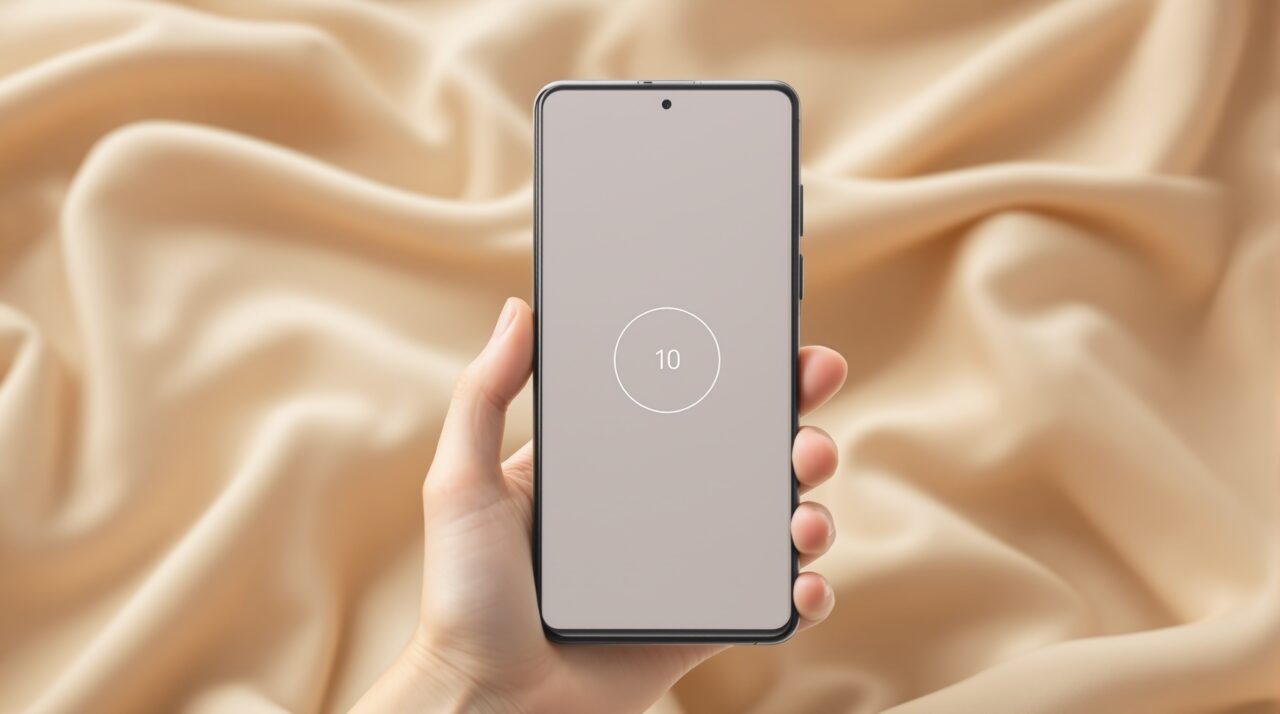
For ten seconds, you stare at a Pause Point screen. According to TechCrunch, you get a small menu of options during that pause. You can do a guided breathing exercise. You can look at a favourite photo. You can pick an alternative app, like an audiobook or a podcast. You can set a timer that limits how long you spend in the app once it opens.
There is no skip button.
After the 10 seconds elapse, you can choose to go in or back out. The app does not open automatically. You actively choose, again, whether you really want to.

Why the 10-second wait is the point
Most app timers can be dismissed in two taps. I learned to ignore the Instagram timer within a week. The friction was too low.
Pause Point inverts that logic. You cannot dismiss it in two taps. You cannot dismiss it at all. The wait is the feature.
Ten seconds does not sound like much in the abstract. In practice, it is just long enough for the impulse to lose its grip. The reflex of opening an app at a red light, in a queue, between meetings, is mostly habit dressed up as boredom. Ten seconds of nothing on the screen is enough to remind you that you opened the app without really deciding to.
The first time you hit a Pause Point, you will probably swear at it. By the third day, you will probably stop opening that app as often.
The reset is the catch
Here is the part that separates Pause Point from every other screen-time tool I have used. You cannot turn it off in settings.
Pause Point requires a full phone restart to switch off.
That sounds harsh until you sit with it. The whole problem with screen-time controls is that the same brain that wants to scroll is the brain that gets to turn the controls off. A two-tap disable is a guarantee that the feature will get disabled in moments of weakness. A phone restart is just enough effort that you have to mean it.
Restart, wait through the boot animation, unlock, navigate to settings, find the toggle. Five minutes of intentional action to undo a feature you set up because you did not trust yourself.
By the time you have finished the restart, the urge has usually passed.
What Pause Point does not do
It is worth being clear about what this is not.
Pause Point does not block apps. It does not delete them. It does not log you out of anything. It does not report your usage to anyone. There is no shame screen, no streak counter, no nag notifications across the day.
It is a 10-second speed bump, placed precisely at the moment most people open the wrong app for the wrong reason.
That is the whole feature. Anything more elaborate would probably trigger a workaround within a week. Anything less elaborate would be the Instagram timer I already learned to ignore.
The few features in Android 17 that do not involve Gemini, like the Android 17 privacy defaults, share this same restraint. Small change, consistently applied, hard to undo.
Who Pause Point is for
If you already have your phone use under control, this feature is going to feel pointless to you. You will turn it off and never think about it again.
If you have ever told yourself “five minutes on Instagram before bed” then looked up at 1am, this feature was built for you. The 10-second wait is not the cure. It is a mirror.
Pause Point will not save anyone from a serious phone-use problem. That is therapist work, not OS work. What it might do is take the edge off the dozens of small unconscious app opens that fill the day. The ones you do not even register doing.
That is a smaller win than the marketing copy suggests. It might also be a more honest one.
How to set it up when Android 17 arrives
On Pixel 10 and Galaxy S26 this summer, Pause Point should appear under Digital Wellbeing in Settings once the stable release lands. You select the apps you want to mark as distracting and Pause Point starts intervening immediately.
For other Android phones, the rollout will stretch through late 2026 and into 2027, following each manufacturer’s usual update schedule.
If you are not sure whether you want it, the honest test is simple. Open Instagram right now. Were you about to scroll because you actually wanted to see something, or because your thumb went there on its own?
The thing nobody mentions about screen-time tools
The reason most screen-time apps fail is that they treat the symptom and ignore the loop.
A loop has three parts. The trigger, the action, the reward. Phones are designed to make all three frictionless. Pause Point does not change the trigger or the reward. It puts a small wall between the trigger and the action, and asks you to walk through a door before continuing.
The Android 17 features getting the most attention are the AI ones. Pause Point is not impressive. It does not demo well on a keynote stage. It just makes one kind of bad habit slightly harder to repeat, and slightly easier to notice. That might quietly matter more than any Gemini feature in the long run.