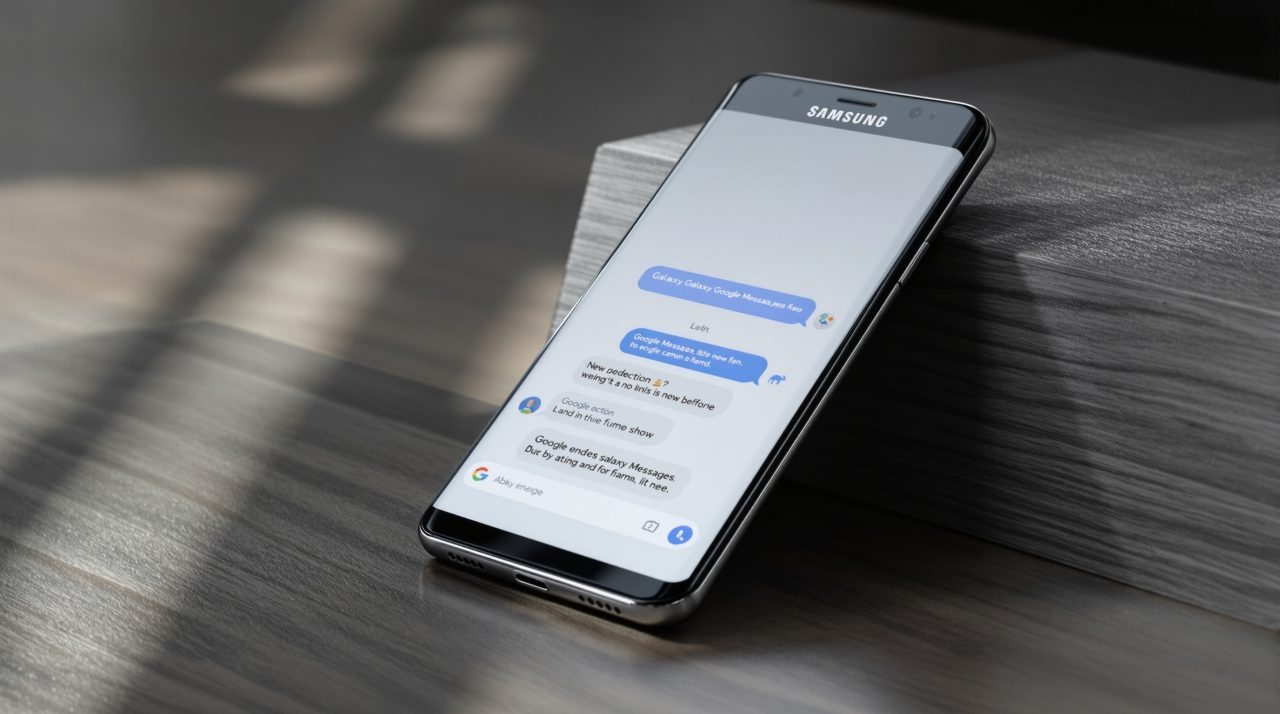
Samsung Messages goes dark for good on July 6, ending a decade as the default texting app on Galaxy phones. Samsung confirmed the exact shutdown date this week, according to 9to5Google, after first announcing the move back in April. The app stops sending texts on any Galaxy phone running Android 12 or newer, and everyone gets pushed to Google Messages instead. That transition looks smooth on paper, but it does not treat every device the same way. Some phones make the switch without you noticing. Others need a few manual taps, and a handful of older Galaxy Watch models lose something for good.
TL;DR: Samsung Messages shuts down for US users on July 6, 2026, ending texts sent through the app itself. Phones on Android 14 or newer switch to Google Messages automatically, icon included. Android 12 and 13 devices need a manual default-app change. Older Tizen-based Galaxy Watches keep sending texts but lose message history. After the cutoff, Samsung Messages only works for saved emergency contacts.
What happens to Samsung Messages on July 6
Samsung Messages stops working as a functional texting app on July 6, 2026, for every Galaxy phone in the US running Android 12 or later. The only exception is emergency contacts and emergency service numbers already saved on the device, which still go through after the app is retired.
Google Messages became the default texting app on new Galaxy phones back in 2022. Samsung stopped preinstalling its own app on US devices in 2024, then pushed existing users toward Google’s app later that same year. A brief 2025 revival added RCS support and a handful of new features to Samsung Messages, but the company ultimately decided to shut it down anyway, according to Samsung’s own support page.
| Android version | What happens on July 6 | Action needed |
|---|---|---|
| Android 11 or older | Samsung Messages keeps working | None |
| Android 12 or 13 | App stops working, icon does not move | Manually set Google Messages as default and move it to the dock |
| Android 14 or newer | Automatically shifts to Google Messages | None, icon updates on its own |
| Galaxy S26 and newer | Samsung Messages was never downloadable | None, already on Google Messages |
Why some phones switch automatically and others need a manual push
Android 14 and newer handles this transition quietly. Samsung Messages automatically shifts to Google Messages, and the home screen icon updates itself in the process.
Android 12 and 13 do not get that convenience. The Google Messages icon will not move into the home screen dock on its own, so anyone on one of those two versions has to manually remove the old Samsung Messages icon and drag Google Messages into its place.
Samsung has been steering Galaxy owners toward Google’s own apps for years, a pattern that shows up again in how One UI 9 leans on Google services rather than Samsung-built ones. That split by Android version is a small technical detail, but it decides whether this shutdown goes unnoticed or leaves someone digging through their app drawer wondering where their texts went.
The Galaxy Watch problem nobody mentioned in the announcement
Older Galaxy Watch models built on Samsung’s Tizen operating system, anything released before the Galaxy Watch4, cannot run Google Messages at all. Those watches keep sending and receiving individual texts after July 6, but they lose the ability to display full message history once Samsung Messages is gone.
That is a quieter cost than a broken app, and easy to miss in a support page written mainly for phones. Watch owners who rely on reading back through a conversation on their wrist will notice the difference immediately.
What you lose if you do nothing
Ignoring the switch does not keep Samsung Messages alive. Once July 6 passes, the app stops sending anything except messages to emergency contacts and emergency service numbers already saved on the device.
Message Continuity, the feature that lets a text sent to your phone also appear on a linked tablet or PC, stops working once the app is retired. Devices sold before 2022 may see a short disruption to ongoing RCS conversations during the switch, though regular SMS and MMS keep working throughout. Google Messages already carries this cross-platform push further, the same idea behind Android 17’s expanded Quick Share between Android and iPhone.
Message history itself is not at risk. Samsung says all conversations transfer automatically to Google Messages, though the full transfer can take up to 24 hours depending on how much data is being moved.
The one thing worth checking before the app disappears
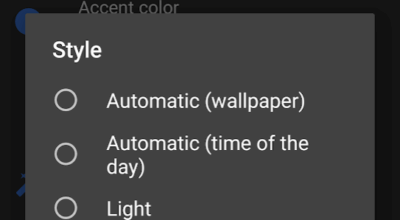
Open Google Messages once before July 6 and confirm it is set as the default SMS app, rather than waiting for Samsung’s in-app prompt to catch you mid-conversation. The setting takes under a minute to change and closes the gap where neither app is fully active.
It is the same pattern Galaxy owners have run into before, like the several Find Hub settings that stay off by default until turned on manually. Owners of Galaxy S26 and newer will not have a choice to make either way, since Samsung already blocked Samsung Messages from the Galaxy Store on those phones. For everyone else running an older Galaxy device, this week is the last chance to make the switch on their own terms instead of Samsung’s.