For years, the moment that exposed the iPhone-Android divide in my house was the school WhatsApp group asking for a photo.
The parent on the iPhone sends it instantly to the other iPhone parents via AirDrop. The one Android parent in the chat, my wife, has to fall back to WhatsApp or email or some weird third-party app. The photo arrives smaller, slower, or with a watermark.
Android 17 is the first version where that wall finally feels like it has a door in it.
TL;DR: Android 17 expands Quick Share to AirDrop compatibility across more Android brands. Oppo, OnePlus, Vivo, Xiaomi, and Honor are joining the Pixel 10 and Galaxy S26 in the AirDrop bridge. For phones that do not support direct AirDrop transfers, Android can generate a QR code that an iPhone scans to receive the file through the cloud. The iPhone-to-Android switching tool also gets better, with passwords, home screen layout, and app data now carrying over.
How Quick Share to AirDrop works today
Google opened up cross-platform sharing on the Pixel 10 in November 2025. The Pixel 9 series and the Galaxy S26 followed earlier this year. With Android 17, the bridge widens to five more brands.
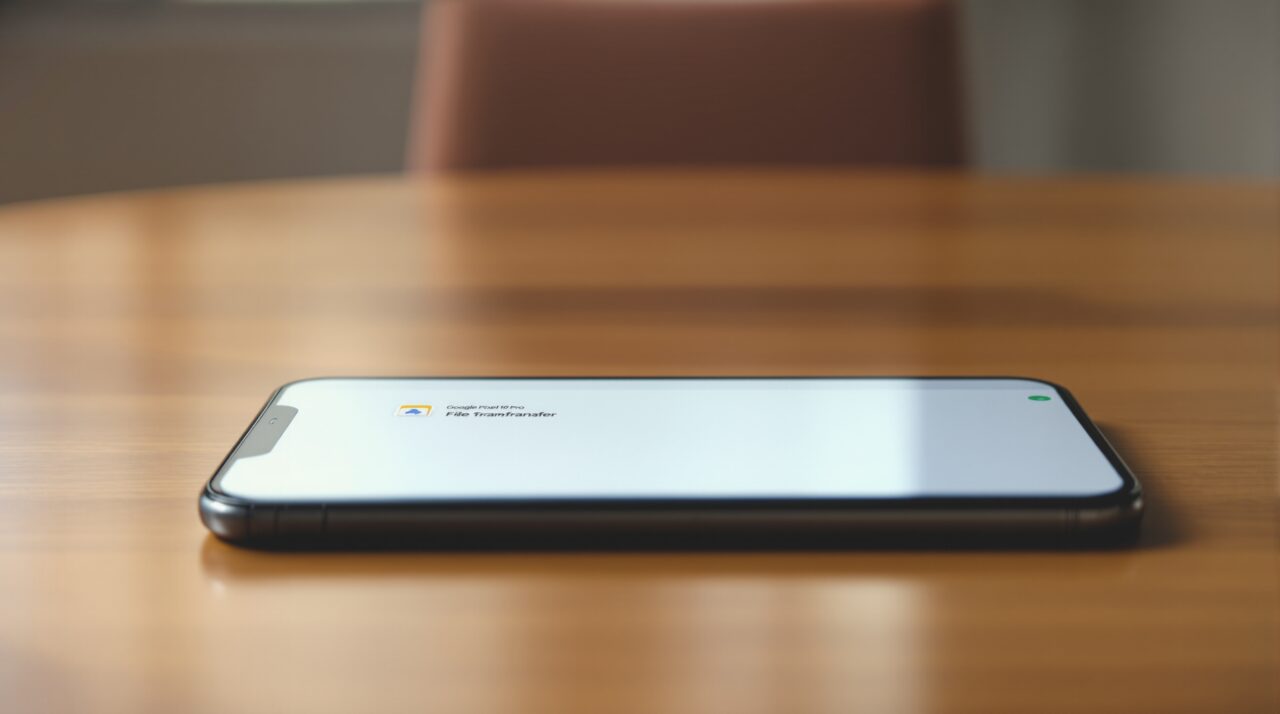
The mechanic is simple. You select a file on a supported Android phone. You tap Quick Share. AirDrop-enabled iPhones in the area appear as recipients alongside other Android devices.
The iPhone user gets a standard AirDrop prompt asking whether to accept. They tap yes. The file lands in Photos or Files, depending on what you sent.
There is no app to install on either side. There is no QR code to scan unless you want one. There is no third-party service in the middle.
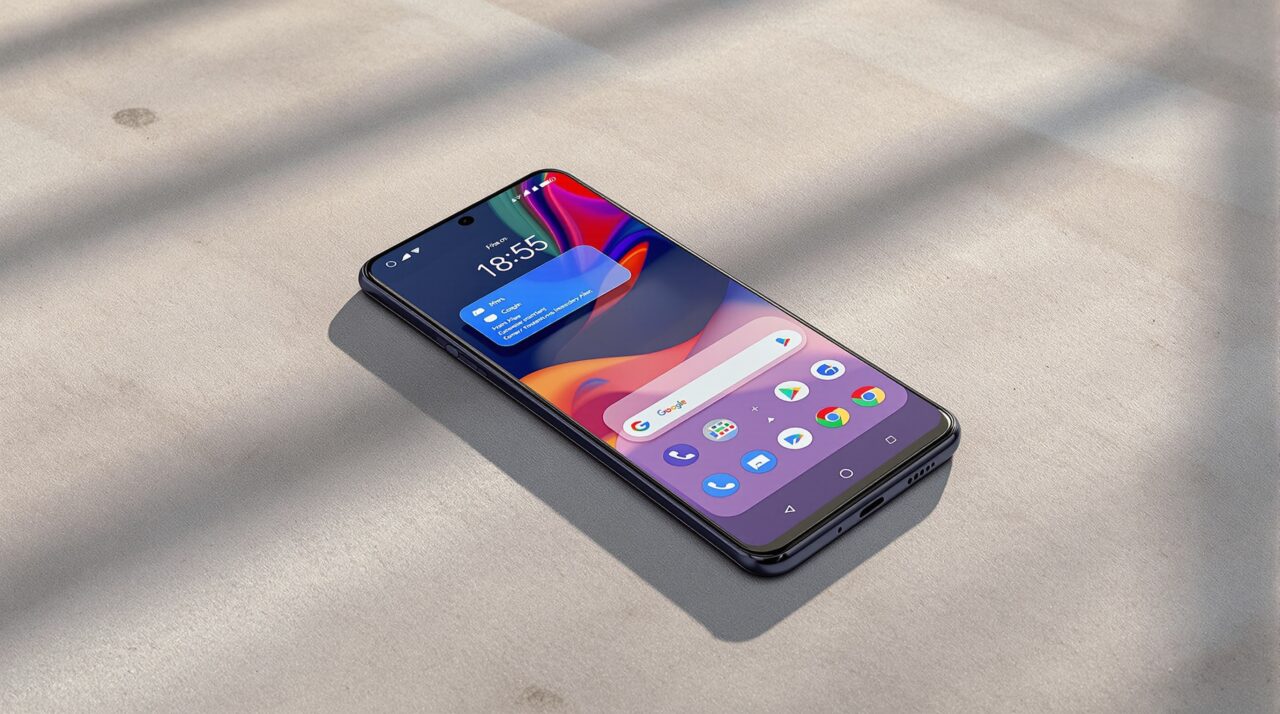
The QR code fallback is the underrated feature
Not every Android phone supports direct AirDrop transfers. Older Android devices, mid-range Pixels, and most non-flagship hardware are not on the supported list.
For those phones, Android 17 introduces a fallback. The Quick Share menu generates a QR code. The iPhone user opens the camera, scans the QR, and receives the file through a temporary cloud link.
This is slower than a direct transfer. A 50MB video might take 20 seconds longer than an AirDrop on the same Wi-Fi network. For one or two files, you will barely notice. For a vacation photo dump of 200 images, you will.
The trade-off is that this fallback works on any iPhone running iOS 18 or later. No special setup. No paired account. No Apple ID handshake. The QR code makes the cross-platform problem solvable on devices Google has no AirDrop deal for, which is most of the Android market by volume.
The new brands joining in Android 17
According to Digital Trends, the AirDrop bridge expands to Oppo, OnePlus, Vivo, Xiaomi, and Honor through Android 17 over the coming year. The rollout will be staggered by manufacturer and likely tied to each brand’s Android 17 update schedule.
For OnePlus and Oppo users, this is the biggest deal. Both brands have large bases of users sharing households with iPhone owners. The Vivo and Xiaomi additions matter more in India and Southeast Asia, where mixed-platform families are the norm.
Honor is the surprise. The brand is smaller in scope but has been pushing aggressively into Europe and the Middle East. Its inclusion suggests Google is closing the AirDrop gap as broadly as it can, not just on Pixel and Samsung.
Switching from iPhone to Android just got harder to refuse
The other piece Google announced at The Android Show I/O Edition is the rebuilt iPhone-to-Android transfer tool.
The old version moved photos, contacts, messages, and some settings. The new one moves passwords, home screen layout, app data, and eSIM configurations alongside everything else. The transfer is wireless and end-to-end. According to Google, the rebuild was done in partnership with Apple.
The home screen layout part is the one that matters most. The biggest practical friction for someone leaving iPhone after a decade is rebuilding the home screen from scratch. App by app, folder by folder. The new transfer tool keeps the layout intact, with Android equivalents substituted for iOS-only apps.
This launches first on the Pixel 10 and Galaxy S26, with broader Android phone support through the rest of 2026.
What still does not work
The AirDrop bridge is one-way for some use cases. iMessage threads are not migrating. Apple-exclusive features like FaceTime calls and shared Apple Music libraries do not have direct Android counterparts.
If your household runs on iCloud Photos with shared albums between iPhone users, that does not extend to Android either. The shared album is an Apple service, not a protocol.
For peer-to-peer file sharing, though, Android 17 is the first version where the iPhone in the room is a normal participant. Not a special case.
How to actually use it when Android 17 lands
When the stable release reaches your phone, Quick Share will appear in the share sheet automatically. AirDrop-enabled iPhones in range will show up as recipients, the same way other Android devices do.
For sending to iPhones via QR code, the Quick Share menu has a “Share with QR” option for files. Show the QR on your screen, the iPhone scans it, the file downloads through a temporary cloud link that expires.
For receiving from iPhone, your Android phone will appear in the iPhone’s AirDrop list when the Quick Share window is open. There is no separate setting to enable. As long as Quick Share is on and the Android device is unlocked, it is discoverable.
If you are coming from iPhone and want a smoother handover, the transfer tool sits in the initial Android setup flow. Plug in, sign in, follow the steps, the data moves wirelessly.
The thing worth keeping in mind
Cross-platform sharing was never a technical problem. It was a strategic one. Apple kept AirDrop a closed feature because the friction itself was a feature for them. The iPhone-Android wall was load-bearing.
The fact that Google has now negotiated direct AirDrop access for Android, then layered a QR code fallback for the phones that did not make the deal, then rebuilt the entire iPhone-to-Android transfer with Apple’s cooperation, says something quietly important. The wall has not collapsed. But the household with both phones in it just got a lot less annoying to live in.