The Gemini app on my phone gets opened maybe twice a week. Mostly to set a timer. Sometimes to translate a menu.
After watching the Gemini Intelligence demo from The Android Show I/O Edition, I checked my Gemini usage from the past month. The pattern was depressingly consistent. Lots of installs. Almost no actual use.
That is the gap Google is trying to close with Android 17. The Gemini Intelligence rebrand is not a new app. It is a different bet about how AI on a phone is supposed to work.
TL;DR: Gemini Intelligence is the umbrella name for a new set of AI features in Android 17, starting with Pixel 10 and Galaxy S26 this summer. It bundles multi-step app automation, Create My Widget, Magic Cue Pro, Intelligent Autofill, and Rambler. The shift is from a chatbot you ask things to, to a system that quietly takes actions across your apps with your context. Most of it depends on whether Google can deliver this time.
What Gemini Intelligence actually is
Google announced Gemini Intelligence on May 12 at The Android Show I/O Edition. Per Google, it is a suite of proactive AI features that combine premium hardware with new software.
The simpler way to say that: Gemini Intelligence is what happens when Gemini stops being an app you open and starts being a layer that runs underneath everything.
The example Google demoed was a parent asking Gemini to find their child’s class syllabus in Gmail and then add the required books to a shopping cart. The user spoke one sentence. Gemini handled the Gmail search, identified the books, switched to the shopping app, and filled the cart. The user confirmed before checkout. That was it.
Whether this works as smoothly in practice is the entire question. Google promised proactive AI before. Magic Cue on the Pixel 10 was supposed to be exactly this. Most Pixel 10 owners barely noticed it existed.
Multi-step app automation is the headline
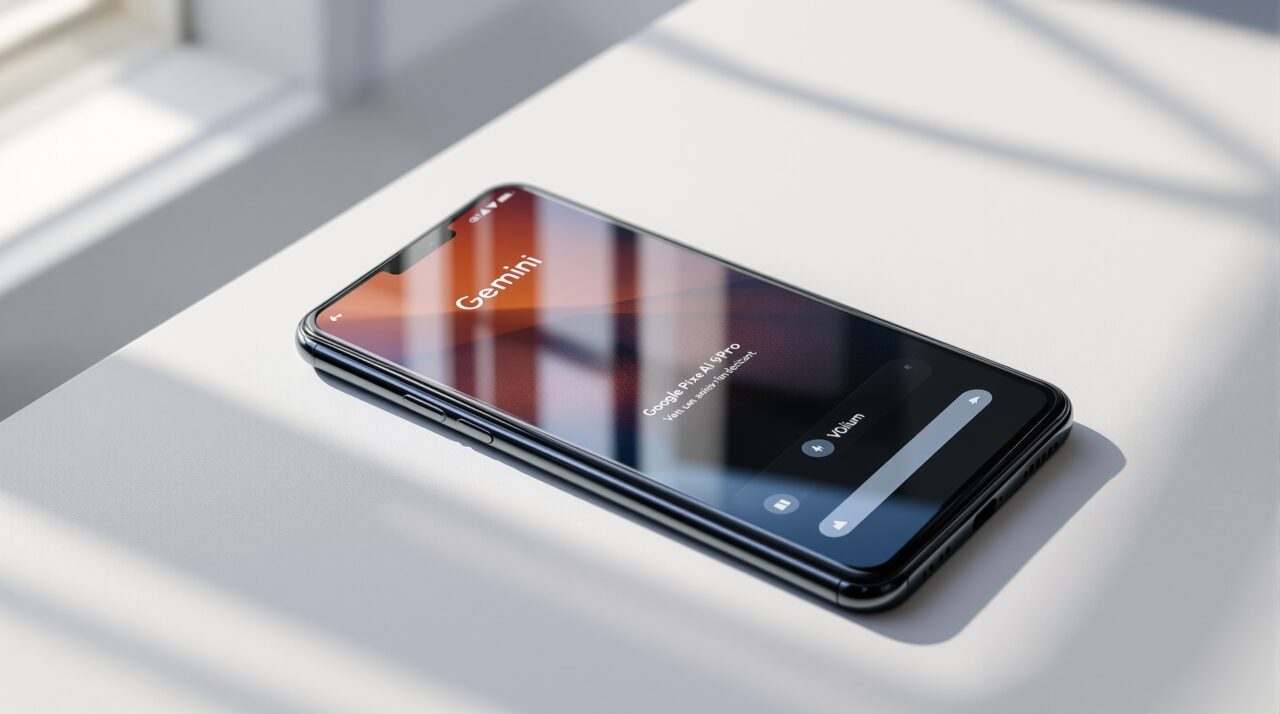
The flagship feature is multi-step automation across apps. You speak or type a request. Gemini figures out which apps it needs and moves between them. It pauses for confirmation before anything is purchased, posted, or sent.
The camera example was more interesting. You point your camera at a paper hotel brochure and ask Gemini to find a similar tour for six people on Expedia. Gemini reads the brochure, opens Expedia, and returns options.
This is what Apple promised with the rebuilt Siri at WWDC 2024 and has been quietly delaying since. Google has now made the same promise, with a faster timeline. Gemini Intelligence rolls out on Pixel 10 and Galaxy S26 this summer, not in 2027.
Create My Widget might be the actual sleeper feature
If you have ever wanted a home screen widget that does exactly one thing, and never found one in the Play Store, this is for you.
Create My Widget lets you describe what you want in plain language. “A widget that shows three high-protein meal prep ideas every week.” “A widget that tracks how much water I have logged today.” “A widget showing my next three calendar events with travel times.”
Gemini builds it. The widget works. You drop it on the home screen.
The same generative widget feature extends to Wear OS tiles and to desktop widgets on the new Googlebook laptops. According to Bloomberg, Google described this as “the first step in generative UI.” That phrase will either age well or become a punchline. There is no in-between.
Magic Cue Pro and Intelligent Autofill
Magic Cue was the Pixel 10 launch feature that was supposed to surface useful information based on what you were doing. Most of the time, it surfaced nothing.
Gemini Intelligence brings Magic Cue Pro. The Pro tier reads more apps, runs more context, and offers more proactive suggestions. The Pixel 11 series, expected in August 2026, is rumoured to expand Magic Cue further with the new Tensor G6 chip. You can read more about the Pixel 11 AI features that build on this foundation.
Intelligent Autofill is the more practical upgrade. The old autofill knew your name, address, and credit card. The new one can read a photo of your passport from Google Photos, extract the details, and fill a passport number field on a visa application without you copying anything. It pulls from Gmail, Wallet, Photos, and connected Google apps.
It is opt-in, with a settings toggle to turn it on or off.
Rambler is the small feature I will use most
Rambler is a new mode in Gboard. You hold the mic and talk freely. Rambler turns your rambling, half-finished, mid-language-switch speech into clean polished text without stripping the meaning.
That last part matters. Most voice-to-text cleans things up by removing detail. Rambler is supposed to keep what you said and remove only the verbal filler.
It also handles mixed-language input in a single message. If you switch between Hindi and English mid-sentence, the way most people in India actually do, Rambler is meant to handle it without breaking the flow.
What is not new, despite the marketing
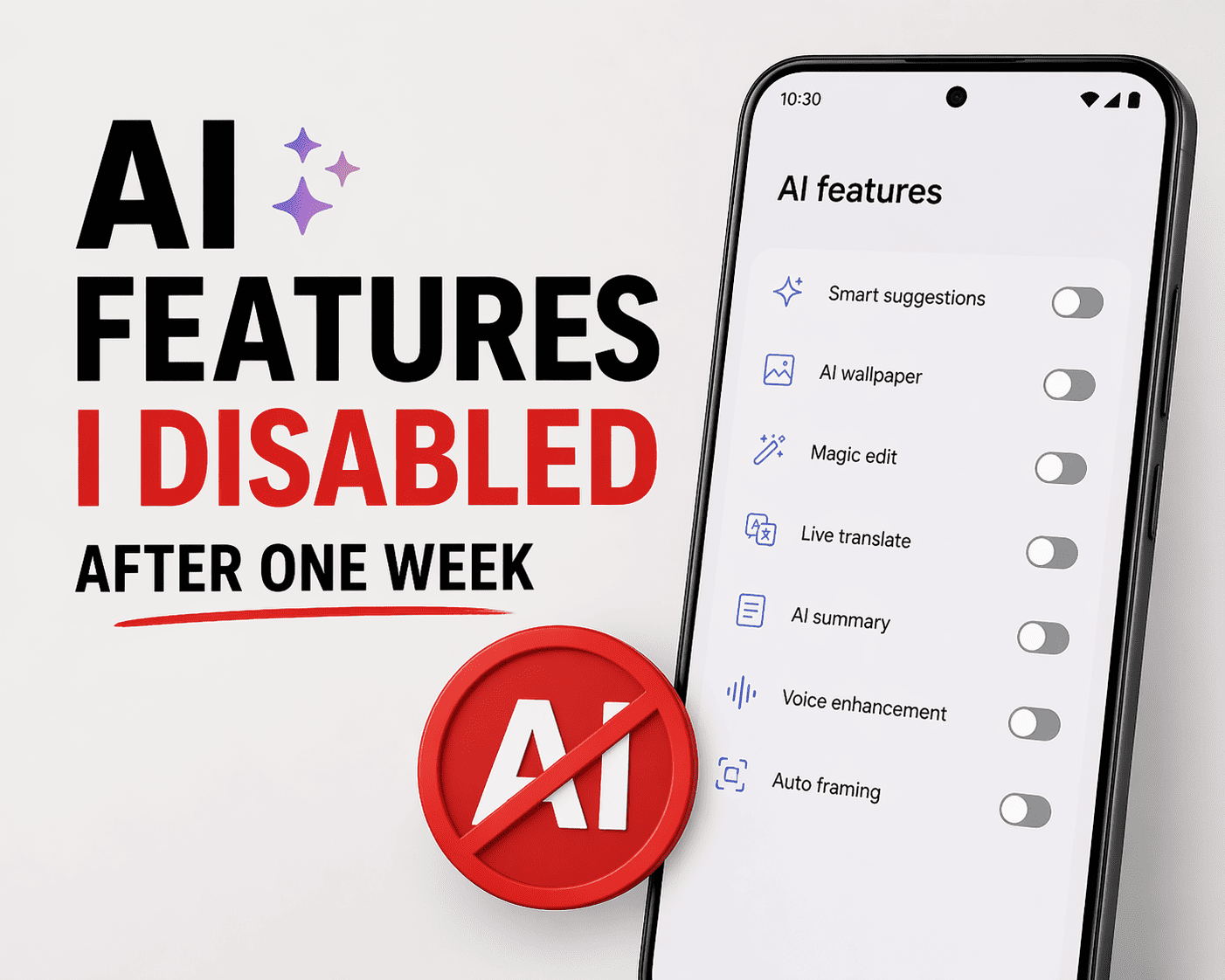
Some Gemini Intelligence features are not new. They are existing features rebranded.
Voice translation during phone calls existed on the Pixel 10. It is now folded under Gemini Intelligence. The Gemini volume slider and Pixel Launcher integration shipped in earlier Android 17 betas, and most of the existing Android 17 Gemini changes have been visible for weeks.
The rebrand matters less than what actually works. Multi-step automation is genuinely new. Create My Widget is genuinely new. Most of the rest is incremental.
When you can actually use it
Gemini Intelligence starts rolling out on Pixel 10 and Galaxy S26 this summer, around the stable Android 17 release in June 2026.
Other Android phones will get a stripped-down version through 2026 and 2027. The most context-heavy features, like Magic Cue Pro and multi-step automation, will likely stay limited to flagship hardware with enough on-device AI capacity.
The thing worth keeping in mind
The Gemini Intelligence rebrand is a bet on a specific idea. That phones should move from passive surfaces you tap to active assistants handling things in the background while you do something else.
Whether that is what you actually want from a phone is a different question. Some will love it. Others will find it presumptuous. The value will only become visible after the novelty wears off, on the few tasks where automation actually saves real time.
Until then, it is mostly a name change with a few interesting demos attached.