That specific panic is hard to describe when you reach for your phone, and it is not there.
You try to remember the last time you definitely had it, and the math stops adding up.
That was me, standing outside a cafe, pockets empty, running through the above three scenarios on a loop.
My first response? I borrowed a friend’s phone and opened Find Hub.
I signed into my Google account as a guest and waited to see what the app would actually do.
Here is the honest account of what followed, including the parts that worked, the parts that did not, and what I wish I had set up before any of this happened.
TL;DR: Find Hub (Google’s renamed Find My Device) can show your phone’s last known location and sometimes update it via nearby Android devices even when offline. But if the phone is switched off, tracking stops on most devices. The tool is genuinely useful for narrowing down where a phone is, but it is not a real-time tracker, and the experience is more uncertain than the marketing suggests.
Opening Find Hub for the first time under pressure
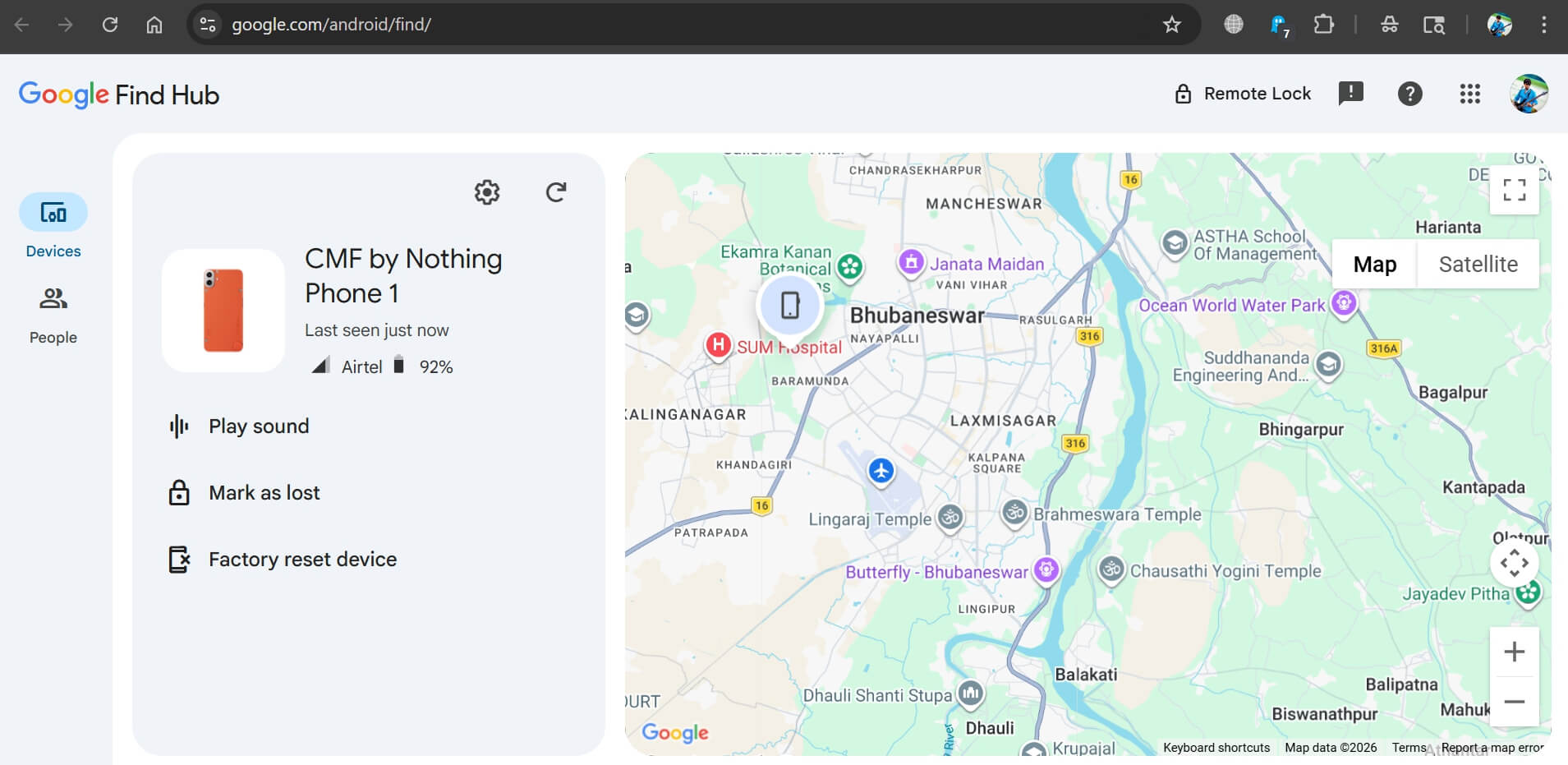
Find Hub, which Google rebranded from Find My Device in 2025, is available as an app and at android.com/find in any browser.
You can sign in on someone else’s device as a guest, which is what I did.
My device appeared immediately in the list. That part was reassuring. Then the map loaded.
It was not live. The pin showed a location close to where I had been, which gave me enough direction to feel like I was not completely in the dark.
But I could not tell whether I was looking at where the phone was right now or where it had been twenty minutes ago. That uncertainty is the thing no product demo prepares you for.
Every time I refreshed, the location held still. The map looked confident. I was not.
The moment the updates stopped
After ten to fifteen minutes, the pin stopped moving entirely. No updates. No signal. Nothing.
If the phone had been switched off or put into airplane mode, that would explain it.
Find Hub requires either an internet connection or a nearby Android device running the Find Hub network to generate any update.
No connectivity means no location. You fall back on the last known point, and that point becomes a fixed memory rather than a live signal.
This is not a flaw in the app exactly. It is a limitation baked into how the system works. But sitting on a street corner, staring at a frozen map, it feels like a dead end.
How the offline network is supposed to work
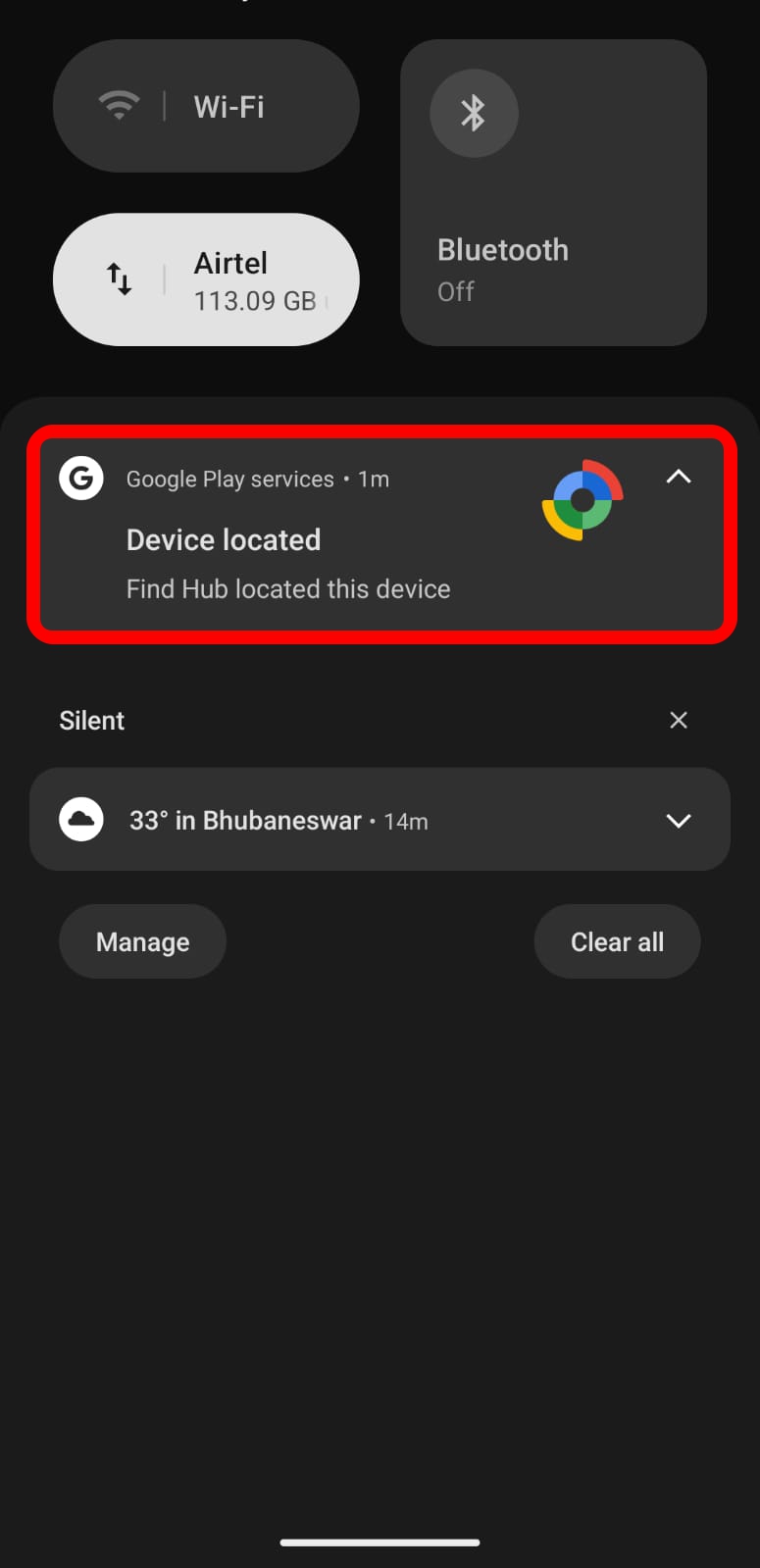
Here is what Find Hub can do when your phone has no direct connection: nearby Android devices running Android 9 or later can detect your phone’s Bluetooth signal and anonymously relay its location back to Find Hub.
The data is end-to-end encrypted, so nobody passing by can see it. Only you can access it via your Google account PIN or password.
In theory, this means your phone does not need the internet to be found. Other people’s phones in the area become silent detectors on your behalf.
In practice, I came back about twenty minutes later, and the location had shifted slightly. Not much, maybe half a street.
But it was different, which told me the network had done something in the background.
It was not immediate, not precise, and not reliable enough to follow in real time. It was more like a delayed breadcrumb than a live signal.
How well this works depends heavily on how many Android devices are in the area around your lost phone, which varies enormously by location and time of day.
What I actually did with the location
I walked to the area the map showed. It was a general street, not a pinpoint. The radius could have covered thirty or forty meters in any direction.
I tried Play Sound. Find Hub can ring your device at full volume for five minutes, even if it is on silent.
Nothing happened. No ring, no response.
Either the phone was already off, or it was far enough away that the Bluetooth command never reached it. Or it was inside someplace where the sound could not carry.
I walked around for a bit. Still nothing. I did not get the phone back.
But the location update did tell me something concrete: the phone had moved from where I initially lost it. That ruled out one scenario entirely. It was not sitting under a chair at the cafe. It had gone somewhere with someone.
That information did not feel like nothing. It was enough to make the situation clearer, even if it was not enough to resolve it.
The Pixel exception: Tracking after power-off
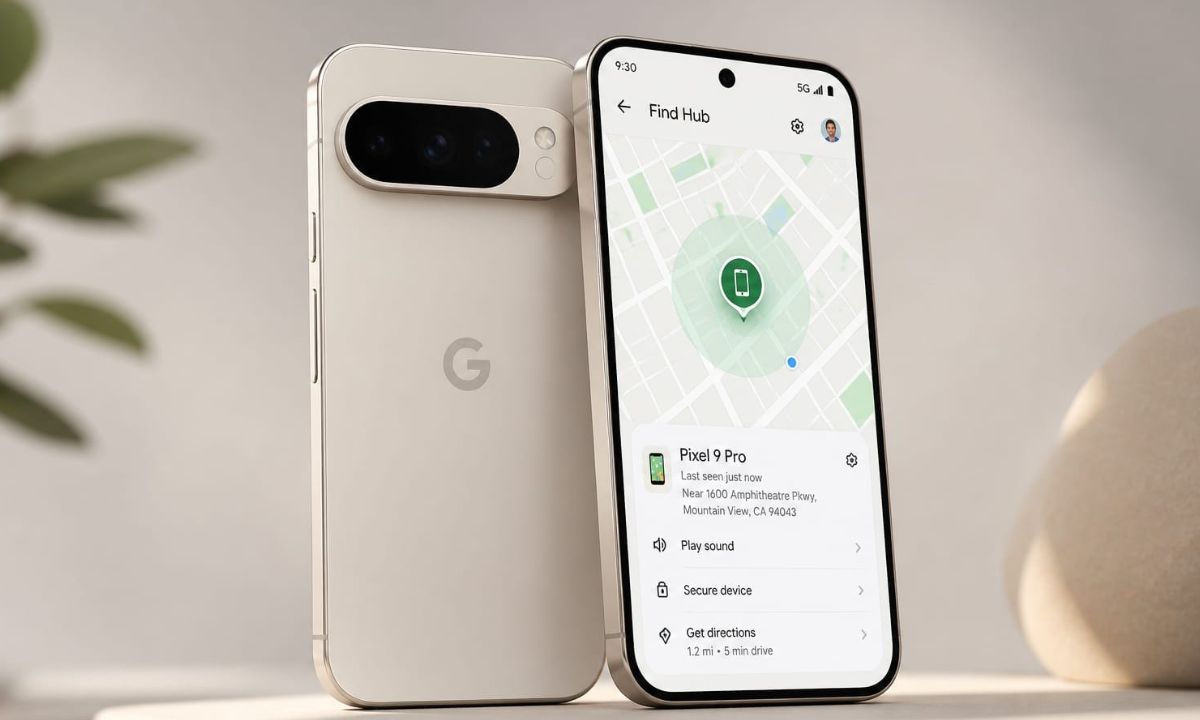
One thing worth knowing before you need it: most Android phones stop being trackable the moment they are switched off. The Find Hub network cannot detect a device with no power.
The exception is the Pixel 8 series and later Pixel models.
Google built in the ability to locate these phones for several hours after the battery dies or the device is powered off, through a low-power hardware feature that keeps Bluetooth running in a limited state.
If you own a Pixel 8 or newer, this is an option. For most other Android phones, including mid-range and budget models, switching off the device ends tracking completely.
If your phone has been taken and the thief knows this, they know exactly what to do first. You can read more about what to do when tracking stops completely in this guide to locating a lost Android phone that has been switched off.
The settings that would have helped more
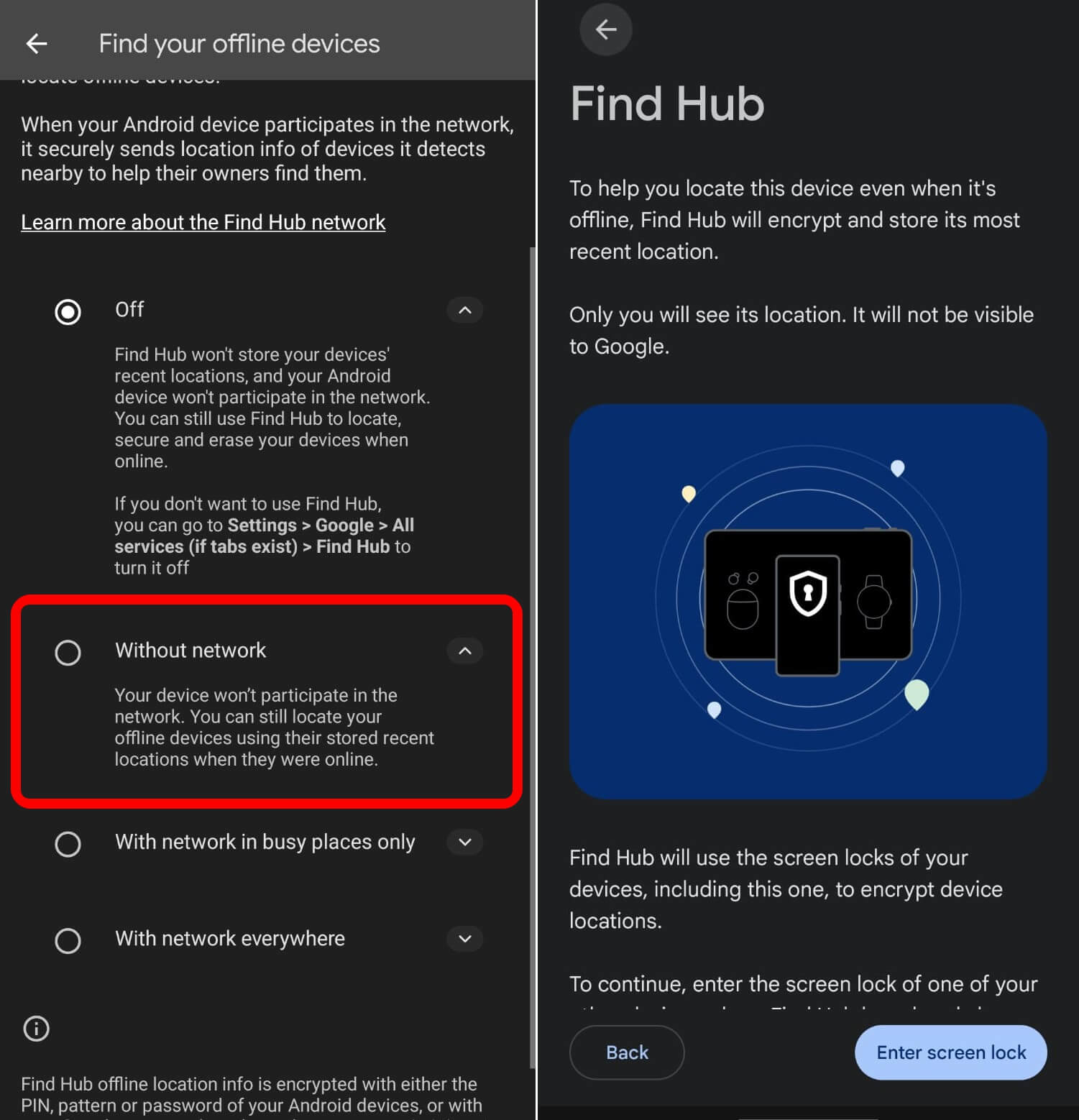
After going through all of this, I checked my Find Hub settings properly for the first time.
There are options I had never touched that would have made the whole experience less uncertain.
The first is offline finding mode.
Find Hub lets you set your device to participate in the crowdsourced network in all areas, not just high-traffic ones.
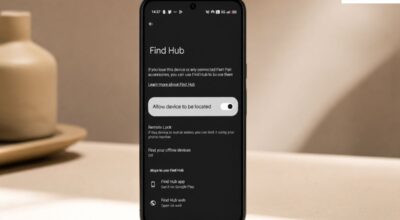
The setting is under Find Hub in your device security settings, listed as offline device finding. Switching it to all areas means more Android devices around you will look for your phone when it is not connected.
The second is storing the recent location.
This saves your device’s encrypted location with Google periodically, so even if tracking goes quiet, there is a more recent position on file than whatever the app last captured before the connection dropped.
The third is Bluetooth. Find Hub’s offline network runs entirely on Bluetooth Low Energy.
If Bluetooth is off on your phone when it goes missing, the network cannot detect it at all. Keeping Bluetooth on by default is a small habit that makes a significant difference to how traceable your phone is.
None of these guarantees the recovery of your lost device.
But all three together give Find Hub more to work with if your phone ends up in a situation where the internet connection is gone.
The full setup process for making your device easier to recover is covered in this guide on tracking and finding a lost Android phone.
What Find Hub can and cannot do
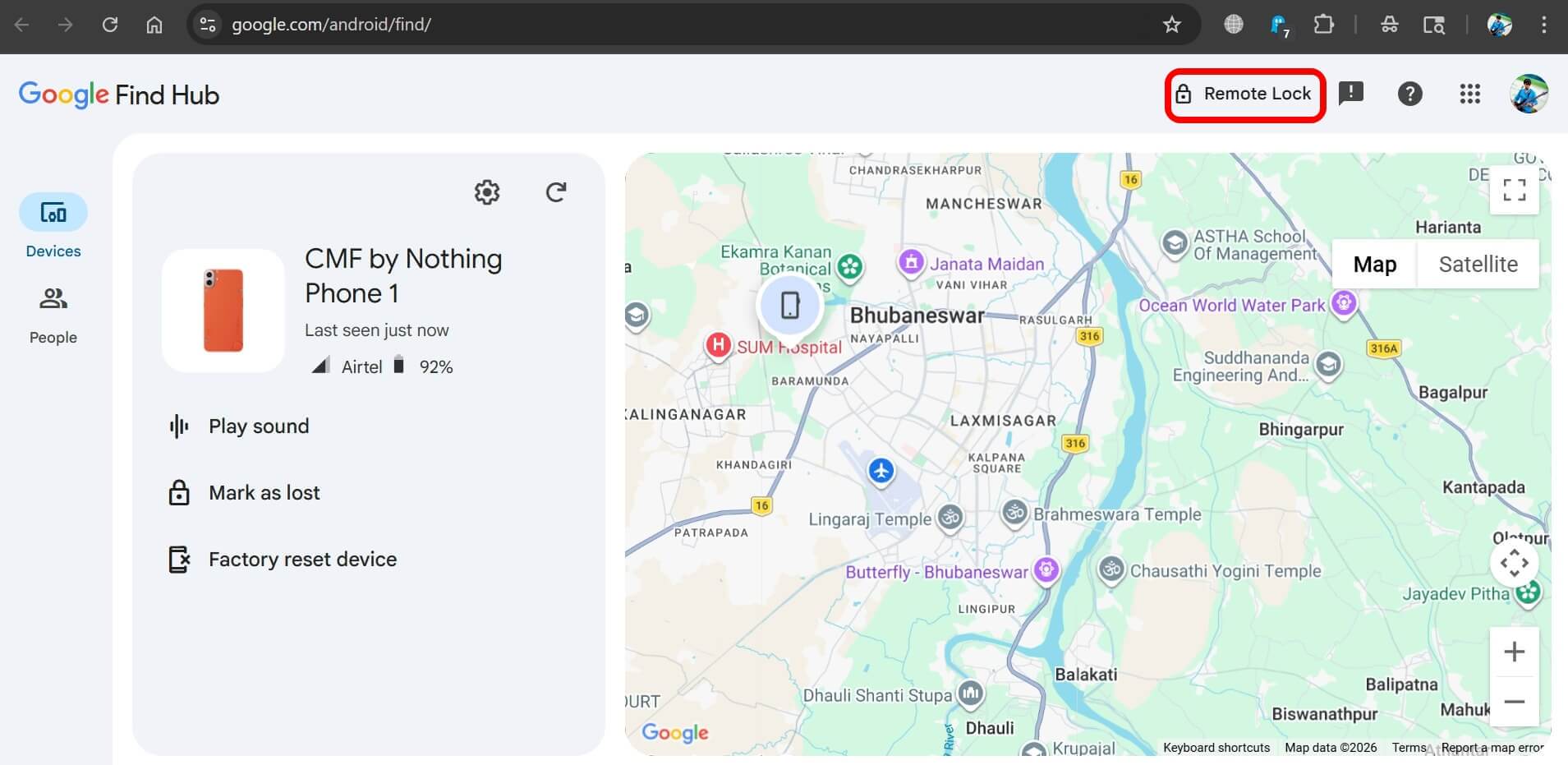
Find Hub can show you the last known location of your device and in some cases, update it using the crowdsourced Android network even when you are offline.
The feature can let you lock the device remotely, display a message on the lock screen with your number, play a sound to help locate it nearby, and erase the device completely if you decide recovery is not possible.
What it cannot do is track a phone in real time without connectivity.
Find Hub cannot reliably locate a phone that has been switched off, except on supported Pixel models. And it cannot guarantee that offline network updates will arrive quickly, or at all, depending on where your phone is and who is near it.
If your device is stolen and the thief acts quickly, the window before the phone goes dark can be very short.
Getting into Find Hub within the first few minutes gives you the best chance of seeing a useful location. Waiting increases the chance that by the time you look, the map is already frozen.
If you want to go further and harden your device before anything like this happens, the steps to make your Android device theft-proof cover the topics such as SIM locking, remote lock setup, and the theft detection settings that can automatically lock your screen if the phone is grabbed suddenly.
The honest takeaway
Find Hub is not a bad tool. It is a real tool with real limitations.
But the gap between how it works in a demo and how it works when you actually need it is wider than you expect.
It gave me a direction. It confirmed something useful. It did not give me my phone back.
What I took away from the whole experience is that the settings matter more than the app.
Find Hub with offline finding enabled, Bluetooth always on, and recent location stored is a meaningfully different tool than Find Hub with default settings and a phone you have never thought about losing.
You will not get a second chance to configure it after the fact. Do it now, on a quiet afternoon, when the stakes are zero.
Frequently Asked Questions
Does Find Hub work when my phone is offline?
Yes, partially. If offline finding is enabled and Bluetooth is on, nearby Android devices can detect your phone and relay its location anonymously through the Find Hub network. Updates are not instant and depend on how many Android devices are nearby.
Can Find Hub track a phone that has been switched off?
On most Android phones, no. Tracking stops when the device is powered off. The Pixel 8 series and later Pixel models support limited tracking for several hours after they are powered off, but this is not available on other Android devices.
What does Play Sound do in Find Hub?
It rings your device at full volume for five minutes, even if it is on silent mode. It only works if the phone has an internet connection or is within Bluetooth range of the device sending the command.
What should I do if Find Hub shows a frozen location?
The phone may be offline, switched off, or out of Bluetooth range of any Android device in the network. Use the last known location as a starting point, remotely lock the device to prevent data access, and consider filing a police report with the location data as evidence.
What settings should I enable before losing my phone?
Enable offline device finding for all areas, turn on store recent location, keep Bluetooth on, and make sure Find Hub is active under Security settings. These three steps together significantly improve your chances of getting a useful location if the phone goes offline.