Google confirmed on September 10, 2026 that Android can now move your passwords and passkeys directly between password manager apps, no exported file involved. The announcement from Android product manager Jean-Pierre Pralle and Chrome senior product manager Chirag Desai lands on a problem most people never thought too hard about because there was no real fix for it until now.
If you have ever wanted to leave one password manager for another, the Android password manager transfer process used to mean exporting everything into a plain text file first. Passkeys could not make the trip at all. That friction is why so many people just stayed where they started, even when a better app came along.
TL;DR: Android now has a built in transfer flow that moves passwords and passkeys directly between manager apps in a few taps, with no unencrypted export file. It already works across Google Password Manager, 1Password, Bitwarden, and Dashlane, and needs Android 8 or newer. Google says more providers are coming.
How the new transfer flow actually works
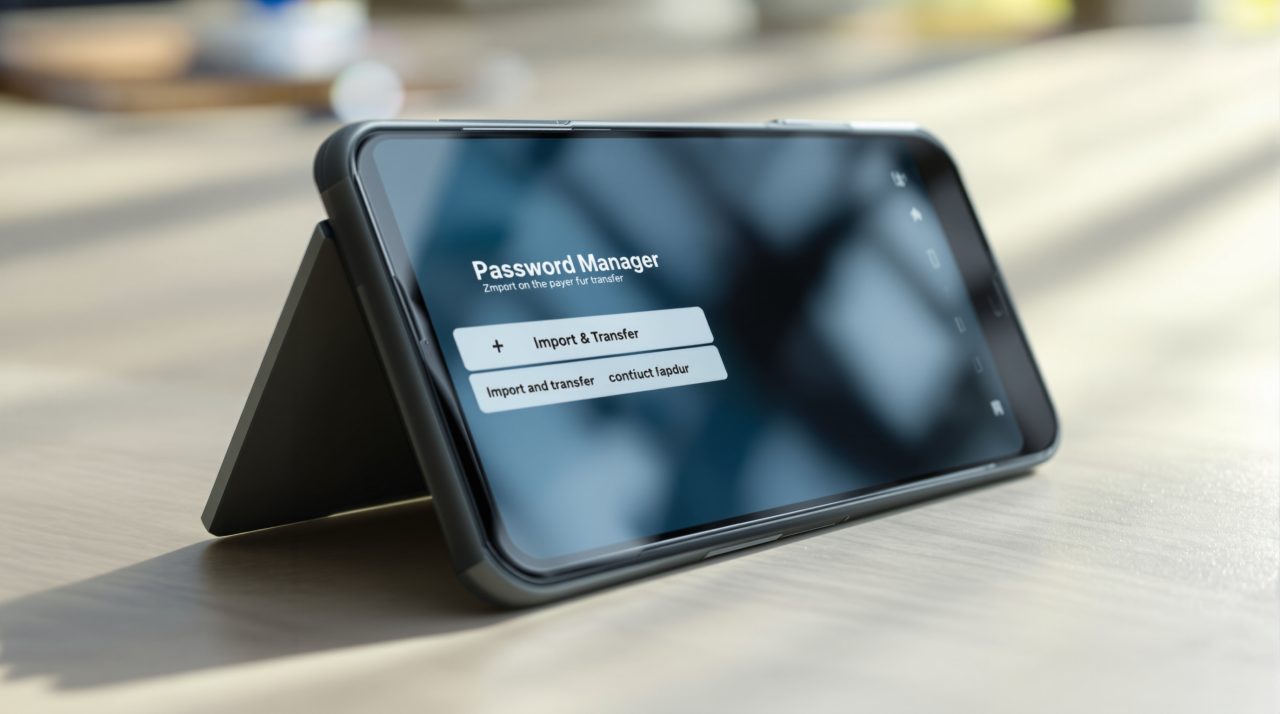
The process starts inside the app you are switching to, not the one you are leaving. You open the new password manager and choose the option to import your passwords and passkeys from another provider.
From there, Android takes over the handoff. The system automatically detects which password managers are already installed on your phone and shows you which ones it can pull data from.
Once you tap continue, Android opens your existing password manager so you can review exactly what is being moved and approve the transfer yourself. Google says the actual data exchange takes a few seconds once you authorize it.
Nothing sits in a downloadable file at any point in that sequence. That single change is what makes this feel less like a workaround and more like a real feature.
Why the old export method was a bigger risk than it looked
Exporting passwords into a text file did the job, but it also left every saved login sitting in plain, readable form on the device until you deleted that file yourself. Plenty of people forgot that last step.
Google’s own framing calls this out directly, describing the old approach as leaving credentials unprotected rather than just inconvenient. That is a meaningful distinction. A slow process is an annoyance. An unprotected file full of banking and email logins is a real exposure window, especially on a phone that gets backed up, shared, or eventually resold.
This is the same category of quiet risk covered in DigitBin’s look at background permission access most people never check, where the danger was not a single dramatic failure but a setting nobody revisited for years.
Passkeys finally get to travel with you
Passkeys were supposed to replace passwords with something more secure, but they had a portability problem of their own. Because a passkey is cryptographically tied to the device and account that created it, there was no supported way to move one to a different password manager. Switching apps meant recreating every passkey manually, one site at a time, if the site even allowed that.
Google’s new system treats passkey transfer the same way it treats password transfer, as a single authorized handoff rather than a manual rebuild. That detail matters more than the password side of this update, since password managers can already sync passwords in plenty of indirect ways, but passkeys had no equivalent path at all.
The feature works today across Google Password Manager, 1Password, Bitwarden, and Dashlane. Google says additional partners will be added through the same underlying credential transfer system.
| Password manager | Passkey transfer support |
|---|---|
| Google Password Manager | Yes |
| 1Password | Yes |
| Bitwarden | Yes |
| Dashlane | Yes |
| Additional providers | Planned, no date given |

What to check before you actually switch
The feature requires Android 8 or newer, so almost anyone running a phone bought in the last several years already qualifies. The bigger limiting factor right now is which password manager you are switching to and from, since the list of supported apps is still short.
Before starting a transfer, confirm that both your current and destination apps are on Google’s supported list, since attempting this with an unsupported manager will simply fall back to the old export process. It is also worth checking your Android 17 privacy defaults afterward, since a new password manager app may need permissions reset that your old one already had.
None of this fixes password manager lock in completely. But it removes the specific excuse that kept a lot of people from ever trying, the fear of a messy, half finished migration with passkeys left behind on the old app.