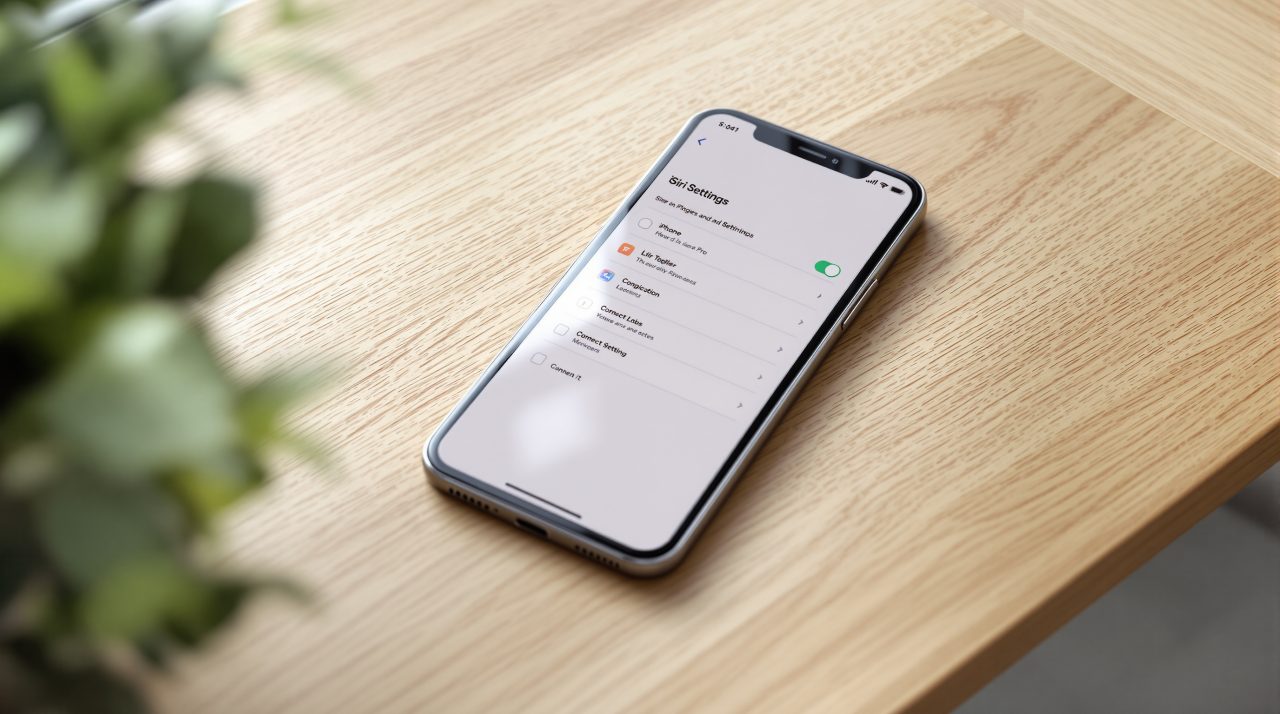
Apple released iOS 27.2 on October 26, 2026, and the new iOS 27.2 Siri Excluded Apps setting lets you choose which apps Siri, Search and suggestions can access from a single place. It lands in the same update that teaches Siri AI to remember past conversations and draw on more of your data, which is why the control deserves a look. If you updated and went straight back to your home screen, this is the switch worth finding.
TL;DR: iOS 27.2 adds Excluded Apps, one setting that decides which apps Siri, Search and suggestions can reach. It matters because the same update gives Siri AI memory of earlier chats and more data sources. Siri AI itself needs an iPhone 16 or later, or an iPhone 15 Pro or Pro Max, and is not offered in the EU or mainland China.
What the iOS 27.2 Siri Excluded Apps setting does
Apple’s iOS 27 update notes say Excluded Apps lets you choose which apps Siri, Search, and suggestions can access, all from one setting. Before this, MacRumors notes, the older App Access control made you exclude apps one at a time.
For anyone with a crowded home screen, that is the difference between a ten second job and an annoying one. Apple’s notes do not give the menu path, and I could not confirm it from them, so expect to look through Siri settings after you update.
Whether people actually use a privacy control often comes down to how many taps it takes, and this one clearly aims to cut them. It also makes more sense once you see what Siri can now read.
Why Siri AI memory makes the switch matter
Apple says Siri AI can recall your past conversations, so you can ask about something it told you before. A restaurant it suggested last week is the obvious example, and it is a handy one.
The reach has also widened. Apple’s notes say Siri AI can draw from more sources, including photos attached in Messages, and they list Calendar event attendees, voicemails and Safari history among the material it can use.
Convenient for a dinner reservation, less welcome for an app you think of as private. Shipping the memory and its control in the same release is a sensible pairing, even if the control is easy to miss.
Which iPhones and regions get Siri AI in 27.2
Apple lists Siri AI for all iPhone 16 models and later, plus the iPhone 15 Pro and iPhone 15 Pro Max. The update also adds French, Japanese, Korean, Portuguese and Spanish, and Apple states that Siri AI is not available in the EU or mainland China.
The update itself installs on a wider group, since Apple’s security notes say iOS 27.2 is available for iPhone 11 and later. That means an older iPhone gets the patches without the Siri features. Our look at the iOS 27.2 Shared Albums changes covers another part of the release that reaches more devices.
The security fixes that shipped alongside it
Apple’s iOS 27.2 security notes include two Siri entries, and both carry the same impact line: “An app may be able to access sensitive user data.” One was addressed with improved input validation, the other with improved state management of an authorization issue.
Excluded Apps does not replace those patches. It controls what Siri is allowed to reach, while the fixes close holes in how Siri handles requests, so the update is worth installing even if you never touch the new setting.
Once you are on 27.2 with a supported iPhone, open Siri settings, look for Excluded Apps and decide which apps stay out of reach. Apple also added an age confirmation selfie option in the same release, which is a separate privacy decision worth five minutes.