Apple’s support page says iPhones running iOS 27.2 can now confirm you are an adult with a selfie, where your state, country or region allows it. The iPhone age confirmation selfie arrives with the iOS 27.2 update, and it is Apple’s alternative to handing over a credit card or a photo of your driver’s license.
If an age prompt has ever interrupted an app download, this is the option you may now see first.
TL;DR: Apple’s support page says iOS 27.2 adds a selfie option for confirming you are an adult. You turn your head through four angles, estimation runs on your iPhone and Apple’s Private Cloud Compute, and the selfie is deleted afterward. It only appears where local rules require age checks. If it fails, a credit card or government ID still works.
How the iPhone age confirmation selfie works
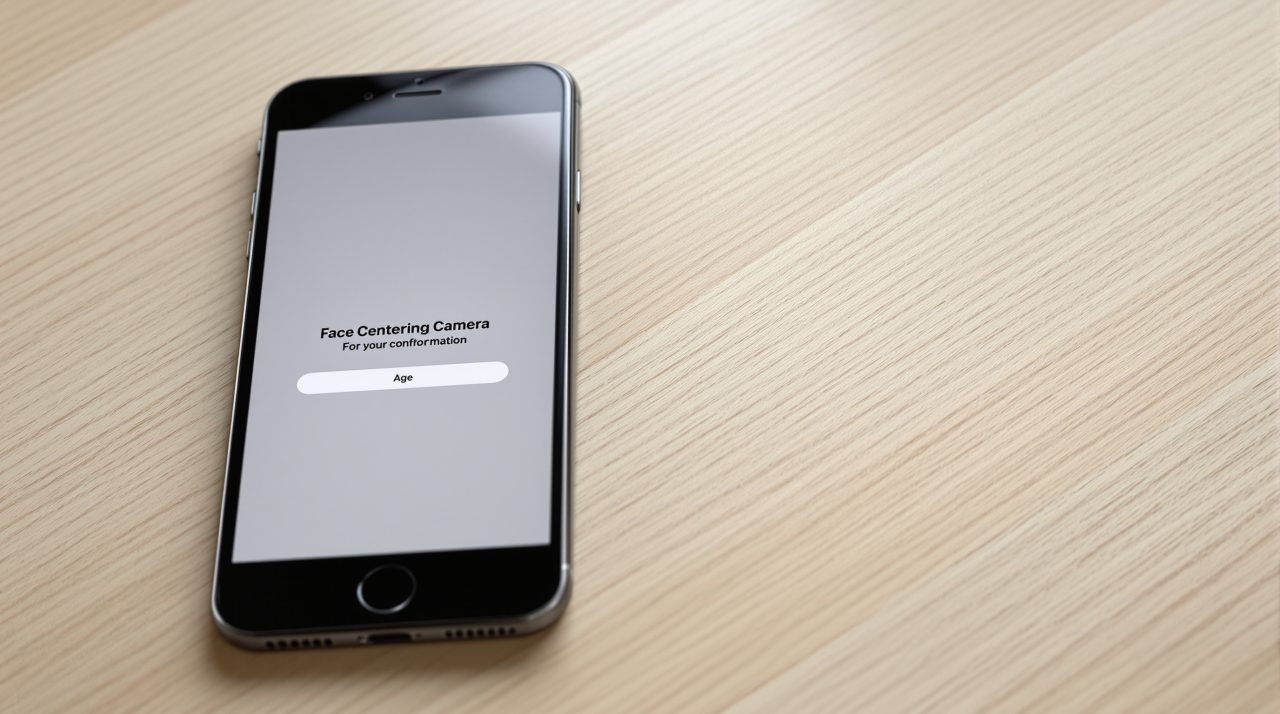
Apple’s steps are short. You choose the selfie option, tap Get Started, center your face, and slowly turn your head right, left, up and down so the camera captures all four angles. Apple says estimation can take a moment.
You do not repeat the process once you are confirmed. Apple also notes that Accessibility Options are available during the selfie step, which matters for anyone who cannot easily move their head through that sequence.
The setup is simple enough that the real question is not how to do it but when you will be asked.
When iOS asks you to confirm you are an adult
Depending on where you live, Apple says you may be prompted when you create an Apple Account, update your device’s software, change certain safety settings, or download or buy apps rated 18+. The prompt only appears in states, countries and regions that require it.
The selfie is also optional in a practical sense. Apple’s page says it must be available in your location, and if it is not, you use another method. That makes it a convenience, not a universal rule.
| Method | Where it applies | Notes |
|---|---|---|
| Selfie | Depends on state, country or region | Needs iOS or iPadOS 27.2 or later |
| Existing account information | Apple may check what is tied to your account | Such as a credit card on file or account age |
| Credit card | Where age confirmation is required | Must be in your name; debit and gift cards are not supported |
| Passport, driver’s license or government ID scan | Passport scan listed for Australia, Singapore, the UK and Texas | Driver’s license or government ID also accepted |
| Digital ID in Apple Wallet | Regardless of location | Must be created with a U.S. passport |
The list comes from Apple’s page on confirming that you are an adult, which also says some methods are available only on iPhone and iPad.
What happens to your selfie
Privacy is the obvious worry with a face scan, and Apple answers it directly. Age estimation runs on your device and on Private Cloud Compute, and the two results are combined on your device. Apple’s page says the information “isn’t accessible to anyone, not even Apple.”
After confirmation, Apple says the selfie is deleted and not kept in any form. That is a firm claim, and it rests on Apple’s description alone, since the page gives no independent audit to check it against.
It is a reasonable design, though trust still comes down to believing the description.
If the selfie does not confirm your age
A failed estimate is not a dead end. Apple says to make sure your device is online and try again, or confirm another way, such as a credit card or a government-issued ID. Even lighting helps, so indoors works best, and masks, hats or sunglasses should come off.
If you are using a Mac, Apple Watch, Apple TV or Apple Vision Pro, Apple suggests trying an iPhone or iPad instead. People under 18 may need to join a Family Sharing group with a confirmed adult for certain actions, and some features can stay unavailable until they turn 18.
Who will actually see this prompt
Most iPhone owners in places without age rules may never see the selfie option at all. If you live in a region that requires checks, expect it when you next try to download an 18+ app or change a safety setting.
Not a dramatic change, but a telling one: Apple is making age checks something the phone handles itself rather than something each app improvises. Update to iOS 27.2 first, since Apple lists it as the requirement.