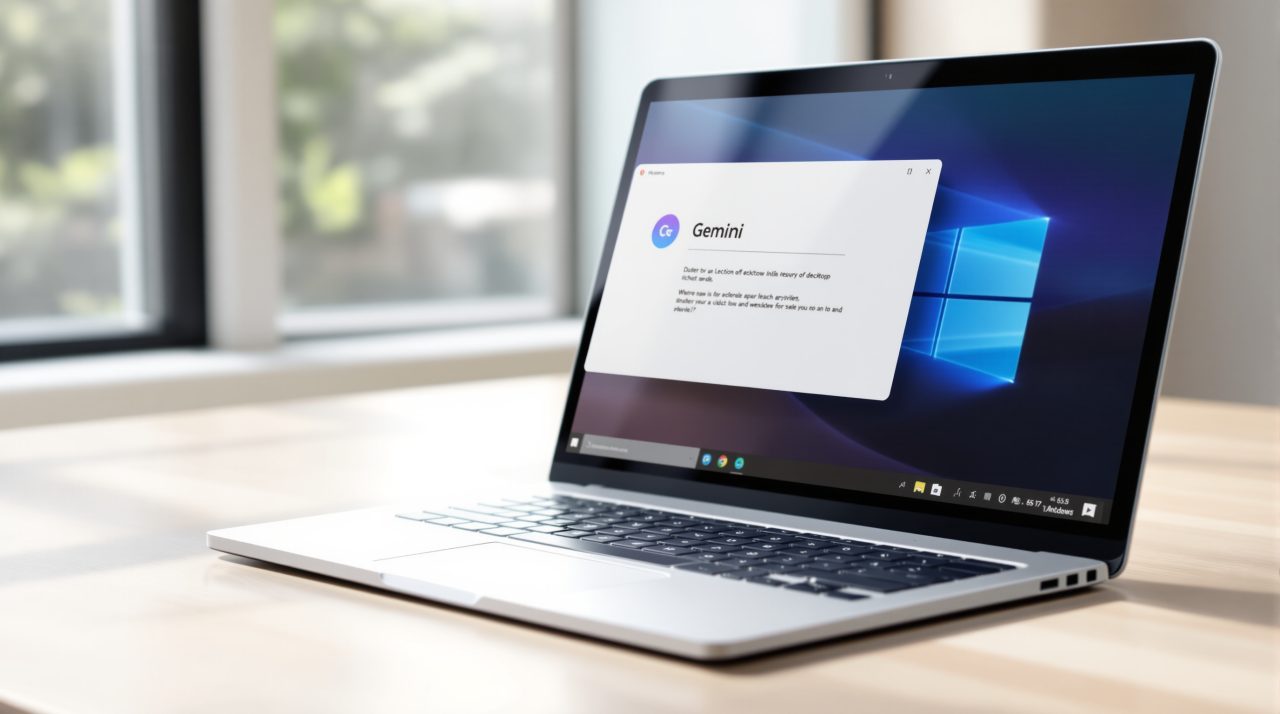
Google released a native Gemini app for Windows on September 10, giving PC users an AI assistant that lives outside the browser for the first time. Press Alt+Space and a floating Gemini window opens directly on top of whatever you are working in, whether that is a spreadsheet, an email draft, or a game.
For most people this sounds like a convenience. For anyone who already relies on Microsoft Copilot’s own keyboard shortcut or on Microsoft PowerToys Run, it is a collision waiting to happen, since Google picked the same key combination two other tools already claim as their own.
TL;DR: Google launched a Gemini desktop app for Windows on September 10, 2026, using Alt+Space as its default shortcut to summon the assistant over any open app. That combination is already claimed by Microsoft Copilot and by PowerToys Run, a utility many Windows power users install separately. Installing Gemini silently takes over the shortcut unless you change it. The fix sits inside Gemini’s own settings, where the shortcut can be reassigned to something that does not conflict.
What the new Gemini app for Windows actually does
The Gemini app for Windows is a standalone desktop client, not a browser extension or a pinned website. According to Google’s own announcement, pressing Alt+Space opens Gemini as a floating panel over whatever application is active, without minimizing or closing your other work.
Inside that panel, Gemini can draft text, generate images, and answer questions about whatever you are looking at. It can also hand off multi-step requests to Gemini Spark, described as a personal AI agent that can work through tasks on your behalf, and it can pull information directly from Gmail and Google Drive to summarize a project without you copying anything over manually.
The app runs on both x64 and ARM64 Windows 10 and 11 machines and is available globally through gemini.google/desktop. It follows a Mac version Google shipped earlier this year, closing a gap that Windows users had been asking about since then.

Alt+Space was already spoken for on Windows
Alt+Space has meant something on Windows for a long time. It normally opens a window’s system menu, the small control that lets you move, resize, or close a program from the keyboard. Two more recent tools built on top of that same combination long before Gemini arrived.
Microsoft’s own Copilot uses Alt+Space as one of its default activation shortcuts. So does PowerToys Run, the search and launcher utility that ships in Microsoft’s free PowerToys suite and that a lot of Windows power users treat as a daily habit. Windows Central reported that installing the Gemini app silently takes over Alt+Space on the system, replacing both the Windows system menu shortcut and PowerToys Run’s default hotkey without asking first.
| Tool | Uses Alt+Space by default | What happens after Gemini installs |
|---|---|---|
| Windows system menu | Yes | Overridden |
| Microsoft Copilot | Yes | Overridden |
| PowerToys Run | Yes | Overridden |
| Gemini app for Windows | Yes (new) | Takes priority unless reassigned |
That is the detail most of the launch coverage skipped in favor of the feature list. A new AI app arriving with genuinely useful capabilities is one story. A new AI app quietly grabbing a shortcut that two other tools, including one made by Microsoft itself, already depend on is a different one entirely.
How the shortcut behaves once Gemini is installed
Android Authority’s hands-on testing found that the Alt+Space shortcut worked instantly every time, popping the Gemini window open on top of the current app without minimizing or closing anything underneath it. The app itself runs quietly in the Windows system tray in the background rather than sitting open as a visible window.
That reliability is exactly the problem for anyone who had Alt+Space mapped to something else already. If you press it out of habit expecting PowerToys Run to appear and Gemini shows up instead, the muscle memory built over months of daily use stops working without warning.
What to do if the shortcut breaks your workflow
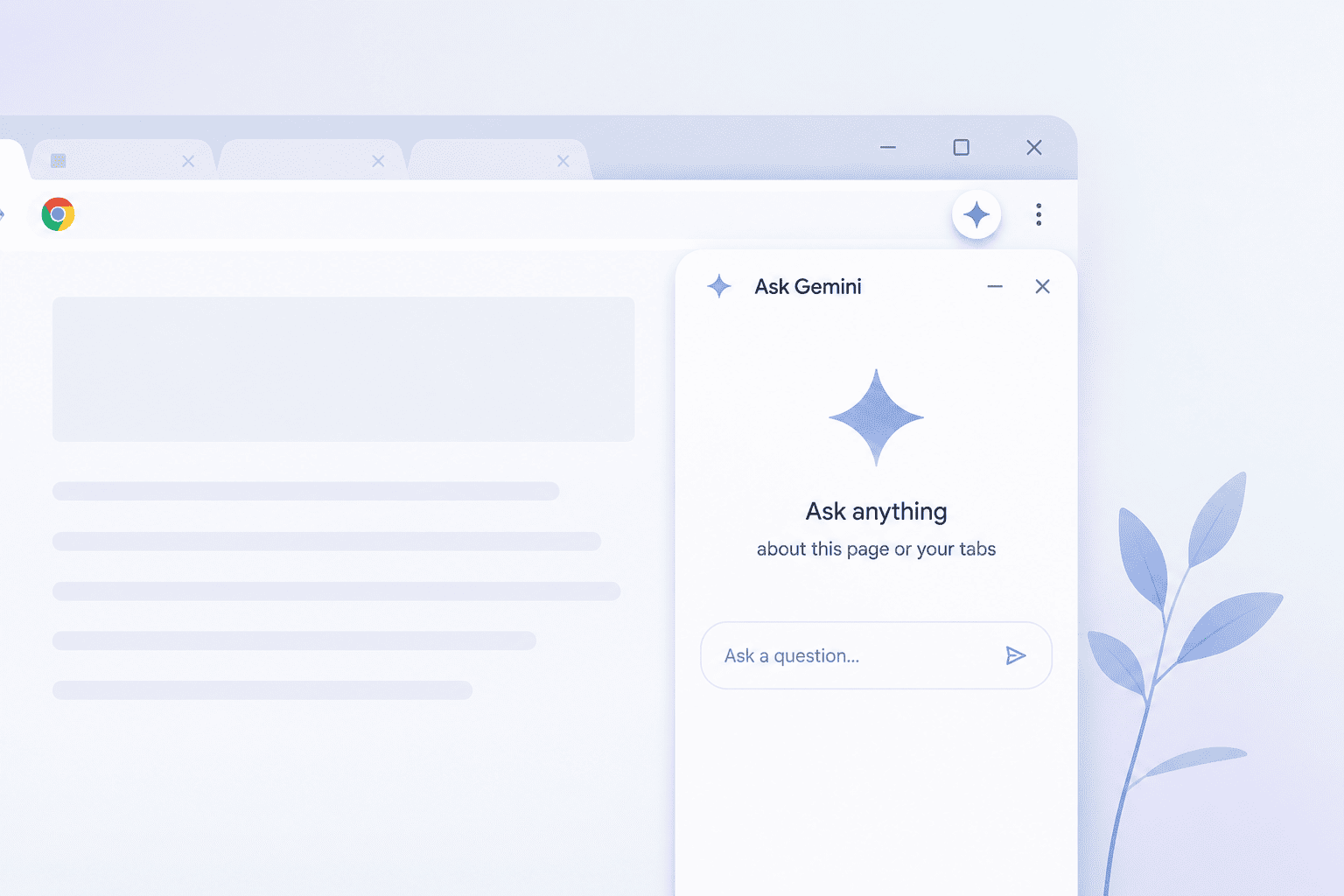
Google’s download page for the app calls Alt+Space a customizable shortcut, and the setting to change it lives inside Gemini’s own preferences rather than anywhere in Windows itself. Opening the app’s settings lets you pick a different preset combination or set a fully custom one, which is the same fix whether Gemini is stepping on Copilot or on PowerToys Run.
If you rely on Chrome’s own AI features day to day and are curious how Google’s assistant behaves once it leaves the browser, the Windows app is a reasonable way to compare the two experiences directly, since the underlying Gemini model is the same one. Anyone who has already read up on what Gemini is actually useful for will recognize most of the capabilities here, just moved onto the desktop.
Google shipping a desktop assistant that duplicates an existing shortcut is a small decision with an outsized effect on people who never asked for it. It is a reminder that adding one more AI tool to a PC is rarely as clean as an install screen makes it look.