Google Wallet on iPhone is live in the United States as a free App Store download, and Google’s launch post is upfront that tap to pay in stores is not part of it. What the app offers instead is one place for tickets, boarding passes, loyalty cards, receipts and delivery tracking, fed by Gmail and other Google apps. For an iPhone owner whose Gmail is full of order emails, that makes it a companion to Apple Wallet, not a stand-in for it.
What the iPhone app collects
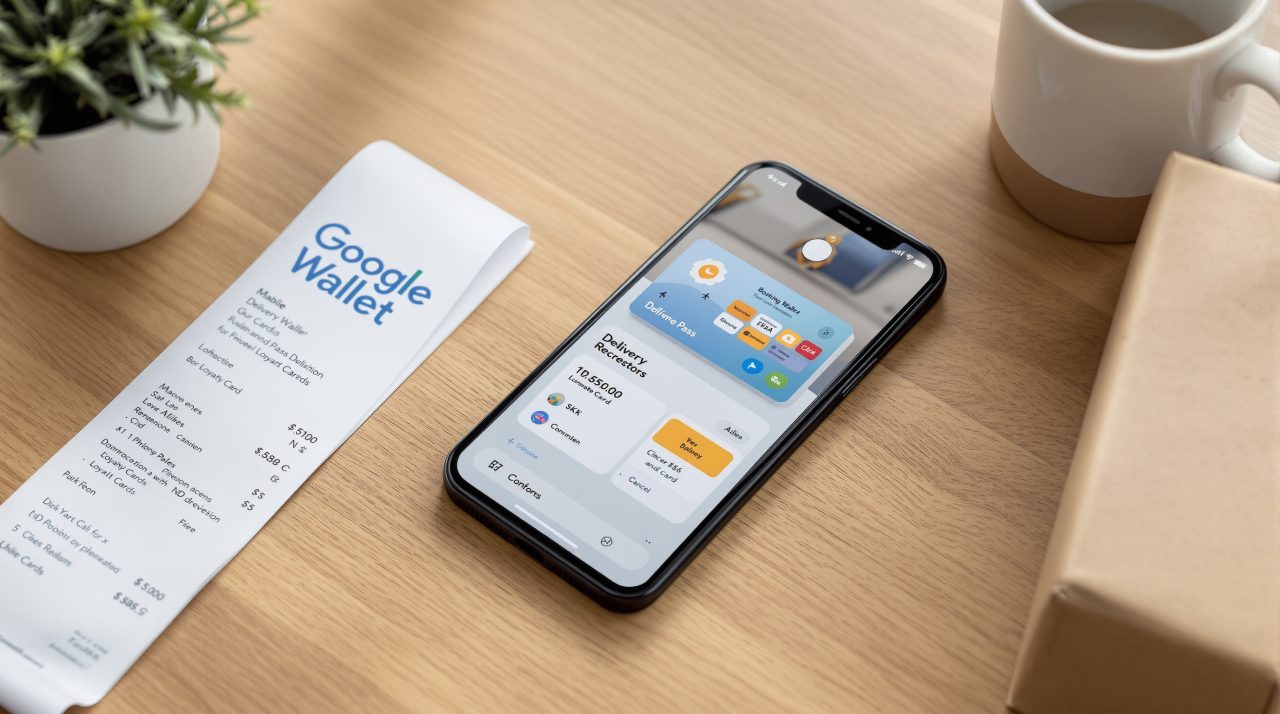
Google Wallet for iOS gathers purchases, tickets, boarding passes and loyalty cards in one app, according to the Google launch post. By syncing with Gmail and other Google apps, it keeps package tracking, digital boarding passes, concert tickets and receipts together instead of scattered across inboxes.
Cards can be added with the camera: Google lists loyalty cards and gym memberships as things to scan and import. Payment cards saved in the app are meant for faster online checkout across Google and anywhere Google Pay is accepted.
The post, written by P.J. Linarducci, Google’s VP of Consumer Payments, also pitches Wallet as the place to follow agentic purchases made across Google. That sits close to the Gemini and Google Wallet spending story DigitBin covered, where the assistant can read your purchases but cannot move money. Whether an order came from your own tap or an assistant, the receipt now has a home on the iPhone.
Where tap to pay stops
Google Wallet on iOS does not support tap to pay at this time, and Google’s post says so in one plain sentence. The App Store listing repeats the point, so in-store payments stay with Apple Wallet.
That split decides when the app earns its place. It is most useful on delivery days and travel days, when you are chasing a package or a gate number, and not at the checkout counter.
Google’s post names the United States as the only market for now. The App Store listing shows a free download, a 171.4 MB size, a 4+ age rating and a requirement of iOS 17.0 or later, so an iPhone stuck on an older release cannot install it.
How the app is laid out, and the Chrome link
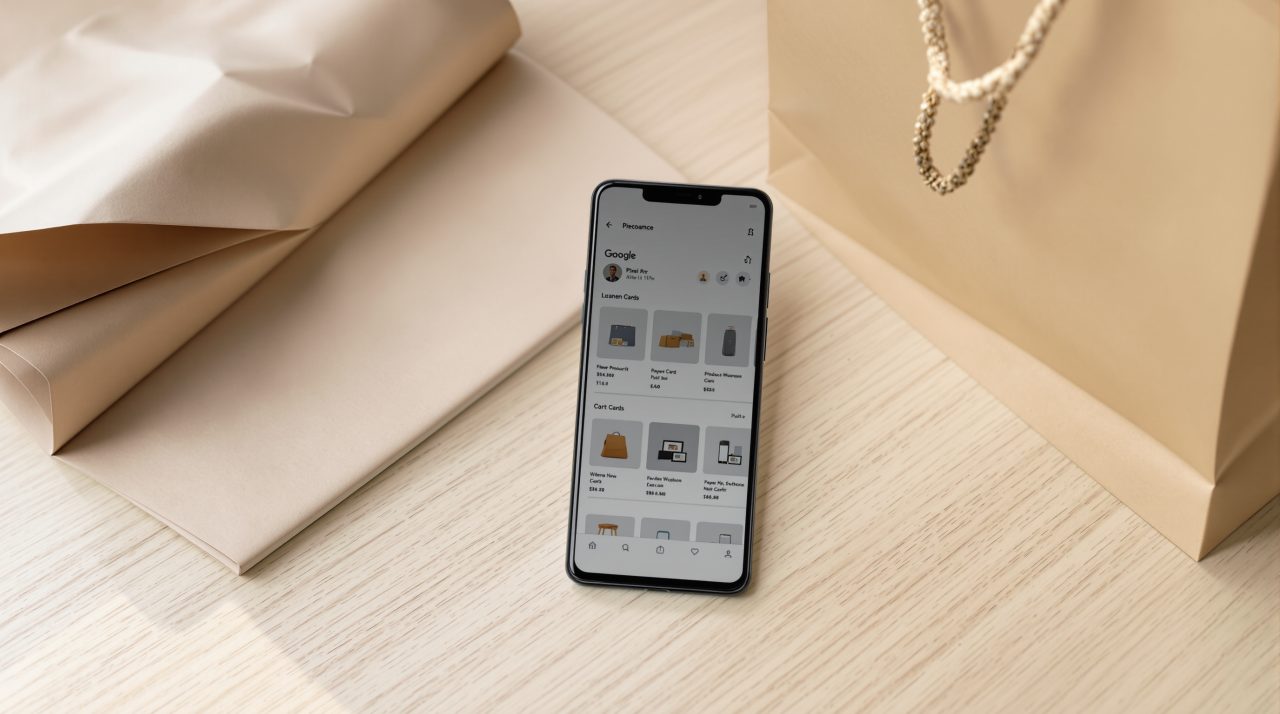
9to5Google describes a floating pill with two tabs, styled to match Apple’s Liquid Glass look. The home tab shows a carousel of recent purchases waiting for delivery, then boarding passes, then a grid of loyalty cards.
The second tab lists recent transactions linked to your Google account, summarized purchase emails, passes you can pin, and the payment methods saved to your account. A plus button adds loyalty, gift and payment cards, with an “Everything else” camera scanner for anything that does not fit those types.
One detail from the same report is easy to miss: payment cards added through the plus button are for use in Chrome. That lines up with the Chrome autofill and Gmail change, which ties the app to Chrome checkout as much as to the phone in your hand.