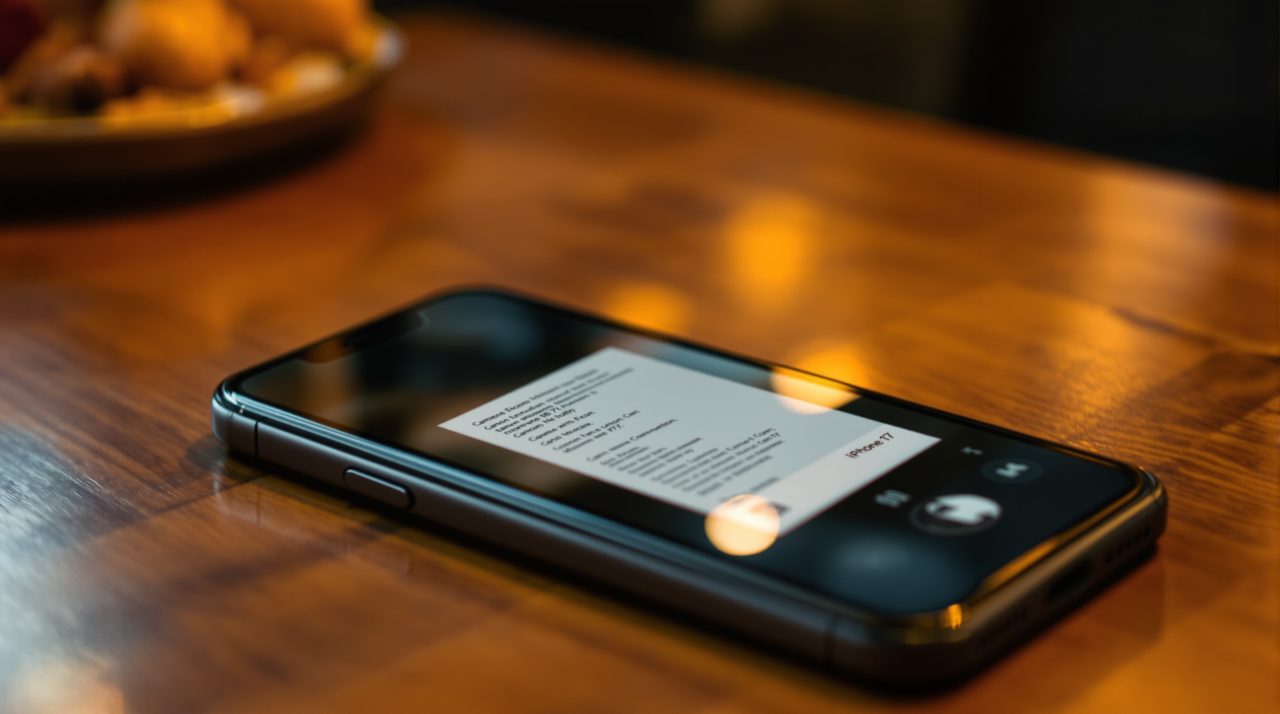
Apple is adding AI-powered bill splitting to Apple Cash in iOS 27, using the new Siri mode in the Camera app to read restaurant receipts and divide costs automatically. Bloomberg’s Mark Gurman reported the feature before WWDC, and Apple confirmed it at the June 8 keynote. Point your iPhone at a printed receipt, tap what each person ordered, and Apple Cash calculates their exact share including tax and tip, then sends a payment request through Messages or Wallet. For a task most people handle by guessing or rounding up, this takes the math off the table entirely.
TL;DR: iOS 27 adds a camera-based bill splitting feature to Apple Cash. Point your iPhone at a restaurant receipt using the new Siri mode in Camera, assign each item to the right person, and the app sends exact Apple Cash payment requests with tax and tip calculated automatically. The feature is US-only, arrives with iOS 27 stable in fall 2026, and works on iPhone 11 and later.
How iOS 27 Apple Cash bill splitting works with your camera
The flow starts in the Camera app through the new Siri mode. When you point your iPhone at a printed receipt, the app identifies the item list and offers to split the bill. Each line becomes selectable. Tap what each person ordered, and the system assigns their proportional share of tax and tip without any manual entry.
Apple’s exact description from the WWDC announcement: “As users select their items, their total payment is calculated, including their share of tax and tip, so they can pay back exactly what they owe with Apple Cash.” The request goes out through Messages or Wallet, and the recipient sees the item breakdown, not just a final number. That detail closes the approximation problem that makes most bill splits feel slightly off.
Where the feature shows up on your iPhone
Apple put bill splitting in three places: the Camera app, Wallet, and Messages. The Camera is the entry point when you are looking at a physical receipt. Wallet handles the flow if you already have a digital version of the bill or want to start from inside the payments app directly. Messages surfaces the option inside a group chat when someone brings up who owes what.
The Messages path follows the same logic as other iOS 27 Apple Intelligence features. The iOS 27 Call Context feature reads your Mail during a phone call and surfaces relevant information without requiring you to switch apps. Bill splitting in Messages works the same way: the system reads conversation context and offers the action directly, so you never have to remember to open Wallet separately.
What Apple Cash still requires
The feature works on iPhone 11 and newer, covering the full iOS 27 compatible device range. The harder restriction is US-only: Apple Cash operates through a partnership with Green Dot Bank and is not available outside the United States. Any iPhone user in a country where Apple Cash does not exist gets the other iOS 27 Wallet changes, but not the bill splitting capability.
| Feature | Device required | Region |
|---|---|---|
| Apple Cash bill splitting | iPhone 11 or later | US only |
| Camera receipt scanning | iPhone 15 Pro or later | US only |
| Enhanced hotel keys | iPhone 11 or later | Global |
| Create Passes | iPhone 11 or later | Global |
| Order tracking (AU, CA) | iPhone 11 or later | AU, CA, US, UK |
There is one more layer for the camera-based portion specifically. The Siri mode in Camera that scans receipts is an Apple Intelligence feature, and Apple Intelligence requires an iPhone 15 Pro or later for full functionality. The payment request flow in Wallet and Messages works on any iOS 27-compatible device, but the camera scanning piece needs newer hardware. Anyone on an older device can still send Apple Cash requests manually, the calculation just does not happen automatically.
The rest of iOS 27’s Wallet update
Bill splitting is the headline addition, but Apple confirmed five other changes to Wallet in iOS 27. Enhanced passes, which launched for airline boarding passes in iOS 26, now expand to loyalty cards, membership passes, gift cards, and rewards cards. A new Create Passes option lets you scan any physical card with a barcode using the Camera and save it directly to Wallet, removing the need to download each retailer’s app separately.
Hotel key support gets a more meaningful upgrade. Enhanced digital keys at participating properties will display trip details, booked activities, and in-stay services inside Wallet instead of requiring a separate hotel app. Apple has not published a list of participating chains. Order tracking, previously limited to the US and UK, now includes Australia and Canada starting with iOS 27.
When this lands on your phone
iOS 27 is in developer beta now, with the iOS 27 public beta arriving in July. Apple has confirmed a stable release in fall 2026, with September as the expected month. Bill splitting ships with the full iOS 27 update rather than as a separate release.
For US iPhone users already on Apple Cash, the feature is ready on day one with no extra setup. The one detail worth watching between now and September is whether the hotel key enhancement launches with any named US hotel brands, since Apple has not addressed that question publicly yet.