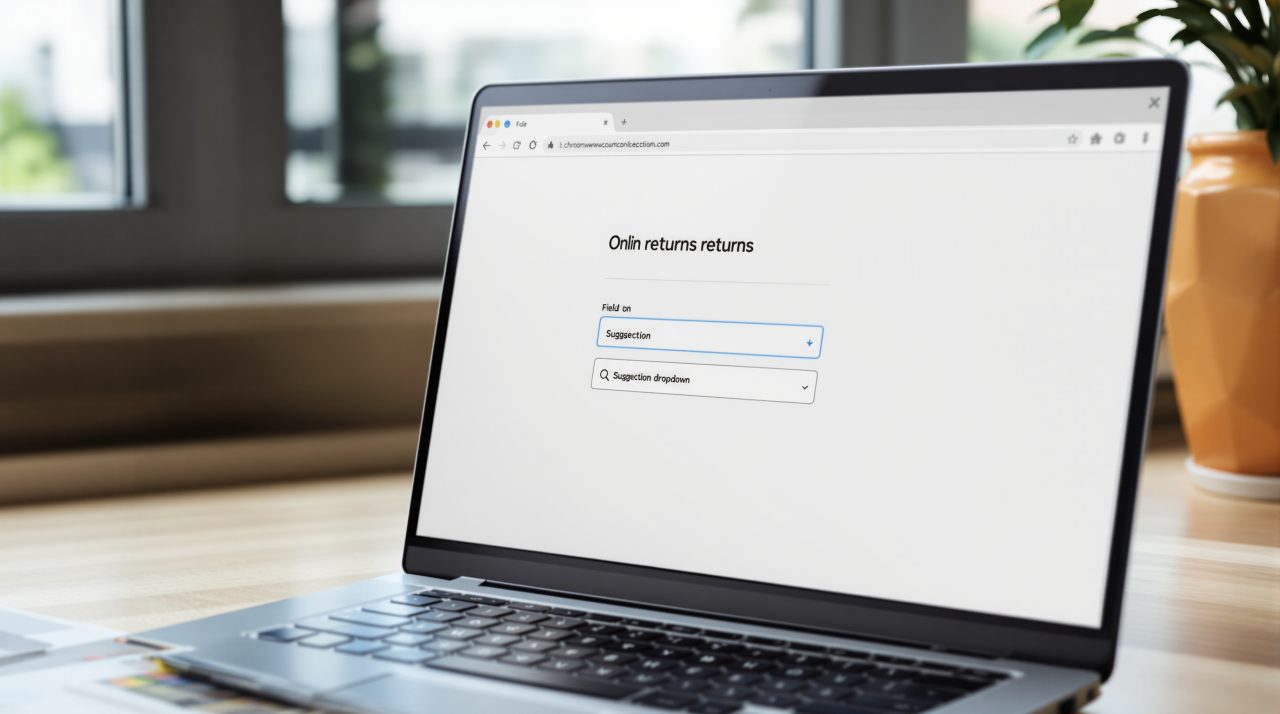
Chrome autofill Gmail suggestions are rolling out now, and they can fill forms with order numbers, tracking information and flight bookings pulled from your inbox. Google announced the change on October 28, 2026, starting in the U.S. on desktop, Android and iOS.
If you have ever kept a support form open in one tab while hunting for a confirmation email in another, this removes the detour. It also means a browser feature now reaches into your email, which is worth understanding before you switch it on.
TL;DR: Chrome’s enhanced autofill can now suggest details from Gmail, such as order numbers, tracking information and flight bookings. It needs Gemini in Chrome with Personal Intelligence turned on, and it is U.S. only for now. Google says sensitive data is encrypted and you stay in control, but the post skips exact menu paths.
How Chrome autofill Gmail suggestions work
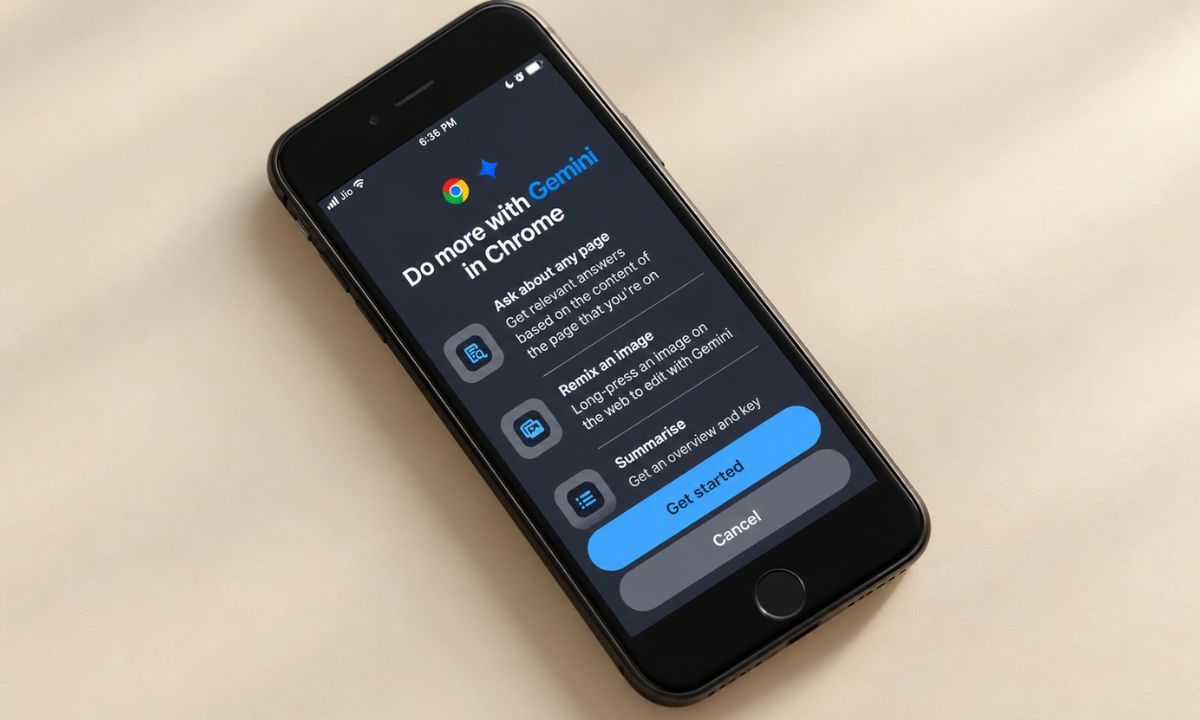
In its post, Google says enhanced autofill “can automatically suggest information pulled directly from Gmail as you fill out online forms.” Amanda Lim, a product manager on the Chrome team, wrote that it is powered by Gemini with Personal Intelligence.
Chrome already fills the basics. A December 5, 2025 Google post described it using your name and email from your Google Account, saved Home and Work addresses, and loyalty card numbers from Google Wallet. A tracking number buried in a shipping email never lived in any of those places, and that is the gap this closes.
Picture a returns form asking for an order number. Until now that meant opening Gmail, searching the retailer, copying the number and pasting it back. Now Chrome can offer it in the field. That is the kind of convenience people only notice once it is missing.
The other half of the question is who actually sees it today.
Who can use it right now
Google says the capabilities are “beginning to roll out” in the U.S. on desktop, Android and iOS. Eligibility is tied to Gemini in Chrome users who have Personal Intelligence enabled, so nothing reaches your inbox unless you have opted in first.
No full schedule was given, so expect a staged arrival. If your phone shows nothing yet, our guide to Gemini in Chrome on iPhone explains why those rollouts often skip some accounts at first.
Google also says it will later let enhanced autofill read information from images in your Google Photos library. It gave no timing for that.
What to check before you turn it on
Google states that “sensitive data is encrypted and you remain in control,” and that you can manage whether enhanced autofill is on and what it can access through Chrome settings. The post does not name the exact menu path or explain how the encryption works.
Google’s Chrome documentation for enhanced autofill adds that it requires being signed in to Chrome, and that on desktop it is toggled under Autofill and passwords. It also says consumer accounts allow the feature by default with data used to improve AI models, and that human reviewers may read that data. That page covers enhanced autofill in general, and it does not say whether Gmail-sourced suggestions fall under the same rule, so treat that as an open question.
Connecting Gmail to other Google services has wider effects too, which our look at the Google privacy policy update covers.
Who will get the most out of it
Frequent online shoppers and travelers will see the payoff first, since returns, claims and check-in forms are where order and booking numbers pile up. If you keep your inbox deliberately separate from your browsing, leaving Personal Intelligence off keeps things exactly as they are.
It is a modest feature, and a convincing one, because it solves a task nearly everyone has done by hand. Whether you trust it will come down to how clearly Chrome shows where each suggestion came from, which Google’s post does not detail.