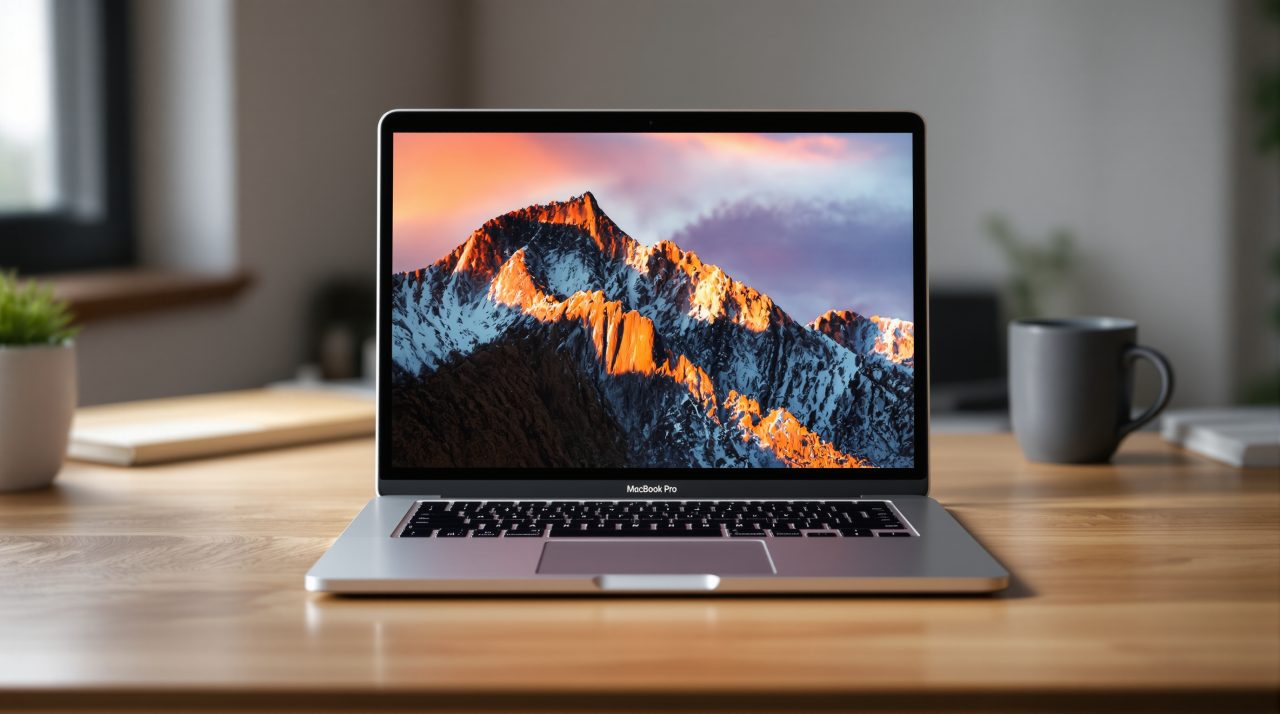
Apple has announced a MacBook Pro with a PROLED XDR display, its first Mac with a touchscreen, in 14 and 16 inch sizes. For anyone who edits video, grades photos or just sits in front of a laptop all day, the panel technology is the part that changes what you see, and touch is the part that changes how you work.
The new MacBook Pro PROLED XDR display is a tandem OLED panel with up to 2,000 nits of peak brightness, and Apple’s announcement says pre-orders are open now.
TL;DR: The MacBook Pro PROLED XDR display swaps mini-LED for a tandem OLED panel rated up to 2,000 nits peak and 10,000,000:1 contrast, with touch built into the panel itself. Prices start at $2,899 for the 14 inch M5 Pro. Apple has not published the resolution. Units arrive November 6, 2026.
What the MacBook Pro PROLED XDR display actually is
Apple’s release describes a tandem OLED, meaning two self-illuminating pixel layers stacked in one panel. Apple says that design avoids the blooming and halos that show up around bright objects on dark backgrounds, the exact artifact you notice when scrolling white text on a black timeline.
The screens measure 14.2 and 16.3 inches diagonally. Apple lists up to 2,000 nits of peak HDR and SDR brightness, a 10,000,000:1 contrast ratio, and ProMotion that adjusts from 10Hz to 120Hz.
The page for the display adds one number the press release leaves out: up to 1,000 nits of sustained full-screen brightness, with Apple noting that applies below 77 degrees Fahrenheit. That is the figure that decides how the screen behaves outdoors, not the peak.
Set against the old panel, that number tells a more modest story than the peak does.
How it compares with the Liquid Retina XDR model
Apple’s own product pages let you line the two panels up. The earlier MacBook Pro display is mini-LED, while the new one is tandem OLED.
| Spec | Liquid Retina XDR | PROLED XDR |
|---|---|---|
| Panel | Mini-LED | Tandem OLED |
| Peak HDR brightness | 1,600 nits | 2,000 nits |
| Sustained brightness | 1,000 nits | 1,000 nits |
| Contrast ratio | 1,000,000:1 | 10,000,000:1 |
| Color gamut | P3 | P3 and Adobe RGB |
| Touch | No | Yes |
The table comes from Apple’s PROLED XDR page and its Liquid Retina XDR page. Sustained brightness is unchanged, so the real gain is in highlights and in black levels, not in a screen that is brighter all over.
That is a quieter upgrade than the peak number suggests, and it will matter most to people grading HDR footage.
Touch on a Mac, built into the panel
Apple says the touch sensor is built directly into the display panel, not layered on top of it, which it credits for lower latency. macOS translates touches into clicks, so existing apps respond without an update, and new gesture APIs let developers build touch specific features.
Touch sits alongside the keyboard and trackpad rather than replacing them. A redesigned hinge is meant to keep the screen steady when you tap it, which matters when the whole screen is now a target.
The Dynamic Island also arrives on the Mac, as the home for Spotlight, Live Activities and Siri AI. Spotlight only moves there if Siri AI is available and turned on, a detail tied to the Siri AI rollout covered in our macOS 27.2 breakdown.
Apple names Notion, Canva, Zoom, Microsoft Office, Lightroom, DaVinci Resolve and Blender among apps working with touch, and says some arrive later this year. How well the rest of the Mac catalog handles a fingertip is still the open question.
Anti glare options and what Apple has not said
Every model gets an antireflective coating, and there is an optional nano texture finish that Apple says is now etched into the cover glass. The company also lists DICOM medical imaging reference modes, for nondiagnostic use only.
Resolution is the gap. Neither Apple page gives pixel dimensions or pixel density, so sharpness comparisons with the current panel will have to wait for specification sheets or reviews. Until Apple publishes them, sharpness stays unconfirmed.
Prices and who should wait for reviews
Apple prices the 14 inch M5 Pro at $2,899 and the 16 inch M5 Pro at $3,399. M5 Max versions run $4,499 for the 14 inch and $4,799 for the 16 inch, with education pricing about $150 to $300 lower, and an Apple Upgrade lease starts at $55.99 per month for 36 months.
Pre-orders began October 28, 2026 in 30 countries and regions including the U.S., with arrival on Friday, November 6, 2026. Apple rates battery life at up to 24 hours from its September 2026 testing, and results vary by use.
If your work is HDR color grading, the contrast and gamut changes are real reasons to look closely. If you mostly write, browse and join calls, waiting for independent brightness and battery measurements costs you nothing, and the touch feature is easier to judge after a few weeks of use than from a spec list. Apple also offers new Mac buyers three months of Creator Studio free, and our look at the Apple Creator Studio update covers what that subscription now includes.