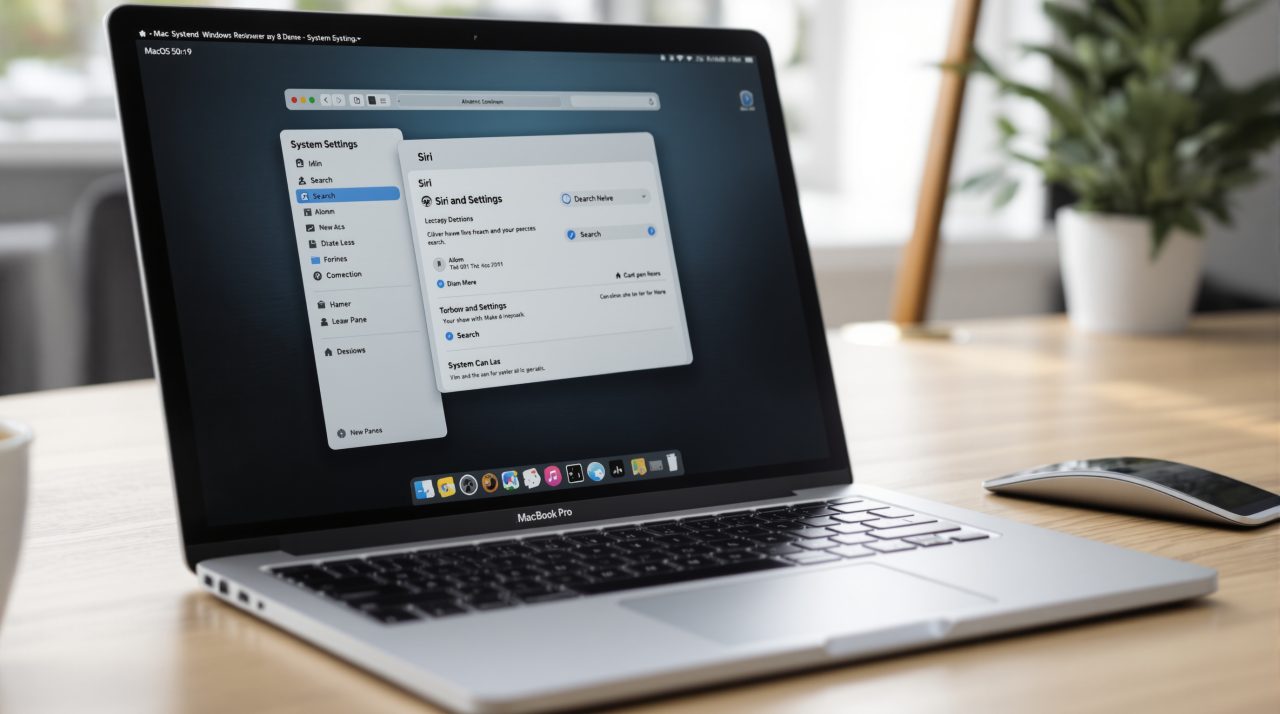
macOS 27.2 is out for Mac, and the headline change is Siri AI: it now remembers earlier conversations and works in French, Japanese, Korean, Portuguese and Spanish. The same update also carries a security list long enough that it deserves a restart today rather than a reminder for Friday.
Apple posted both lists on October 26, 2026. If you use Siri on a MacBook or iMac, or you simply keep a Mac updated and never read the notes, this is a release where the notes are worth two minutes.
TL;DR: macOS 27.2 lets Siri AI recall past conversations, pull from Messages photos and voicemails, and respect a single Excluded Apps list. Five new Siri languages arrive, and Mail gets Write with Siri. Apple’s security page lists roughly 265 CVE entries, and it does not say whether any were exploited. Install it soon.
What macOS 27.2 changes in Siri AI
Apple’s macOS 27 update notes say Siri AI can now recall past conversations, so you can ask about something it told you earlier, such as a restaurant it suggested last week. It also draws on photos attached in Messages, Calendar event attendees, voicemails, and your Safari history and Reading List.
The practical shift is that you no longer have to restate context every time. Ask about the person you are meeting at 3 p.m. and Siri has more material to work from than it did a week ago.
A new Excluded Apps setting is the counterweight. One list now controls which apps Siri, Search and Suggestions can reach, instead of managing exclusions app by app. Wider access with a single off switch is a fair trade, though it only helps if you actually open the list once.
Mail gets its own addition: Write with Siri now sits in the formatting bar while you compose. That is a small button with a large effect on how often you will reach for it.

Siri AI languages and who can use it
Apple’s notes add French, Japanese, Korean, Portuguese and Spanish for Siri AI on the Mac, and Apple’s newsroom post describes the feature as a beta.
Apple’s Siri AI requirements page says Siri AI needs macOS 27 on a MacBook Neo (A18 Pro) or a Mac with M1 or later. It also says your device language and Siri language must be the same supported language, that joining runs through a waitlist, and that Siri AI does not currently work if your Apple Account region is in mainland China. Expressive voices ask for more: an M3 or later Mac with at least 12GB of unified memory.
Region rules differ by platform. Apple’s newsroom says Siri AI is unavailable in the EU on iOS, iPadOS and watchOS, and says nothing about the Mac. The support page, by contrast, says EU account holders can use it on macOS when both languages are English. That page may predate 27.2, so check it before assuming either way. For the iPhone side of the same release, see our iOS 27.2 on the iPhone piece.
The macOS 27.2 security fixes
Apple’s security content page for macOS Golden Gate 27.2 lists roughly 265 CVE entries by our count, which is an approximation rather than a figure Apple states. The page does not say whether any of them were exploited in the wild.
| Component | What Apple says could happen | CVE |
|---|---|---|
| Kernel | An unprivileged attacker may be able to run arbitrary code as root | CVE-2026-112438 |
| Remote Management | A remote attacker may be able to run arbitrary code, due to an authentication issue | CVE-2026-112427 |
| System Settings | An attacker may tamper with code-signed apps to run arbitrary code | CVE-2026-112556 |
| WebKit Process Model | A remote attacker may be able to break out of the Web Content sandbox | CVE-2026-113897 |
Most of the rest are memory bugs, sandbox escapes and privacy bypasses. A single long list is routine for a point release, but it is still the strongest reason to install, because browsing and file handling touch several of these components.
Apple’s notes also list suggestions in Messages, editable captions in Shared Albums, SynthID watermarking for images made or edited with generative tools, and a split Podcasts Home tab.
Should you update your Mac now
If you rely on Siri on a Mac, update and then open the Excluded Apps list before you try the new memory. If you do not use Siri at all, the security list still makes this one worth installing this week.
The unknown is the one Apple has not answered: whether any of these bugs were being abused before the fix. Until the company says, assume the safe answer and restart. Our Siri AI device list shows which iPhones can run the same assistant.