The Google privacy policy still says Google does not show personalized ads based on your Drive, Gmail or Google Photos content, but a new clause adds an exception for data you choose to make available to other Google services. The wording took effect October 16, 2026. In practice, switching on Google’s Personal Intelligence features can let Search use what it learns from your inbox and photos, including to personalize ads. The exception is tied to a choice you make, so it should not apply until you connect those apps.
TL;DR: Google’s updated privacy policy keeps its promise not to base personalized ads on Gmail, Drive or Photos content, then adds an exception for data you choose to share with other Google services. Google’s Search help page says ads will not be based directly on your inbox or photo library, but the same information may be used to show you ads. Connecting those apps is opt-in, and you can disconnect them later.
What the Google privacy policy changed
Google’s privacy policy now shows an effective date of October 16, 2026, and the archived version marks the edits inline.
The old promise survives. Google says it does not show you personalized ads based on your content from Drive, Gmail or Google Photos. What is new is the end of that sentence: “unless you choose to make data from these services available to other Google services that support personalized ads.”
A second addition shows how that could play out. The policy says Search may process some of the data you allow it to access to personalize content, including ads. That raises the obvious question of what Google means by “allow.”
How Gmail and Photos data reaches the ad system
Google’s Search help page on connecting content apps is the plainest explanation. It says ads will not be based directly on your Gmail inbox or your Google Photos library, then adds that “that same info may be used to show you ads.”
Google also says it does not personalize ads using sensitive categories such as race, religion, sexual orientation or health, and that advertisers do not get access to your Gmail inbox or Google Photos.
That is a narrow line, and it is easy to see why two readers will walk away with opposite impressions. Nobody is reading your email aloud to advertisers, but the data you connect can still influence what Search personalizes.
Human review and AI training, the part people skip
Connecting apps carries two other consequences that have nothing to do with ads. For Search services, Google’s help page says a subset of connected data is reviewed by human reviewers, including trained service providers, to debug, keep services safe and improve them.
Before review, Google says it disconnects interactions from your Google Account and reduces personal information, unless the review is about abuse or harm. The page also advises against connecting apps that hold information you would not want a reviewer to see.
On training, Google says Search services do not train generative AI models directly on your Gmail, Drive, Calendar or Photos content. Summaries, excerpts and inferences from that content may be used, with personal information reduced first. Those inferences are where the real question sits.
Where to check your connections
Most people never opened these settings, so it helps to know where they live. Google says it is updating them, so your menus may differ slightly.
| What to check | Where to look |
|---|---|
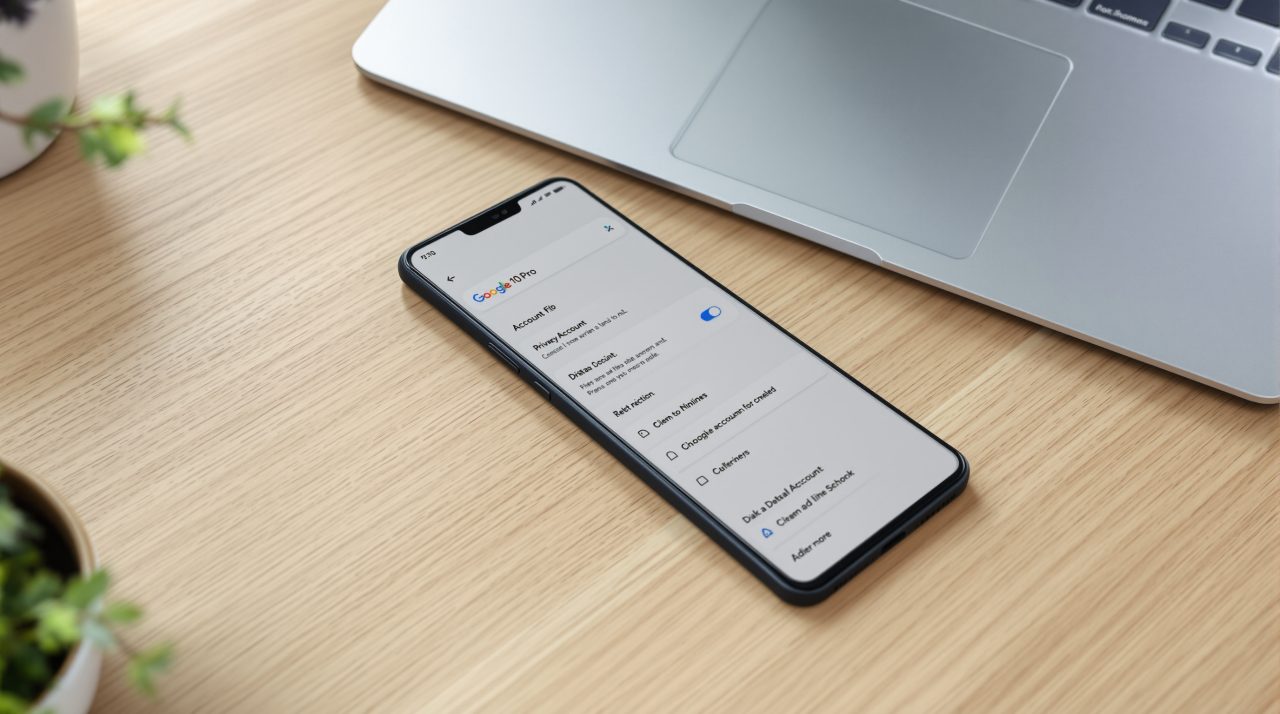
| Search connections | Google Account, Search Services Personalization, Personalized Recommendations, then Additional Personal Intelligence and Connected Content Apps |
| Gemini connections | Gemini mobile app, menu, your profile picture, Personal Intelligence, Connected Apps |
| Gmail smart features | Gmail, Settings, See all settings, General, then Manage Workspace smart feature settings |
Turning an app’s toggle off in Gemini disconnects it. Disconnecting an app from Search does not remove your Search Services History, which you can manage at activity.google.com.
Eligibility is limited. Google says you need a personal account and must be 18 or older, and its Gemini help page lists the EEA, Nigeria, Switzerland and the UK as unavailable.
What to weigh before you connect Gmail and Photos
If you have not connected anything, the policy change does not alter what Google does with your inbox today. The decision arrives the next time a card or setting invites you to turn Personal Intelligence on, the same opt-in that Gemini on Android Auto already asks for.
The trade is real. Search that knows your flight details and photo library can be more useful, and it also means more of your life feeds a system that sells ads. Google’s pages in this area do not publish examples of how connected data changes the ads you see, so the size of that effect is not something anyone outside Google can measure yet.
A sensible default is to connect only the app you will actually use and revisit the toggle after a month. Treat the policy update as a prompt to look, not a reason to panic.