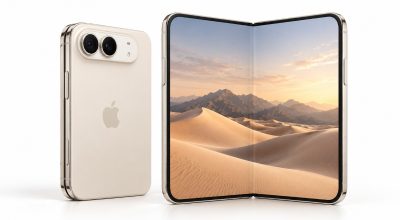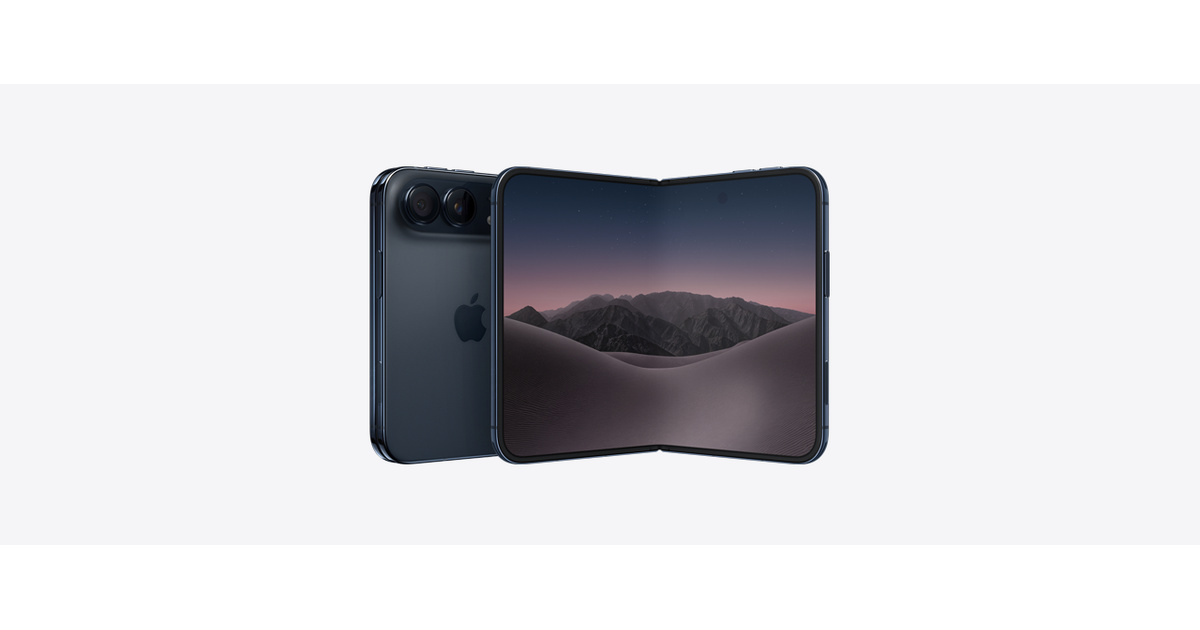
The iPhone Duo is eSIM only. Apple’s US store page says a Duo bought in the US or Puerto Rico has no physical SIM tray and activates only with an eSIM, so there is nothing to pop out of your old phone and slide into the new one. That is easy if your carrier is ready. It is a bad evening if you find out otherwise with the old phone already boxed for trade-in. This iPhone Duo eSIM checklist comes from Apple’s own pages.
TL;DR: The iPhone Duo is eSIM only, so you need a carrier that supports eSIM before it arrives, plus Wi-Fi during setup. Apple lists several ways to move your number: Quick Transfer from another iPhone, carrier activation, a QR code, or your carrier’s app. Apple says Quick Transfer deactivates the old SIM. Abroad, an unlocked Duo can use a travel eSIM.
iPhone Duo eSIM setup: what you need first
Apple’s page keeps the requirements short. An eSIM needs a carrier that supports eSIM and a wireless service plan. Setup also needs Wi-Fi, though Apple’s support page says some eSIM only models in certain regions can skip that.
Then the unglamorous one. A phone financed through a carrier stays locked to it until paid in full, per the same page, and a travel eSIM needs an iPhone that is not carrier locked.
None of this is hard. It is just the kind of job that goes wrong on the night the phone arrives, when the old one is already switched off. Which raises the real question of how the number travels.
How to move your number to the Duo
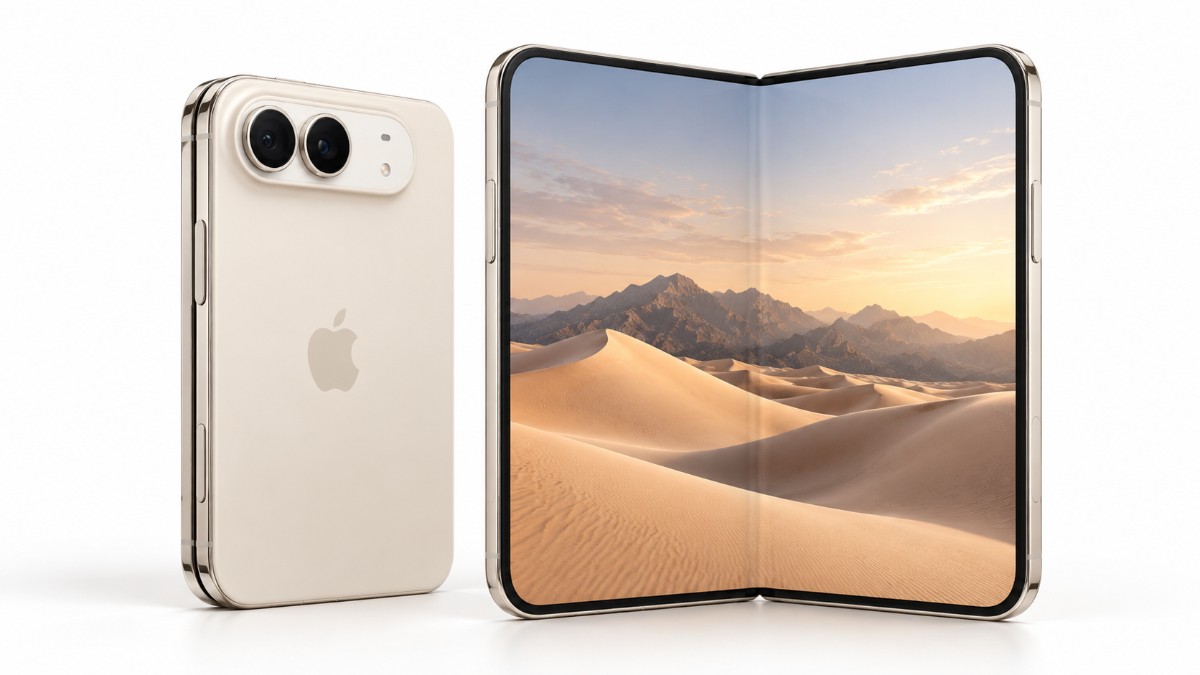
Apple’s eSIM setup page lists several routes. Which one applies depends on where your number lives today.
| Route | What Apple says you need |
|---|---|
| Quick Transfer from an iPhone | Both phones on iOS 18.4 or later, the same Apple Account, the old iPhone unlocked, both nearby with Bluetooth on, and carrier support |
| Carrier activation | Usually when you buy from a carrier, and an eSIM assigned at purchase activates during setup |
| QR code | A code from your carrier, scanned during setup or with the Camera app, and sometimes a confirmation code |
| Carrier link or app | A link from your carrier on iOS 17.4 or later, or the carrier’s app from the App Store |
| From Android | Contact your carrier, and on iOS 26 or later some carriers support a direct transfer |
Coming from an iPhone, Quick Transfer is the route Apple lists first, and on iOS 26 or later it can move more than one number. Coming from Android, expect to talk to your carrier. The page sends you there instead of giving steps.
What happens to your old SIM
Apple spells it out for Quick Transfer only: when the plan on the new iPhone activates, it deactivates your previous SIM. For the other routes, I could not find an Apple statement, so ask your carrier how long the old SIM stays live.
One practical point, and it is my inference, not Apple’s. Quick Transfer needs the old iPhone unlocked and nearby, so move the number before the trade-in box goes out. Our pre-order guide covers the trade-in side.
There is one upside Apple does mention. Nobody can pull the physical SIM out of a lost or stolen Duo.
Traveling with a phone that has no tray
Gone is the airport habit of buying a local SIM and swapping it in. Apple says an unlocked Duo can use a travel eSIM at your destination, and roaming with an eSIM works the same as roaming with a physical SIM.
You can have two eSIMs active at once. On iOS 26 and later, a Turn On Travel eSIM prompt lets you pick travel only or travel plus your current line, and Apple says FaceTime and iMessage keep working on the home line if you use only the travel eSIM.
If the phone is financed through a carrier, check with them first. Apple says so, too.
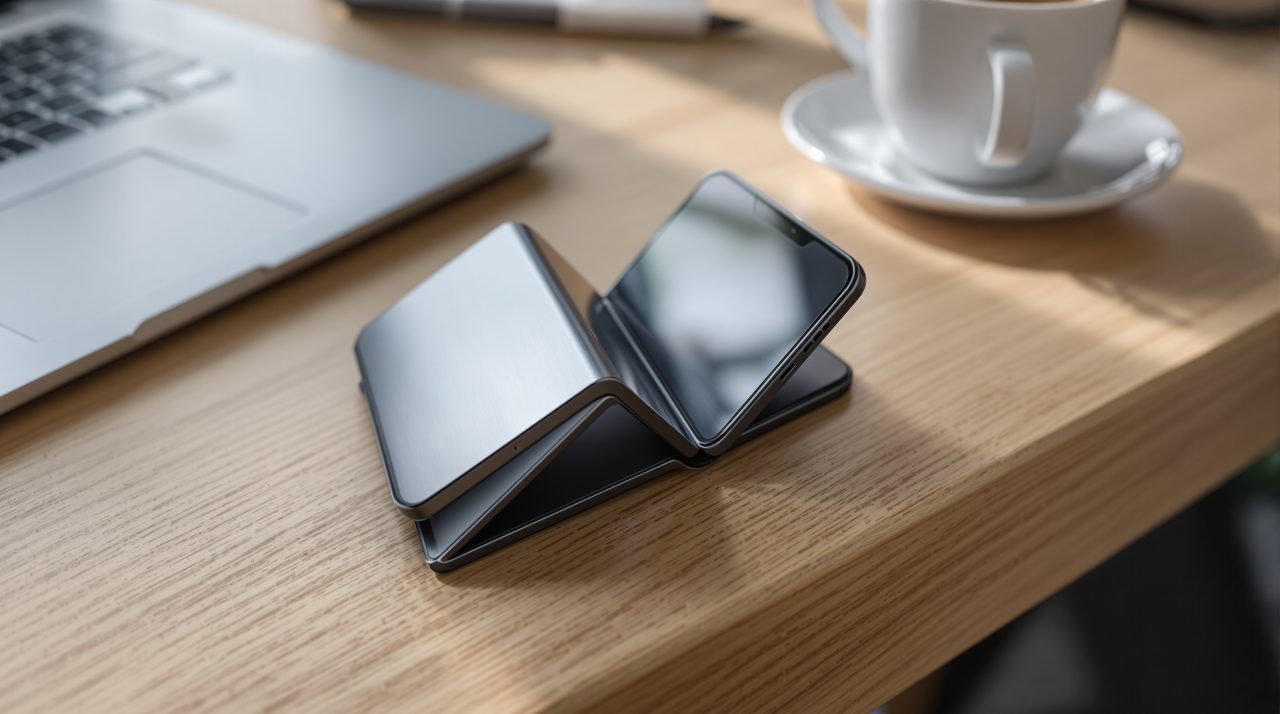
One thing to sort out before the phone arrives
Open your carrier’s app or call them this week and ask three things. Does my plan support eSIM on the Duo. How will my number move. When does my old SIM stop working.
Five minutes, maybe less. After that, the day the phone shows up is mostly watching a progress bar.