Before you buy a Samsung TV, learn from my mistake. I bought one in 2019 because the picture looked best on the shop wall, and I regretted it within weeks.
Nobody mentioned that it runs Tizen, not Android. There was no Play Store and no APK route that worked, so the apps my friends ran on their boxes were out of reach.
I used it for about a year, then moved to an Android TV box. In 2024 I bought a TCL Google TV, which showed me exactly what I had given up.
This is the checklist I wish I had before I bought mine.
TL;DR: A Samsung TV is a good screen that runs its own operating system, not Android. Expect no APK installs, no Google Assistant, and app support that depends on your model year. Check the update promise, switch off the data options you do not want, and buy by panel and ports rather than series name. If you live in Android apps, a Google TV fits better.
1. Before you buy a Samsung TV, know it runs Tizen, not Android
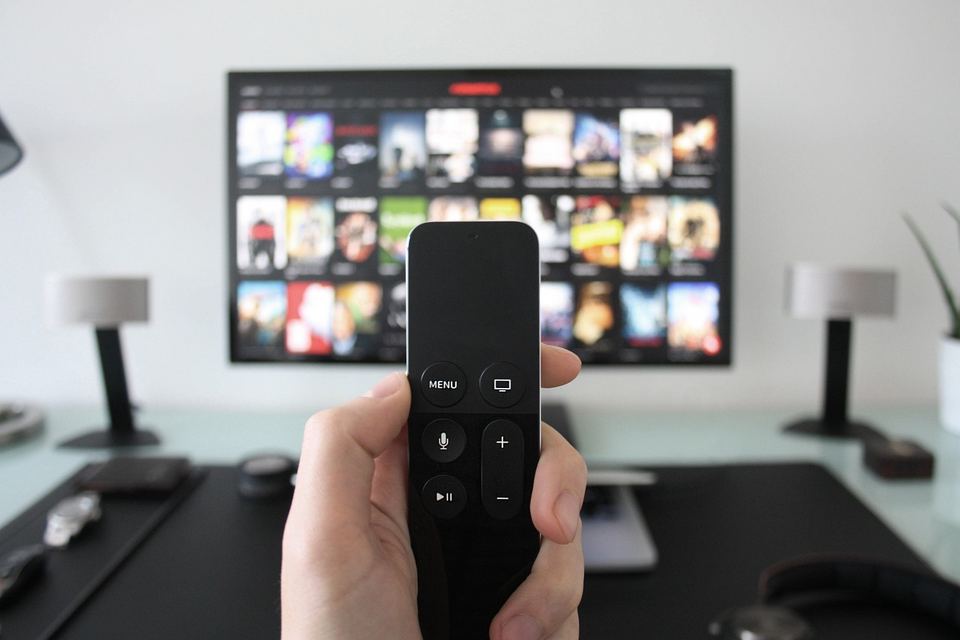
Samsung TVs run Tizen, Samsung’s own operating system, while Google TV and Android TV sets run Android. That single fact explains most of the surprises in this list.
I found out on the first evening. I went looking for the Play Store icon, then for a place to sign in with my Google account, and the TV kept offering Samsung’s own store instead.
The table below shows where the two part ways.
| Feature | Samsung TV (Tizen) | Google TV or Android TV |
|---|---|---|
| App store | Samsung’s own store | Google Play Store |
| Install APK files | No | Yes |
| Voice assistant | Bixby and Vision AI Companion, which uses Gemini and other models on 2026 TVs | Google Assistant, with Gemini announced for Google TV |
| Casting | AirPlay 2, Smart View, and Google Cast on 2024 and newer sets | Google Cast built in |
2. Sideloading is possible, but not the Android way

I tried sideloading one weekend in 2019 and gave up. A Samsung TV cannot install an APK, because Tizen does not run Android apps, so developer mode is the only route, and it exists for app developers, not as an everyday install method.
In Smart Hub you open Apps, type 12345 on the remote, switch Developer mode on, enter your PC’s IP address and reboot, as Samsung lays out for developers. After that you need a PC running Tizen Studio.
Signing certificates are a common reason installs fail, and Samsung’s developer notes say installing through USB is no longer supported for security reasons.
The certificate error I hit made no sense to me at the time. The Android TV box I bought later took one USB stick and about a minute.
My guide to third party apps on Samsung TV covers what actually works.
3. Google Assistant is gone, and Samsung uses its own AI instead
Samsung TVs no longer have Google Assistant. According to ChannelNews, it stopped being available on Samsung TVs from 1 March 2024, which hit the 2020 to 2022 sets.
Samsung’s replacement is Vision AI Companion, built around Bixby. Samsung says it combines models including Perplexity, Gemini and Bixby on 2026 TVs.
So Gemini sits inside Samsung’s layer, not in the “Hey Google” experience you get on a Google TV. Samsung’s UK page lists 2025 Q7F models and above, and says you need a Samsung account and must be 18 or older. Alexa works through a separate Alexa device, not built in.
On the Samsung I pressed the mic button a few times in the first week and then forgot it existed. On the TCL I say “Hey Google” without thinking, the same way I would on a phone.
4. Casting works differently, and it depends on the year
Samsung TVs did not have Google Cast for years, so the Cast button on a phone found nothing. That is now changing, but unevenly.
Samsung confirmed to FlatpanelsHD that 2026 models launch with Google Cast, and 2024 and 2025 models get it with firmware v2115 or later. Android Authority reports select 2023 models are in the mix too, but the rollout is gradual, so check your model’s update notes.
Apple users have had AirPlay 2 on Samsung TVs since 2019, and Android phones can mirror through Smart View.
When friends with Android phones visited, they asked me to cast and I said “it’s Smart View, hold on”. It worked most nights, and on the nights it did not, the reason was never obvious.
5. The app list changes with your model year
App support on a Samsung TV depends on the model year, and older sets lose apps over time.
Some services draw the line at 2017 or 2018. ITVX in the UK needs a 2017 or newer set, and Starz in the US lists select 2018 and newer models.
On my 2019 set, a streaming app my cousin used on his box was not in the store at all. I checked twice, assuming I was searching wrong.
You keep a TV for five or six years, and an app that works on day one might not work by year four. Before you buy, look up your three most used apps on each service’s own supported devices page, and keep my Samsung Smart TV apps list for the US and UK open while you shop.
6. Read the software update promise carefully

Samsung promises up to seven years of free Tizen OS upgrades, but only for newer TVs. Samsung says the clock starts at the launch year for TVs from 2023, so a 2024 TV is covered until 2030.
The fine print matters. The same page guarantees security updates for at least three years from launch, and reports describe only select 2023 models as covered, so confirm your exact model.
BGR also notes that budget Crystal UHD models may not get every feature of an upgrade, and SamMobile reported that the Tizen 9 update reached older models slower than promised.
My 2019 set never got a redesign. The menus looked the same on day 365 as on day one, which I only noticed when the TCL’s home screen changed after an update.
7. You need a Samsung account, and the home screen sells things
A relative skipped the account screen on a newer Samsung and called me because Netflix would not open. The TV was fine, it just needed the sign in.
The account rule works like this. On Samsung TVs from 2023, Smart Hub apps do not work without a Samsung account, and Samsung’s support pages in several regions say that without signing in, only HDMI inputs and antenna TV are available.
Viewing data is optional. Samsung’s support page says its ACR feature, which identifies what you watch, runs only if you opted in during setup, and you can turn it off in Settings.
Turning off interest-based ads changes targeting, not whether ads appear, and Samsung’s privacy notice says that choice does not affect other ads.
On recent sets the options sit under General and Privacy, then Terms and Privacy, though labels change between years.
8. Series names do not tell you the panel
Samsung’s range runs from Crystal UHD to QLED, Neo QLED and OLED, and the series name alone does not tell you how the screen behaves.
Check the exact model number, the native refresh rate and the HDR support for the size you plan to buy. A Samsung community reply about a 50 inch Q80A said that size has a 60Hz panel, so 4K at 120Hz was off the table even though the series lists HDMI 2.1.
In the shop I compared two tiles in the same row and only the price tag told them apart. I picked the nicer picture and never asked about the panel, so now I open the spec page for the exact size, not the series page.
9. No Dolby Vision, and HDMI ports are not all equal

No Samsung TV supports Dolby Vision. FlatpanelsHD notes Samsung continues to avoid it, and backs HDR10+ instead, a royalty free format.
Netflix, Prime Video and Disney+ all offer HDR10+, which softens the gap. When a title only comes in Dolby Vision, a Samsung plays the standard HDR10 version.
Samsung’s 2026 TVs add HDR10+ Advanced, its counterpart to Dolby Vision 2.
Gamers should check the ports. When Samsung’s 2020 4K QLEDs launched, only one HDMI port handled 4K at 120Hz, per TechRadar.
10. If you already own one, a streamer fixes most of it
A Google TV streamer, an Android TV box or any streaming stick on an HDMI input gives a Samsung TV the Android side it lacks.
That is what I did after a year. The Samsung became a screen and I stopped opening Smart Hub at all, though for a month I kept picking up the wrong remote, and the box’s home screen replaced Smart Hub as the first thing I saw.
Do the day one settings too. Update the TV, switch off Viewing Information Services and interest-based ads if you do not want them, and follow my Samsung Smart TV settings guide.
Budget Android TV hardware has its own problems, like sponsored rows and preinstalled apps, which is why I wrote about debloating a slow Android TV.

Frequently Asked Questions
Does a Samsung TV run Android?
No. Samsung TVs run Tizen, Samsung’s own operating system, so there is no Play Store and no Android apps.
Can I install APK files on a Samsung TV?
No. A Samsung TV cannot install an APK, and the developer mode route needs a PC running Tizen Studio.
Does a Samsung TV have Google Assistant or Gemini?
Not Google Assistant, which stopped being available on Samsung TVs from 1 March 2024. Samsung’s 2026 TVs use Vision AI Companion, which Samsung says draws on models including Gemini.
Does a Samsung TV have Chromecast?
Not on older sets. Samsung confirmed Google Cast for 2026 models, and 2024 and 2025 models get it with firmware v2115 or later.
How long will Samsung update my TV?
Up to seven years of Tizen OS upgrades for newer TVs, counted from the launch year. Security updates are guaranteed for at least three years from launch.
Who should still buy a Samsung TV
A Samsung TV still makes sense if you stream from the mainstream apps, use an iPhone or a Galaxy phone, and care about the screen more than the software.
It makes less sense if your habits come from Android, like APKs, Google Assistant and a Google account on the TV.
I would still buy one for the right person. I just would not buy one the way I did in 2019, judging only by the picture on the shop wall.
The picture on that old set was fine the whole time. It was everything around it I had never asked about.