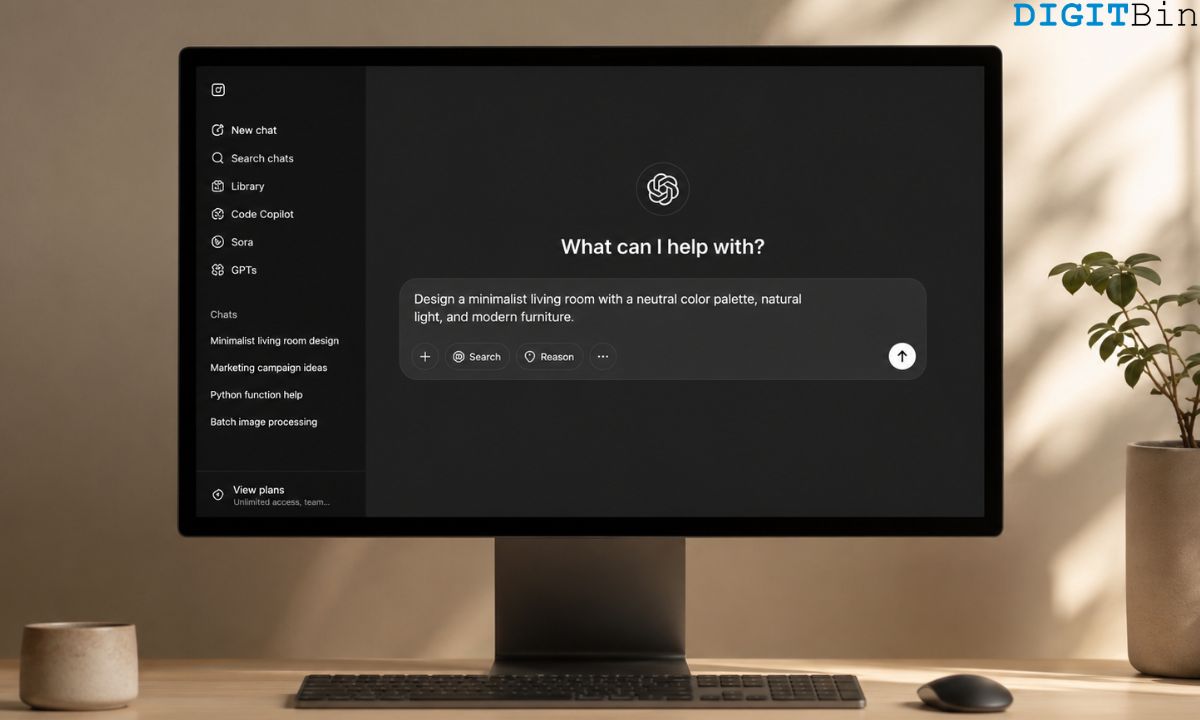
The fastest way to see the difference between ChatGPT and Gemini image generation is to give both the same prompt and look at what comes back.
Give both a request for a photorealistic product shot of a coffee mug on a marble surface.
Gemini returns something that appears to be a stock photo. ChatGPT returns something that looks like it was styled for an editorial spread.
Neither is wrong. They are optimised for different things, and understanding that split makes both tools more useful.
TL;DR: ChatGPT GPT-5.5 uses its built-in image generation to produce creative, stylised visuals with strong artistic interpretation and excellent text rendering. Gemini 3.1 Pro runs on the Nano Banana model and delivers faster, more photorealistic results with better editing precision. ChatGPT is the stronger choice for creative work, concept art, and marketing visuals. Gemini is better when consistency, realism, and editing control matter more than flair.
What each model is built on
ChatGPT’s image generation in 2026 runs on GPT-5.5’s native vision capabilities for paid users.
OpenAI moved away from DALL-E 3 as the default for Plus accounts, and the newer generation handles complex prompts with better spatial reasoning and text rendering than its predecessor.
Gemini 3.1 Pro runs on the Nano Banana model for image tasks.
Google designed Nano Banana with an editing-first approach, where you can upload an image, apply targeted changes, and maintain consistency across iterations.
Free users get core image editing features. Paid tiers unlock faster responses and higher usage quotas.
The architectures reflect different priorities. OpenAI built toward creative generation from a text prompt. Google built toward controlled editing and consistent output across a workflow.
Creative and artistic prompts
For fantasy scenes, concept art, illustrated posters, and anything that benefits from a distinctive visual style, ChatGPT produced better results in 2026 testing.
It interprets prompts imaginatively, adds compositional choices the user did not specify, and tends to produce images that feel designed rather than generated.
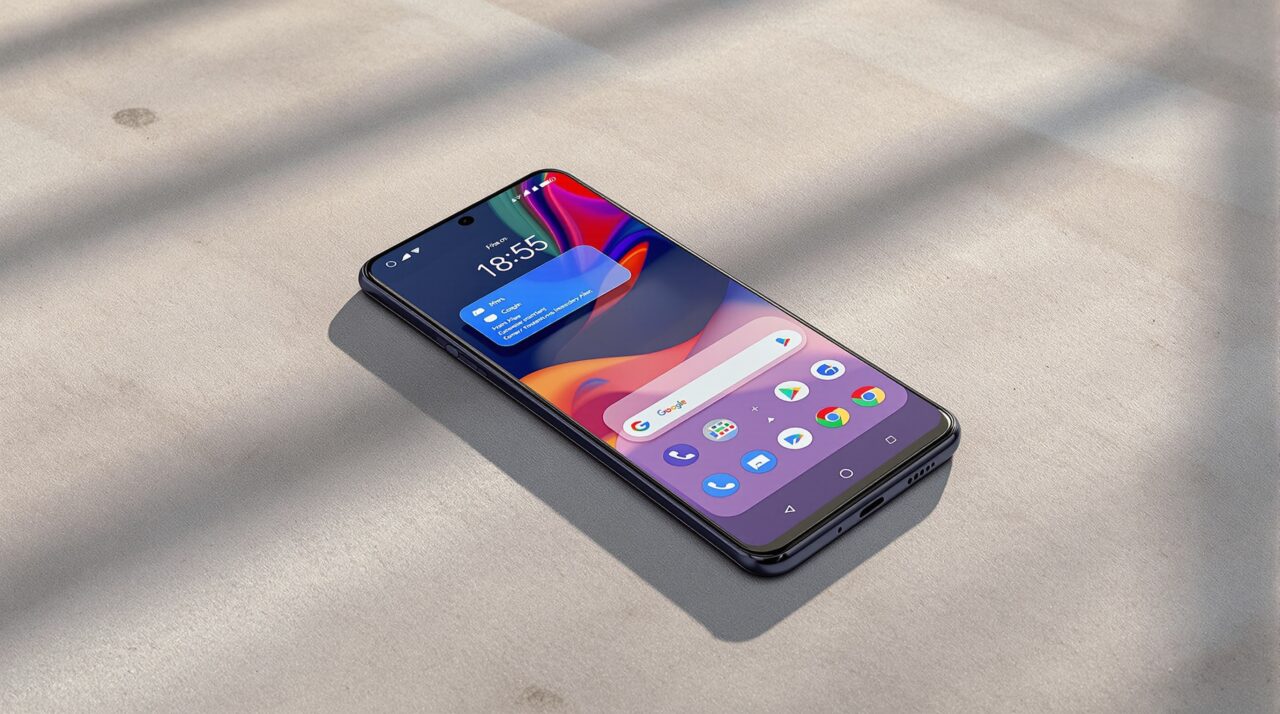
Here is an example of the exact thing about ChatGPT going overboard with its imagination.
The image attached below clearly feels as if it were artificially designed.
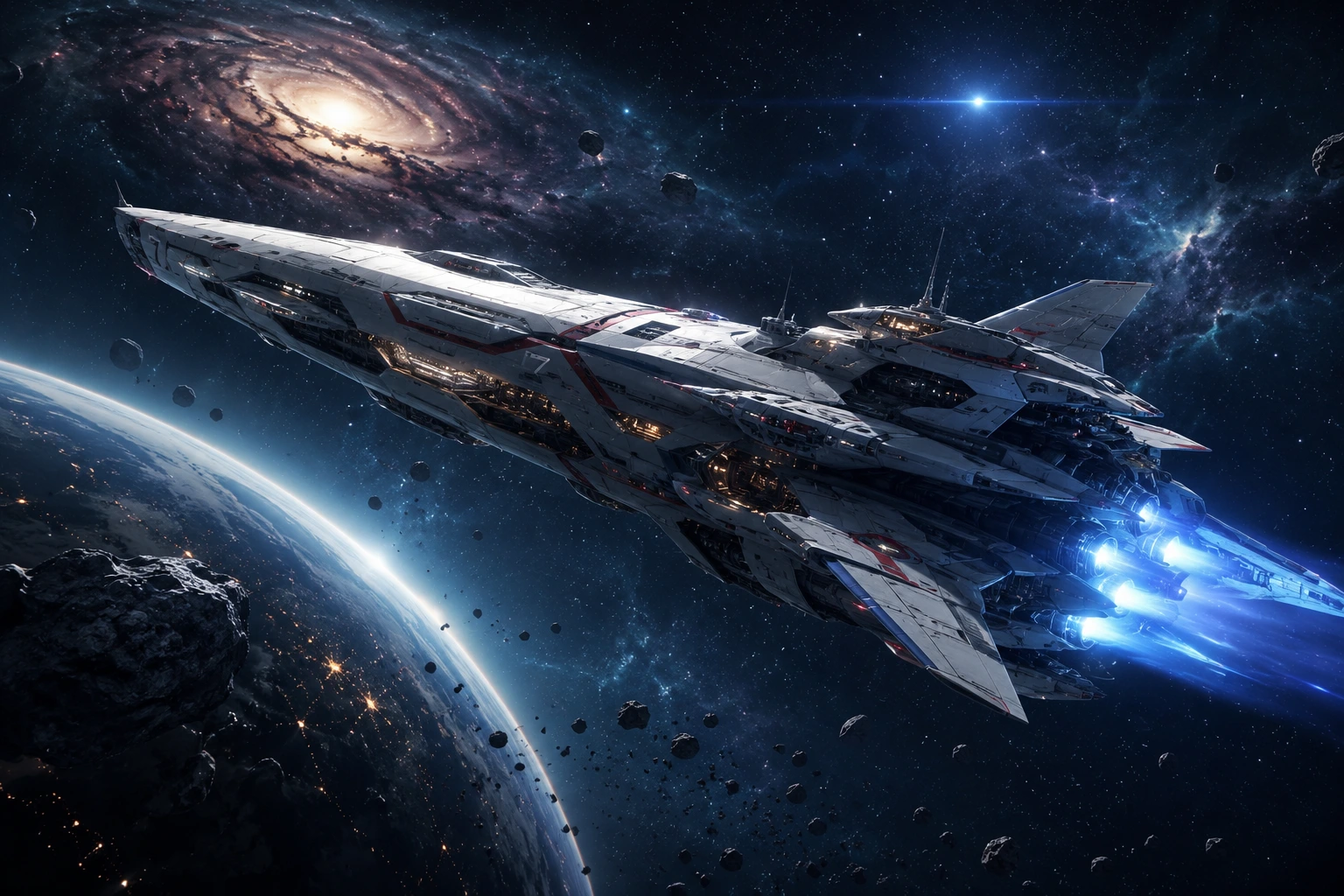
The angle of reality does not align with Gemini’s image generation capabilities, which I have cited with an example in the next section.
Even ChatGPT has been observed to hallucinate more compared to Claude and Gemini, producing inaccurate results for user queries.
Gemini mostly always handles prompts competently but tends toward safer interpretations.
The Gemini AI output is clean and well-composed but less visually distinctive. If you are building a creative asset and want the model to bring something to the brief, ChatGPT is more useful.
Text rendering inside images is another area where GPT-5.5 leads. Generating an image with a readable headline or product label used to be unreliable across all AI tools. GPT-5.5 handles it significantly better than Gemini in current testing.
Photorealistic and product work
Flip the task to anything requiring realism and consistency, and Gemini closes the gap or pulls ahead.
Hyper-realistic portraits, product-style photography, and brand materials where accuracy matters more than artistry are areas where Nano Banana delivers better results.
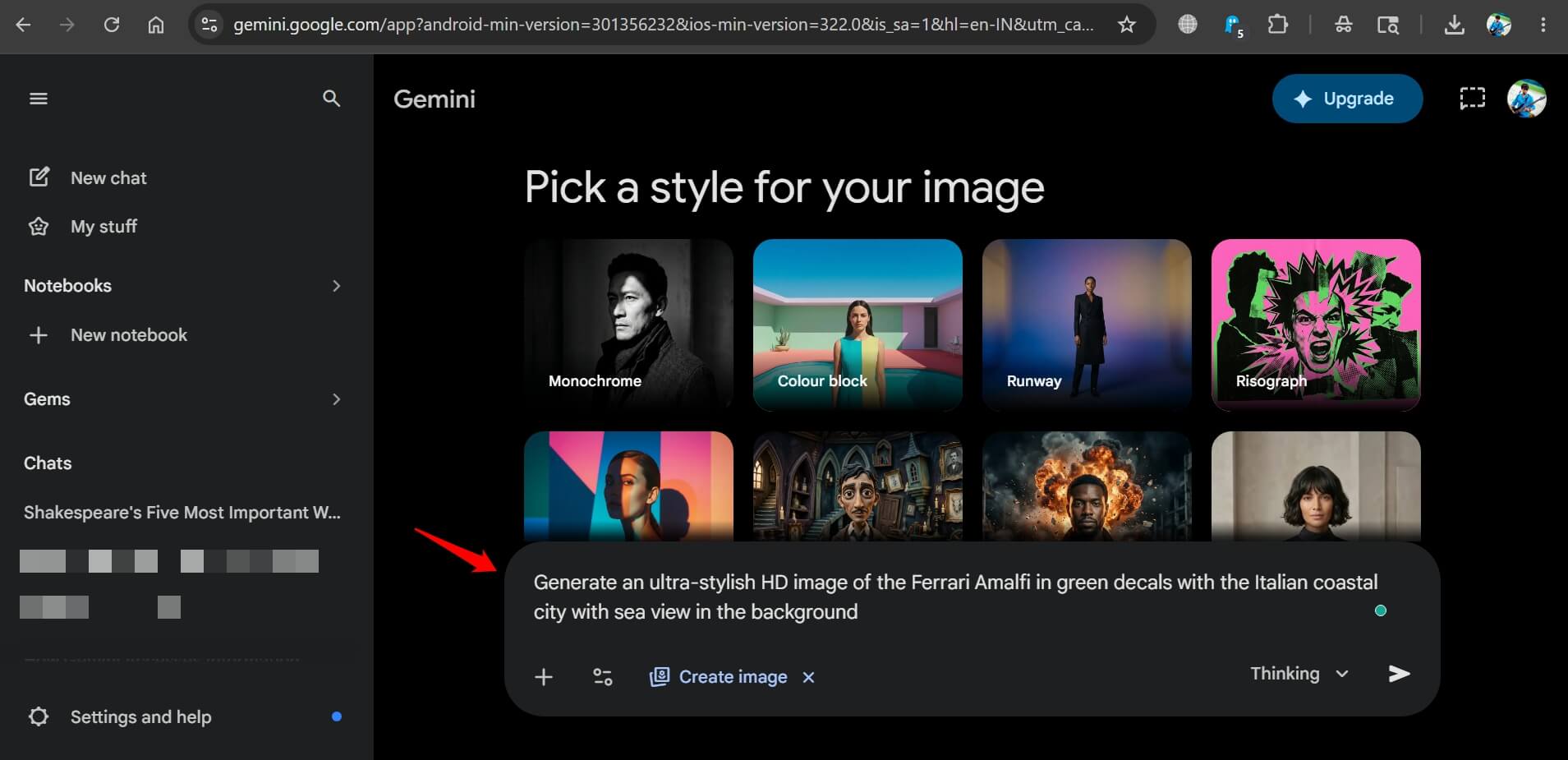
I generated the image attached below using Gemini. My prompt specified the brand and product.
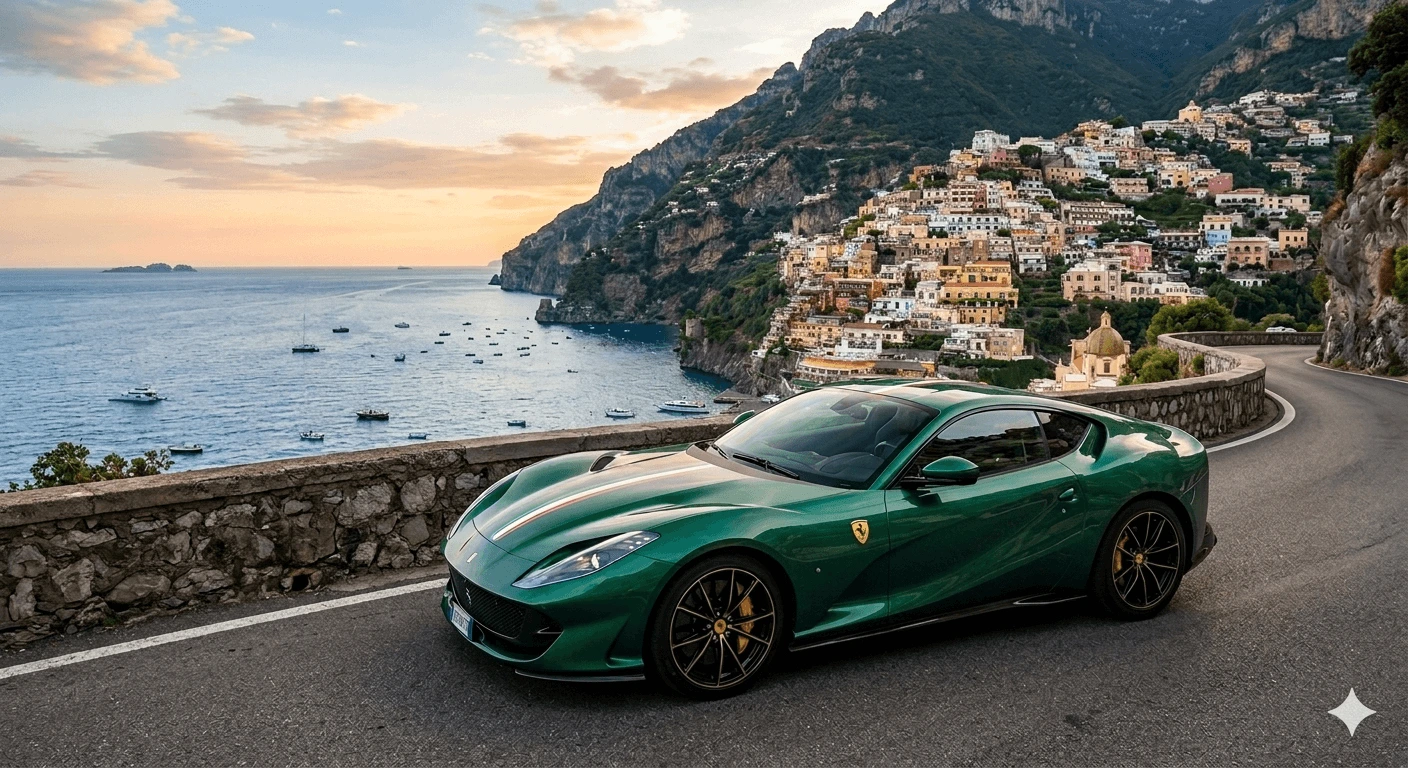
The image depicts the product photography, and Gemini carried it out quite well. The realism can be felt, unlike pictures generated by ChatGPT.
Gemini is also faster. If you are generating multiple variations of a product image for review, Gemini’s shorter response times add up meaningfully over a work session.
The productivity of Gemini is not limited only to images. Gemini can be found across Google Workspace, baked into products to help the users improve their workflow.
ChatGPT’s image generation is slower, particularly for complex scenes.
The editing capabilities are also more developed in Gemini. You can upload an existing image, ask for specific element changes, and maintain the surrounding context more reliably than in ChatGPT.
Inpainting in ChatGPT works but is less precise when targeting small regions of a large image.
One other practical difference worth noting: ChatGPT requires you to regenerate from scratch if you want a significant change to an image.
Gemini lets you make targeted edits to a region without affecting the rest of the image.
For iterative workflows where you refine rather than restart, Gemini’s editing model is considerably more efficient.
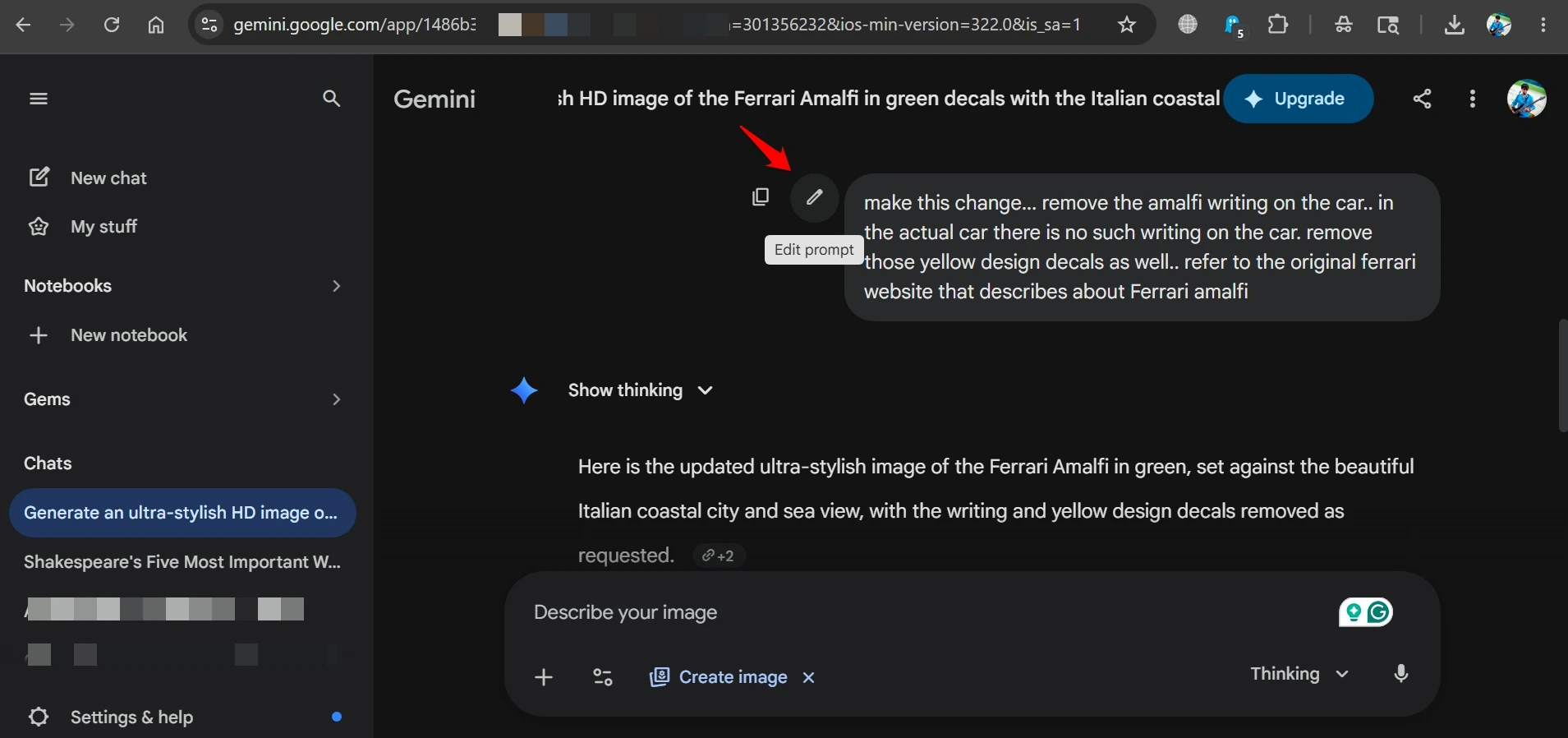
The previously cited image of the car was design-wise factually incorrect when Gemini produced the first iteration. I edited the prompt asking to make the changes. Gemini followed up correctly.
Pricing and access
Both tools offer image generation on paid plans.
ChatGPT Plus at $20 per month allows several hundred image generations monthly.
Gemini Advanced at $19.99 per month includes Nano Banana access, with core editing features available on the free tier.
Free users get limited image generation from both. Gemini is more generous at the free tier for basic editing tasks.
Which AI tool to use for generating images
The practical split looks like this. If you are making social media graphics, posters, concept illustrations, or anything where the image needs visual personality, start with ChatGPT.
For designing product images, brand assets, or anything that needs to look like a photograph rather than a render, Gemini is the more reliable tool.
A workflow that uses both is not unusual for people who produce images professionally.
ChatGPT for the initial creative concept, Gemini for the refined and edited final version. The tools are different enough that using one does not make the other redundant.
Neither has fully solved the problem of generating exactly what you picture in your head. Both have gotten significantly better at approximating it.
Knowing which tool defaults toward art and which defaults toward accuracy is the most useful thing you can know before you open either of them.
The second most useful thing is knowing that Gemini is better when you need to change something specific, and ChatGPT is better when you want the AI to make the compositional decisions itself.