Microsoft says Copilot in Windows Search will be opt-in, and that it will first reach select markets later this year. The commitment sits in a Windows Experience Blog post from October 7, 2026, and it matters because the rebuilt Search is meant to become the box people use dozens of times a day. If an AI feature has ever appeared on your taskbar before you asked for it, the word opt-in is the part worth holding onto. Microsoft has not shown the setting yet, so the details are still thin.
TL;DR: Microsoft plans to add an option to bring Copilot into the new taskbar Search for quick inline answers, with a jump to the full Copilot app. Microsoft says it will be opt-in and will start in select markets later this year. It has not named the markets or shown the setting, and Copilot is not part of the Insider test builds of the new Search yet.
What Copilot in Windows Search is meant to do
In the post, Pavan Davuluri, Microsoft’s executive vice president for Windows and Devices, writes that “we will also begin adding the option to integrate the new Copilot with Search on the taskbar.” The idea is quick answers inline from the Search box, with a way to jump to the full Copilot app when a question needs a longer conversation.
The Copilot option sits on top of a Search rebuild Microsoft describes as faster, with “thousands of new actions” you can run from the taskbar, such as switching to dark mode or turning on Do Not Disturb. A quick answer next to those actions is a modest idea, and modest is probably the right size for it.
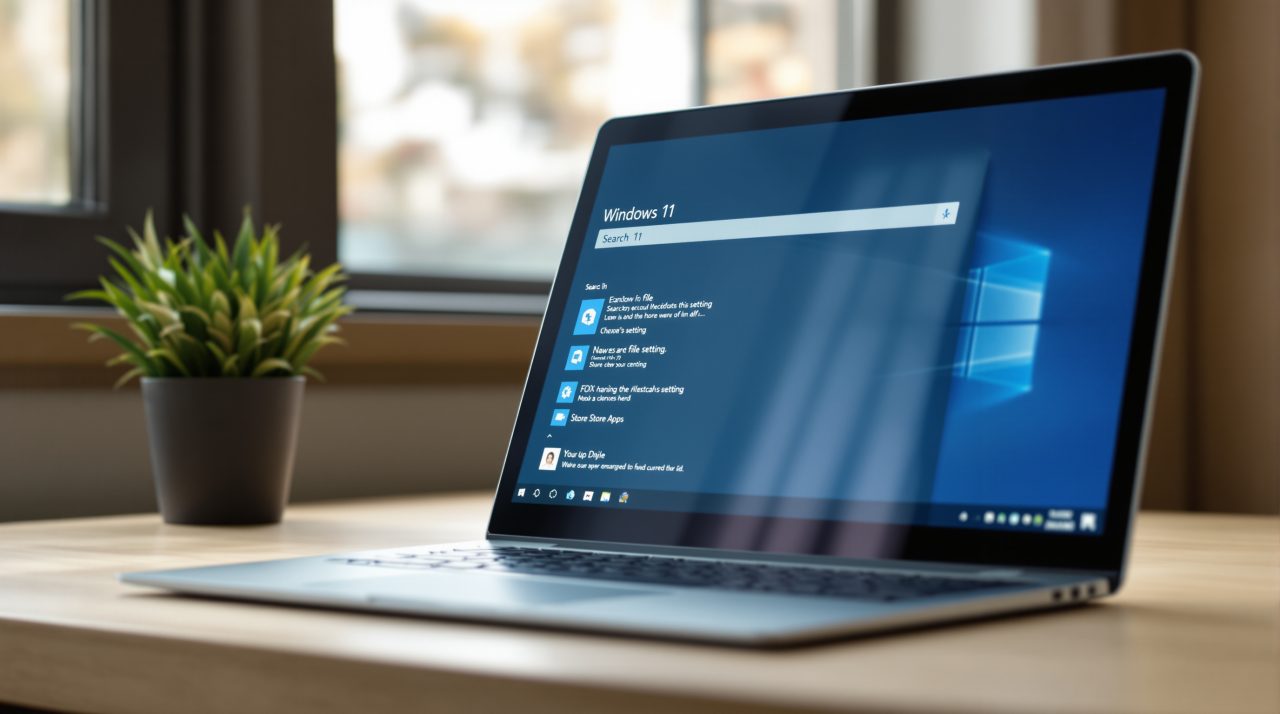
Opt-in is the detail Microsoft put in writing
Microsoft’s wording is direct: “This experience will be opt-in, and will first start rolling out to select markets later this year.” The post does not name the markets, show what the setting looks like, or say where it will live in Settings.
So the practical reading is narrow. If your country is not in the first group, nothing about your Search box changes this year. If it is, the post promises a choice, but not yet what that choice looks like on screen.
For anyone who would rather keep Copilot away from the taskbar entirely, our guide to turning off Copilot on Windows 11 covers the controls that exist today.
What you can test today and what you cannot
Microsoft’s October 7 Windows Insider post says the new Search began rolling out that day to Windows Insiders in the Experimental channel, on build 26340.9616 or build 28120.3181. It is English only, and you switch it on through the “New Windows Search Experience” flag under Windows Insider Program settings.
That post mentions Copilot only as part of what is ahead, “thoughtful integrations with experiences like Copilot,” so there is no Copilot option to try in those builds. Start menu search is a separate piece, which Microsoft places next year. Our earlier look at the rebuilt Windows Search covers how the Insider test works.
Two controls, and they are not the same thing
The same Microsoft post also says that on Copilot+ PCs, “with your permission, Copilot can understand relevant content on your PC, including files and recent activity.” That is a separate feature from the Search integration, and it is gated by permission rather than described as opt-in.
It is easy to blur the two when headlines say Copilot is coming to Search. The opt-in promise covers the taskbar integration. The permission wording covers what Copilot can see on a Copilot+ PC, and the post gives no settings paths for either.
Until Microsoft shows the real toggle, the sensible move is to wait and read the first screen before agreeing to anything. If you are already tidying a fresh install, our list of Windows 11 settings worth turning off is a good place to start.