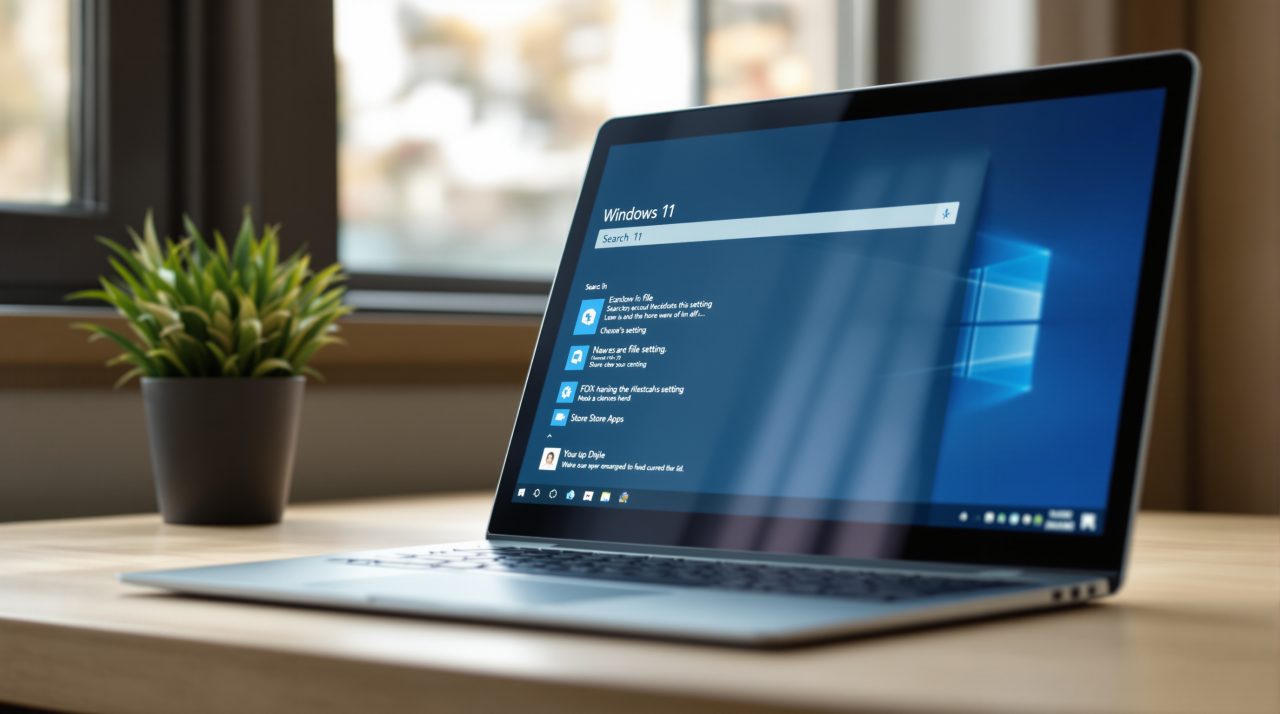
Microsoft’s October 30 Windows Insider post lists phone actions, file previews, result filters and feedback controls for the new Windows Search. They are the pieces Microsoft promised when it first showed the rebuilt Windows Search on October 7, and they are now in testing on two Experimental builds. If you have ever opened a file just to check it was the right one, the inline preview alone could break that habit. None of it is final, but it shows how far the rebuild has come in about three weeks, and which gaps remain.
TL;DR: Microsoft has started delivering the Windows Search features it promised on October 7: file previews, result filters, phone actions through Phone Link and thumbs up or down feedback. They are limited to Experimental channel Insiders on builds 26340.9843 and 28120.3393. iPhone support for phone actions is not due until early next year, and Start menu search is still on the to-do list.
What Windows Search adds in the latest builds
Inline actions were the headline feature at launch, and Microsoft now says they include sliders for volume, screen brightness and cursor size, with clearer labels and suggested actions.
The rest of the update is about results. Microsoft lists previews with details such as last modified date, location and author, plus web answers for weather, stocks and facts, and Microsoft Store apps and games.
| Feature | What Microsoft describes | Where it stands |
|---|---|---|
| Inline actions | Sliders for volume, brightness and cursor size | Experimental builds |
| Phone actions | Call or text contacts, Do Not Disturb | Android now, iPhone early next year |
| Richer results | File previews, details, web answers, Store apps | Web and Store results can be toggled |
| Result filters | Files & Folders, Settings, Actions and more | Experimental builds |
| Feedback controls | Thumbs up or down, Remove from list | Experimental builds |
The phone piece is the one that changes what Search is for.
Phone actions start with Android
With a supported phone connected through Phone Link, you can call or text contacts and use actions such as Do Not Disturb from the Search box. Microsoft says Android support is available now, and iPhone support is coming early next year.
Typing a name into Search and sending a text from the same box is a small shortcut, and probably the one people will remember.
iPhone owners are waiting until early next year for it. Our guide to connecting an iPhone with Phone Link covers the pairing step in the meantime.
Previews, filters and feedback make results easier to trust
Microsoft lists filters for Files & Folders, Settings and Actions, and says you can scroll for more results instead of stopping at a short list. Paired with previews, that should mean fewer trips into File Explorer just to confirm a file.
How well that works depends on result quality, which is what the thumbs up and thumbs down buttons are for. A new Remove from list option also hides items from the initial view, so a suggestion you never use stops greeting you.
Web and Microsoft Store results can be switched off in Settings > Privacy & security > Search, which matters if you only want local files.
How to try the new Windows Search
The features are in Experimental channel build 26340.9843 and Experimental (26H1) build 28120.3393. Microsoft’s October 7 post says Insiders can opt in through Settings, Windows Update, Windows Insider Program, Feature flags.
After upgrading to a listed build, you may need to select Check for updates and restart before the “New Windows Search Experience” flag appears. The initial release is English only, and the new Search opens at the bottom center of the screen.
What is still missing before this reaches everyone
Microsoft says it is working to adapt the new Search to different taskbar positions and to search from the Start menu, with no timeline for either. That matters if your taskbar sits on the left or you start most searches from the Start menu.
Nothing in the October 30 post says when any of this leaves the Experimental channel. Treat it as a preview of where Windows Search is heading, not a promise of what ships on your PC.