Microsoft is testing a way to fix a Windows 11 PC that will not boot without ever touching a USB drive. The feature, called Cloud Rebuild, showed up in Windows 11 Insider Preview Experimental Build 26300.8772 on July 6, 2026, and it can reinstall the entire operating system by pulling both the Windows image and your device drivers straight from Windows Update.
Anyone who has hunted for a spare USB stick at midnight because a laptop stopped starting will recognize the gap this closes. It only works if the PC can still reach the internet, and for now it is limited to Windows Insiders willing to run unfinished software.
TL;DR: Cloud Rebuild is a new Windows 11 recovery option that reinstalls the operating system over Wi-Fi or Ethernet, downloading both the Windows image and drivers from Windows Update instead of requiring a USB drive. It works even when Windows will not boot, unlike Reset this PC. The feature is live only in the Experimental Preview channel for now, in build 26300.8772, and it joins Point-in-Time Restore and Quick Machine Recovery as part of Microsoft’s wider Windows Resiliency Initiative.
What Cloud Rebuild changes about a dead PC
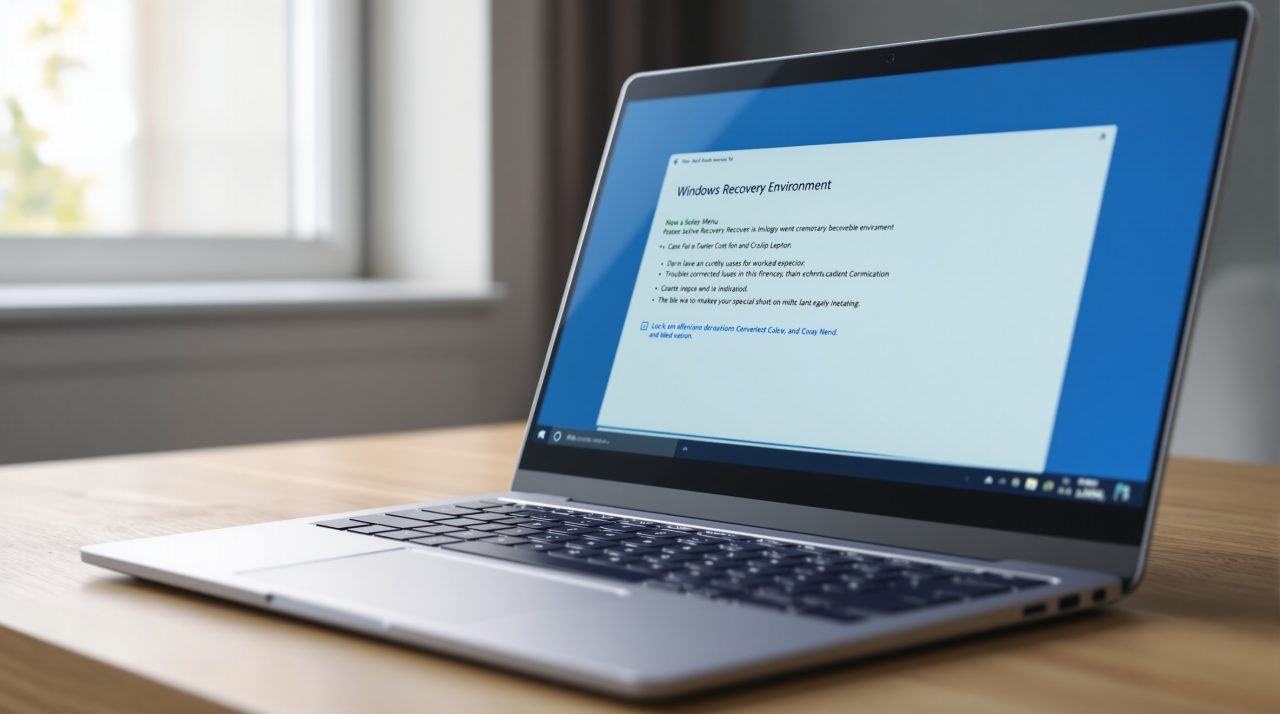
Cloud Rebuild lives inside the Windows Recovery Environment, the screen you land on when Windows fails to start. Stephen Lines, Windows Insider Communications Lead, described it directly in the Windows Insider blog post announcing the July 6 builds, saying it “restores a Windows 11 PC to a clean, known-good state by performing a full OS reinstall, even when Windows won’t boot.”
The distinction from Reset this PC matters more than it sounds. Reset this PC’s cloud download option still depends on enough of the operating system surviving to run the reset tool itself. If Windows is damaged badly enough, Reset this PC can fail right alongside everything else. Cloud Rebuild works from the recovery environment directly, so it does not depend on the installed OS cooperating at all.
Anyone who has fought a Srttrail.txt BSOD error knows how often the built in repair tools just loop back to the same failure screen. Cloud Rebuild is aimed at exactly that scenario, where the usual troubleshooting menu has already run out of ideas.
How the rebuild actually happens
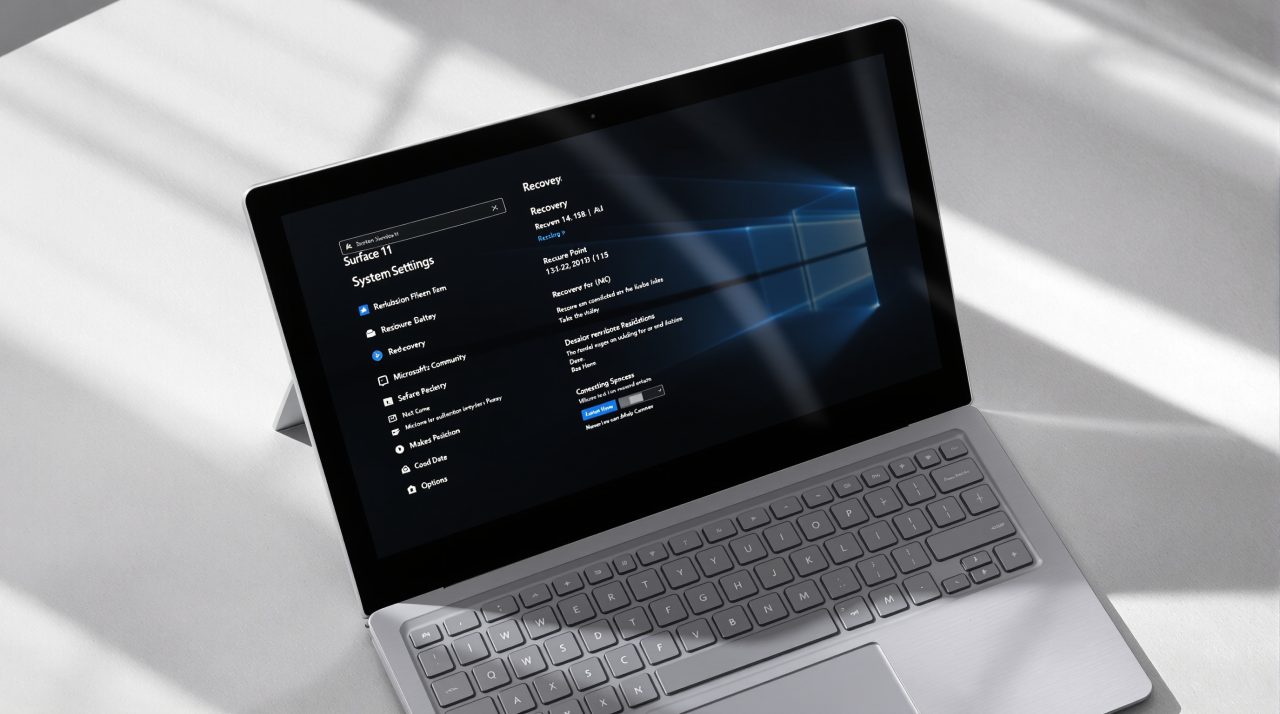
Testing Cloud Rebuild requires installing Windows 11 Insider Experimental Preview Build 26300.8772 first. From there, it sits inside WinRE under Troubleshoot, then Recovery and uninstall, then Cloud rebuild. The process connects over wired Ethernet or Wi-Fi, and before anything installs, it shows the exact Windows build, edition, and language it plans to set up, along with a data loss warning that has to be confirmed manually.
That confirmation step matters. Cloud Rebuild erases personal files the same way a factory reset does. It solves the reinstall problem, not the backup problem, and Microsoft is not pretending otherwise in how the feature is described.
Part of a wider push to keep PCs alive without a technician
Cloud Rebuild is not appearing on its own. It is the newest piece of Microsoft’s Windows Resiliency Initiative, the same program behind Point-in-Time Restore, the snapshot based rollback feature that began rolling out in June through the KB5095093 update, and Quick Machine Recovery, a tool that lets administrators fix a Windows boot failure remotely without physical access to the machine. The same initiative also introduced a feature that recommends running a memory scan after a Blue Screen of Death, aimed at catching bad RAM before it causes a repeat crash, according to BleepingComputer’s reporting on the feature’s rollout history.
| Feature | Current status | Who it is for |
|---|---|---|
| Cloud Rebuild | Testing in Experimental Preview, build 26300.8772 | Home users, Windows Insiders |
| Point-in-Time Restore | Rolling out via KB5095093 since June 2026 | Windows 11 24H2 and 25H2 devices |
| Quick Machine Recovery | Testing since November 2025 | IT admins, managed fleets |
| Alternate Taskbar Position | Experimental 26H1 build only | Desktop users |
| Settings backup default-on | Arrives in version 26H2 | Entra joined and hybrid joined devices |
For home users, only Cloud Rebuild and Point-in-Time Restore are directly relevant right now. Quick Machine Recovery targets managed fleets in schools and offices, where an IT department needs to fix hundreds of machines without visiting each desk individually. Microsoft treating a boot failure as a solvable software problem, rather than a hardware support call, is the quieter story sitting behind these builds.
The rest of what shipped in the July 6 builds
The same four builds carry smaller changes worth knowing about. An Experimental 26H1 build adds Alternate Taskbar Position, letting you move the taskbar to the top, left, or right of the screen through Settings, Personalization, Taskbar, Taskbar behaviors. A Smaller Taskbar option shrinks icon size and height for anyone who wants the screen space back. Schools running Windows 11 Home get a free, one way upgrade path to Pro Education through a Command Prompt tool called Clipupgrade.exe.
Outlook’s unresponsive close button, an issue that had been circulating in feedback for weeks, is fixed in this cycle too. Voice Access now supports Portuguese in Portugal and Brazil, and Korean in South Korea. On the commercial side, Windows settings backup and restore will turn on by default for Microsoft Entra joined and hybrid joined devices starting in version 26H2, removing a setup step IT admins previously had to configure themselves.

Who this actually helps right now
Cloud Rebuild only exists in the Experimental Preview channel today, which is not somewhere most people should be running a primary PC. Microsoft has not given a stable release date, though the feature reads like a natural fit for the version 26H2 update expected later this year.
If a Windows 11 PC refuses to start tomorrow, Cloud Rebuild will not help yet. What it points to is a future where a dead Windows installation is a Wi-Fi connection away from fixed, rather than a support ticket or a search for a USB drive that still works. Reviewing the default Windows 11 settings worth changing is still the more realistic fix for most people this week.