If you went looking for the button to archive an Amazon order and found nothing, your account is fine. Amazon retired the Archive Order feature in 2025. Strangely, many guides are still ranking for describing a page that no longer exists.
That matters if you used it to keep gift purchases out of sight. It also matters if you just want to find an order you archived years ago. Here is what changed, where the orders went, and what still works on Amazon.com.
TL;DR: Amazon stopped letting people archive new orders in 2025 and, per its notice as quoted by several outlets, removed the Archived Orders view on August 19, 2025. Nothing was deleted: old archived orders sit in your normal order history, reachable by search or year filter. For privacy on a shared account, a separate login through Amazon Family is now the dependable option.
What happened to Amazon’s archive order feature?
Amazon stopped allowing new orders to be archived in spring 2025. Reports differ on the exact start, with some pointing to March and others to a May 15 notice from Amazon Help. The Archived Orders view followed.
The change was effective around August 19, 2025, with previously archived orders moving to the main order history.
| When | What changed | What it means for you |
|---|---|---|
| Spring 2025 | New orders could no longer be archived | No way to hide a new purchase |
| August 19, 2025 | Archived Orders view removed (as reported) | Old archived orders return to the main list |
| 2026 | Some accounts may still show the old filter | Unarchive anything you want to find easily |
Where your old archived orders went?
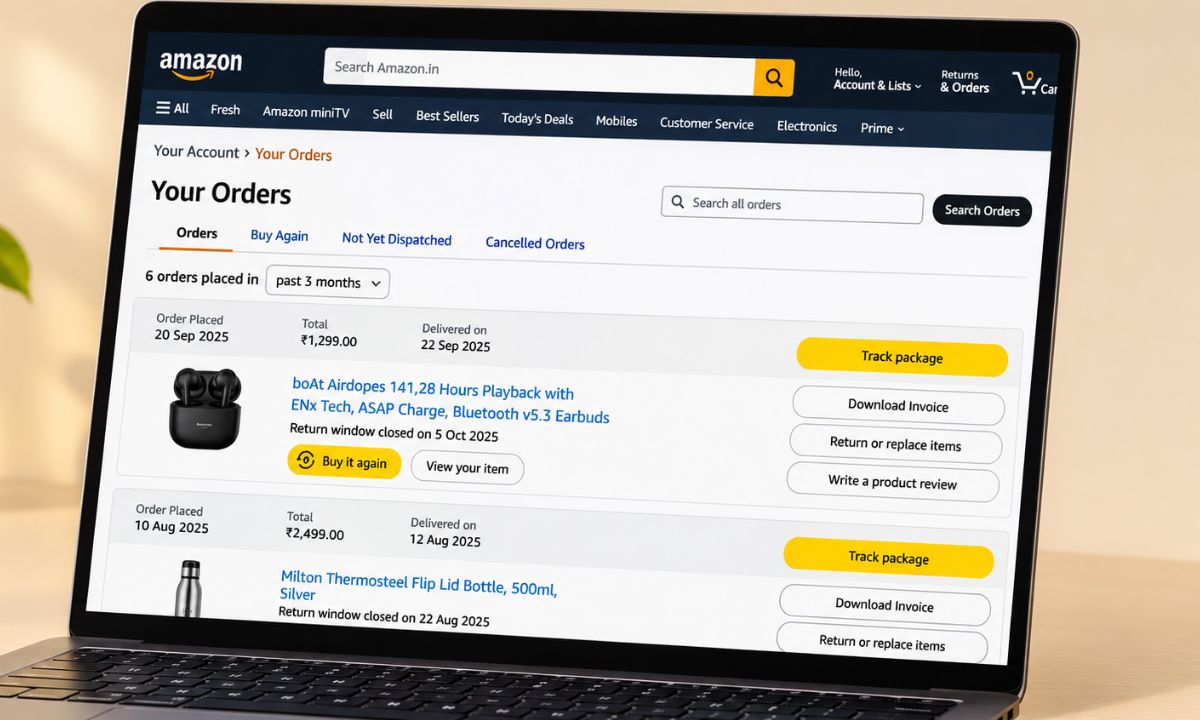
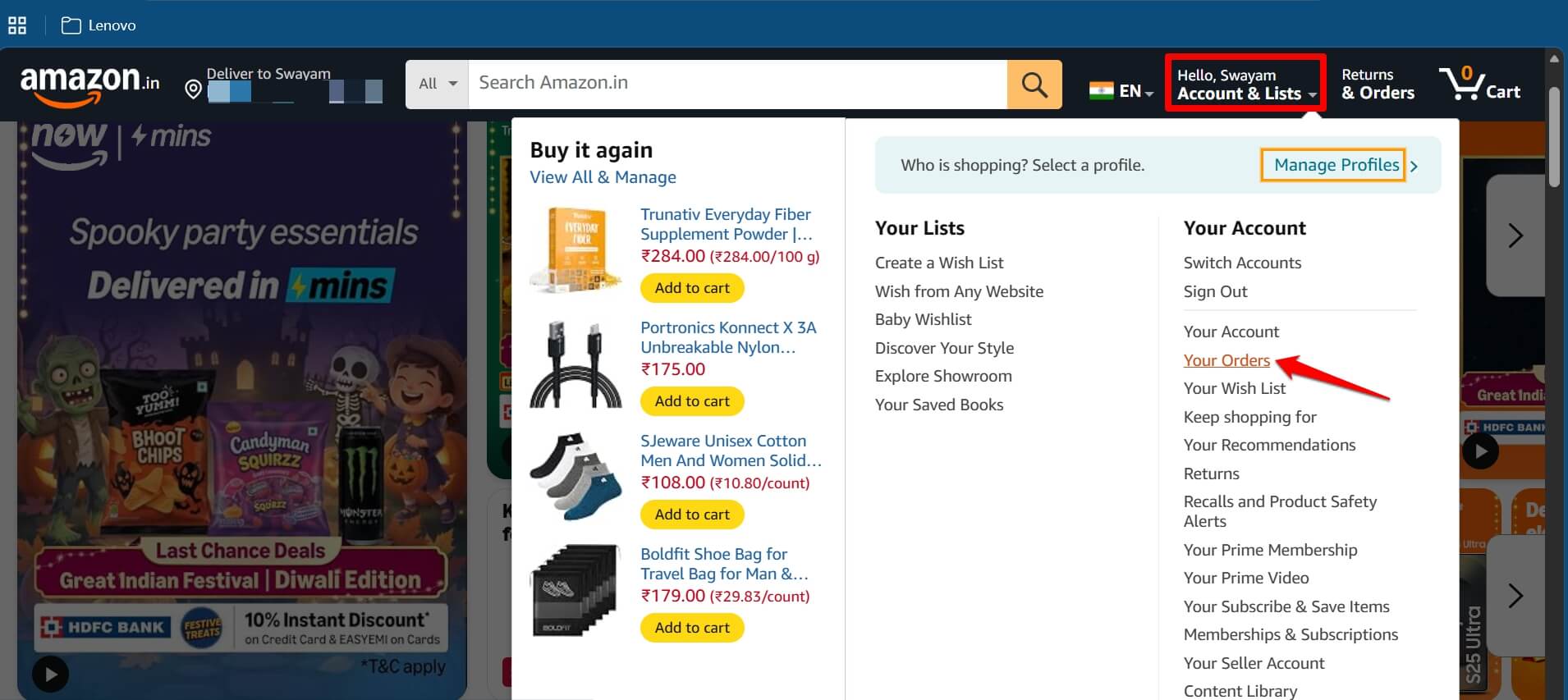
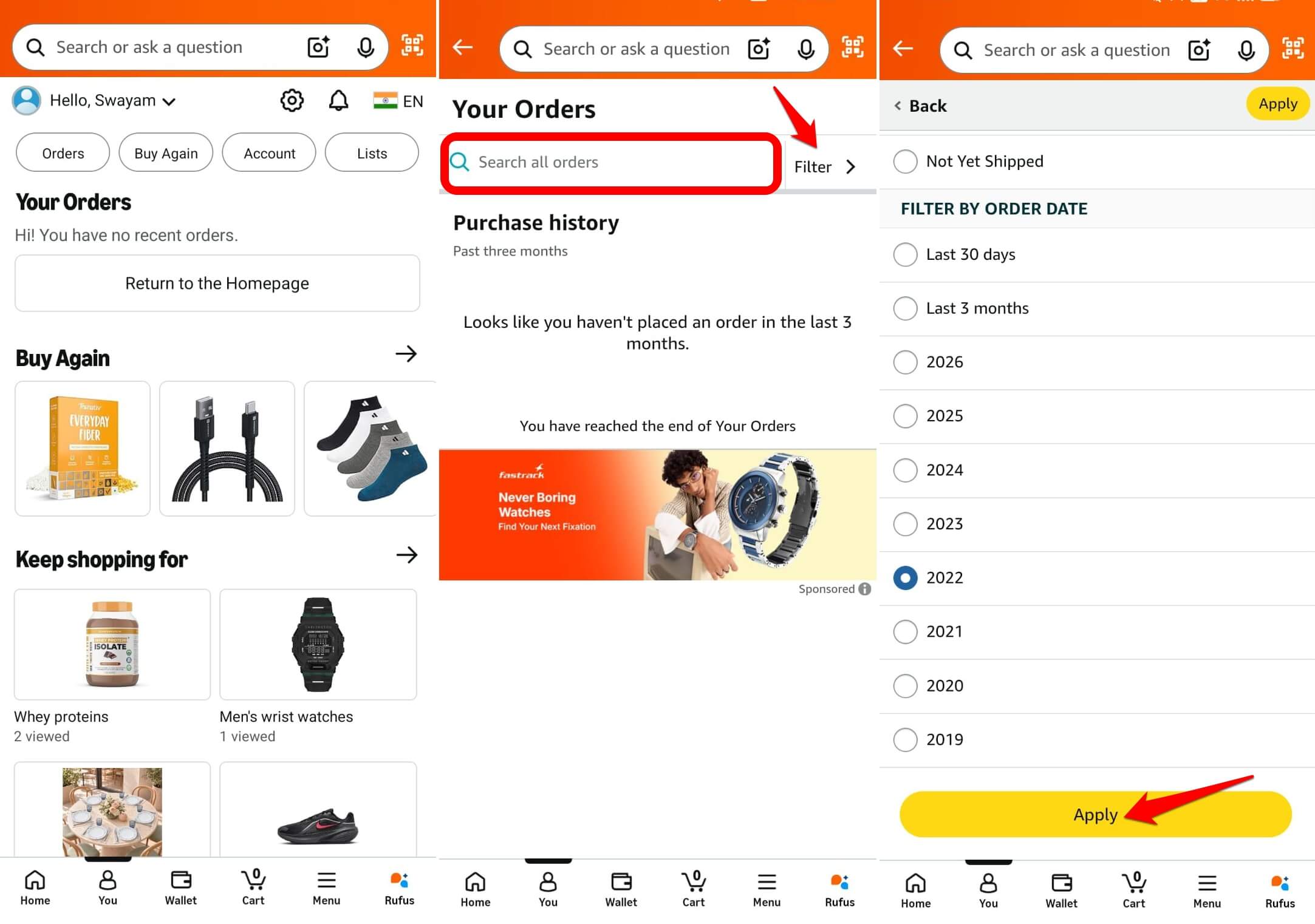
Your archived orders are in the regular Your Orders list under the Accounts and Lists menu. A search using a year filter is the quickest way to find one.
No order item from the order history was deleted. Archiving only ever hid an order from the default view, and that view is simply gone now.
If you remember the item name or seller, search for that. Amazon used to cap archiving at 500 orders per account, so heavy archivers may have a long list to search.
Why you cannot archive from the Amazon app
The Amazon shopping app never had an Archive Order button. It has no separate archived view either, so the app simply shows formerly archived orders in the usual list.
Older guides told phone users to open Amazon.com in a browser and request the desktop site. That workaround belonged to the old button.
On a phone now, open the Amazon app, tap on You > Orders in the app, and use the search bar or the year filter.
Do the old Archived Orders links still work?
On a minority of accounts, the Archived Orders option may still appear in the order filter. Perhaps the rollout has not reached your account yet. Such an instance would be rare.
If you see it, open the list and unarchive what you want to keep reachable. After that, you can find those orders the normal way. Some sites on the internet circulate a direct link to the archived view. That trick is temporary, and I would not rely on it.
What archive order never actually hid?
Archive Order only moved a purchase out of the default list. It did not change what your card statement shows. It never changed what Alexa says about deliveries.
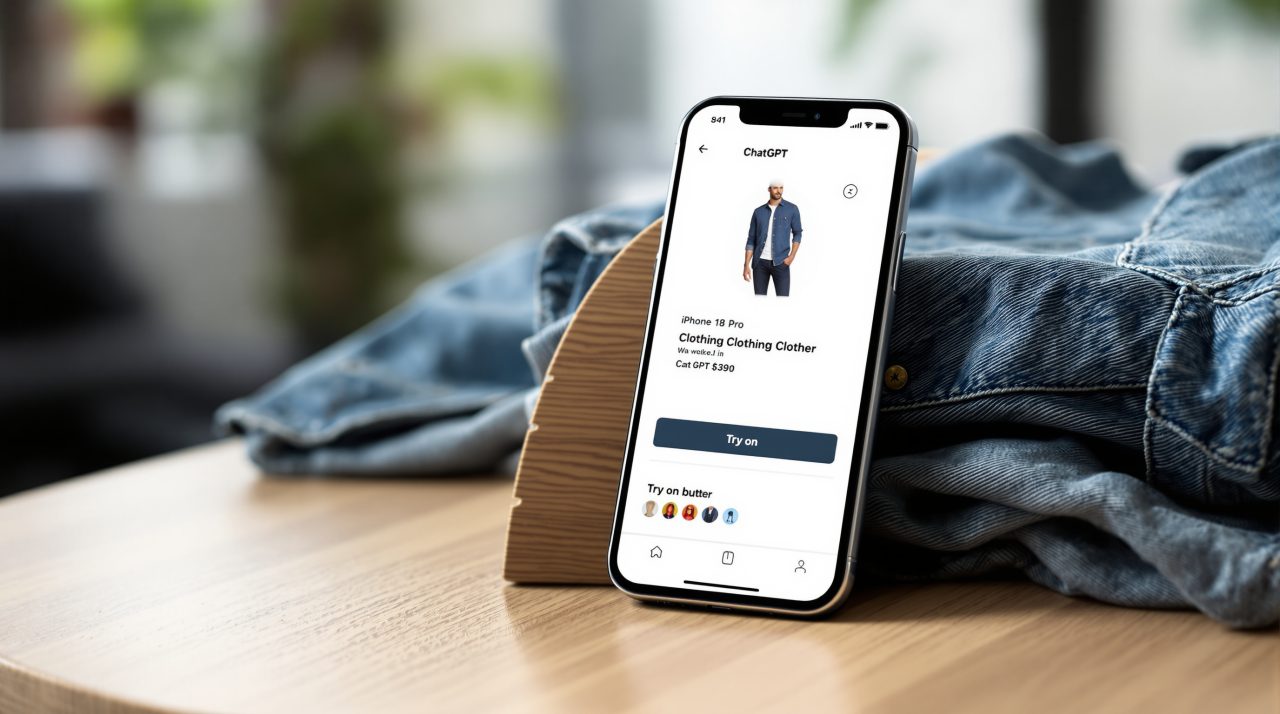
Archived orders still counted for returns, warranties, and invoices. Amazon has never offered a way to delete order history. Shopping tools elsewhere keep data too. ChatGPT’s Try on button saves your reference photos until you delete them.
How to find one specific old order
Open Your Orders on Amazon.com and search by date, item name, or seller,which the common way to find any of your past orders. If you know roughly when you bought it, pick the year filter first.
If an order still does not appear, check that you are signed in to the right account. A second Amazon account keeps its own separate history.
Returns and invoices are not affected
Archived orders were never removed from your account, so invoices and return options work the same as for any other order. The only real change is visibility. The orders you once tucked away are simply part of the list again.
What replaces it on a shared account
A separate Amazon login is the dependable replacement, and Amazon offers it through Amazon Family. An Amazon Family can include two adults, each with their own Amazon account.
Order sharing between members is a setting each person controls on their own. Prime benefits can be shared, but the organizer shares a payment method to make that work.
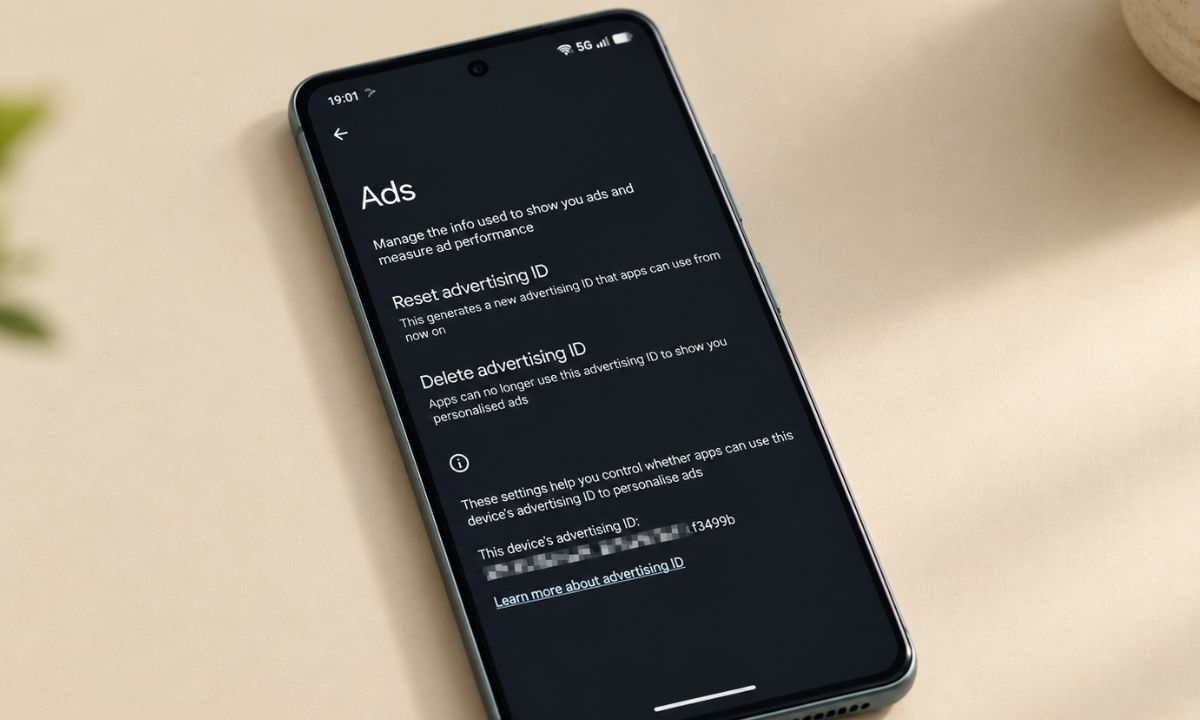
If tracking on a shared phone worries you more, our Android privacy settings guide linked below covers that side.
Frequently Asked Questions
Does Amazon archive order feature still exist?
No. Amazon stopped letting new orders be archived in 2025, and it reportedly removed the Archived Orders view on August 19, 2025.
Where did my archived Amazon orders go?
They are in your regular Your Orders list. Search by item or seller, or filter by year.
Did Amazon delete my archived orders?
No. They were moved back into the main order history, and Amazon does not let you delete orders.
Can I archive Amazon orders on the app?
No. The Amazon app never had an Archive Order button, and the desktop button is gone too.
Check the date before following any Amazon guide
Plenty of pages still promise to walk you through clicking Archive Order as if nothing happened. A guide that mentions the button or the 500 order limit without saying it was removed describes an older Amazon. Now, the search box, year filters, and a separate login are the only reliable routes Amazon officially supports.