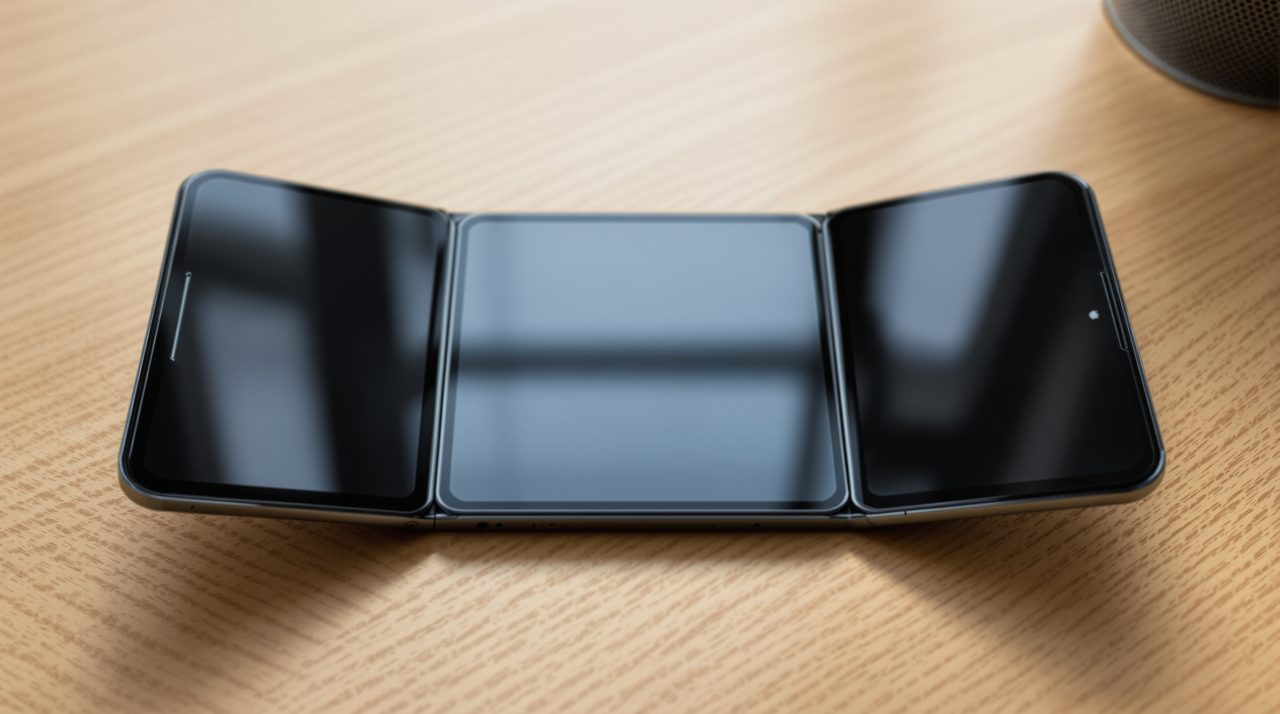
The black bars on the iPhone Duo are a software gap, not a hardware flaw, and Apple’s own developer material says so. Apps built with older tools run on the foldable without being recompiled, but they do not use the full screen. For a phone that starts at $1,999, that unused space is the first thing many owners notice, and the fix sits with each app’s developer.
TL;DR: Apps that have not been rebuilt for the iPhone Duo still run, but they keep a familiar size and leave screen unused. Apple says the iOS 27.1 SDK is what extends an app to the screen edge. Until a developer ships that rebuild, nothing in Settings changes it, so the bars will shrink app by app rather than all at once.
Why iPhone Duo black bars appear in some apps
iPhone Duo black bars come from how Apple lets older apps run on a screen shape they were never designed for. In an Apple developer tech talk, the company says an app will work even if it has not been built with the iOS 27 SDK. When the device is closed, the app uses the space to the left of the status bar and camera. When it is open, the app keeps a familiar size and aspect ratio.
That is a sensible default, because it stops old apps from breaking. It also means a $1,999 inner display can show an app that looks like it was placed in a frame. 9to5Mac described the unadopted view as a single app fitted into a safe area surrounded by black.
Apple’s newsroom lists a 7.6-inch inner display and a 5.4-inch outer display, so there is a lot of glass to leave empty. How much you see depends on which SDK the app was built with.
| App built with | What Apple says happens |
|---|---|
| Older than the iOS 27 SDK | Runs, keeps a familiar size and aspect ratio when open |
| iOS 27 SDK | Extends to the left of the status bar area on the inner display |
| iOS 27.1 SDK (Xcode 27.1) | Extends to the edge of the screen, toolbars lay out vertically |
The middle row is where many apps probably sit today, which would explain why some look better than others without being fully fixed.
What developers have to do to remove the bars
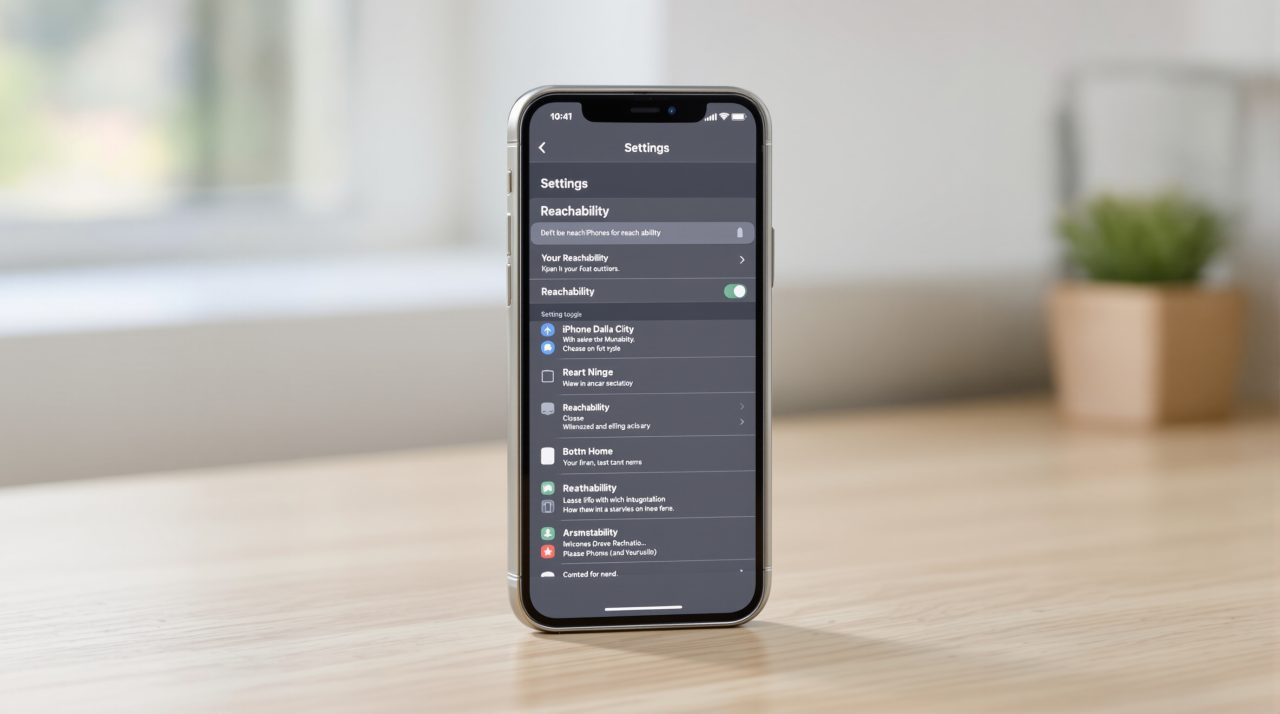
Developers remove the bars by rebuilding with the iOS 27.1 SDK. Apple’s tech talk says to download Xcode 27.1 and use the iPhone Duo simulator in Device Hub to check the result. The company also says apps that already support iPhone resizing get a head start, because that earlier work pays off.
Apple’s Human Interface Guidelines add that apps using standard system components and built to resize adapt automatically with little adjustment. Custom layouts with fixed widths are the harder cases. For games, Apple says to prefer changing the aspect ratio over letterboxing, and to add artwork to the padding if bars cannot be avoided.
That guidance suggests the effort varies a lot. A plain SwiftUI app may need a rebuild and a test pass, while a game with a fixed canvas needs real design work.
Why the wait is uneven across your home screen
The wait is uneven because every app has its own team, release schedule and priorities. Apple’s launch announcement named Netflix, Zoom and Slack as apps already taking advantage of the folding design. Those are the ones with resources and a reason to move early, which leaves smaller apps and rarely updated utilities behind.
Apple has also said it is still constrained on supply, so the installed base is growing slowly. That gives smaller developers less pressure to hurry, and I would not expect the bars to vanish quickly.
What to check before you rely on a favorite app
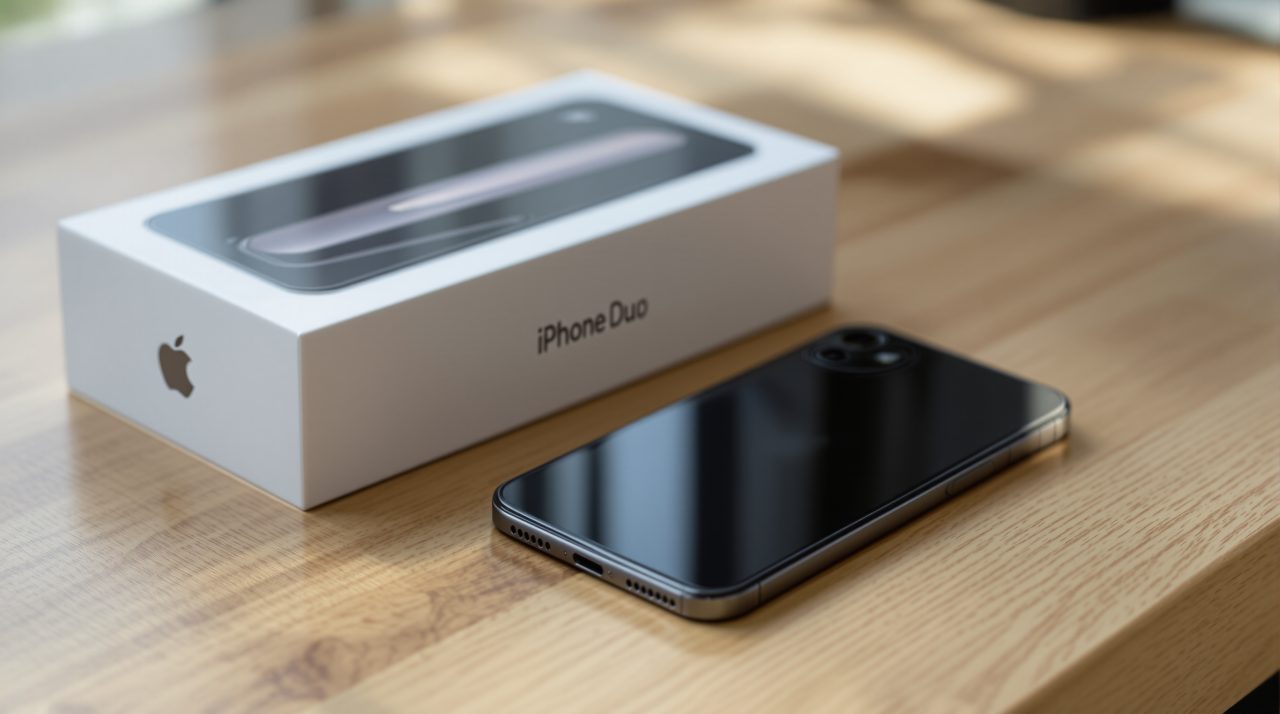
Before you rely on an app, open it on both displays and see whether it reaches the screen edge on the inner one. If it sits in a framed box, that app has not been rebuilt for the iOS 27.1 SDK.
You can check the app’s update notes or contact its developer, since the change has to come from them. The honest takeaway is that the black bars say more about the app ecosystem’s pace than about the phone.
That gap is easy to blame on Apple. In this case Apple’s own documentation shows it shipped the tools, and the remaining work belongs to the app makers. Owners will mostly find out one app at a time.