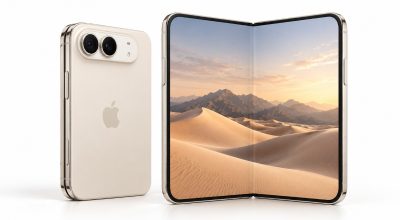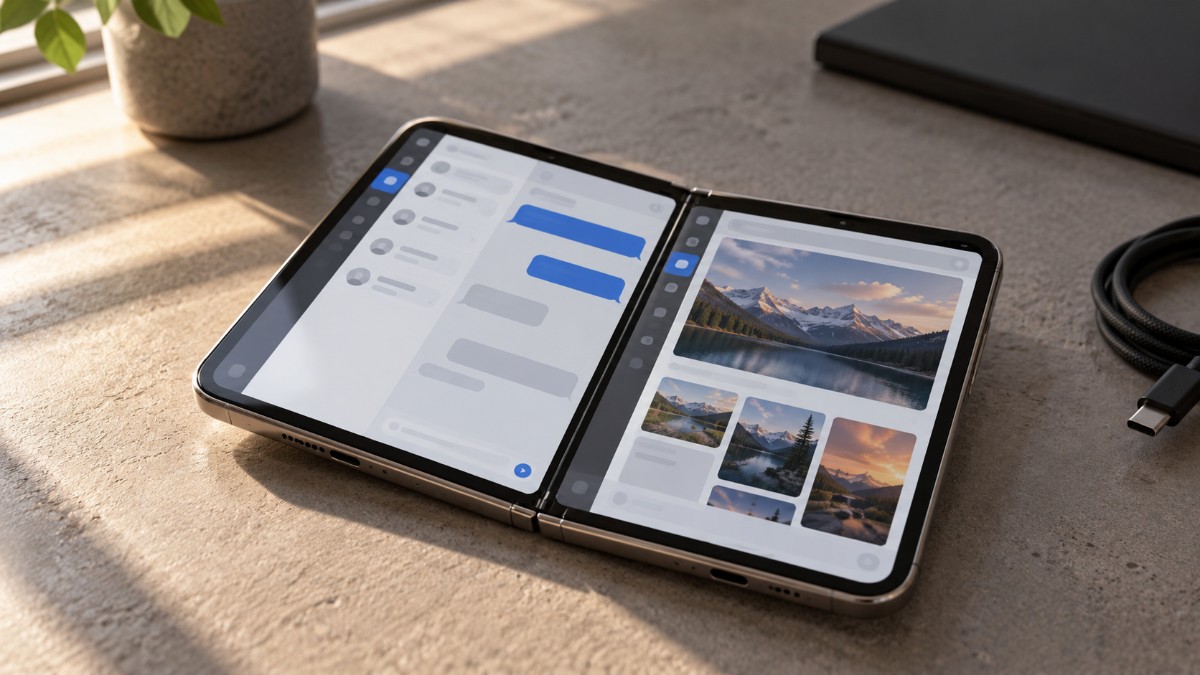
Two apps side by side on an iPhone sounds like a settled idea until you ask which apps. That was the question I kept hitting while reading about the Duo, and nobody has a clean answer yet.
Apple hasn’t published a list of iPhone Duo Split View supported apps. What exists is its general list of apps updated for the foldable, a few developer release notes, and reviewers describing what broke on their desks.
I haven’t had a Duo in my hands, so everything below is reported, and I’ve said who reported it. Status is as of October 25, 2026.
TL;DR: Split View on the Duo is a fixed 50/50 split, and how an app looks depends on the SDK it was built with. Apple lists more than 50 updated apps, including Netflix, Slack and Fantastical. Marques Brownlee found Spotify, Google Maps and Discord not ready. Check your own three daily apps before you count on it.
iPhone Duo Split View supported apps: what decides the list
Apple’s developer guide sorts apps into three tiers by the SDK they were built with. Apple also says every app will run on the Duo, so the tiers describe how an app looks, not whether it opens.
| App built with | Inner display | Made for iPhone Duo label |
|---|---|---|
| iOS 27.1 SDK or later | Fills the whole display with a vertical toolbar | Yes |
| iOS 27 SDK | Fills most of the display, avoids the right status bar | No |
| iOS 26 SDK or earlier | Sits in the middle with empty space on each side | No |
Being optimized and running in Split View are two separate things. I couldn’t confirm that any app is blocked from Split View, so the label is a hint about layout, not a pass or fail.
Apps Apple and developers have named so far
Apple’s launch announcement points to more than 50 apps and games, including Netflix, Prime Video, Zoom, Slack, Salesforce, Instagram and Fantastical. Two come with Split View detail: Fantastical works alongside Cardhop, and the Things 3.25 notes from October 21 mention it.
That’s the kind of pairing these apps seem built for. Slack on one side and a calendar on the other, instead of flipping between two full-screen apps and losing your place in both.
Word and Outlook are promised in the coming weeks, so a Word and Outlook pair will have to wait.
Apple’s own apps are the safest pairs
Apple says it optimized its own apps for the Duo, so Messages, Safari, Notes and Maps are the low-risk place to start. MacRumors uses Messages beside Maps and Safari beside Notes as its examples. GarageBand and TestFlight picked up Duo layouts on October 22.
Apps that still show black bars
Marques Brownlee named Spotify, Google Maps, Discord, X and Google Calendar as not properly optimized. Some show black bars when the phone is closed, and others sit on the big screen as a small iPhone app. Our iPhone Duo comparison adds Disney+ and The Weather Channel, going by Tom’s Guide.
Music on one side and maps on the other is an ordinary pairing, and it happens to involve two apps on that list. If that’s you, test those first.
| App | Reported status | Source |
|---|---|---|
| Netflix, Slack, Instagram | Optimized for the Duo | Apple |
| Zoom | Apple announced a Duo experience, but a reviewer reports it wasn’t optimized at testing | Apple, reviewer report |
| Fantastical | Optimized, works with Cardhop in Split View | Apple, developer notes |
| Things | Version 3.25 notes list Split View support | Developer notes |
| Spotify, Google Maps, Discord, X, Google Calendar | Not properly optimized | Marques Brownlee review |
| Disney+, The Weather Channel | Black bars | Tom’s Guide, via our comparison |
| Word, Outlook | Promised in the coming weeks | Apple |
| Everything else | Not individually verified | None |
How to open Split View on iPhone Duo
Split View starts from the inner display in landscape.
- Swipe up from the bottom of an open app, pause in the center, then drag it to the left or right edge.
- Pick the second app from the Home Screen, search, or the App Library.
- Tap the divider to lock the pair so both launch together next time.
You can also touch and hold an app icon on the Home Screen or in the App Library and tap Open in Split View.
Limits worth knowing
The split is fixed at 50/50 and only one app can play audio at a time, according to Tim Hardwick at MacRumors. Safari, Mail, Notes and Files can also open two windows of the same app, which suits two webpages or an inbox beside a draft.
To unpair, drag the divider off either edge and the app you push away closes. The divider is also the unpair handle, so a stray drag could undo a pair you meant to keep.
Portrait is where the reports differ. Early coverage described both orientations. A WIRED review is said to find that two apps side by side isn’t available upright, apart from video paired with another app. I couldn’t open that review myself, so treat portrait as unsettled until you try it.
Why the split is fixed at 50/50
Apple hasn’t said. My guess is the screen shape.
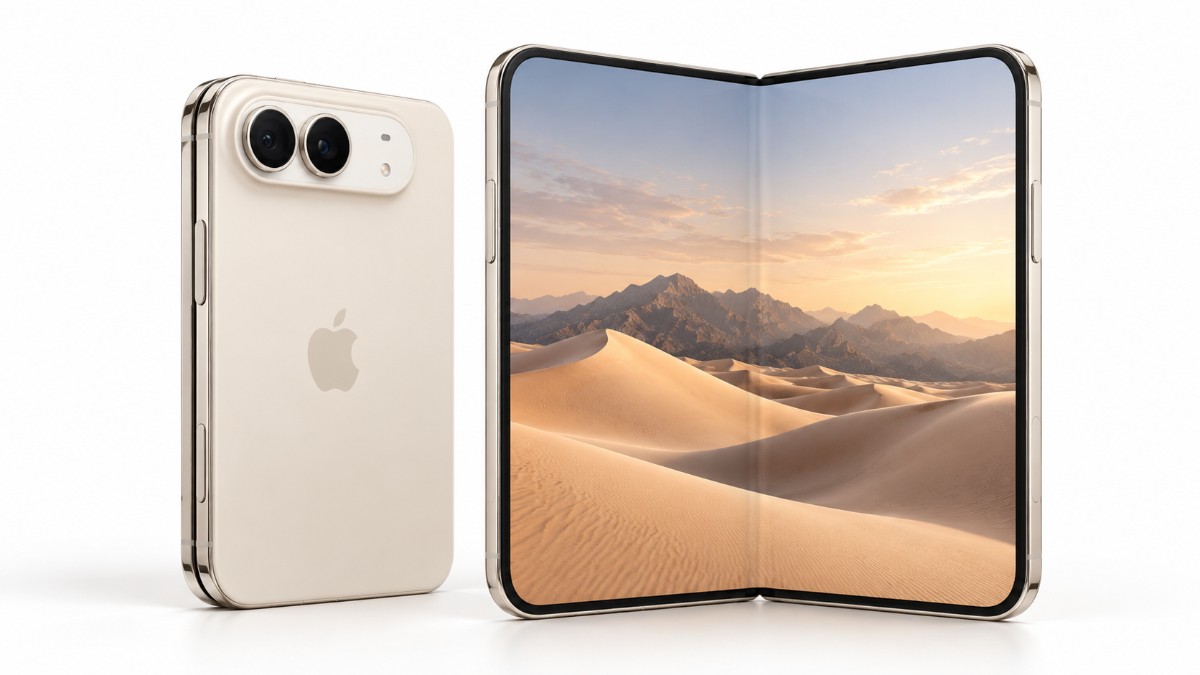
The inner and outer displays share a 1:1.4 aspect ratio, so each half of the open screen is roughly the shape of the outer display. An even split gives every app a canvas it already supports, while a draggable divider would create in-between sizes that don’t fit the outer screen neatly. Apple TV content in portrait is the one reported exception, since it keeps its own aspect ratio.
Frequently Asked Questions
Can I resize apps in iPhone Duo Split View?
No. iPhone Duo Split View is fixed at 50/50, so you cannot drag the divider to give one app more room.
How do I lock two apps together on iPhone Duo?
Open both apps in Split View, then tap the divider between them. To unpair them, drag the divider off either edge of the screen.
Why does my app have black bars on iPhone Duo?
The app was most likely built with an older SDK. Apps built with iOS 26 or earlier sit in the middle of the inner display with empty space on each side.
Are Spotify and Google Maps ready for iPhone Duo?
Marques Brownlee named both as not properly optimized in his review. I have not tested either on a Duo, so check the App Store for the Made for iPhone Duo label to see their current status.
Does Split View work in portrait on iPhone Duo?
Reports differ. A WIRED review is said to find that two apps side by side is unavailable in portrait, apart from video paired with another app, while earlier coverage described both orientations. I could not confirm either, so try it on the apps you use.
Test your three daily apps first
Look for the Made for iPhone Duo label in the App Store on the three apps you open every day, then pair them once before you rely on them. App status changes with every update, so recheck before you buy.
Our iPhone Duo launch recap covers how Apple pitched Split View in September.