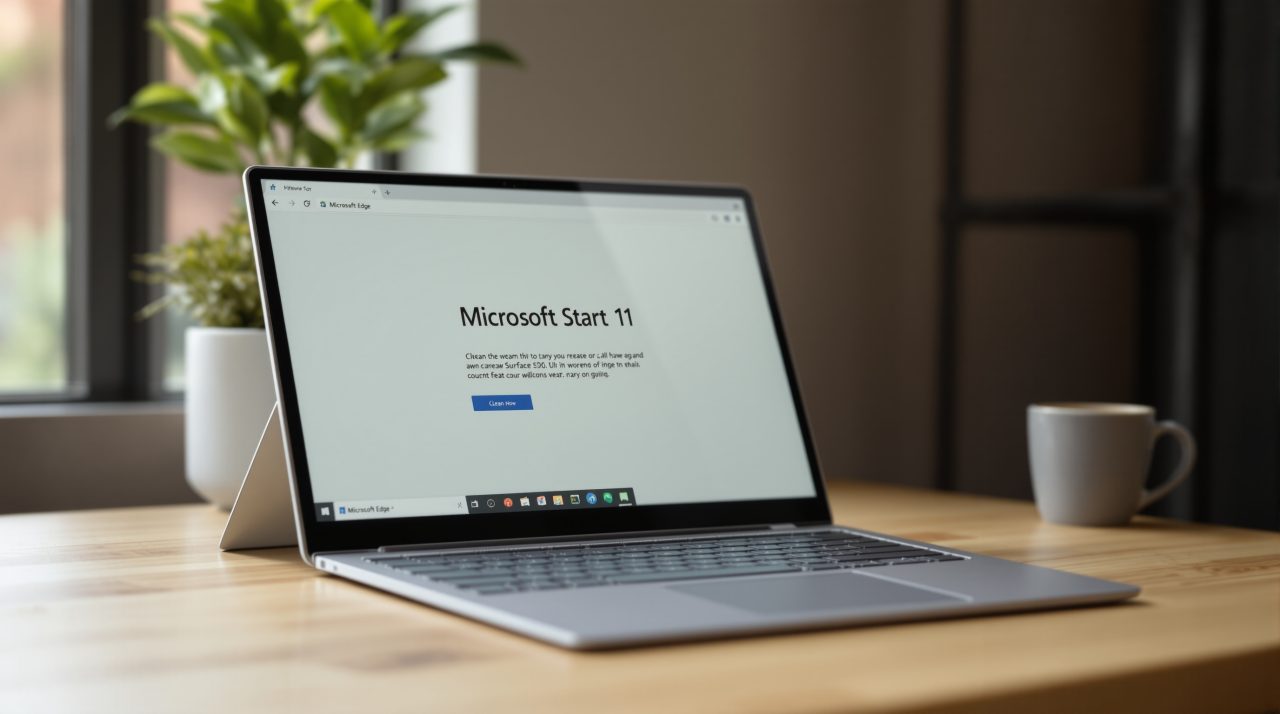
Microsoft says Edge now opens up to 33% faster on Windows 11 when your PC is busy, thanks to Edge accelerated app launches, a new shortcut in how Windows starts the browser. In its announcement, the Edge team calls Edge the first browser to support it and says the work is going into Chromium so other browsers can use it too.
Most people should see a smaller gain, about 15%, and only on a recent Windows 11 build. If you have ever clicked the Edge icon on a loaded machine and waited a beat for anything to happen, that pause is what this targets.
TL;DR: Microsoft’s Edge team says accelerated app launches make Edge open about 15% faster for most people and up to 33% under heavy multitasking. It needs Edge 150 or later and Windows 11 25H2, 26H1 or 26H2 with update KB5127936 or newer. Microsoft is also contributing the work to Chromium, so other browsers could get it later.
How Edge accelerated app launches work
Normally, clicking Edge in the Start menu or on the taskbar makes Windows start an intermediary process first. Its job is to check whether Edge is already running and pass the request along, and on a busy PC that detour is where the delay sits.
With accelerated app launches, Edge registers with Windows when it starts. Later launches let Windows notify the running Edge process directly, according to the Edge team. The shortcut covers the Start menu, the taskbar and supported links that open in Edge by default.
Edge is often already running, either as a visible window or in the background through features like Startup Boost, which is why skipping the middleman pays off. How much it pays off depends on your setup, and Microsoft attaches some fine print to its numbers.
What you need to see the 15% and 33% gains
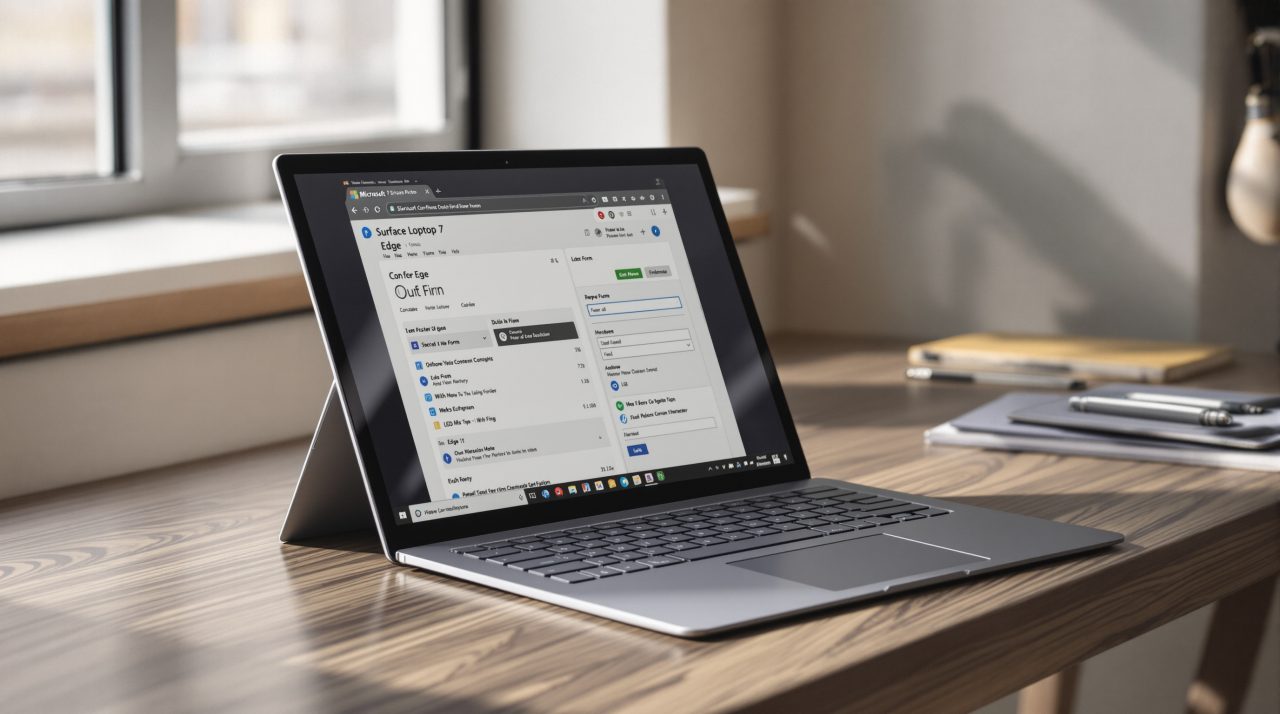
Both figures compare launching Edge with the feature against launching it without, while Edge is already running. The 15% figure is what most Windows users should expect, and the 33% figure is reserved for heavy multitasking.
The requirements are specific. You need Edge 150 or later, plus Windows 11 version 25H2, 26H1 or 26H2 with the October 2026 non-security update, KB5127936, or anything newer.
On a mostly idle PC, the gain is probably small enough that you will never notice it. If Edge still feels sluggish after updating, our guide to fixing slow Edge covers the usual causes that have nothing to do with launch time.
Why the Chromium contribution matters
The Edge team says it is contributing the work to Chromium, the open source project Edge is built on, so other Chromium based browsers can gain accelerated launches on Windows. The announcement does not name any specific browser, so whether Chrome or others adopt it is still open.
Microsoft’s developer documentation also shows the feature is not limited to browsers. The Microsoft Learn page describes it as a Limited Access Feature that requires an unlock token, and the interface it uses carries “Experimental” in its name. That suggests Microsoft is still shaping it before opening it up to every app developer.
It fits a wider pattern of Microsoft trimming small delays out of Windows 11, as in the Windows 11 responsiveness changes we covered earlier this month. Launch time is one of the few things everyone feels immediately.
What to check on your own PC
Open Edge’s About page to see your version, and run winver to confirm your Windows 11 release. Then check Windows Update for KB5127936 or a newer cumulative update.
Microsoft says it is also working with Windows on other uses for the feature, such as opening PDF files in Edge. For now, a faster launch is a quiet change, and the people who benefit most are the ones who never close anything.