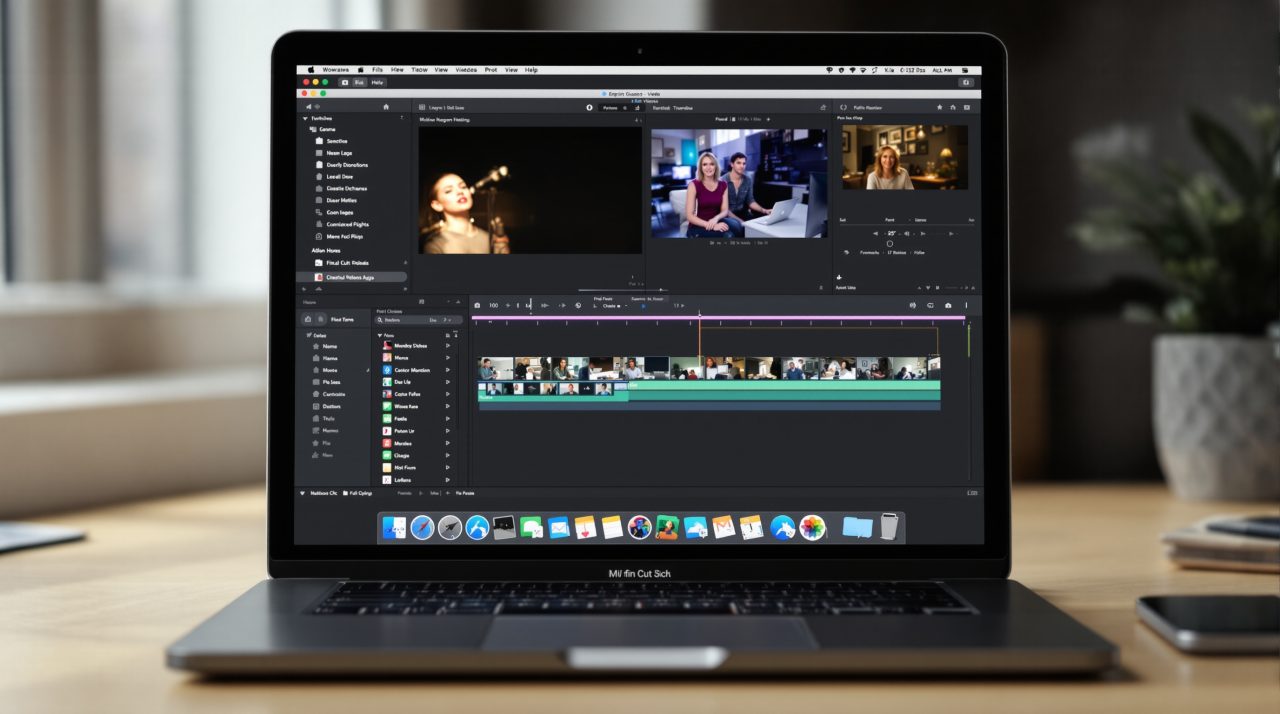
Apple has announced its biggest Apple Creator Studio update since the bundle launched, adding AI assistants to Logic Pro, Keynote, Pages and Numbers, plus built-in MotionVFX tools in Final Cut Pro and Motion. The update reaches the App Store in November 2026, and existing subscribers get it at no extra cost.
Most of the new AI is labeled beta, and the assistants only run in U.S. English on macOS 27 or iOS 27 and later. If you pay for the bundle, the practical question is which of these tools you can actually use on day one.
TL;DR: Apple Creator Studio adds beta AI assistants to Logic Pro, Keynote, Pages and Numbers, text-to-image tools in Final Cut Pro and Motion, and Generate Fill in Pixelmator Pro. Updates land in November 2026 and are free for subscribers, who pay $12.99 a month or $129 a year. The assistants need macOS 27 or iOS 27 and work in U.S. English only.
What the Apple Creator Studio update adds to video and music apps
Apple’s newsroom post says Final Cut Pro on Mac gets MotionVFX built in, with thousands of templates, titles, transitions and graphics, plus tools for rotoscoping, tracking and color grading. A Content Hub inside the app adds Apple-curated stock video, photos and backgrounds.
You can also generate an image from a text description inside a project and send timeline images to Pixelmator Pro and back, with changes saved to the project automatically. Final Cut Pro adds 23 transcription languages too. Motion picks up the same MotionVFX plug-ins and text-to-image generation.
Logic Pro is the bigger rewrite. It gets a Liquid Glass design, a rebuilt Mac Browser that tags sounds with on-device music understanding, and a beta assistant that can start a song or set up a vocal track from one prompt. Stem Splitter can now isolate or rebalance drum parts without the original multitracks.
Apple says Voice Memo Studio Sound reduces room ambience in recordings from supported iPhones, which helps anyone who has tried to rescue a bedroom demo. Compressor can encode Cinematic mode video from the iPhone 18 Pro and “iPhone Duo,” according to Apple. Pixelmator Pro gets Generate Fill, which edits a selected area from a text prompt and includes Super Resolution upscaling.
Those are the headline creative tools, but the bigger shift sits in the apps most people already open every week.

How the Keynote, Pages and Numbers assistants work
Keynote, Pages and Numbers each get an assistant, still in beta, that reads the document you have open. In Keynote it helps design, animate and refine slides, in Pages it drafts, restructures and polishes text, and in Numbers it builds tables and recommends chart types with a one-tap preview.
Apple says these assistants use a mix of Apple-built models and OpenAI models. Its post does not name which OpenAI models, so there is no way to tell from the announcement which tasks run where.
The detail I would watch is Model Context Protocol support. Apple says MCP in Keynote, Pages and Numbers lets outside AI agents and tools read content, make edits and automate actions, and it needs macOS 27 or later. For most people the assistants will matter less than the quiet fact that these free apps now accept outside agents.
Keynote also adds support for the Keynote Interchange Format, a JSON-based bundle format with the .keyx extension that Apple describes as open. Freeform gets text styles and board background colors now, with image editing in Pixelmator Pro and editable shapes from text arriving in December. Whether the assistants earn a place in your routine depends on what they require, which is where the fine print starts.
Price, timing and what you need to run it
Apple lists U.S. pricing at $12.99 a month or $129 a year for new subscribers, with a one-month free trial. Buyers of a qualifying new Mac or iPad get three months free. College students and educators pay $2.99 a month or $29.99 a year.
| Item | Apple’s detail |
|---|---|
| Monthly price | $12.99 |
| Annual price | $129 |
| Education price | $2.99 a month or $29.99 a year |
| Update timing | November 2026, via the App Store |
| Logic Pro assistant | macOS 27 on an Apple Intelligence-capable Mac |
| Keynote, Pages, Numbers assistant | iOS 27, iPadOS 27 or macOS 27 or later |
| Language | U.S. English only |
The one-time purchase versions on the Mac App Store are priced at $299.99 for Final Cut Pro, $199.99 for Logic Pro, and $49.99 each for Pixelmator Pro, Motion and Compressor. MainStage costs $29.99. Keynote, Pages, Numbers and Freeform remain free.
The OS requirement is the catch for many people. The assistants need version 27 of Apple’s software, so anyone still on version 26 will not get the assistants. Our look at the iOS 27.2 release covers what that software version brings.
Who should wait for the November update
Existing subscribers have nothing to decide, since the update is free and arrives in November. New buyers weighing the $129 yearly plan against one-time purchases can use the one-month trial Apple lists to test the apps before paying.
If you need the assistants specifically, check your Mac first. Apple says the Logic Pro assistant needs an Apple Intelligence-capable Mac running macOS 27, and the Keynote, Pages and Numbers assistants need an Apple Intelligence-capable device. Anyone working in another language is out of luck for now, since Apple says the assistants are U.S. English only.