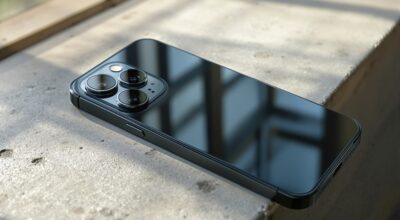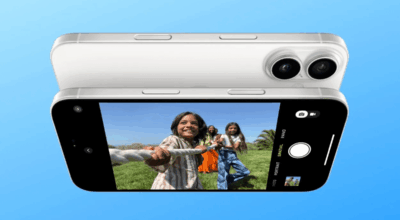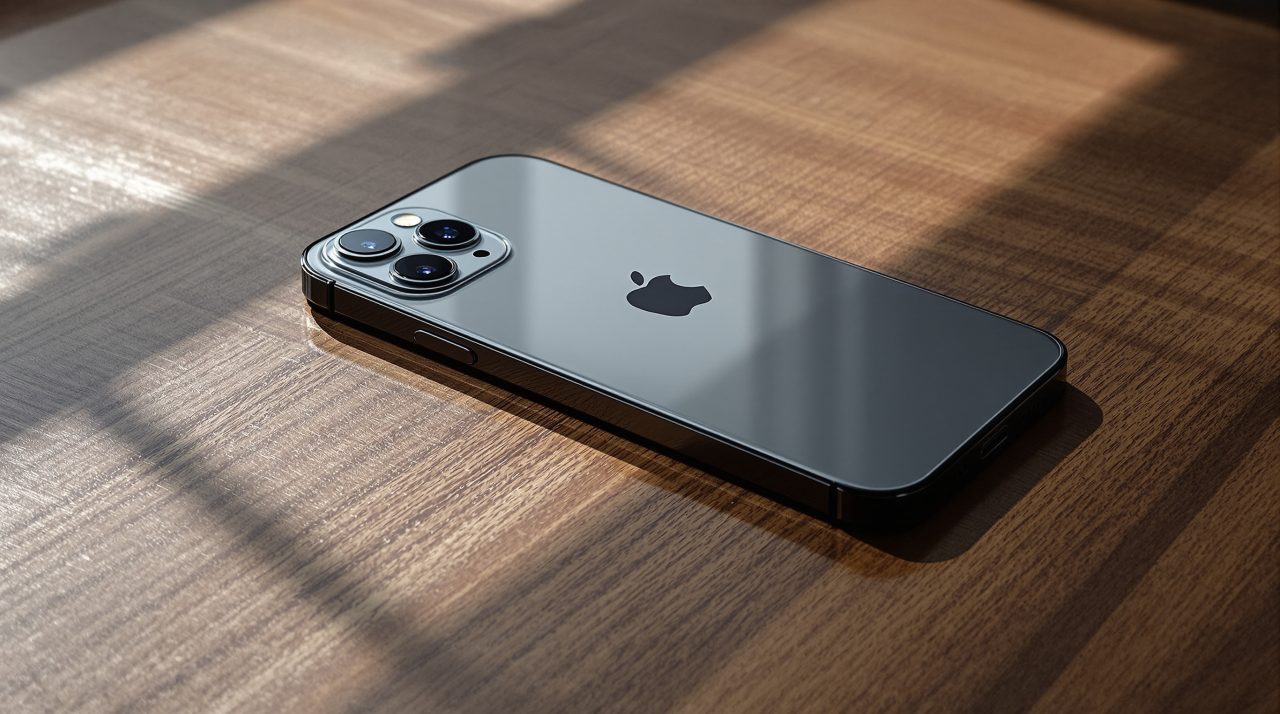
The iPhone 18 Pro has a variable aperture, but Apple built it to work on its own, which is why many owners open the Camera app and see no aperture dial. Apple’s iPhone 18 Pro page says the Main camera “adjusts for better lighting and depth of field automatically,” and manual control sits in Pro controls.
That split explains most of the confusion. If you expected a slider on the main screen, you will not find one, and the iPhone 18 Pro variable aperture only becomes something you steer once you go looking for it. The phone adjusts the opening of its main lens automatically, and most owners never see it happen.
TL;DR: The iPhone 18 Pro variable aperture exists only on the 48MP Fusion Main camera, with four settings from f/1.48 to f/4.0. It adjusts automatically by default, and Apple places manual aperture in Pro controls in the Camera app. The Ultra Wide and Telephoto lenses stay fixed at f/2.2 and f/2.8.
Where the iPhone 18 Pro variable aperture lives
Apple’s product page says the variable aperture belongs to the 48MP Fusion Main camera, the 24 mm lens, and no other. The Ultra Wide is listed at f/2.2 and the Telephoto at f/2.8, both fixed.
For manual control, Apple’s page says you can set aperture in Pro controls in the Camera app. Apple’s Use advanced camera tools on iPhone guide describes the same toolset as a way to “set the aperture, shutter speed, and white balance, and use a histogram to check exposure.”
So the step most people miss is not a hidden toggle. It is the fact that the default behavior never asks you to touch it.
The four aperture settings and what each one trades
Apple lists four stops on the Main camera, and its page gives each a short job description.
| Aperture | Apple’s label | What Apple says |
|---|---|---|
| f/1.48 | Maximum light | Around 50 percent better low-light performance |
| f/1.8 | Default | A balance between low light and depth |
| f/2.8 | More depth | A narrower opening that keeps detail farther back in the scene |
| f/4.0 | Maximum depth | Suited to manual effects such as a starburst from bright light |
A wider opening lets in more light but keeps less of the scene sharp. A narrower one does the opposite. Which one you want depends on whether you are shooting a dim restaurant table or a street with a building in the background.
That trade is also why Apple defaults to f/1.8. It is the setting least likely to surprise anyone who just taps the shutter.
Read the 50 percent figure with some care
Apple’s low-light claim carries a footnote that reads only “Compared with previous-generation iPhone.” The page does not explain how Apple measured it, so treat 50 percent as a marketing number until independent testing lands.
It is a real direction of travel, though. A wider f/1.48 opening is the kind of change you notice in a dim room, and a narrower one is the kind you notice when a background refuses to blur. Neither shows up on a spec sheet in the way a megapixel count does.
The same caution applies to the spec list. Apple’s tech specs give the Main camera as “variable aperture (f/1.48, f/1.8, f/2.8, f/4.0): 24 mm” with second generation sensor-shift optical image stabilization and 100% Focus Pixels, but they do not list sensor or pixel size.
What the front camera and other lenses do differently
Pro controls are not identical across every camera. In Apple’s specs, the video Pro controls list includes lens aperture, shutter speed, white balance and a histogram, while the Front Camera list covers shutter speed, white balance and a histogram, but not aperture.
That detail is easy to overlook. Anyone planning selfie work around depth control should expect the same limit, because the front camera does not appear to offer this aperture control.
It is a small gap, not a dramatic one, but it is the kind of limit that only shows up after you buy.
How to get comfortable with it before you buy or return
If you already own an iPhone 18 Pro, leave the camera on automatic for a week and then open Pro controls on a scene where you know what you want, such as a dim table or a deep landscape. Comparing two shots of the same scene teaches you more than any chart will.
If you are still deciding, our iPhone 18 Pro event guide sorts the confirmed details from the rumors.
For most people this will be invisible until the one moment it is not, and that is probably the point.