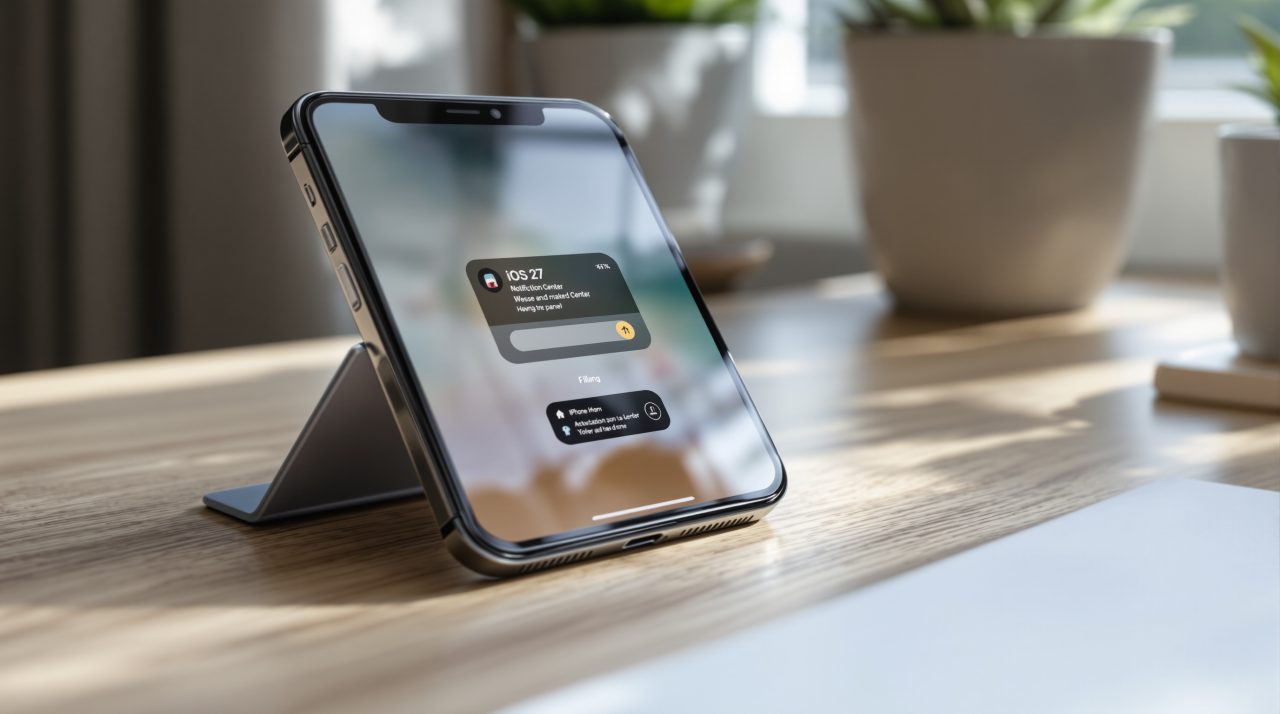
iOS 27 has quietly reassigned one of the oldest gestures on iPhone and iPad. Once Siri AI is turned on, swiping down from the center of the top edge no longer opens Notification Center. It summons Siri instead.
Notification Center still exists. Apple just moved it to a swipe from the top-left corner, a motion most people have never had a reason to use. The change has held steady since developer beta 4 and public beta 2, which means it ships with iOS 27 this fall. For anyone who has swiped down from the middle of the screen since Notification Center arrived in iOS 5, that motion now does something else entirely.
TL;DR: iOS 27 changes what happens when you swipe down from the top center of iPhone and iPad. With Siri AI enabled, that swipe now opens Siri instead of Notification Center, which moved to a top-left corner swipe instead. The behavior has held since developer beta 4 and public beta 2, so it is shipping this fall. There is no setting to switch it back, so the fix is building a new habit.
How the iOS 27 Notification Center gesture actually changed
Opening Notification Center on iOS 27 and iPadOS 27 stays the same by default. Enabling Siri AI is what triggers the change.
Once Siri AI is on, swiping down from the center of the top edge invokes Siri instead of Notification Center, as 9to5Mac’s Zac Hall documented after running the iOS 27 beta across multiple releases. Notification Center is still reachable, just from a swipe starting at the top-left corner. Alerts now animate in from that corner rather than the top center.
Hall tracked the behavior from the first developer beta through the fourth, and again through the second public beta, and it held steady each time. That consistency is usually a sign a UI change is final, not a placeholder Apple will walk back before the September release.
Why Siri AI got the better half of the screen
Apple is treating fast access to Siri AI as a priority worth disrupting an old habit for. The new Siri app is built to be summoned constantly, not opened occasionally, and a corner swipe is harder to hit reliably than a swipe from dead center.
That trade favors the feature Apple wants people using every day over the one they already knew how to use. Reassigning gestures for a bigger priority is not new for Apple. When Control Center first arrived, it opened with a swipe up from the bottom. iPhone X moved it to a top-right corner swipe down, and Apple later made that gesture consistent across every device.
The Siri AI change follows the same pattern: move the gesture, let the old one fade, and give the new priority the space that mattered most.
Apple already had to fix its own redesign once
The first version of this layout was cramped. On iPadOS 27 beta 1, the strip above the Home Screen app icons was devoted almost entirely to invoking Siri AI, and the area for opening Notification Center actually shrank further if AM/PM or the date display was turned off.
iPadOS 27 beta 2 fixed the imbalance. Notification Center and Control Center now sit in roughly equal zones on either side, about the width of two app columns each, with the remaining middle section reserved for Siri.
| Build | Top-center swipe | Notification Center access |
|---|---|---|
| iPadOS 27 beta 1 | Opens Siri AI, dominates top strip | Shrinks further with AM/PM or date hidden |
| iPadOS 27 beta 2 | Opens Siri AI, balanced middle zone | Top-left corner, roughly two app columns wide |
| iOS 27 developer beta 4 | Opens Siri AI | Top-left corner, confirmed stable |
| iOS 27 public beta 2 | Opens Siri AI | Top-left corner, confirmed stable |
That gives the layout room to breathe instead of squeezing two competing gestures into a sliver of screen. It also shapes how confidently people will adopt the change once it reaches everyone in September.
What to do about the muscle memory you already have
There is no toggle in Settings to restore the old center swipe for Notification Center once Siri AI is enabled. The only real fix is building a new habit around the corner.
Early feedback on Siri AI itself has been largely positive, which softens the frustration of relearning a gesture. Getting used to a genuinely capable Siri may end up being the easier adjustment of the two.
iOS 27 is still in active beta testing, with the gesture change carrying through every developer and public build since it first appeared. The Siri Extensions system, which lets Claude, ChatGPT, or Gemini power parts of Siri AI, ships as part of the same iOS 27 release this September.
Fifteen years of swiping from the center trained a reflex that will not disappear the moment iOS 27 installs. Anyone updating this fall should expect a week or two of swiping the wrong spot before the top-left corner starts to feel automatic.