YouTube content creators use sponsorships to promote a product and make money. Though Sponsored content is sometimes good but not everyone likes to see a promotion on a video. You can use SponsorBlock to skip the promotional content in the video. SponsorBlock is a crowdsourced browser extension that lets anyone submit the start and end times of sponsored segments and other segments of YouTube videos.
The SponsorBlock is available as a browser extension, but if you wish to block Sponsorships on the YouTube app on Android, then below is a simple guide to skip promotional content on the YouTube Android app using YouTube ReVanced.
Steps to Use SponsorBlock on YouTube App
- Download YouTube ReVanced on Android.
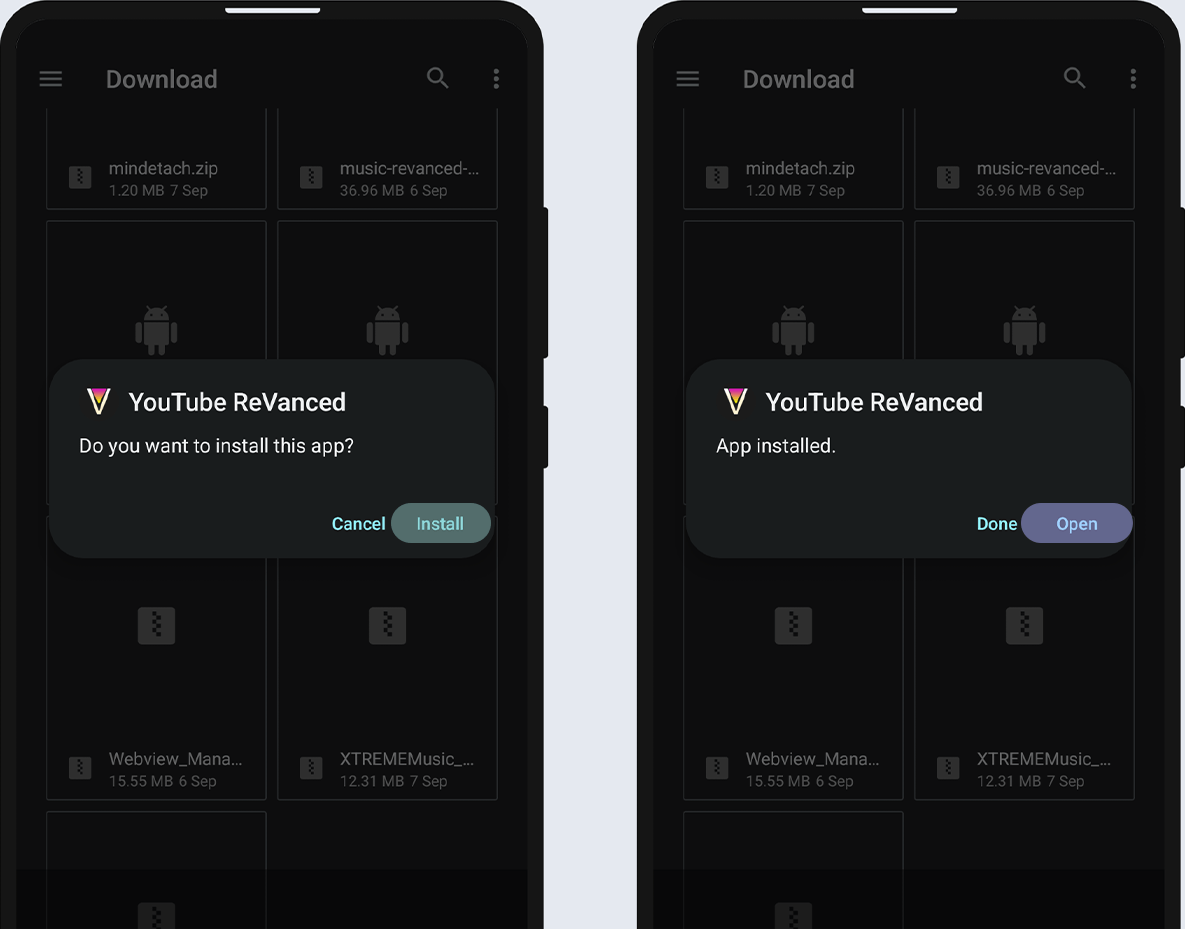

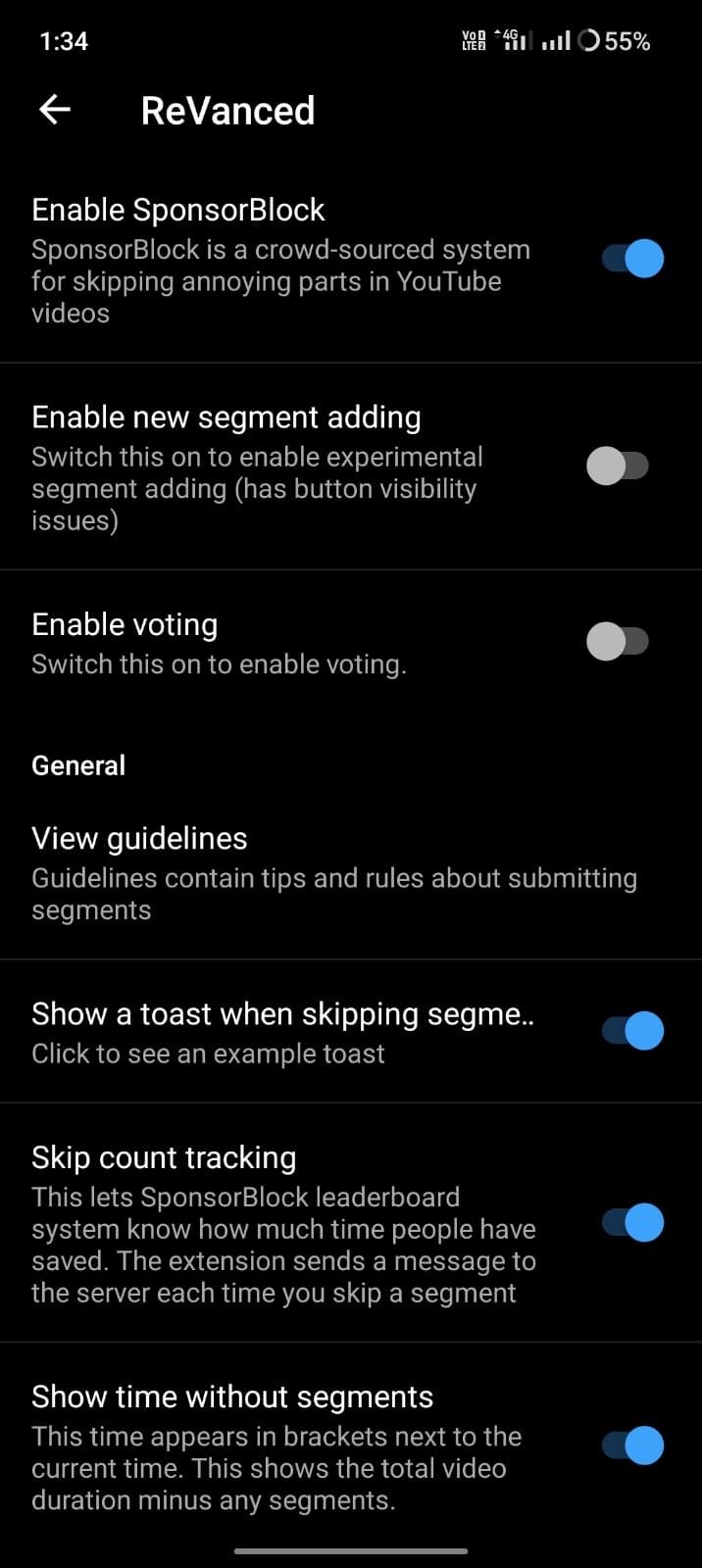
- Once installed, open ReVanced Settings.
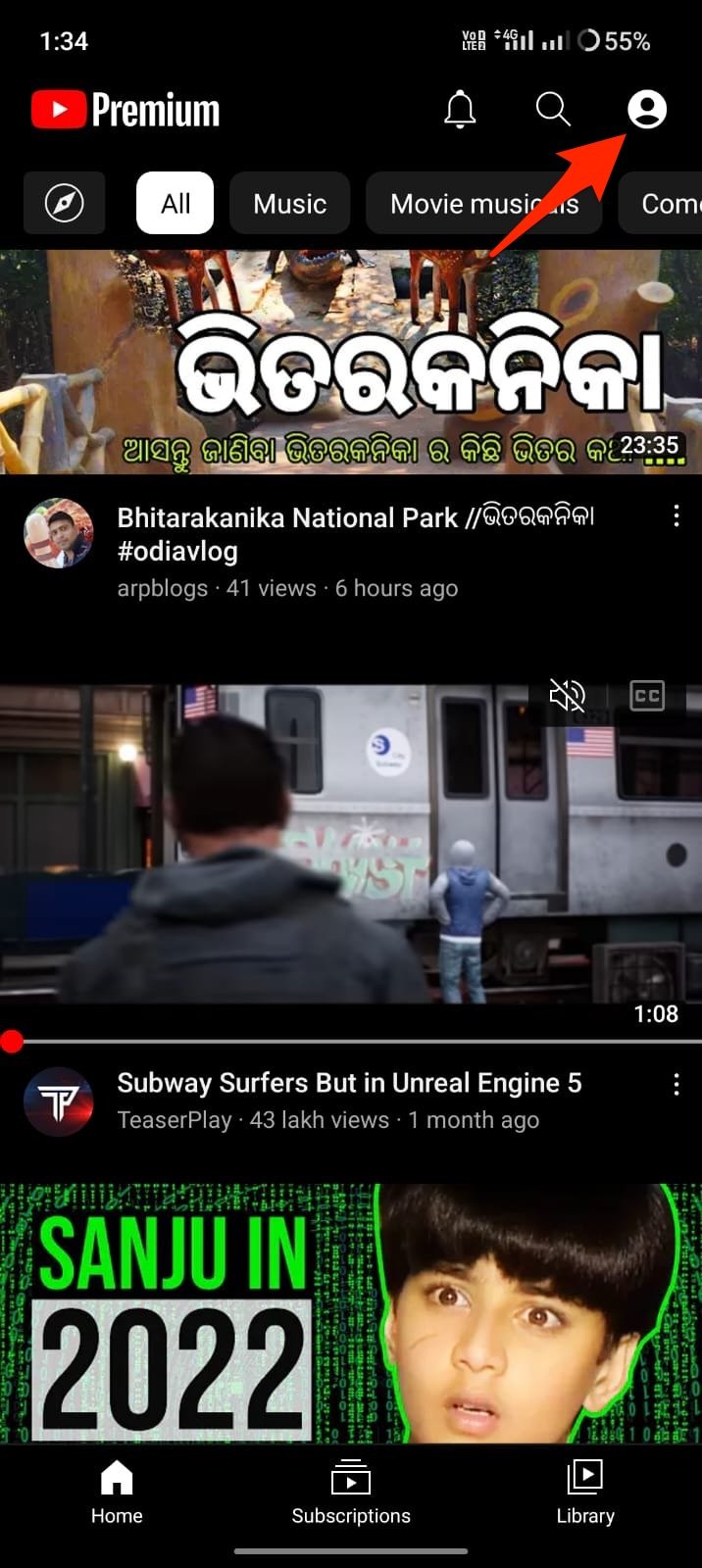

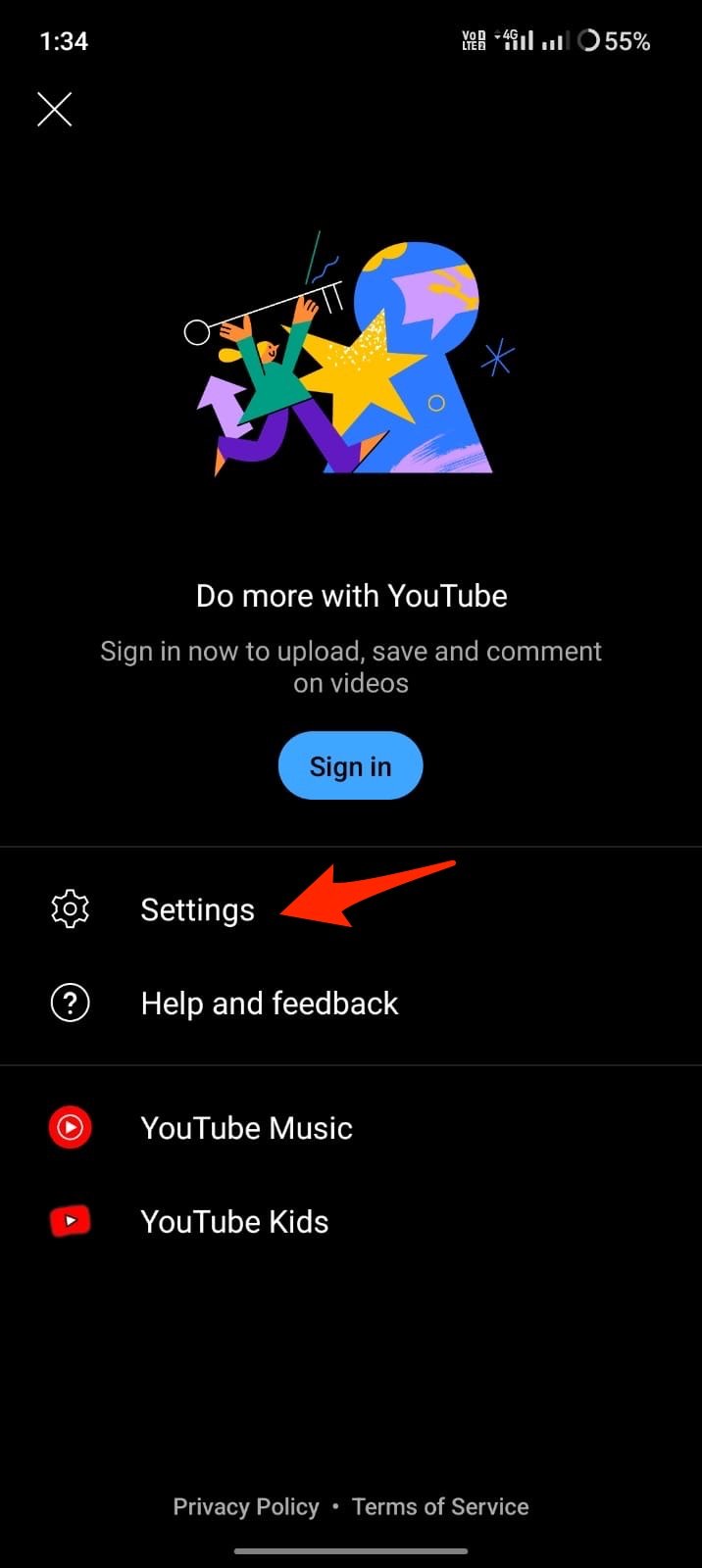
- Look for SponsorBlock option.
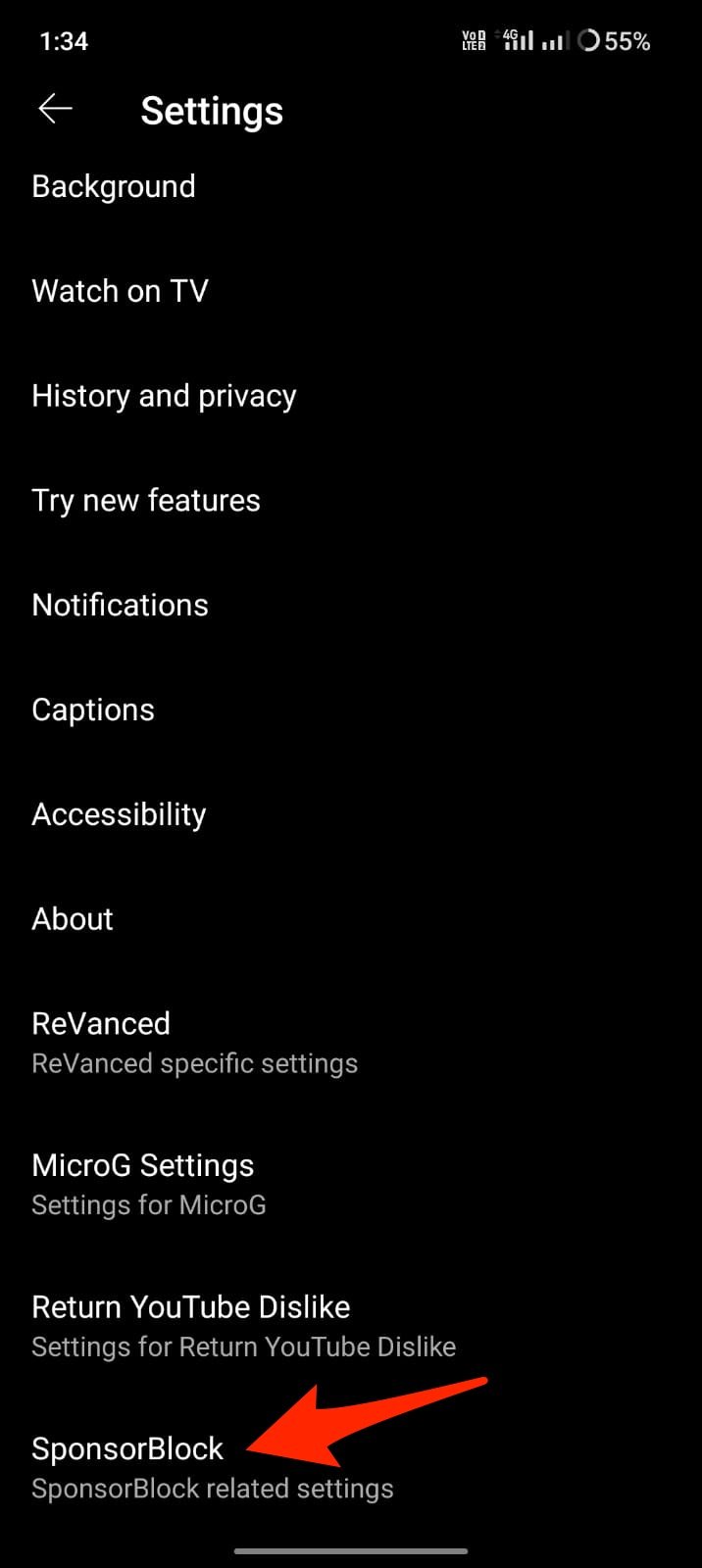

- Enable the SponsorBlock option.
You can also use SponsorBlock on NewPipe, there is a fork of NewPipe that supports SponsorBlock. You can enable it in settings. You can also use SponsorBlock as Chrome Extension on your mobile browser using.
That’s it; with this simple guide, you can enable SponsorBlock on YouTube App on Android to skip the promotional part of the video.