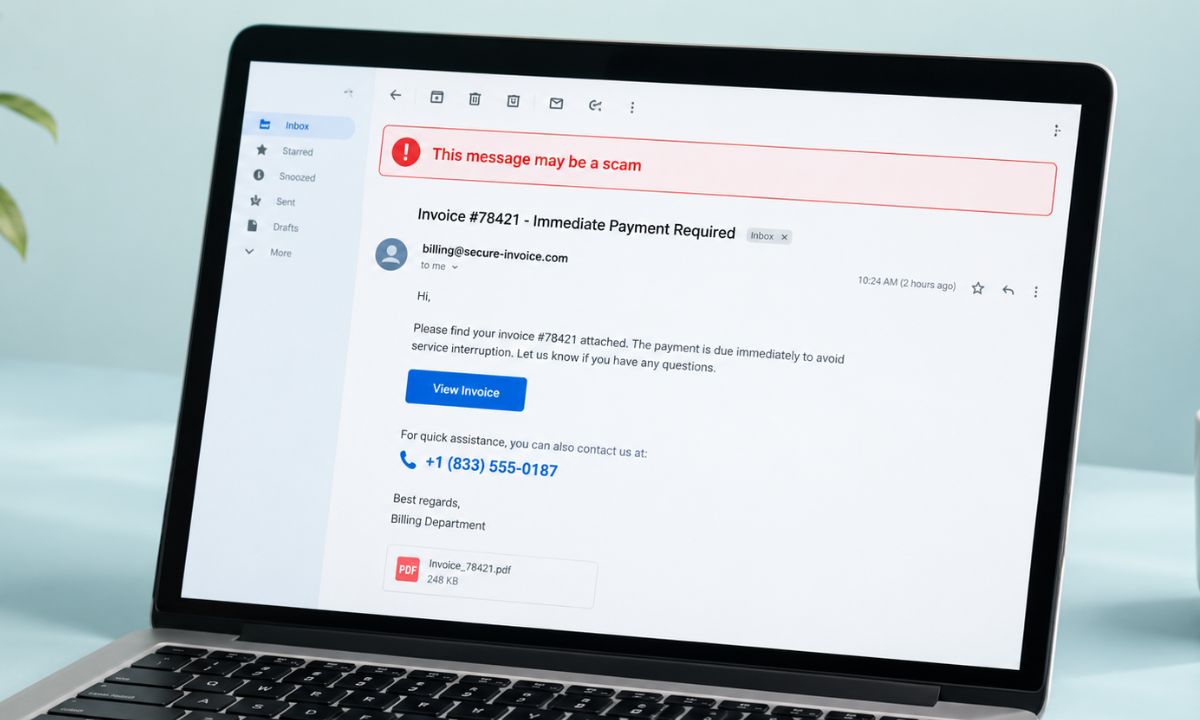
The email says your subscription renewed for $349, or that a payment of $598.96 just went out, and there is a number to call if this was not you. There is no link to click and no attachment to open, which is why it feels oddly legitimate.
That is the whole design of the fake invoice scam. The email is bait, and the phone call is the trap. Upon making the call, you will spiral into a deeper network of online fraud, which I have addressed in this article.
TL;DR: A fake invoice or “payment failed” email is built to make you phone a scammer, not click anything. Do not call the number in the email. Check the charge by typing the company’s address into your browser or by calling the number on the back of your bank card, and delete the message if nothing shows up.
How to tell a fake invoice scam from a real invoice?
Malwarebytes described a batch of these in June 2026 that imitated PayPal, Amazon and Geek Squad. Some of the templates it recovered still had placeholder text like #TFN# where the phone number should have been, which suggests the campaign was caught mid-build.
The amounts sit in the few-hundred-dollar range on purpose. Large enough to worry you, small enough to believe.
The signs are usually a charge you don’t remember, a short deadline, a famous brand borrowed for cover, a detail that doesn’t quite seem real, and persistent pressure to stay on the call. One of them is enough to treat the whole message as a suspected attempt at fraud.
| What the email says | What it is meant to do | What to do instead |
|---|---|---|
| A charge you do not remember | Make you want to stop it fast | Check your account or bank directly |
| Call within hours to cancel | Stop you from checking anything | Real billing problems can wait |
| A well-known brand name | Lower your guard | Open the company site yourself |
| A phone number to dispute it | Put you on a call with a scammer | Do not call it |
Why these emails get past the spam filter?
A normal phishing email carries a link or a file that a filter can inspect and stop it from reaching the inbox. This kind carries only a phone number, so there is little for a filter to analyze.
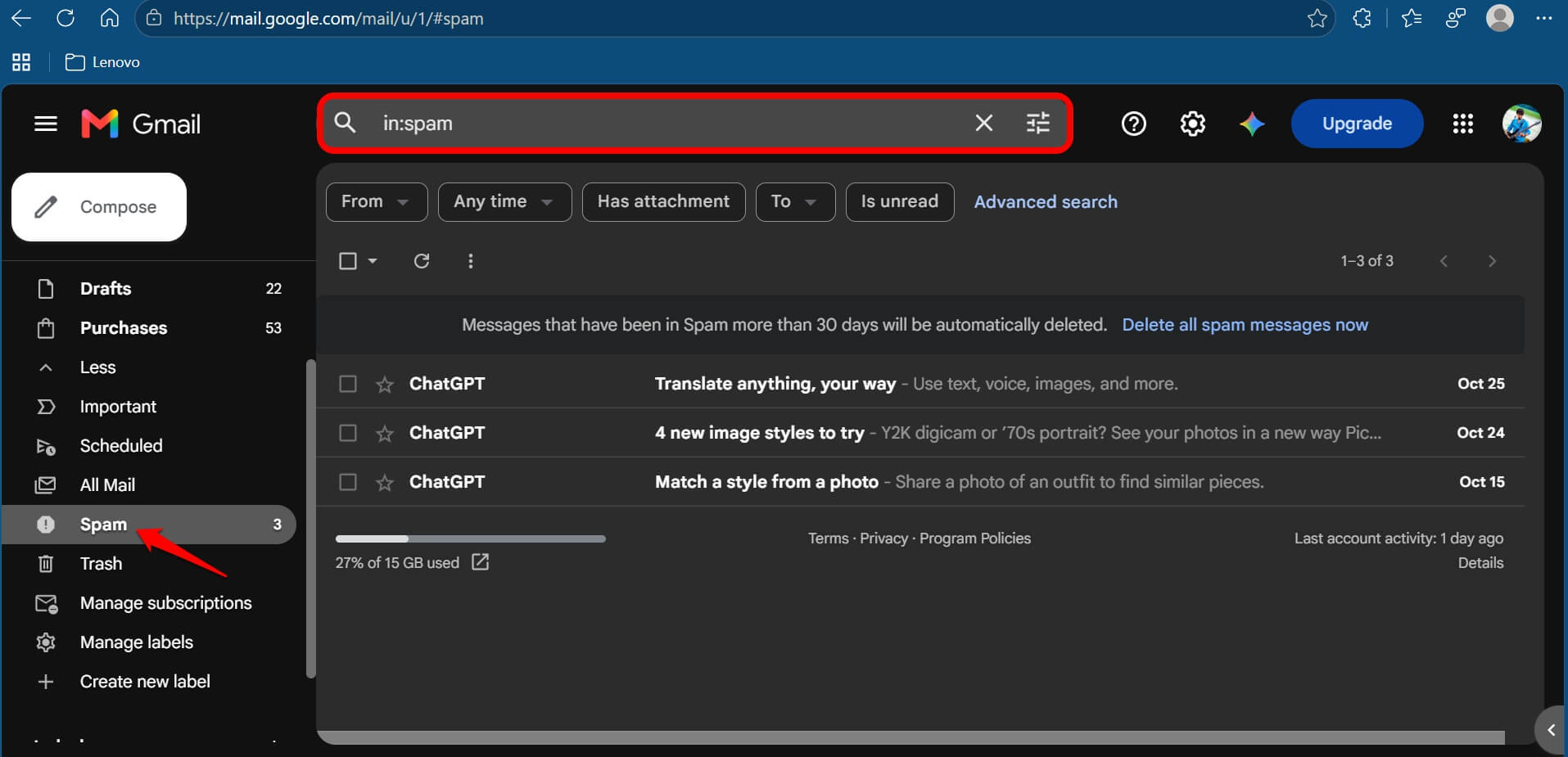
That also explains why simply receiving one does not put you at risk. In a way, you are safe as long as you do not call the number.
I used to treat any email with no link as safe, and it took me a while to see that the missing link was the point. It is all about assessing the situation and deciding against making that impulsive call just because you have been made to “feel” the urgency.
What happens on the call?
Normally, the scammer on the other side of the call usually steers you toward one of three things.
They ask you to
- Install software so they can “fix” the charge
- Provide your bank details to process a refund
- They inform you about an “accidental” refund and ask you to pay it back, often through a gift card or bank transfer.
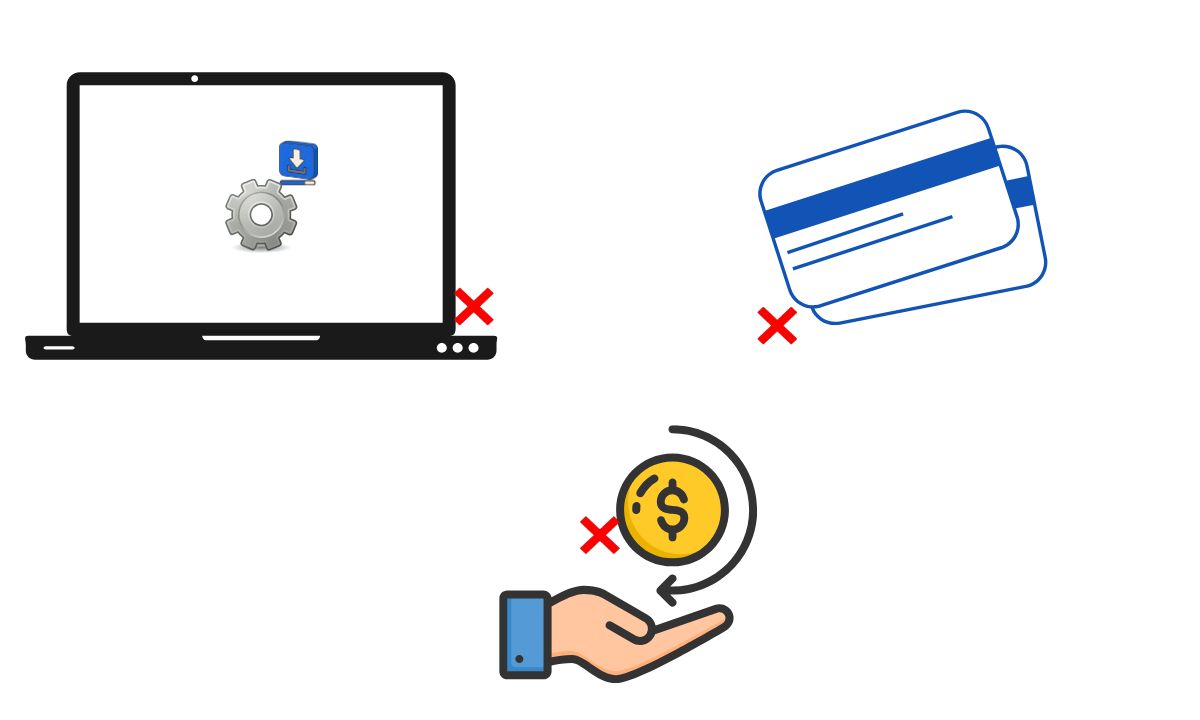
Each of these possibilities of scam ends with your money or your mobile/computer eventually getting into someone else’s hands. The friendly tone is part of the script.
How to check a “payment failed” or renewal email?
Start by closing the email. Open the company’s site by typing its address yourself, or use its official app and log in manually if required.
If it is indeed a case of a missed subscription payment, or a wrong refund, it will reflect in your account. If you find no such information, then without any air of doubt the email you received earlier was a fraudulent one.
No legitimate company in business will email or text you a link to update your payment information. The same logic applies to emailing a phone number to call to resolve issues.
If the worry is a real card charge, ring the number printed on the back of your card. Our piece on Android bank call verification is aimed at the same kind of phone-call trap.
What if you already called or paid the scammers?
Always remember not to install anything the person you called sent via a link. The FTC says to report a card or bank payment to the card issuer or bank straight away and ask for a refund, and to contact the gift card company if you paid that way.
Also avoid providing remote access of any sort to your PC or phone. If the miscreants had remote access to your PC, scrambled your security software, ran a scan, and changed your passwords from a different device. Then turn on two-factor authentication and report it at reportfraud.ftc.gov.
It is imperative to act quickly in case of financial fraud. Report it immediately to the concerned authorities. Waiting does not help.
Frequently Asked Questions
Is it safe to open a fake invoice email?
Opening the email is generally low risk, since the scam depends on you calling the number. Delete it, and do not click anything or call anyone from it.
Why does the email have a phone number but no link?
An email with only a phone number gives spam filters little to inspect. The number is the entire attack.
What if the invoice names a company I actually use?
Scammers pick familiar brands on purpose. Check the charge in your real account, not through the email.
What should I do if I gave a scammer my card details?
Call your card issuer using the number on the back of the card and report the charges. The FTC says to ask them to refund your money.
Watch out for the phone number in the email
These scams never really stop. It keeps happening around the world. Every time, the amount will be different, and the brand might be too. The only constant is the modus operandi. The email has a number that you may call and end up in the fraud.
Stay aware and check manually for missed payments and incorrect transactions with the relevant authorities. If it is not there, ignore the fake invoice emails and remove them from your inbox.