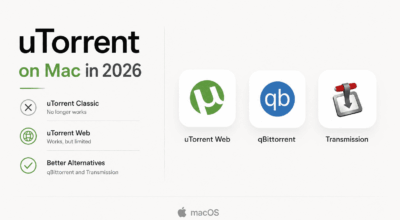
You probably searched for uTorrent Mac and ended up here because the app you remembered stopped working. That is a reasonable starting point.
uTorrent Classic has not run on any Mac since Catalina dropped 32-bit support in 2019, and the gap it left has been filled by a genuinely strong set of alternatives. Some of them are better than what you had before.
This guide covers the best torrent clients for Mac verified working in 2026, across macOS Sequoia, Tahoe, and Apple Silicon Macs. All are free unless noted otherwise.
TL;DR: For most people, the answer is qBittorrent or Transmission. qBittorrent 5.2.0 is the closest replacement for uTorrent Classic and runs natively on M1 through M4. Transmission is lighter and simpler. uTorrent Classic and the BitTorrent desktop app are permanently dead on modern macOS. Always pair any torrent client with a VPN.
qBittorrent: the closest to what uTorrent Classic used to be
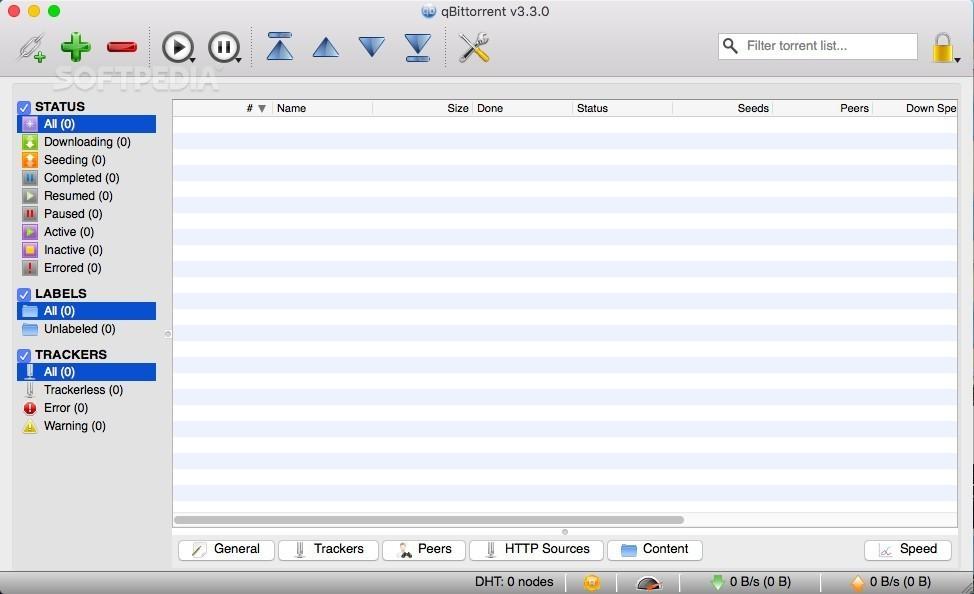
qBittorrent 5.2.0, released in May 2026, brought native ARM64 support for M1 through M4 Macs and runs cleanly on macOS 11 and later. It is free and completely ad-free.
The interface will feel immediately familiar if you used uTorrent Classic. Download queue, speed columns, peer lists, tracker tab. The layout maps almost directly.
The built-in search engine pulls results from multiple sites simultaneously, so you do not need to visit a torrent site separately for every download. RSS automation lets you set rules so specific releases download without any input. VPN interface binding locks the client to your VPN adapter, so your real IP stays hidden even if the tunnel drops momentarily.
The honest part: qBittorrent Mac development has historically trailed the Windows version. The team openly acknowledges a shortage of macOS contributors.
But 5.2.0 is solid on Apple Silicon. I stopped noticing any rough edges after the first week.
Best for: Anyone switching from uTorrent Classic who wants full-featured replacement without paying anything.
Transmission: the one most people actually stick with
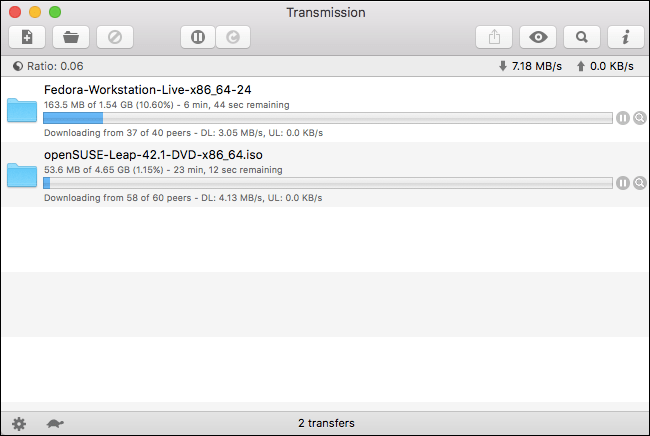
Transmission does one thing exceptionally well. It gets out of the way.
You add a torrent file or magnet link and it downloads. There are no settings to configure before your first download, no search engine to set up, no RSS feeds to think about.
The first time I used it after years on other clients I kept looking for a preferences tab that was not there. After a few days that started to feel correct rather than limiting.
It uses under 100MB of RAM with several active torrents, which matters on a MacBook Air running other things simultaneously. It is Apple Silicon native, ad-free, open-source, and has had zero significant security incidents in its history.
The absence of built-in torrent search is real. You find your torrent on a Mac torrent site, copy the magnet link, and paste it in. That extra step stops feeling like friction after the first few times.
Best for: Occasional downloaders who want the simplest possible setup that works reliably on any modern Mac.

Folx: the Mac-native option worth paying for
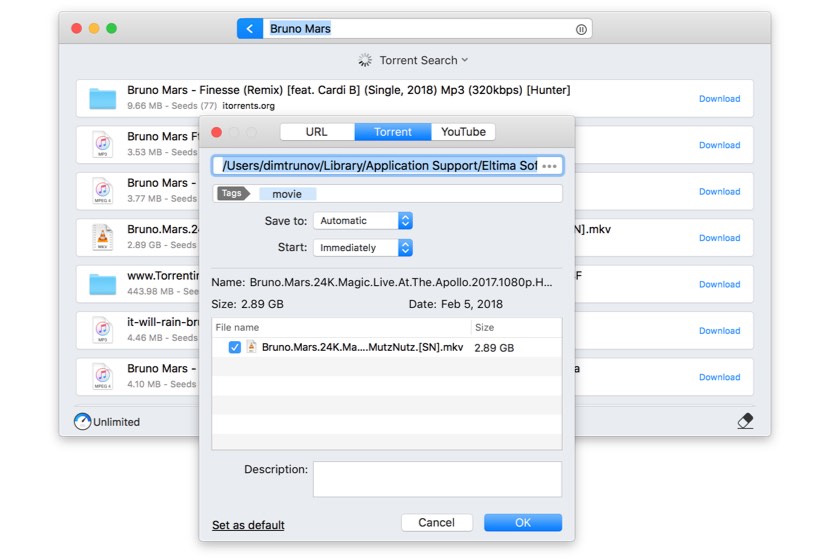
Folx is the only client on this list that actually feels like a Mac app rather than a Windows port that runs on Mac. Smart tagging, Spotlight integration, downloads split into concurrent threads for speed.
The free version is functional. The PRO version, starting at $9.99 per year through Setapp, adds built-in torrent search, scheduling, and intelligent speed control that throttles back when you are using other apps actively.
If you care about the Mac experience and are happy to pay for it, Folx makes a real case for itself. If you just want something that works for free, qBittorrent or Transmission are the better default.
Best for: Mac-first users who want a polished experience and are comfortable with a paid upgrade for full features.
BiglyBT: maximum control, no ads, completely free
BiglyBT is a fork of the original Vuze codebase, completely free and open-source. It carries all the advanced features Vuze was known for without the freemium friction.
Swarm merging speeds up downloads by pulling missing pieces from a second matching torrent. Per-torrent bandwidth scheduling, IP filtering by country, and a full plugin ecosystem give power users more levers than any other client here.
The interface is dense and takes real time to learn. If you want maximum control and are willing to spend an hour configuring it, BiglyBT pays off. If you want to be downloading within five minutes, it will not.
Best for: Power users who previously used Vuze and want the same depth without ads.
WebTorrent Desktop: for streaming, not managing
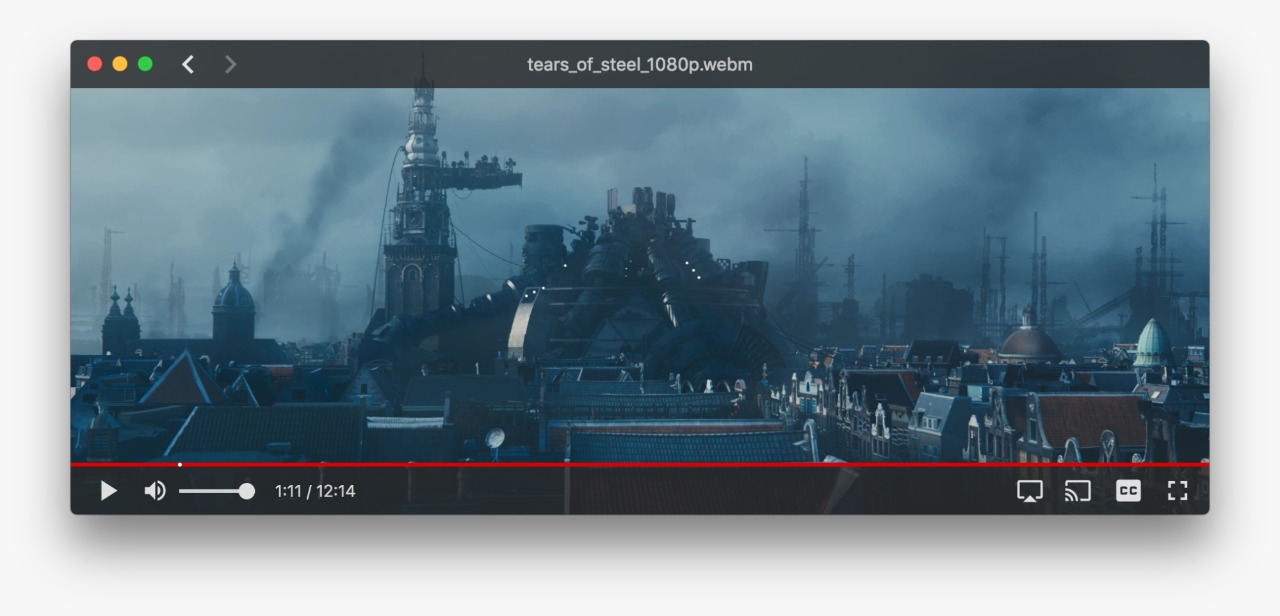
WebTorrent Desktop is built for streaming. You add a magnet link and it begins playing video almost immediately, without waiting for the full download to complete.
AirPlay, Chromecast, and DLNA support mean you can cast directly from your Mac to a TV. It is entirely ad-free. If storage space is limited, the ability to watch and then delete rather than download and store permanently is a meaningful change to the workflow.
It is not built for managing large queues or bulk downloads. For that, qBittorrent is the better choice. WebTorrent is for the specific case where you want to watch something now rather than wait.
Best for: Video content where you want to start watching before the download finishes.
Free Download Manager: one app for everything
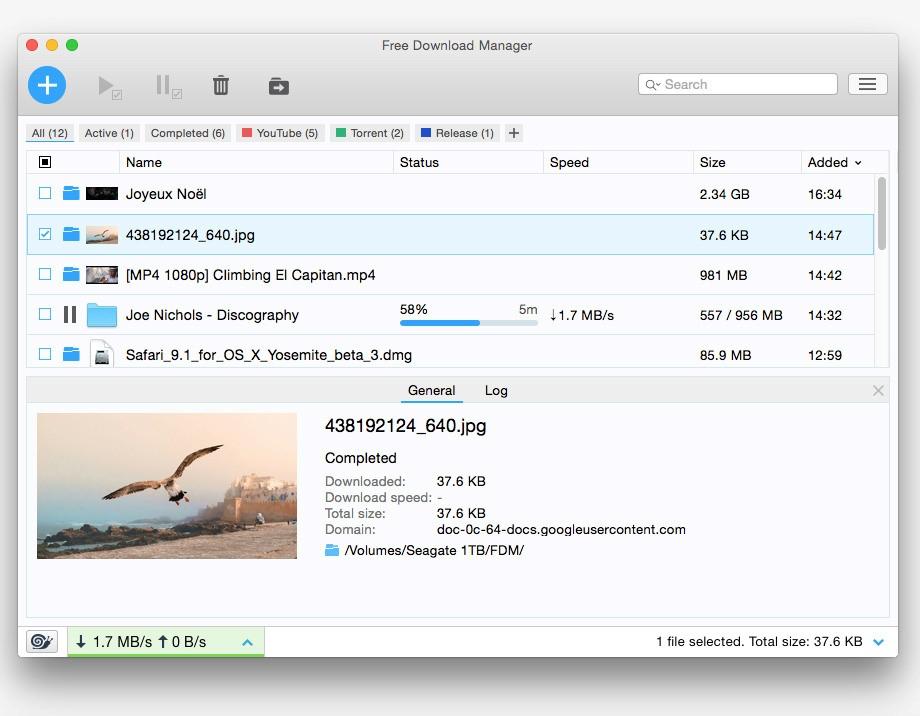
Free Download Manager handles both regular file downloads and torrent files in one app. It integrates with Chrome and Firefox to catch downloads from web pages automatically.
The torrent handling is functional rather than advanced. No built-in search, fewer advanced torrent settings than dedicated clients. But if you are already using it as a download manager, removing the need for a second app is a real benefit.
No ads, no cost. A scheduler for automating downloads and a snail mode that frees up bandwidth without stopping an active download are the two features that make the daily difference.
Best for: Users who want one app for both regular downloads and occasional torrent use.
BitLord, Vuze, FrostWire, and Deluge
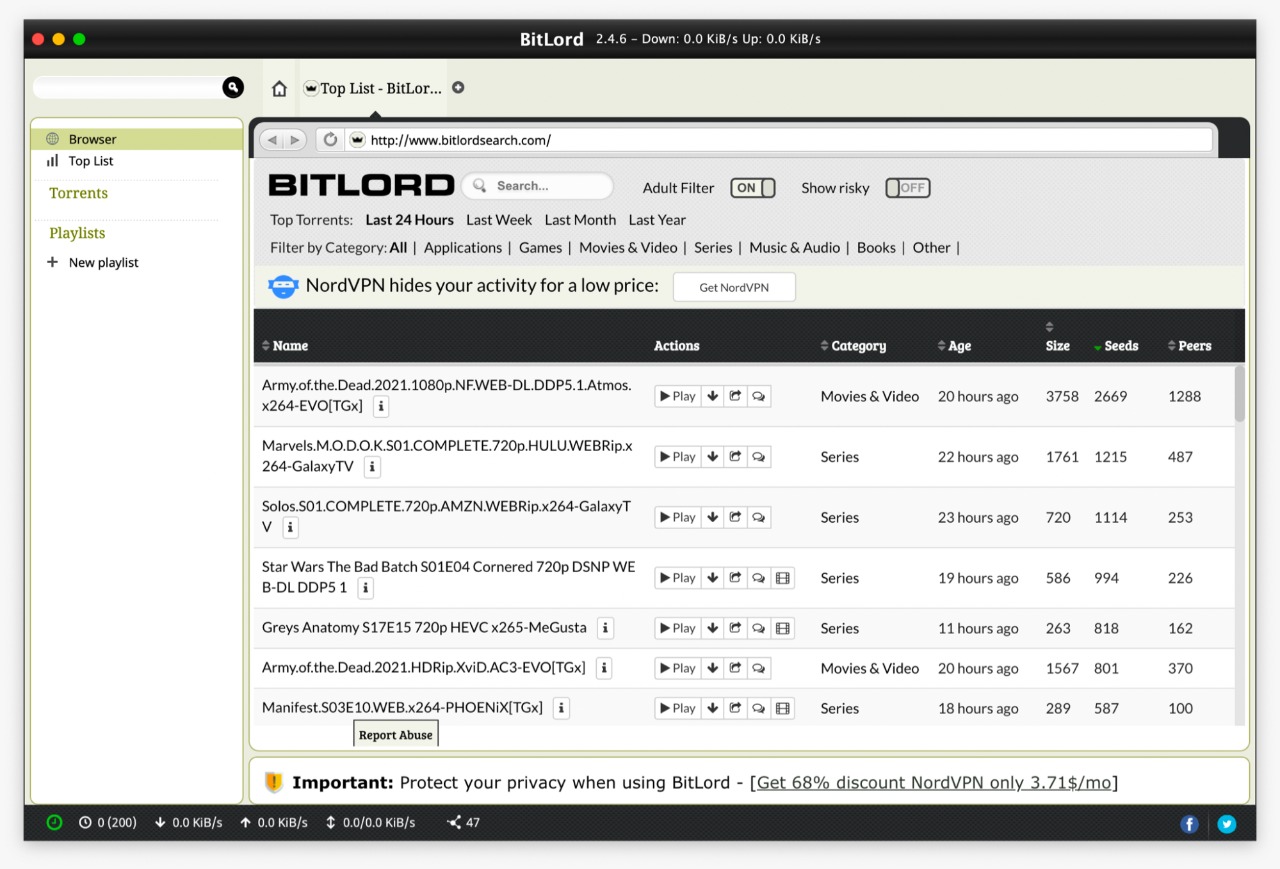
BitLord is a straightforward client with built-in search, Chromecast support, and the ability to play media before the download finishes. The interface is clean and simple. A good option if qBittorrent feels like too much.
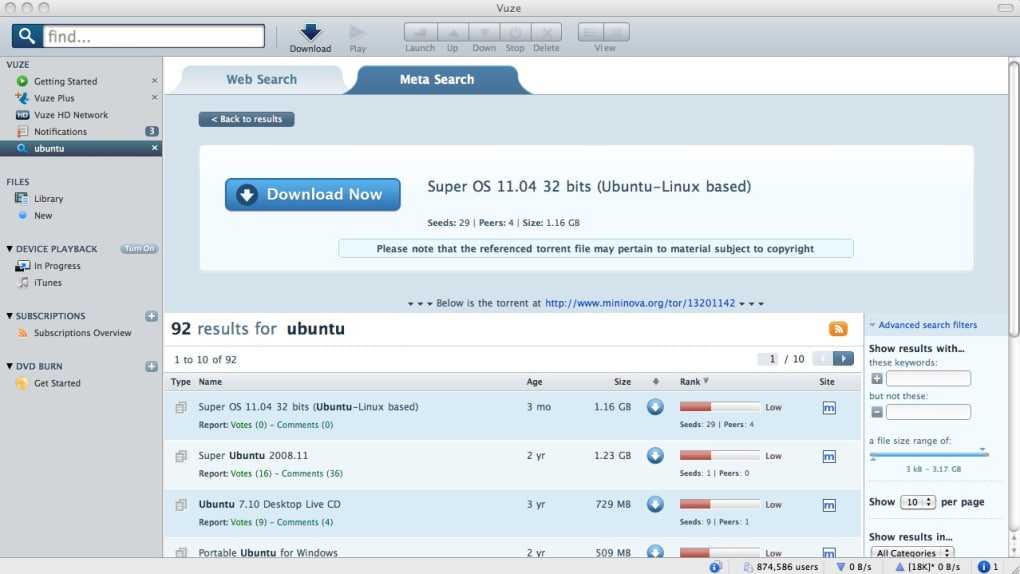
Vuze covers similar territory to BiglyBT with PEX, DHT, native VPN support, and a built-in search engine. The free version shows ads. If that bothers you, BiglyBT is the same feature set without them. If you have been using Vuze for years and it works for you, there is no strong reason to switch.
FrostWire doubles as a media player and pulls search results into the app directly rather than a browser tab. Cloud streaming before the download completes is genuinely useful for large video files. Search results are inconsistent, which is its main limitation.
Deluge takes a plugin-first approach. The base client is minimal, and plugins extend it into a full-featured manager with RSS, scheduling, and labelling. Power users who want to build a completely custom setup will find flexibility here. It has had occasional stability issues on newer macOS versions, worth checking recent community threads before committing.
Get BitLord | Get Vuze | Get FrostWire | Get Deluge
uTorrent Web and BitTorrent Web: what still works
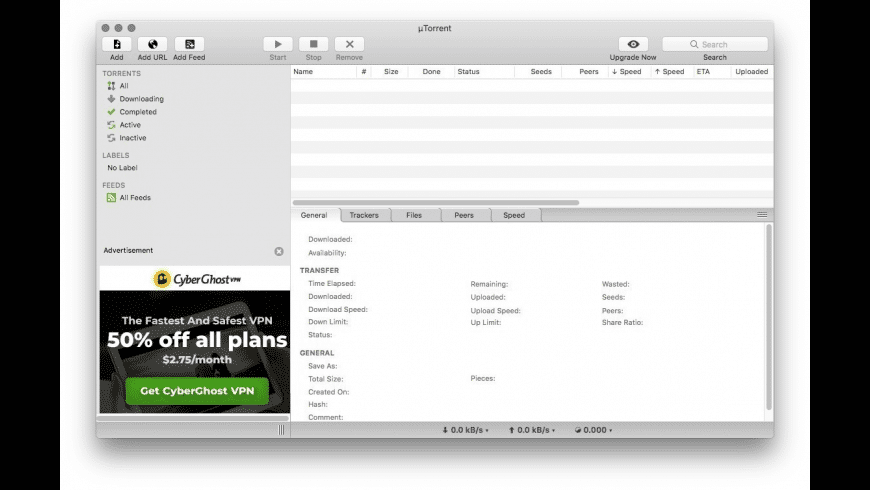
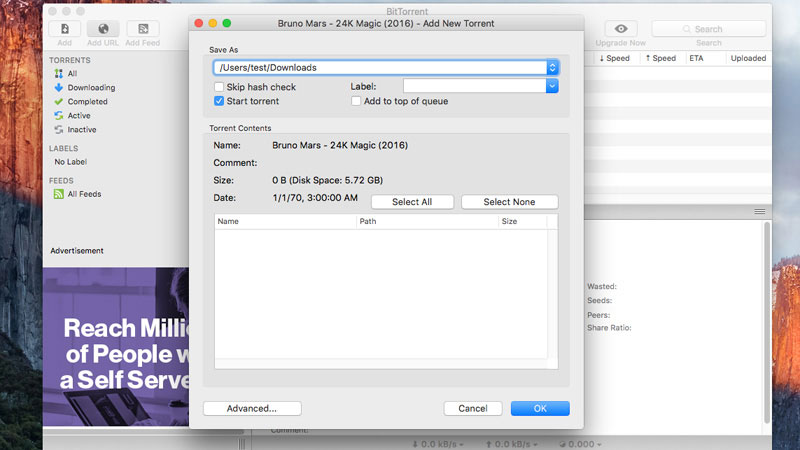
The uTorrent Classic desktop app and the BitTorrent desktop app both stopped working on macOS Catalina and have not been updated since. Every Mac released since 2019 falls into this category.
Both companies offer web-based versions that run through your browser and work on all current macOS versions including Tahoe. They cover the basics: adding torrents via file or magnet link, basic speed management, and download tracking.
What you lose compared to the old desktop apps: tracker management, port configuration, and most advanced settings. The free versions of both show ads. For anything beyond occasional use, qBittorrent or Transmission are meaningfully better choices.
Get uTorrent Web | Get BitTorrent Web

One thing to do before your first download
Pair your client with a VPN before you start. Your ISP can see torrenting activity, and your IP address is visible to every peer in the swarm by default. Running without one is the kind of thing that seems fine until it is not.
Always scan downloaded files with antivirus software for Mac before opening them, especially any DMG or PKG file from a torrent site. macOS Gatekeeper will flag unsigned installers, and those warnings are worth reading rather than clicking past.
The client does not determine your safety. How you use it does.