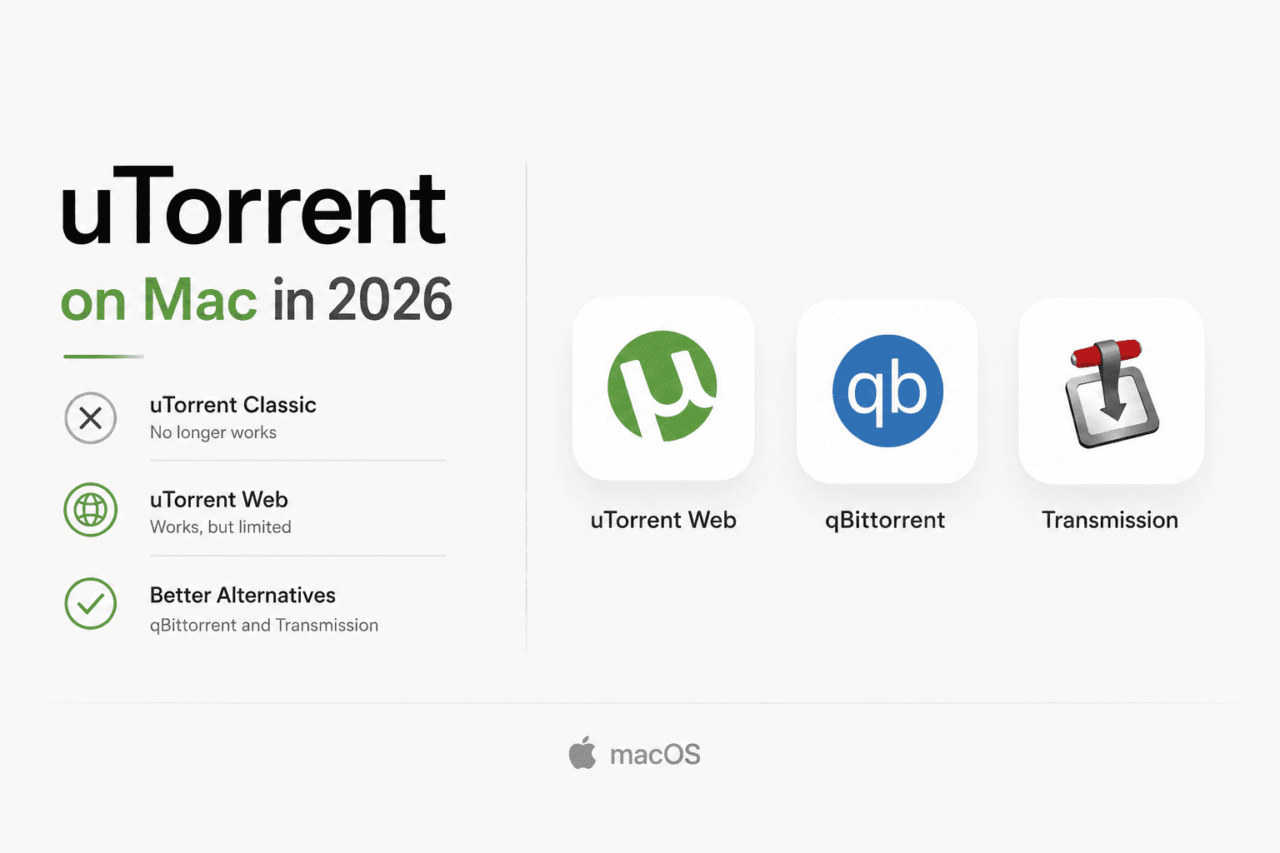
You search for uTorrent on your MacBook. You find the download page. You hit install.
Then nothing.
This is not a bug. uTorrent Classic, the desktop app millions of Mac users relied on for over a decade, stopped working when Apple dropped 32-bit app support in macOS Catalina in 2019.
Every macOS version since then runs 64-bit only, and uTorrent Classic was never updated to match. If you are on any modern Mac, including every M1, M2, M3, and M4 machine ever made, the classic desktop uTorrent for Mac simply does not run.
TL;DR: uTorrent Classic is permanently dead on macOS Catalina and every version since. The browser-based uTorrent Web works on modern Macs but strips out advanced settings and shows ads. For a clean replacement, qBittorrent is the best free option for power users and Transmission is the better pick for anyone who wants something simple that stays out of the way.
What uTorrent Web actually gives you on a modern Mac
| Feature | uTorrent Web | qBittorrent 5.2.0 | Transmission 4.x |
|---|---|---|---|
| Works on modern macOS | Yes | Yes | Yes |
| Apple Silicon native | Yes (browser) | Yes | Yes |
| Ad-free | No | Yes | Yes |
| Built-in torrent search | Yes | Yes | No |
| VPN interface binding | No | Yes | No |
| RSS automation | No | Yes | No |
| Cost | Free with ads | Free | Free |
BitTorrent Inc responded to the Catalina problem by shipping uTorrent Web, a browser-based client that works on any modern macOS version including Sonoma, Sequoia, and macOS Tahoe, released September 2025.
It installs as a helper app that launches your default browser and opens a local web interface. Practically speaking, it feels more like a website than a desktop application.
The basics work fine. You can add torrent files and magnet links, watch download progress, pause and resume, and set basic speed limits. For someone who downloads a Linux ISO once a month, that is probably enough.
What you lose is the configuration depth that made the desktop app worth using. Tracker management is gone.
Port settings are inaccessible. Bandwidth ratio controls and per-torrent speed scheduling are not there. The free version also shows ads inside the interface, which feels strange when you are staring at a download progress bar.
uTorrent Web does exactly what it says. It is just not the same product people remember.

qBittorrent: the closest thing to what uTorrent used to be
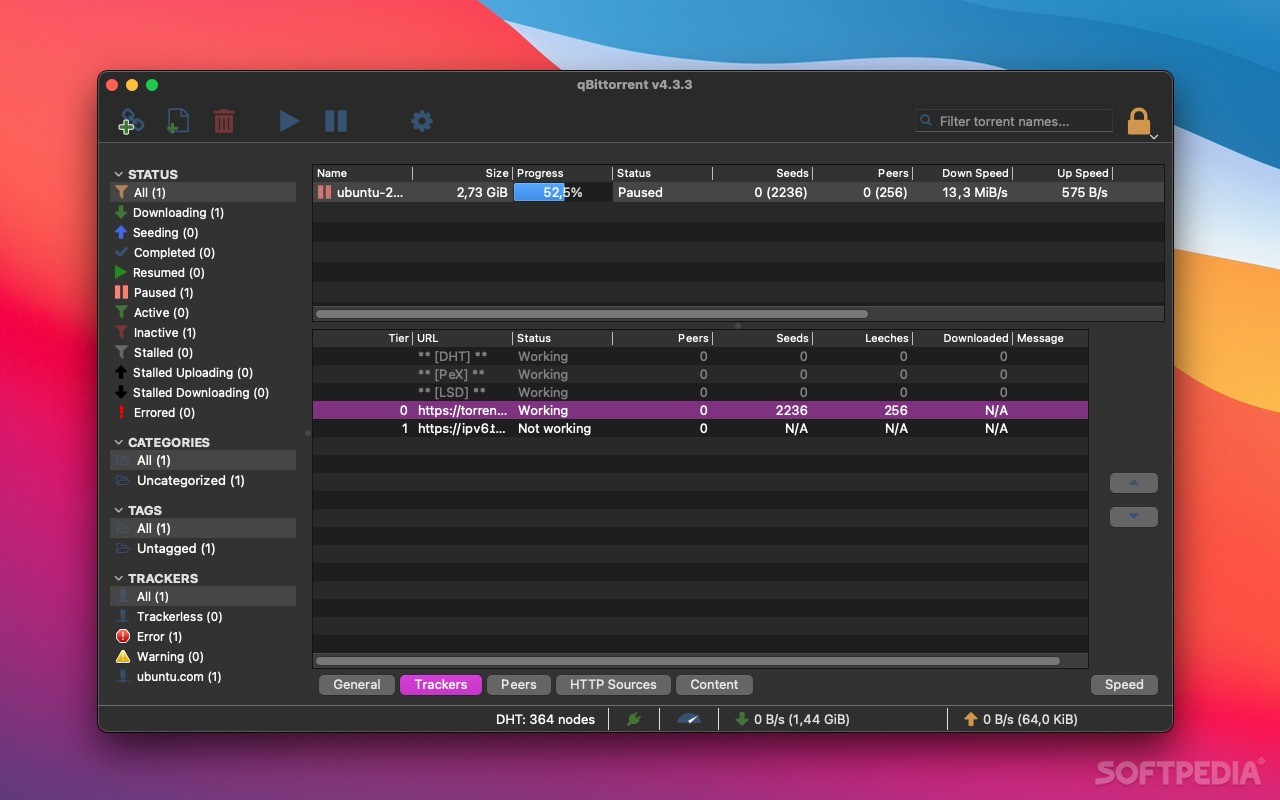
qBittorrent is free, open-source, completely ad-free, and available as a native 64-bit app for macOS. The current version is 5.2.0, released in May 2026, with confirmed Apple Silicon support for M1 through M4 Macs.
The interface will feel immediately familiar to anyone who used uTorrent Classic on Mac. Download queue, speed columns, peer lists, trackers tab. The layout maps almost one-to-one.
It also has a built-in torrent search engine that queries multiple sites simultaneously. RSS feed automation lets you set rules so certain releases download without any manual input.
VPN interface binding locks qBittorrent to your VPN connection so your real IP cannot leak even if the tunnel drops. None of those features exist in uTorrent Web.
The honest caveat is that qBittorrent’s Mac development has historically lagged behind Windows. The team openly acknowledges a shortage of macOS contributors.
That said, version 5.2.0 works reliably on Intel and Apple Silicon Macs running macOS 11 and later, and the core downloading experience is solid. If what you want is a capable, configurable, desktop torrent client that costs nothing and shows no ads, qBittorrent is the answer.
Transmission: for people who never wanted the complexity
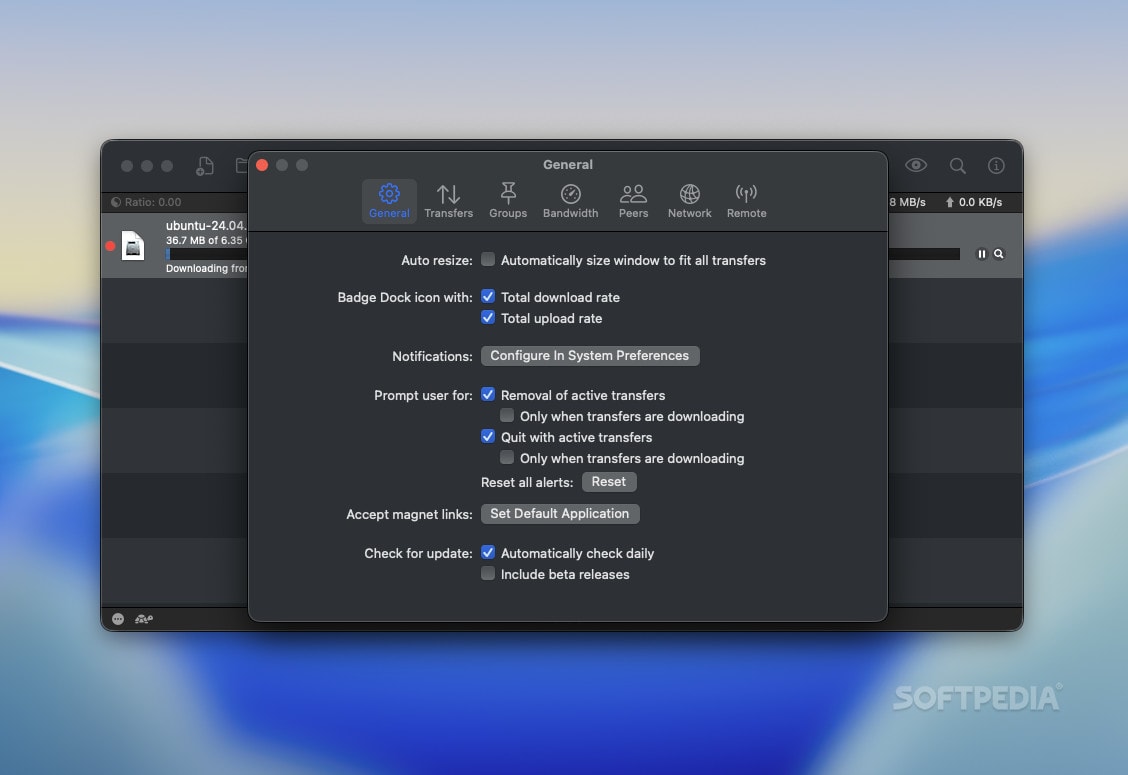
Transmission takes a completely different approach. There are no settings tabs to get lost in, no search engine, no RSS feeds. You drag a torrent file onto it and it downloads.
That sounds limiting but in practice it works well for most people. Transmission uses under 100MB of RAM even with several active torrents, which matters on older MacBook Air models or when you are running memory-heavy apps alongside it.
It is Apple Silicon native, ad-free, and open-source.
What it does not do is give you granular control. There is no built-in search, so you find your torrents on a site and hand the file to Transmission. Port forwarding is there but buried.
Speed scheduling exists but requires hunting through preferences. Proxy support is absent entirely.
The first time I used Transmission after years on other clients, I kept looking for settings that were not there. After a few days it started to feel like a feature rather than a flaw.
The queue just ran. Nothing demanded attention.
Frequently Asked Questions
Does uTorrent work on Mac in 2026?
uTorrent Classic does not work on macOS Catalina or any newer version. uTorrent Web, the browser-based version, works on all modern Macs including those running macOS Tahoe.
Why did uTorrent stop working on my Mac?
Apple removed 32-bit app support in macOS Catalina in 2019. uTorrent Classic was a 32-bit app and was never updated to 64-bit, making it permanently incompatible with Catalina and every macOS release since.
What is the best free replacement for uTorrent on Mac?
qBittorrent is the best direct replacement. It is free, ad-free, open-source, and works natively on Apple Silicon and Intel Macs running macOS 11 or later.
Does Transmission work on Apple Silicon Macs?
Yes. Transmission version 4.x is Apple Silicon native and runs on macOS Sequoia and Tahoe without compatibility issues.
Can I still use uTorrent Web on my MacBook?
Yes. uTorrent Web runs through your browser and works on any modern macOS version. It is free but ad-supported and lacks the advanced settings of the old desktop client.

What still moves across cleanly to any replacement
Both qBittorrent and Transmission handle everything the original uTorrent did at its core: torrent files, magnet links, selective file download from multi-file torrents, and speed limits.
Magnet links open automatically in whichever client you set as default, exactly like uTorrent used to. Right-clicking a magnet link in Safari or Chrome routes it straight to the queue without extra steps.
The only real adjustment is accepting that neither replacement has the same name in your dock. Everything else about the actual downloading experience, from adding a torrent to watching it finish, transfers cleanly.