Choosing the best browser for MacBook used to be simple. Safari was the obvious answer, Chrome was the trade-off for Google Workspace, and everything else was an experiment. In 2026 that picture has shifted. I tested seven browsers on an M3 MacBook Pro over several weeks of real daily use: writing, research, video, and the kind of 25-tab sessions that reveal what a browser is actually made of.
TL;DR: Safari is still the most efficient browser on MacBook and the right default for most users. Chrome wins on extensions and Google Workspace but costs RAM and battery. Brave is the surprise pick on ad-heavy sites. Zen Browser is the best Arc replacement. Orion offers WebKit battery efficiency with Chrome extension support, a combination nothing else on Mac does.
How I evaluated each browser
Every browser ran as my primary driver for three to five days with the same tasks: 15 to 25 tabs across news, Google Docs, YouTube, and web apps; a password manager extension; at least two hours of streaming; and one long uninterrupted work session.
I tracked RAM through macOS Activity Monitor at the one-hour and four-hour marks and ran Speedometer 3.1 on each browser. Privacy defaults were tested using the EFF’s Cover Your Tracks tool on first run before any settings changes. Benchmark figures come from independent sources including SupaSidebar’s May 2026 battery testing and Mihnea Radulescu’s open-source BrowserBench.
| Browser | RAM at 10 tabs | Speedometer 3.1 (M4 MBP) | Avg power draw | Tracking blocked |
|---|---|---|---|---|
| Safari | ~1.5GB | 43.61 | 1,356 mW | Yes (ITP) |
| Google Chrome | 3GB+ | 41.10 | ~1,240 mW | No |
| Brave | ~2GB | ~41 (Chromium) | 743 mW | Yes |
| Mozilla Firefox | ~1.8GB | Not published M4 | Competitive with Safari | Yes (ETP) |
| Microsoft Edge | ~2.2GB | 40.59 | Between Safari and Chrome | Partial |
| Zen Browser | 1.5 to 2GB | Not published | Similar to Firefox | Yes |
| Orion | ~1.5GB | Not published | Competitive with Safari | Yes |
Speedometer 3.1 scores from SupaSidebar’s May 2026 Apple Silicon testing on an M4 MacBook Pro running macOS Tahoe. Power draw from Radulescu’s BrowserBench on ad-heavy sites. Where no published figure exists the cell reflects Activity Monitor readings and engine-based assessment.
The 7 best browsers for MacBook
1. Safari
Safari is still the benchmark on MacBook, and I say that having tried hard to replace it. On an M3 MacBook Pro, Safari scored 43.61 on the Speedometer 3.1 benchmark in May 2026 testing by SupaSidebar, ahead of Chrome at 41.10 on identical hardware. That gap is real but not dramatic on everyday browsing. What is dramatic is the RAM and battery difference.
With 10 tabs open, Safari sits at roughly 1.5GB of RAM, about half of what Chrome uses on the same sites. Apple publishes up to 24 hours of battery on the M4 14-inch MacBook Pro running Safari, and those numbers hold up in real use on lighter workloads.
The machine ran cooler. The fan stayed quieter. Over a full unplugged workday, I ended around 30 percent battery with Safari where Chrome left me reaching for the charger by 4pm.
The limitation is the extension catalog. Safari has around 3,000 extensions compared to Chrome’s 200,000 plus. If you need a specialist tool for your workflow, it may not exist in Safari. Handoff, iCloud Keychain autofill, and Passwords app integration work without configuration. If you are Mac-only, that ecosystem value is real.
Best for: MacBook users who prioritize battery and efficiency and stay within the Apple ecosystem.
2. Google Chrome
Chrome’s compatibility record on MacBook is still unmatched. Every web app, every extension, every Google Workspace tool behaves exactly as expected. I did not hit a single broken page during my test period. For users who switch between Mac and Windows or use Android devices, Chrome’s cross-platform sync is the most reliable option available.
The cost is visible in Activity Monitor. With 10 tabs open, Chrome consistently used over 3GB of RAM, roughly double Safari on the same sites. On an 8GB MacBook Air that memory pressure becomes obvious by mid-morning: app switching slows, fan noise starts, and battery drops faster.
Birchtree’s 36-hour M2 Pro test found Chrome consuming around 9 percent less battery than Safari in a controlled test, which tells you the gap is narrower than conventional wisdom suggests, though the RAM difference remains significant.
Privacy is where Chrome asks you to make a conscious choice. The browser reflects Google’s advertising business model in its defaults. You can tighten it, but Safari, Firefox, and Brave all protect more out of the box without configuration.
Best for: Google Workspace users, anyone needing a specific Chrome extension, users who sync across non-Apple devices.
3. Brave
Brave surprised me more than any other browser in this test. On ad-heavy news sites, pages appeared before I finished processing that they had loaded. That is network-level blocking at work: Brave does not download ad resources at all, rather than hiding them after loading. The difference in page weight on a busy news homepage was significant.
The battery finding is genuinely counterintuitive. Radulescu’s BrowserBench measured Brave averaging 743 mW versus Safari’s 1,356 mW on ad-heavy sites, with peak draw of 8.3W compared to Safari’s 10.5W.
The reason is not that Brave’s engine is more efficient than Safari’s WebKit. It is that Brave Shields strips the ads and autoplay video that consume power during rendering. On a clean site, Safari’s advantage returns. On the ad-saturated modern web, Brave’s blocking changes the equation.
Being Chromium-based means the Chrome Web Store works fully. If you want Chrome compatibility with aggressive privacy defaults baked in rather than bolted on, Brave is the most frictionless switch.
Best for: Privacy-focused users who want Chrome extension support and meaningful battery savings on ad-heavy sites.
4. Mozilla Firefox

Firefox is the only major browser on this list built on neither Chromium nor WebKit. That matters structurally: if Firefox disappears, Google effectively controls how the web renders across every significant browser. That is not a reason to use Firefox if it does not suit you, but it is worth knowing when making the choice.
On MacBook, Firefox sits in the middle of the efficiency range. RAM usage with 10 to 15 tabs runs lower than Chrome and roughly comparable to Edge, though higher than Safari. Battery life is better than Chrome on prolonged sessions but does not match Safari’s WebKit integration with Apple Silicon.
The Enhanced Tracking Protection defaults are strong: Cover Your Tracks on first install returned strong web tracking protection out of the box.
Tab switching felt slightly smoother than Chrome on already-loaded tabs, less like it was re-rendering content I had already scrolled through. After a few days with Firefox I noticed I was spending less time adjusting settings and more time actually working.
Best for: Privacy-conscious users who want an independent browser engine and strong defaults without configuration.
5. Microsoft Edge
Edge on MacBook is a better browser than its reputation among Mac users suggests. It runs on Chromium, which means the full Chrome Web Store works natively, and Microsoft has added an efficiency mode that reduces CPU and RAM usage when the laptop is running on battery.
In my test, Edge ran noticeably cooler than Chrome under comparable tab loads, and Activity Monitor confirmed lower CPU usage during page loads. Speedometer 3.1 put Edge at 40.59 on the M4 MacBook Pro, just behind Chrome at 41.10.
The Copilot integration is prominent and divisive. It appears in the sidebar whether or not you invited it, and disabling it takes a few settings changes. Once stripped of those defaults, what remains is a stable, compatible Chromium browser with better memory management than Chrome and tighter integration with Microsoft 365 in the browser.
Best for: Microsoft 365 users on MacBook who want Chrome compatibility with lower resource overhead.
6. Zen Browser
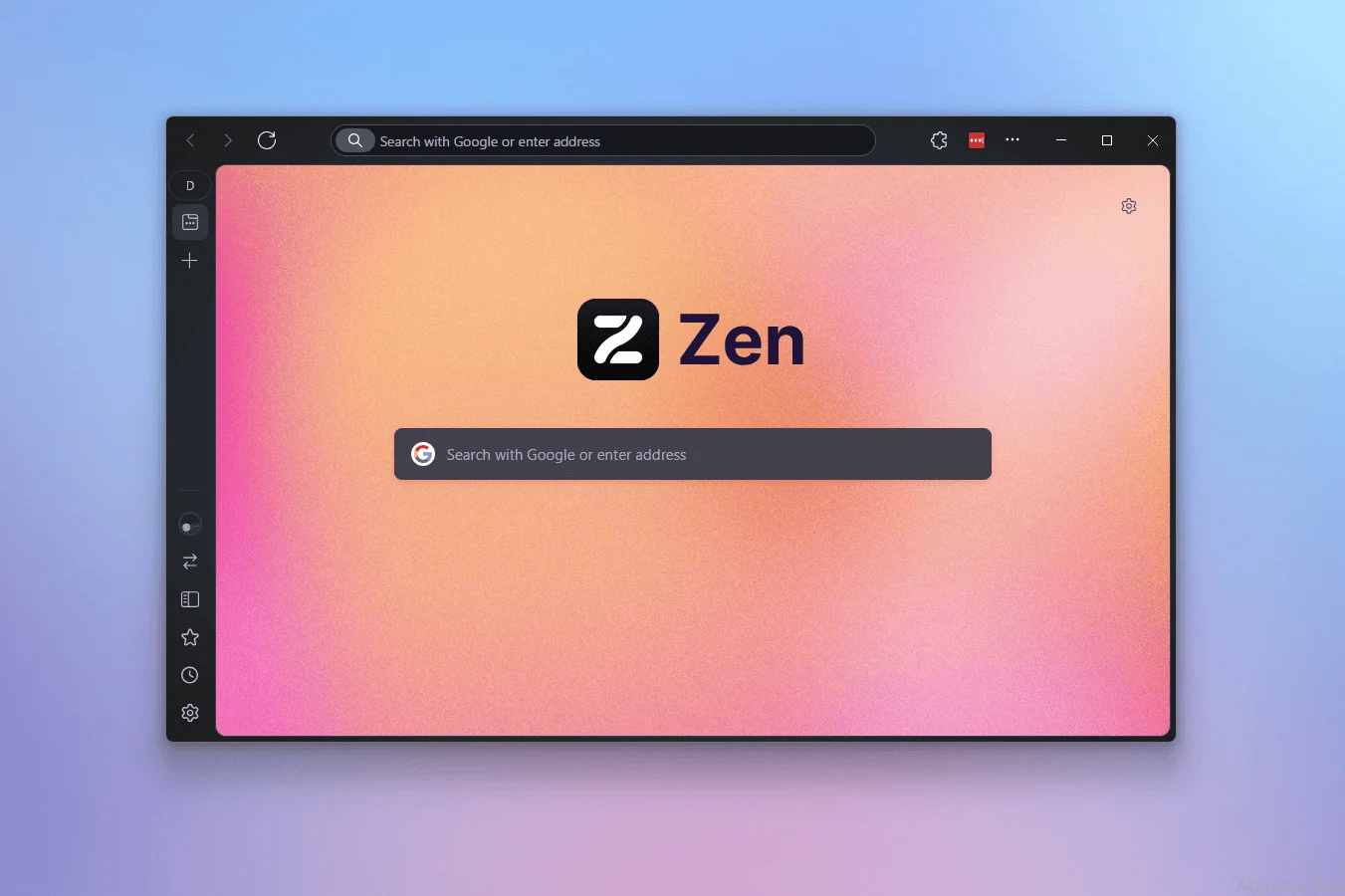
Arc was discontinued in May 2025 when The Browser Company stopped feature development. The service still receives security updates but no new features are coming. For users who built workflows around Arc’s Spaces, vertical tabs, and split view, the practical replacement is Zen.
Zen is Firefox-based and open source. It has Workspaces, which function like Arc’s Spaces, vertical tab panels, split view browsing, and a command palette for navigating across tabs.
I switched to Zen for a full week during testing and found it absorbed the habits Arc had built without requiring me to relearn the interface. The muscle memory transferred more than I expected.
RAM usage sits higher than Safari, with community reports noting around 730MB on a single tab and climbing to 1.5 to 2GB with several tabs open. On a plugged-in MacBook Pro that is manageable. On a fanless MacBook Air running on battery, the RAM cost is worth considering. Zen is still maturing but stable enough for daily use in 2026.
Best for: Former Arc users, Firefox fans who want workspace-style tab organization, power users who browse with many tabs open.
7. Orion

Orion is the most interesting browser on this list and the least widely known. Built by Kagi on WebKit, it shares Safari’s engine and gets similar battery efficiency on Apple Silicon. What makes it unusual is extension support: Orion runs both Chrome extensions and Firefox extensions natively, which no other WebKit browser does.
Community benchmarks consistently place Orion close to Safari on battery efficiency and well ahead of Chromium-based browsers.
In my testing, the machine stayed cool during extended Orion sessions in a way Chrome never manages. Page rendering was clean. The interface is minimal by design, which takes some adjustment if you are coming from a feature-heavy browser.
Orion is newer than every other browser here, and some users report occasional stability issues depending on extension combinations and macOS versions. For someone who wants WebKit efficiency with the flexibility to use a handful of Chrome or Firefox extensions without running a Chromium browser, Orion fills a gap nothing else does.
Best for: Mac users who want WebKit battery efficiency and the ability to use Chrome or Firefox extensions without switching to Chromium.

Frequently Asked Questions
Is Safari really faster than Chrome on MacBook?
Yes on Apple Silicon. Safari scored 43.61 on Speedometer 3.1 on an M4 MacBook Pro versus Chrome at 41.10 in May 2026 testing. The gap is around 6 percent on standard benchmarks but widens on battery-heavy workloads.
Does Chrome drain MacBook battery faster than Safari?
The gap is smaller than most people assume. Birchtree’s 36-hour M2 Pro test found Chrome using around 9 percent less battery than Safari in controlled conditions. Chrome uses over 3GB of RAM versus Safari’s 1.5GB at 10 tabs, which matters more on 8GB MacBook Airs.
Is Arc browser still worth using on MacBook?
Arc was discontinued in May 2025. It still gets security updates but no new features. Zen Browser is the most capable replacement for users who built workflows around Arc’s Spaces and vertical tab system.
Can I use Chrome extensions on Safari?
No. Safari has its own extension ecosystem with around 3,000 extensions. Orion is the only WebKit-based Mac browser that natively supports Chrome extensions.
Which MacBook browser is best for privacy?
Brave blocks ads and trackers at the network level by default without configuration. Safari’s Intelligent Tracking Prevention is strong but does not block ads. Firefox’s Enhanced Tracking Protection is also strong out of the box.
The browser most people should actually use
For most MacBook users, Safari remains the honest answer. The battery advantage is real on M-series chips, the ecosystem integration is not marketing, and the privacy defaults are better than Chrome’s without needing to configure anything.
The case for switching is specific. If you need a Chrome extension that does not exist in Safari’s catalog, Chrome or Brave are the right tools. If you are rebuilding a workflow after leaving Arc, Zen is the closest landing spot. If you want WebKit battery efficiency with the option to use a handful of Chrome extensions, Orion is worth the learning curve.
The browser that stays open longest after you install it is the right one. On MacBook, that tends to be the one that keeps the machine cool, runs quiet, and does not ask for the charger before dinner.